
Hi there!
We’re a small team working on Railroad Scheduler, and every once in a while, we get together in person for a few days to focus entirely on development. We call these little sprints “DevPa” (short for Development Party). It's not all confetti and pizza — but it's pretty close.
During our latest DevPa a couple of weeks ago, we spent about five days improving two big parts of the game:
Better Early Missions
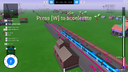
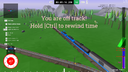
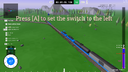
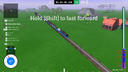
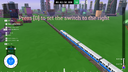
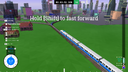
We’ve been refining how the game introduces you to its mechanics. The early levels are getting a smoother difficulty curve, so you can learn the ropes without feeling thrown in at the deep end. The goal is to teach you while you play.
Step by step, you’ll get to grips with:
- Accelerating, braking, and stopping at the right spots
- Switching tracks (left, right, straight ahead)
- Reversing the train and adjusting the camera
- Fast-forwarding and rewinding time
- Pulling off more advanced maneuvers
It should feel like a steady ramp-up — not a spike.
More Functional Menus
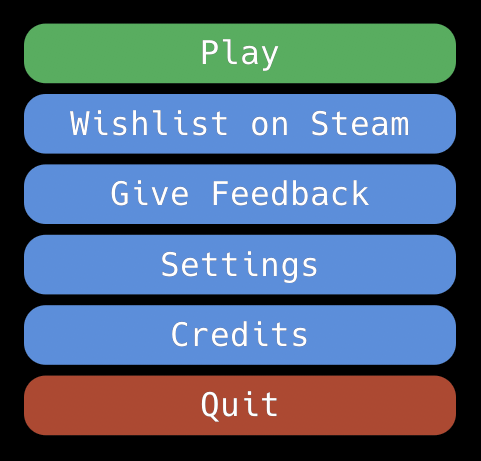
Because we’re building Railroad Scheduler in the Rust programming language without a traditional game engine, we’ve been crafting a lot of systems from scratch — including the UI. The in-game HUD is made from basic shapes and text, which worked fine until we wanted things like volume sliders or display settings.
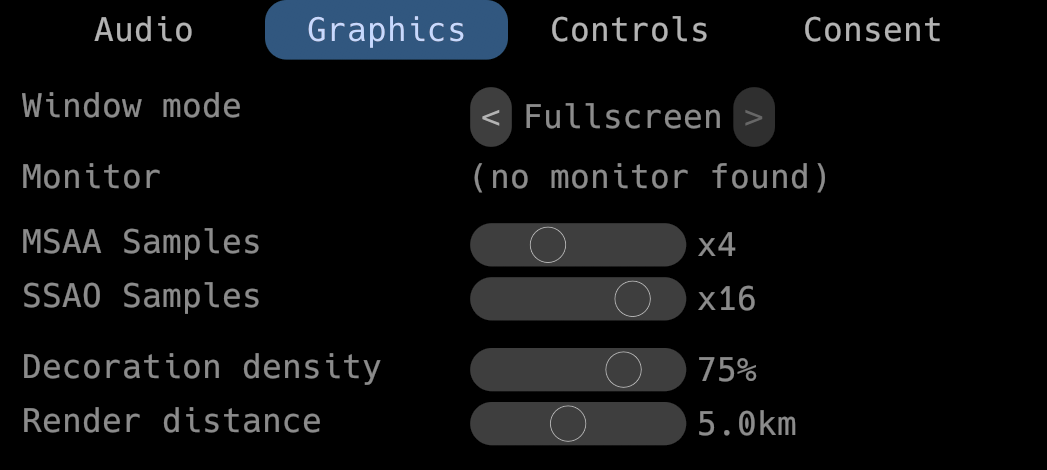
To make that happen, we integrated egui, a Rust-based UI library. That allowed us to start building proper settings menus — with:
- Audio sliders
- Display mode selectors
- Scrollable panels
It’s a work in progress, but it already makes the game feel more complete.
Thanks for checking out the project! If you’re into thoughtful scheduling gameplay, trains, or just like seeing a game built from the ground up in Rust — we’d love to have you on board.
More updates coming soon. Until then: stay on track!