
Hey all! Are you tired of the colour blue? Wish you could customize the colours of Crystal Horizons to your liking? Well, now you can! We've set up a new settings page to handle colour customization. You'll be able to set the colour used for each unit team in the game, as well as a colour for the overall user interface. Simply navigate to the settings page and select which colours you would like from a preset list.
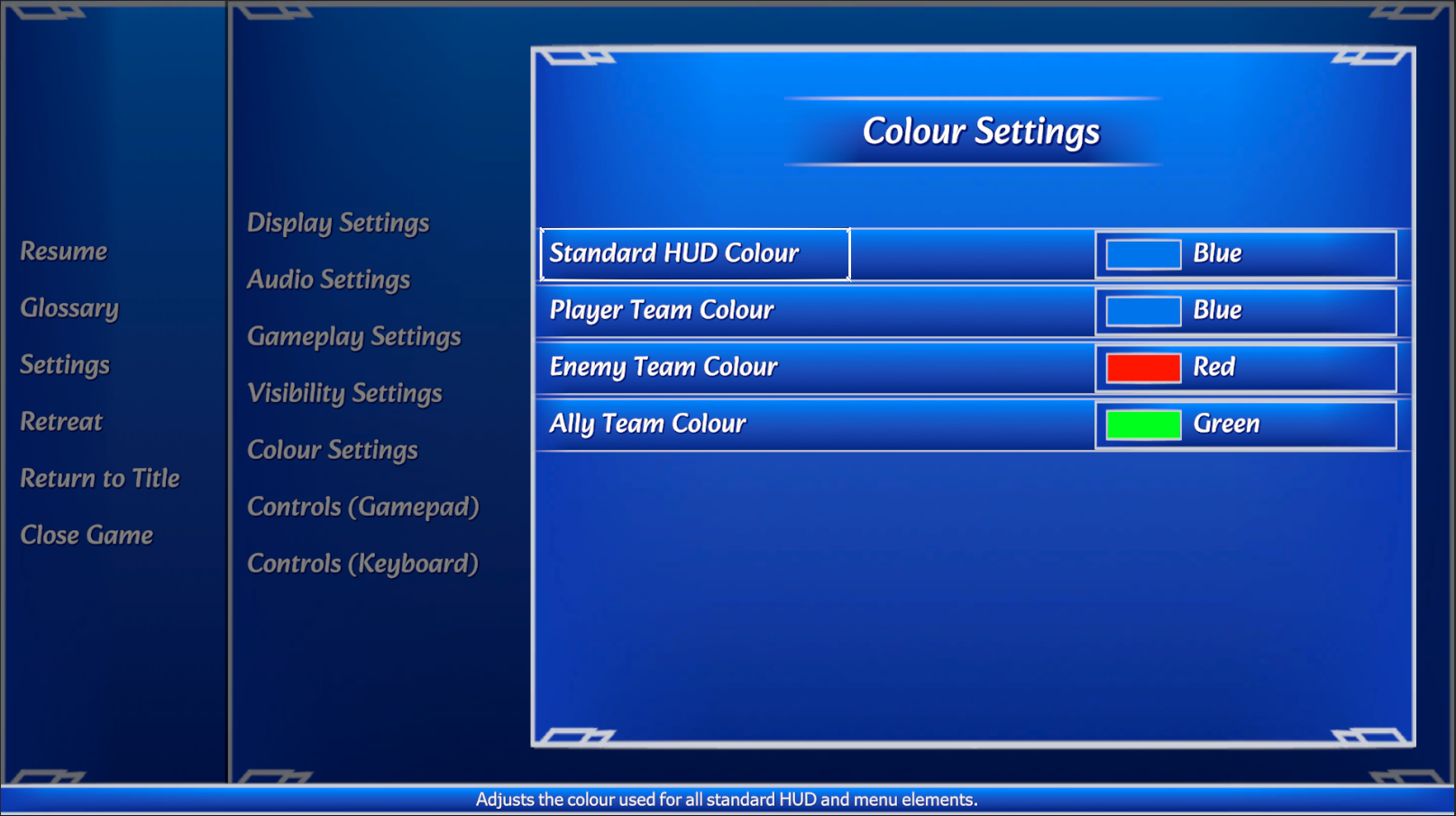
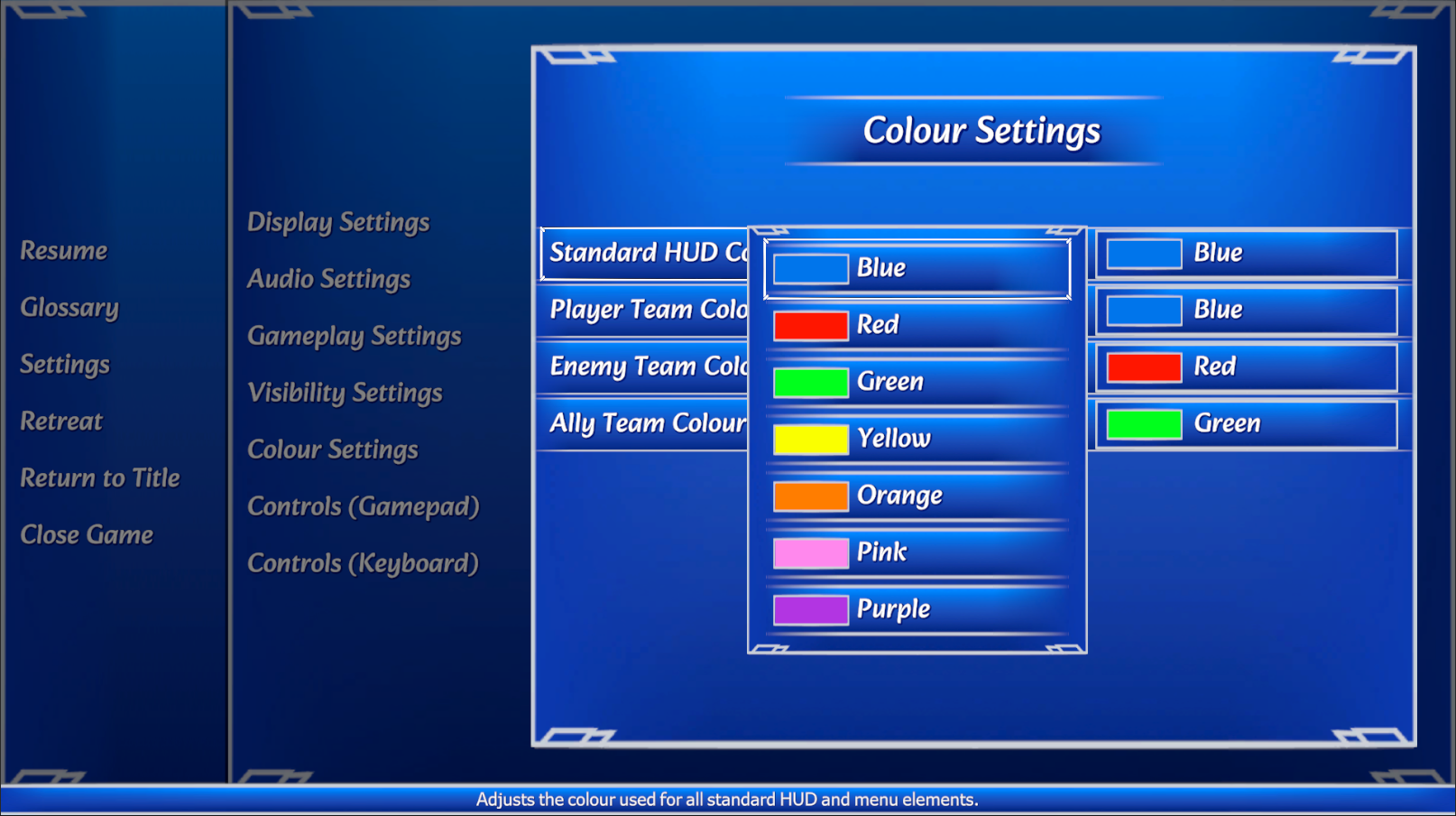
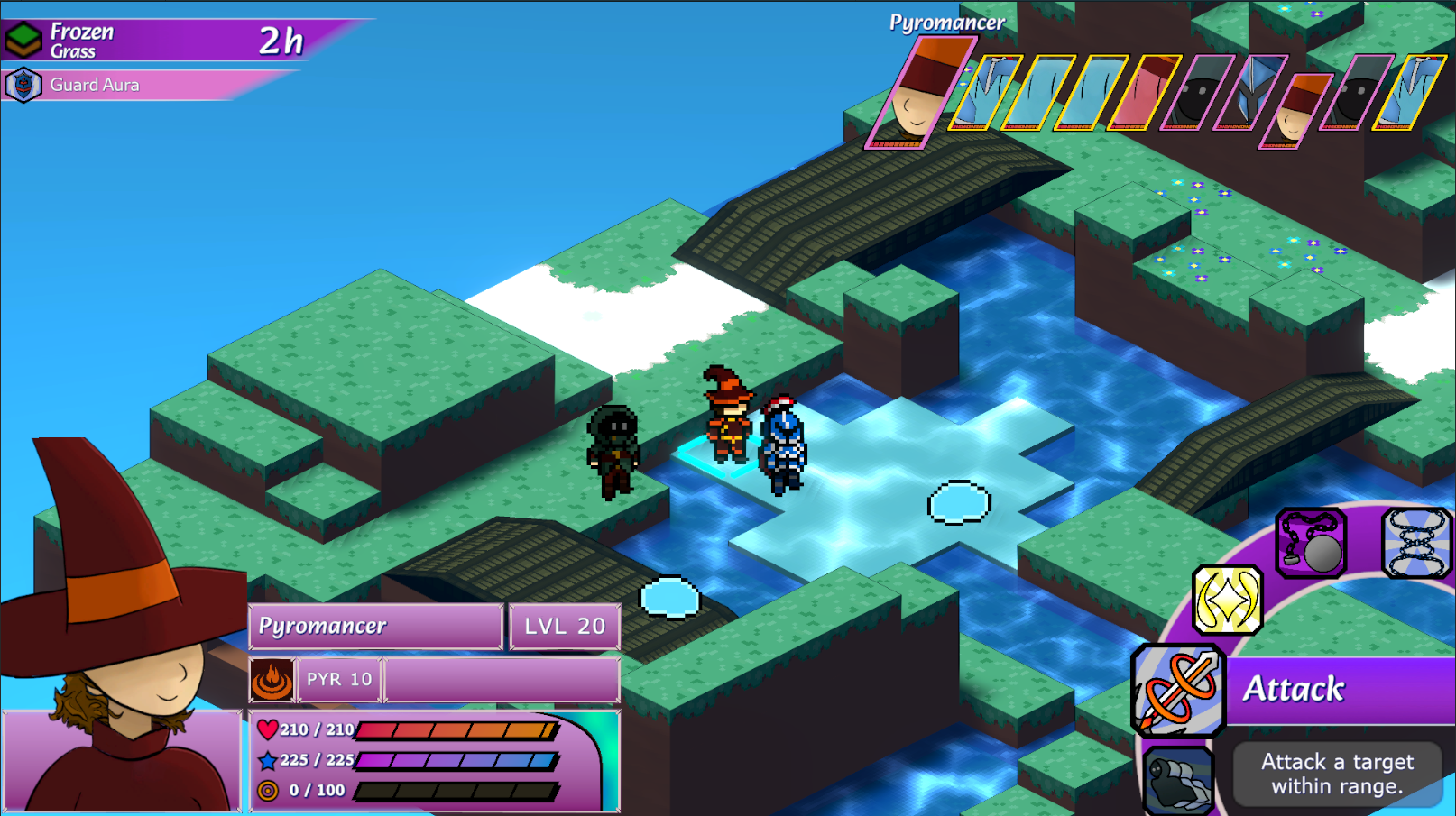
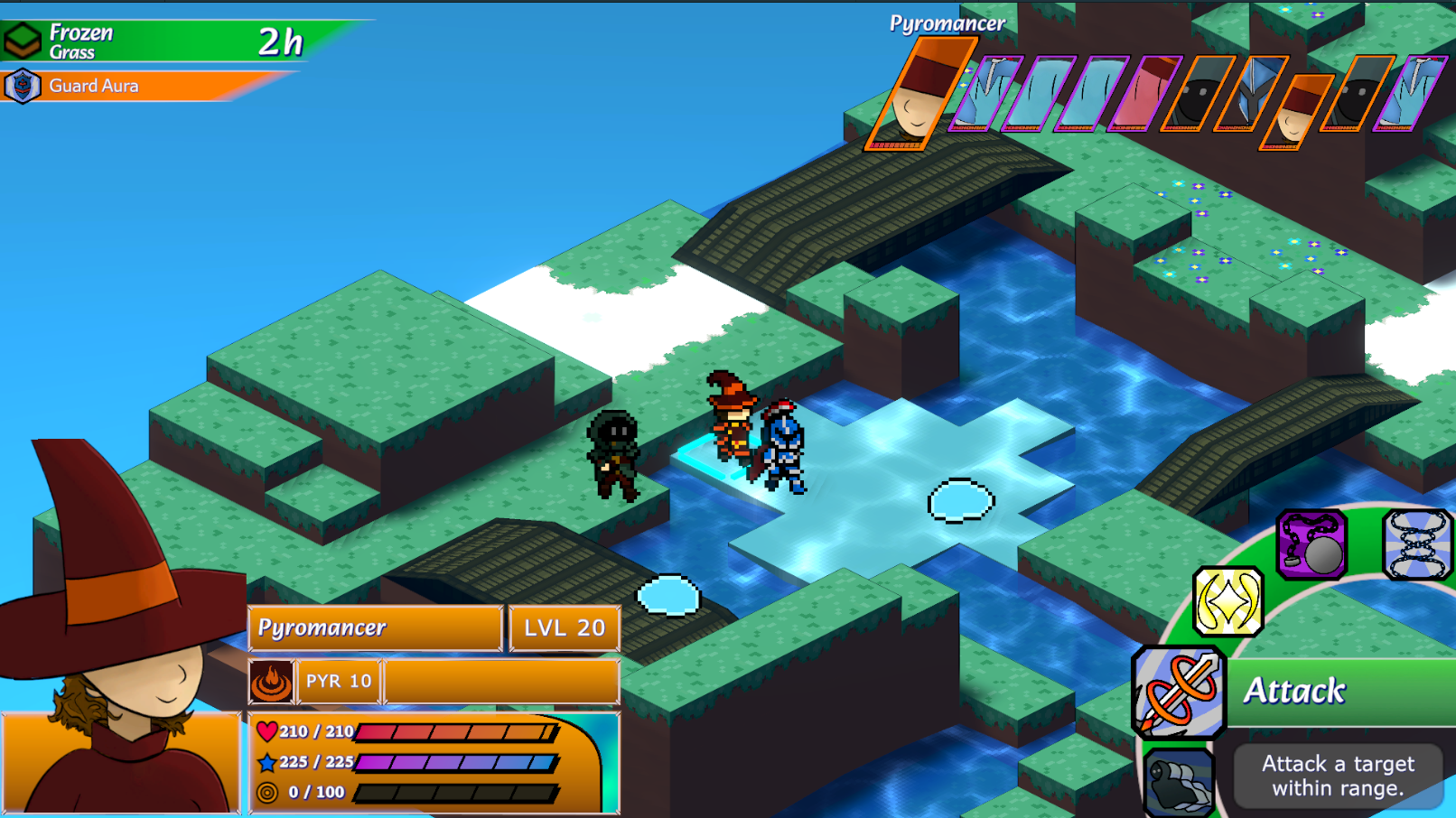
Not everything is hooked up to the new system yet, but you can expect that almost everything will be affected by the colour you set. Of course, you can always just leave the colours at their default value, which would be my recommendation, but in my opinion it's better to have too many choices as opposed to too few. I've provided a couple of screenshots showcasing how the colours are applied so you can get an idea of how it would look.
Now, I've got one quick announcement to share. Throughout the month of October, we will be pausing the weekly updates so we can focus completely on finishing up some very important tasks. While the updates are awesome for sharing progress, having to have something prepared for every week has taken a lot of dev time over the years away from other more difficult tasks. It's great that we can show that we're still working actively on the game, but we need a little time to lock in without distractions.
Next week's update (October 1st) will be the last update before the break. From then on, we'll be relatively quiet as we smash through our critical task backlog, before returning on November 5th. If all goes well, we should have some really cool things to share at that time, but we'll have to wait and see! Thanks for tuning in!