
Oakfield Market
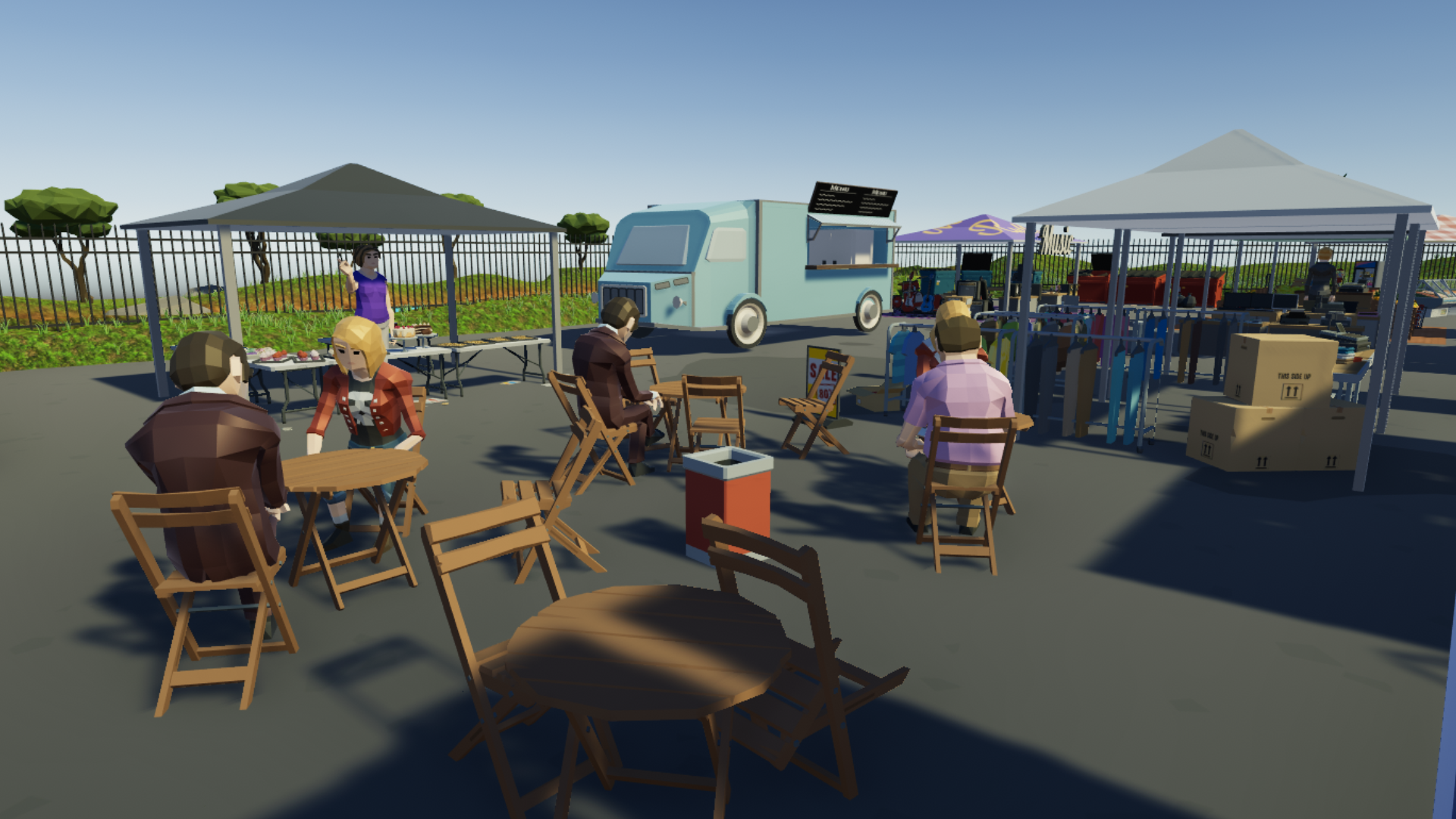
Come one, come all! Set up your Grub Truck at the new location: Oakfield Market. Take advantage of the busy alleys of market stalls and feed the masses!
Truck Garage
You can now manage all of your food truck’s in your garage as well as buying as many of whichever kind that you like!
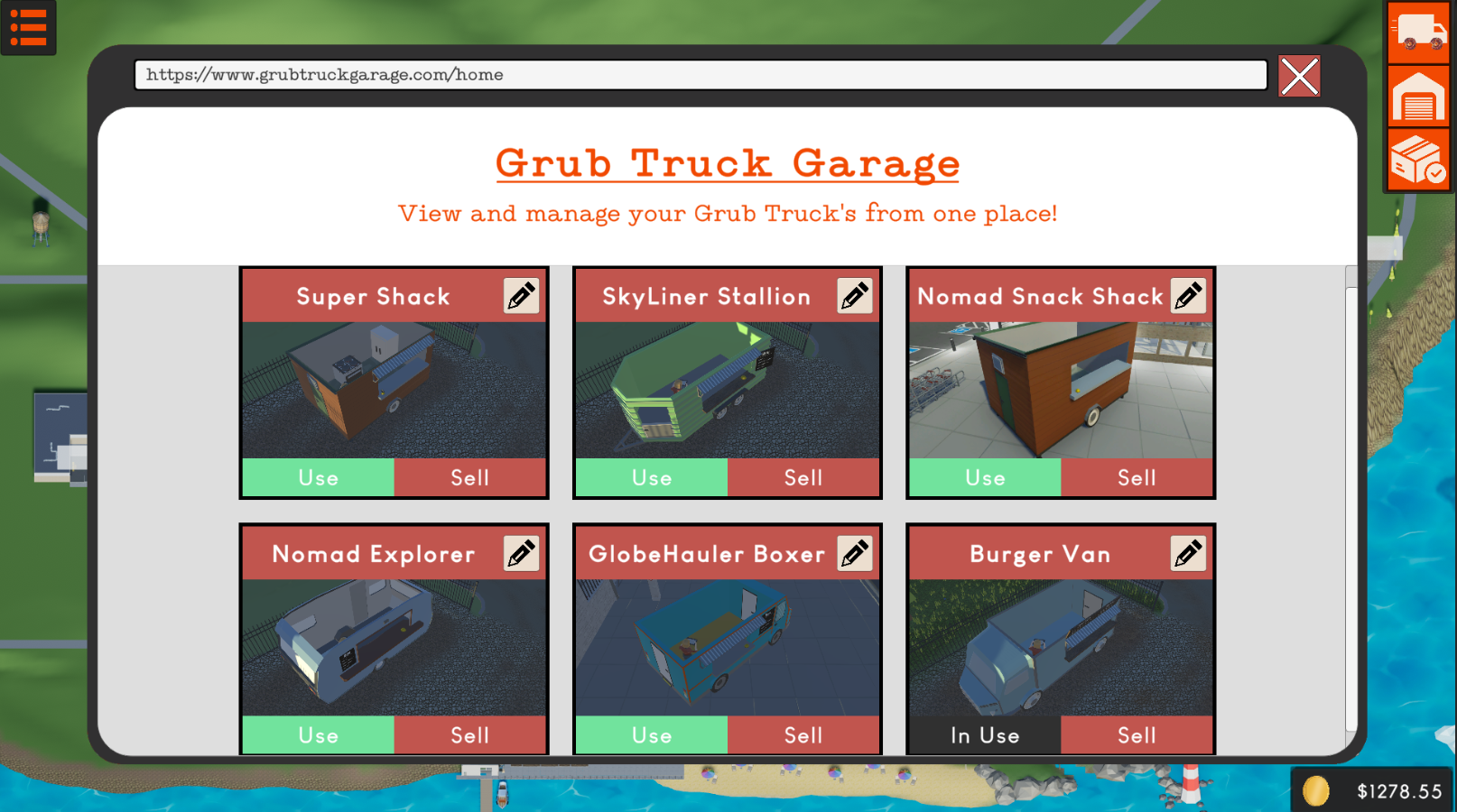
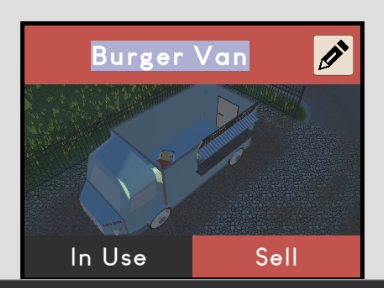
Each truck can be renamed to your liking. The preview image is a capture from the last time you used it so you know which one is which!
Sellable Trucks
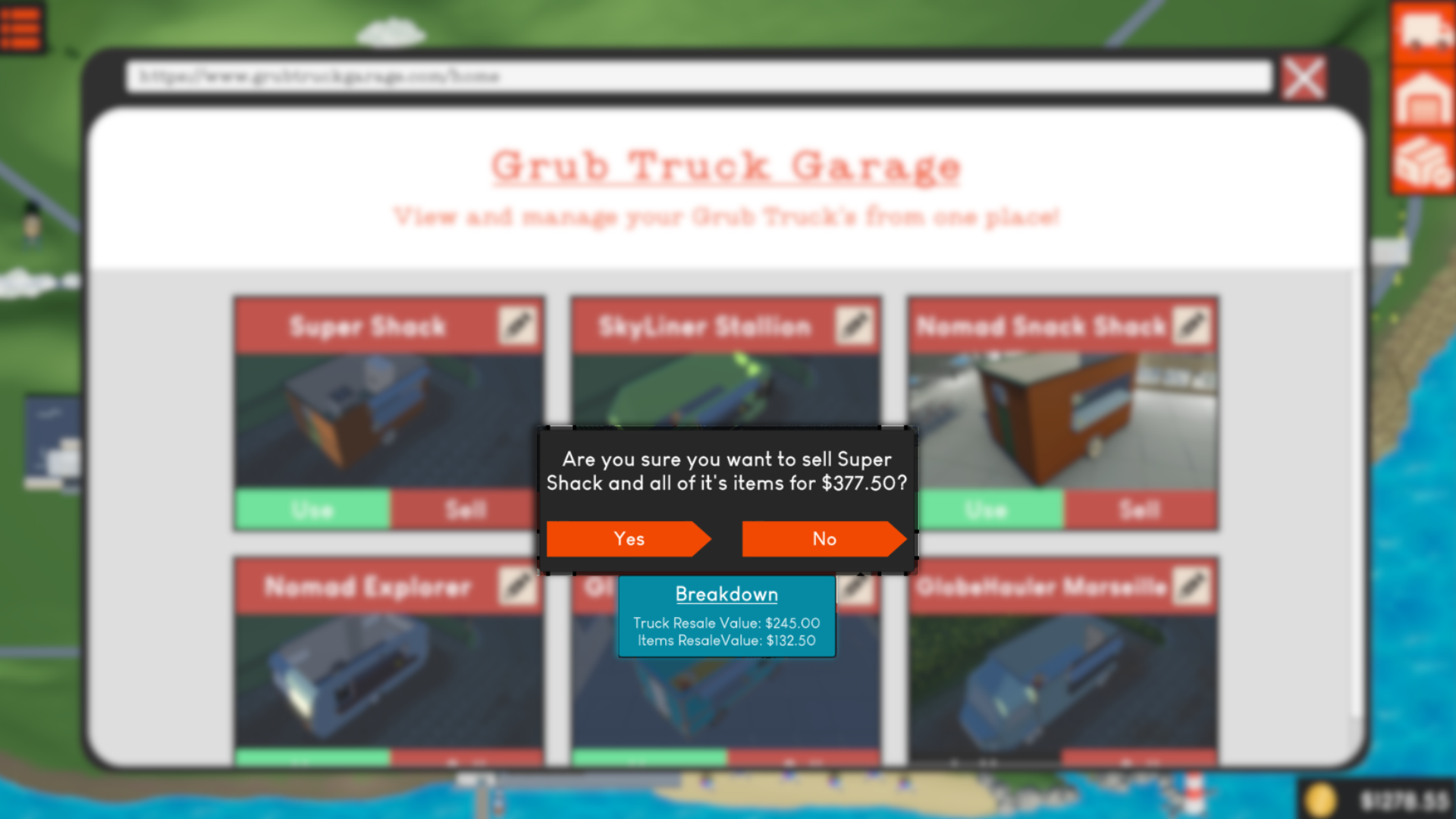
You can now sell your trucks! To do so, simply go to your garage and choose the sell button. You will get a large sum for selling the truck itself as well as a small refund on all of the appliances and decorations that are inside of it.
Editable Menu Prices
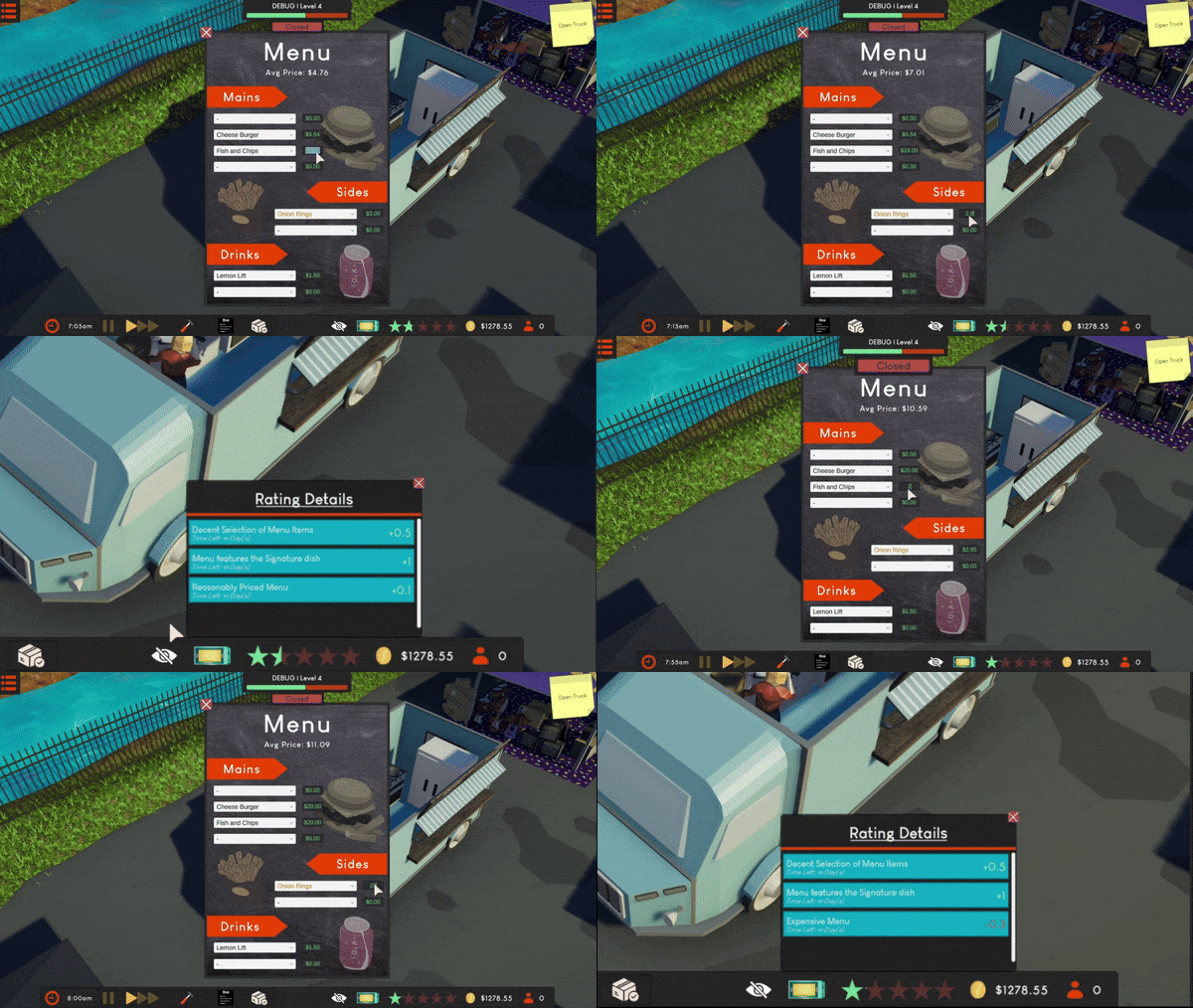
As per popular request, you can now modify the prices of each item on your menu! Offering a cheap range of items will give a boost to your truck’s popularity, but charging a premium price your items is sure to deter potential customers.
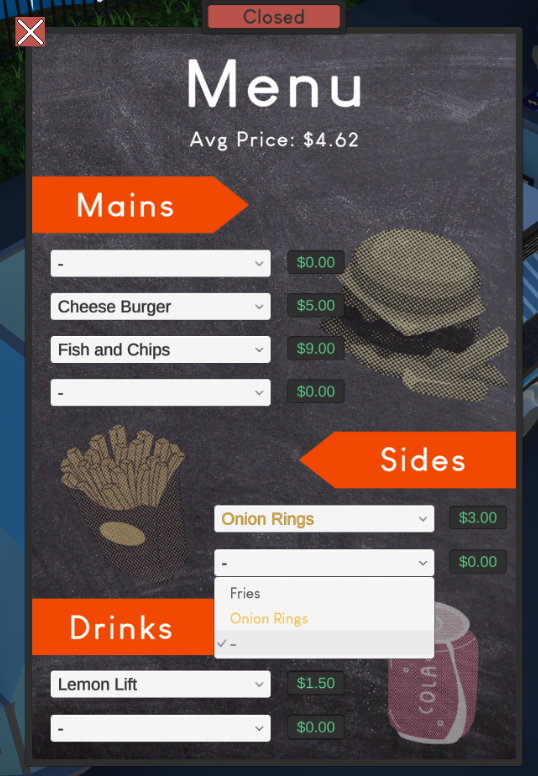
Whilst we’re on the topic of the menu, you can now see which item is the signature dish for the current location by its golden highlight. You can also now view your average item price:
Rain Protector/Cover/Awning
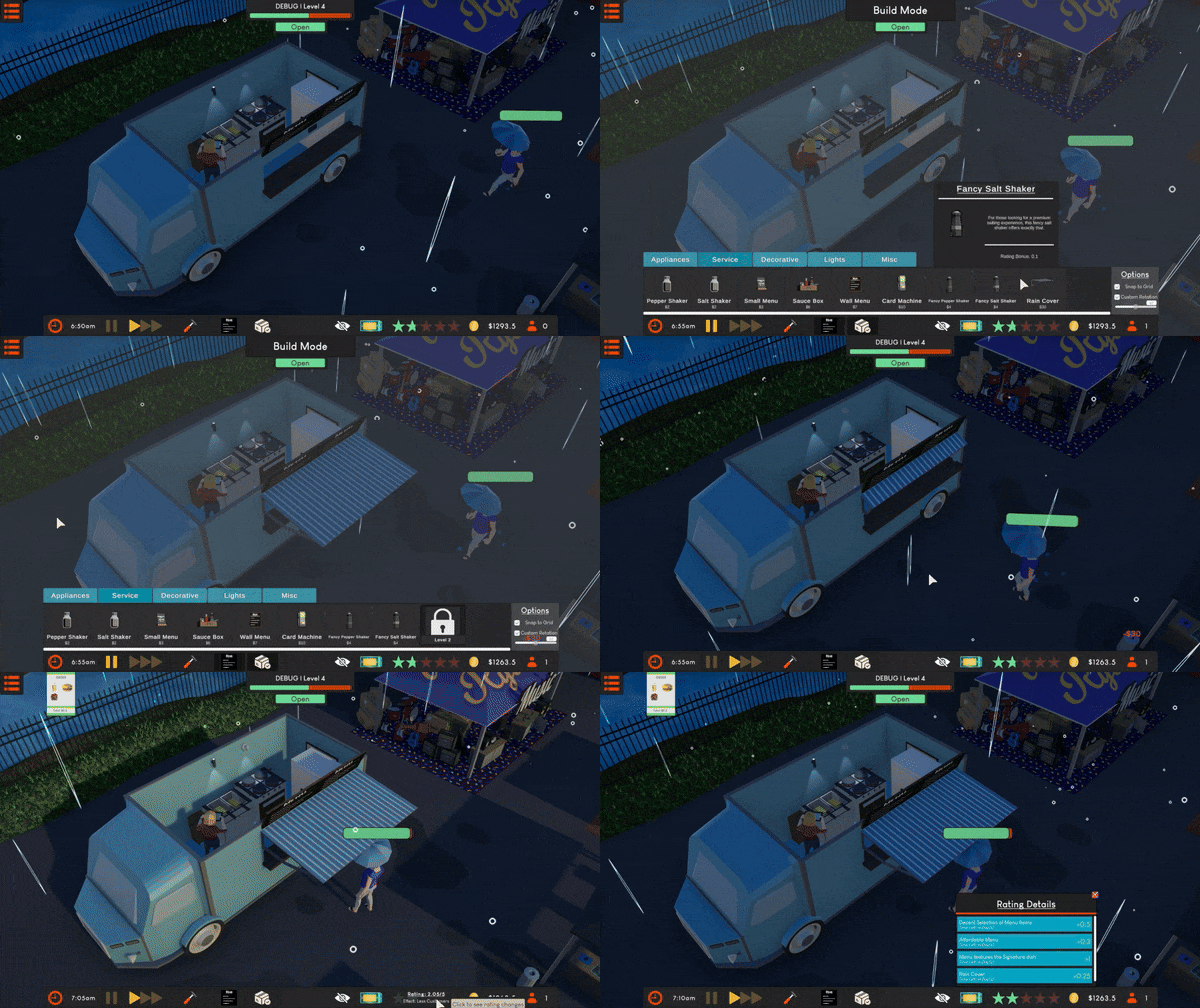
As recommended by multiple players, you can now purchase a rain cover which you can extend when wet weather occurs to bring a boost to your customer’s happiness.
The Recycler & New Lights
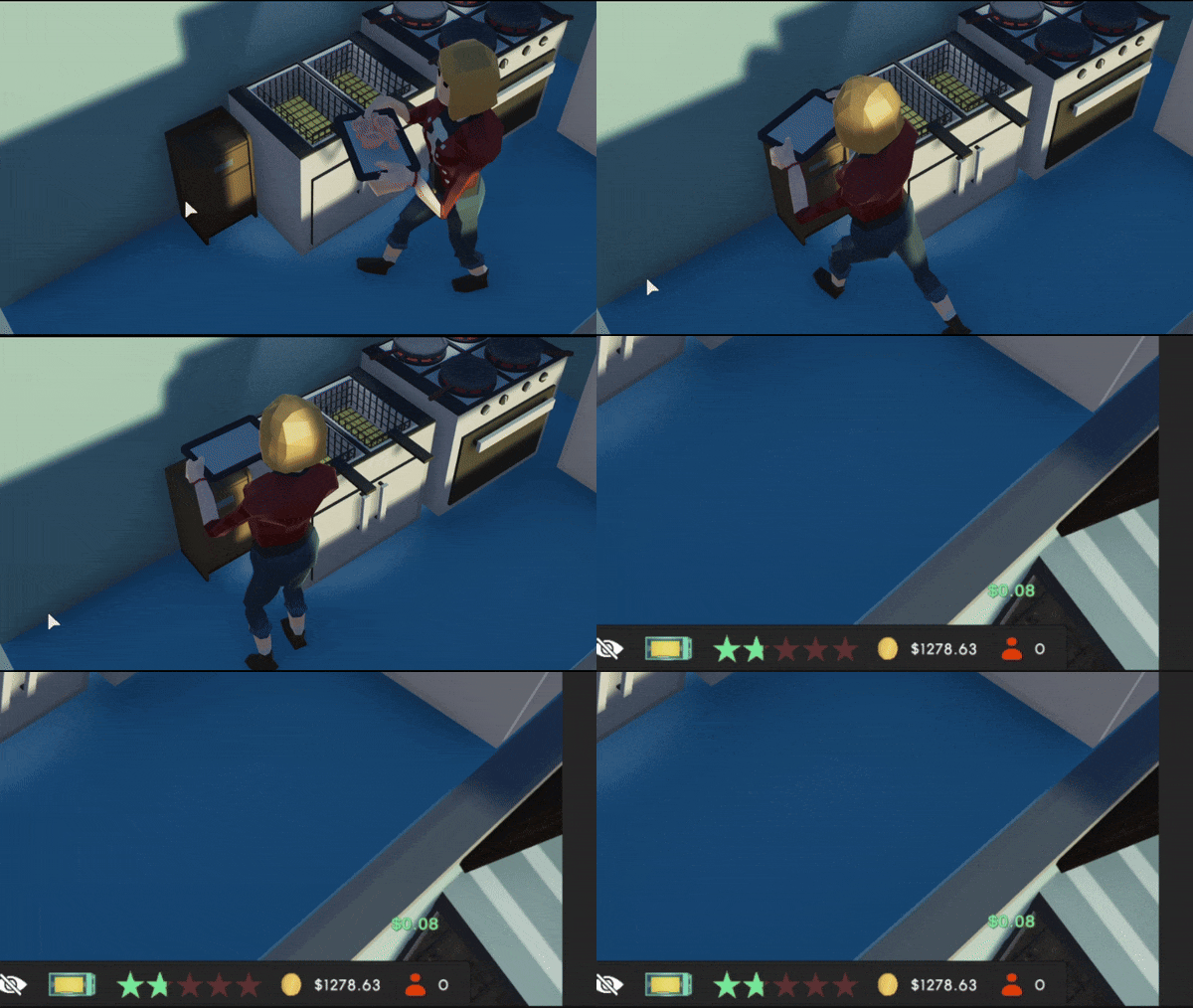
Ever wanted to get your money back on your trash? Introducing The Recycler, an innovative bin which offers a 10% refund on any item your dispose of.
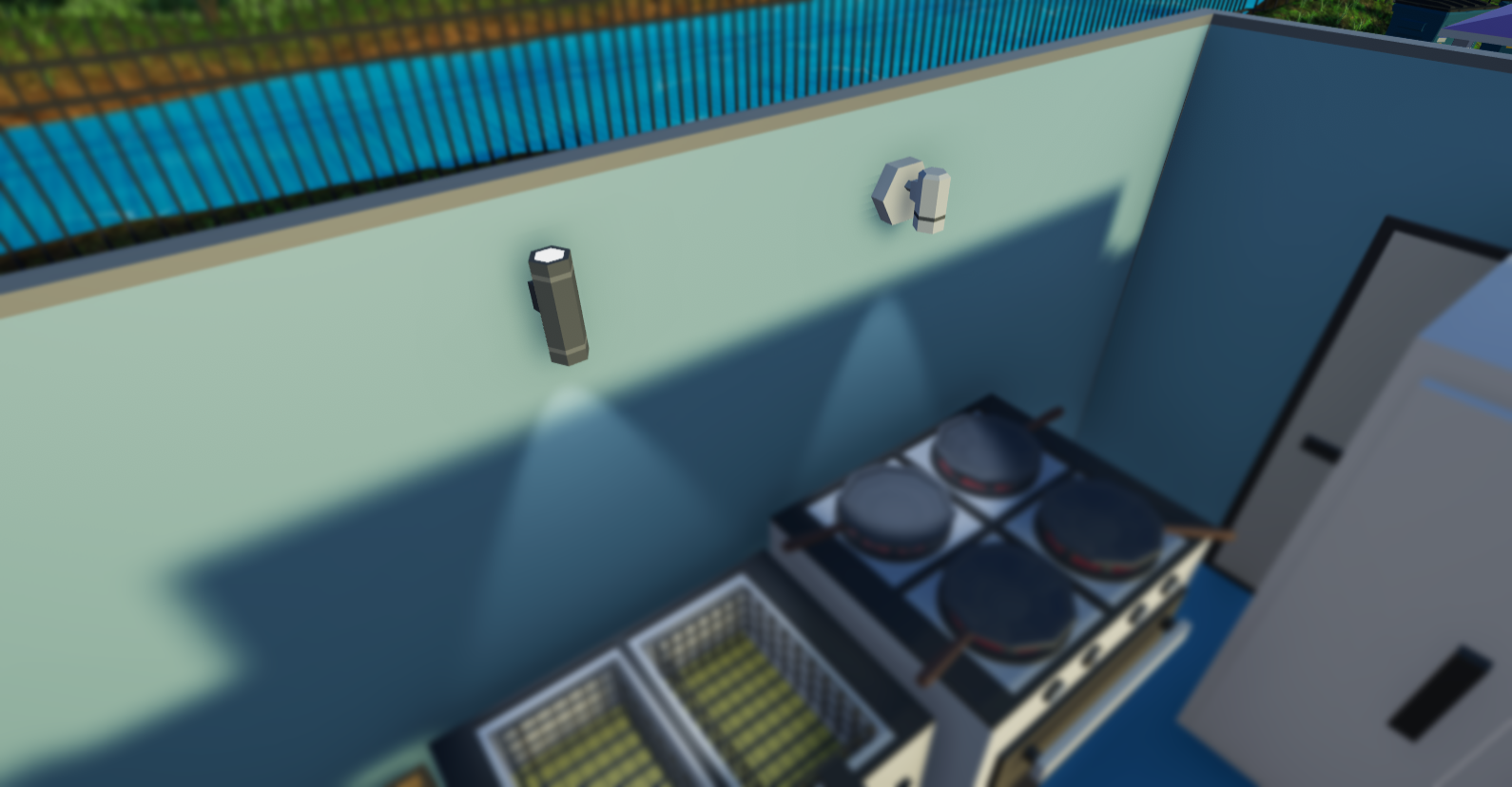
There are also 2 new lights: The Lumonex Wallcaster & the Lumonex Petite:
Build Mode Snapping
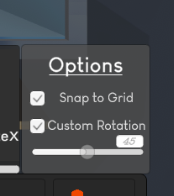
You can now toggle grid snapping on all objects as well defining your own customer rotation amount in the Build Mode options:
360° Camera Rotation
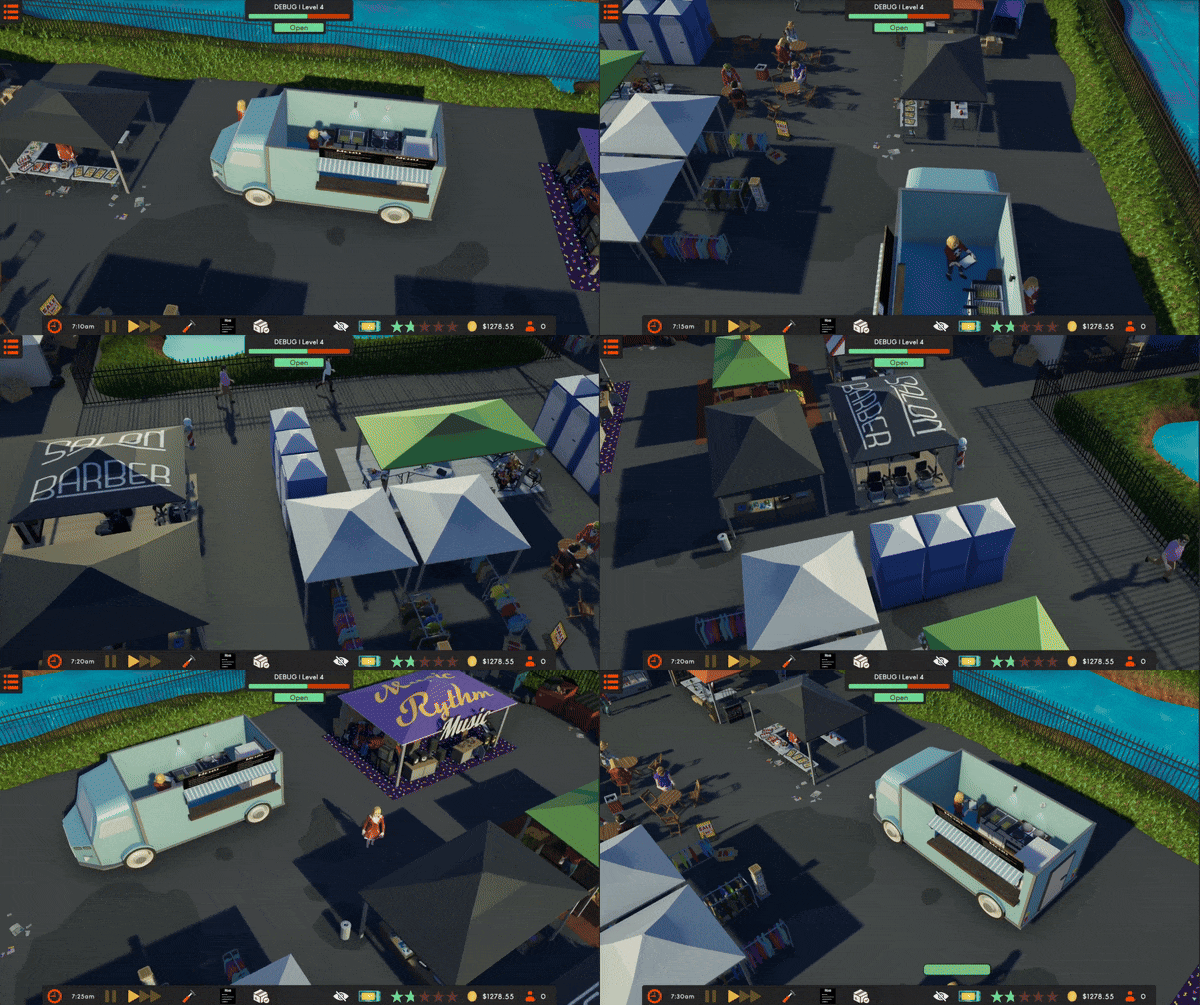
You can now rotate your camera by 360°! Take a look around the scene or see into the truck better, the world’s your limit (and the camera bounds).
Better Loading Screens
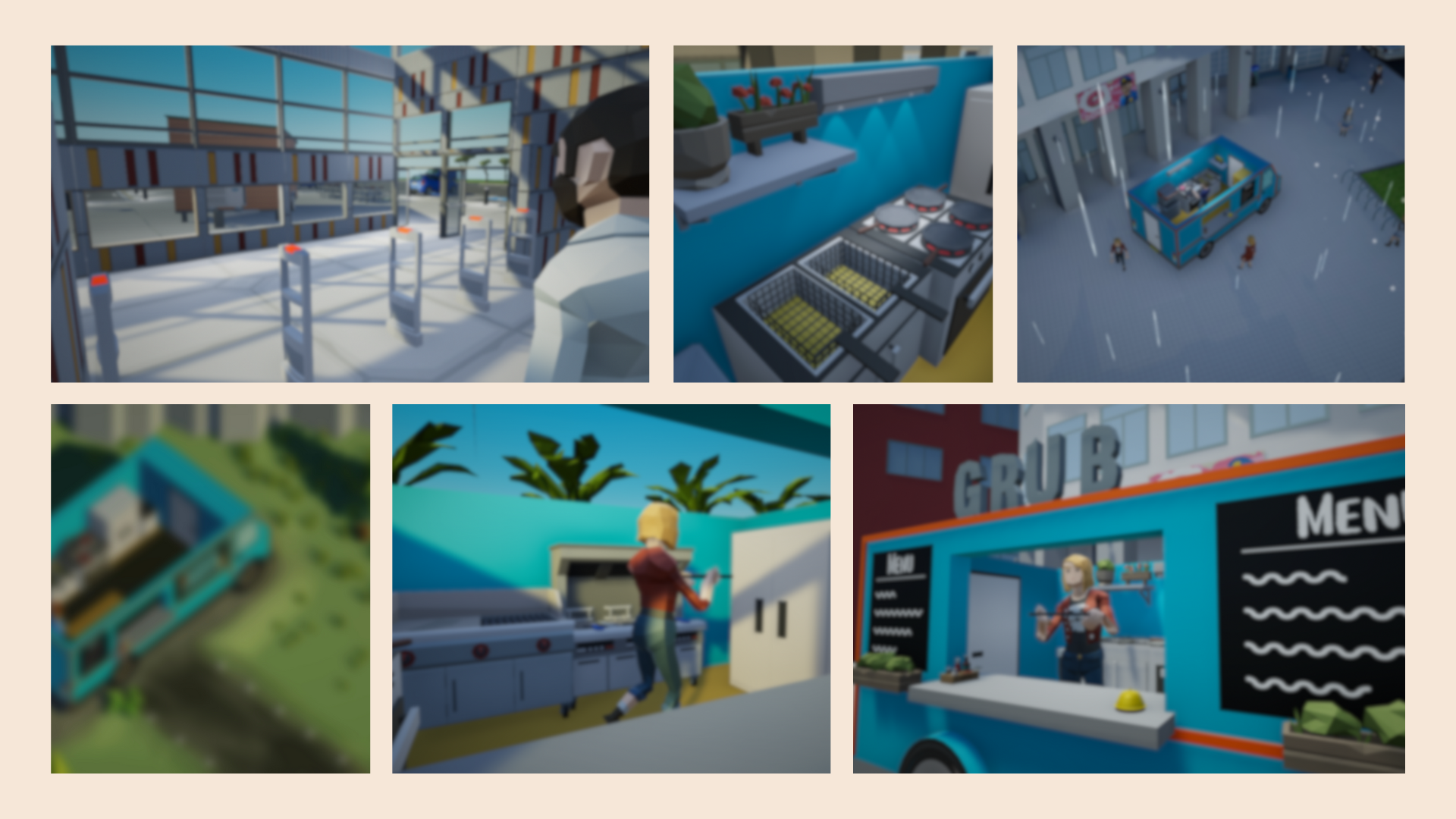
Take a look at some of the beautiful new loading screens to capture your attention whilst loading a save game or changing scenes.
Changelog
Along with all of the major additions above, there has been a plethora of smaller additions, fixes and changes. For info, see the below changelog:
Added
- TRUCK GARAGE! - You can buy multiple trucks, rename them and choose which to use
- SELLABLE TRUCKS! - You can now sell the trucks you’ve bought and get a resale price on all of your items
- EDITABLE MENU PRICES! - You can now set and modify your own prices for each item on your menu
- NEW LOCATION! - Oakfield Market
- NEW APPLIANCE! - The Recycler [Gives 10% refund when recycling items]
- NEW SERVICE ITEM! - Rain Protector (Awning)
- NEW LIGHTS! - Lumonex Wallcaster & Lumonex Petite
- You can now toggle Grid Snapping in Build Mode
- You can now toggle and set your own custom rotation amount in Build Mode
- New Randomly selected loading screen background images
- The signature dish is now highlighted in your menu
- Decorations now snap
- Toggle Wall Visibility SFX
- Added UI Tweens for the Stock Shop, Truck Shop & Menu
- Tool Tips
Fixed
- Fixed volume 1 being equal to volume 100
- Fixed incorrect highlighting on the ProChef Ignite X
- Fixed cash SFX not working on the Map Screen
- Fixed a finances error when going into the MapScreen
- Fixed loading screen SFX & visual bugs
- The stock screen will no longer open in Build Mode
Changed
- You can now rotate the camera by 360°
- All locations overhauled with: new textures, rivers, ponds, trees, parking, decorations & environmental additions
- New & Improved Laptop UI
- Changed ‘Wide Wall Light’ to 'Lumonex Blade'
- Increased rating card size
- Updated GlobeHauler Boxer Image
- Improved Map Screen Button Icons
- Fixed Finance Screen Position on the MapScreen
- Reduced stored data by ~60%
- Renamed Inside Bin to Generic Trash Bin
- You can now hold the rotation keys when rotating an object in Build Mode
- Characters now always face the front in the character selector