Source: Steam Community (opens in a new tab)
Update Notes:
1、Motion Capture Module Upgrade
– The motion capture system has been upgraded to be faster and more stable.
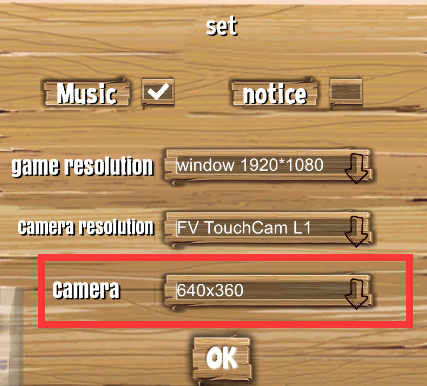
2、In‑Game Camera Resolution Settings
– You can now adjust the camera resolution in‑game. If you experience significant motion capture delay, try lowering the camera resolution to improve capture speed and enjoy smoother gameplay.
3、 Support for the Newly Released DLC
– After installing the DLC package:
3.1 You can use your phone as a camera for motion capture.
3.2 You can install the TV app and run the game directly on your TV (authenticated by scanning a QR code with your phone).
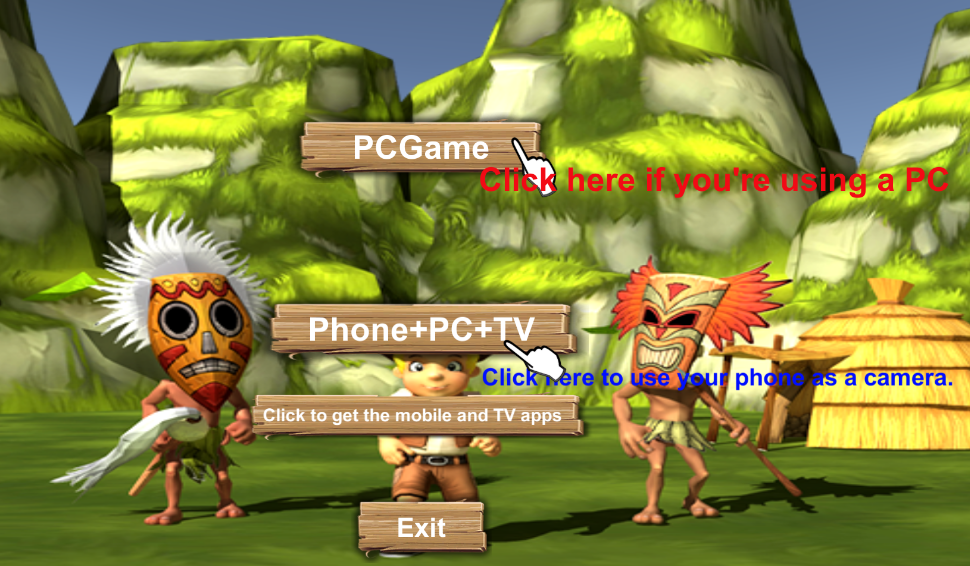
After purchasing the DLC, the game will let you choose whether to use a PC camera or a phone camera.
If you select the phone camera, you need to scan the QR code in the upper‑left corner of the main program running on your PC with your phone app to start the game.
