- Can't create nickname
How to reproduce)
While on Windows 11 environment:
- Type Korean - Won't display Korean in the nickname creation screen
- Type English - Display English with no issues
- Click Create
- Error message on the left of the nickname creation screen
- Can't create a nickname
How to solve)
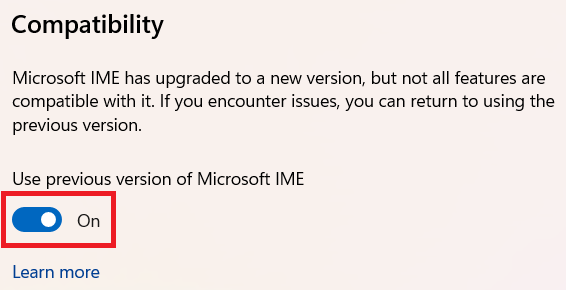
- Settings > TIME & LANGUAGE > Region & language > Microsoft IME
- Turn on the "Use previous version of Microsoft IME" button