
Some of you might remember that the first trailer we had wasn't exactly great. It was something created over 6 months ago, meant as a teaser; however, compared to the game, it has not aged well. We realized that in order for the game to get some traction we'd need to create something better. Fun fact about the old one, after we've removed it from Steam, the game seems to have done better in terms of impressions and wishlists so it's clear it was actually doing us a disservice.
Since neither of us had done any marketing before this, we were learning as we went, encountering a learning curve with some aspects. I don't believe I've ever considered what makes a trailer good before but pondering about it for a while, I realized that it first needs to captivate the audience and then inform them about the game's features, progression, and general gameplay.
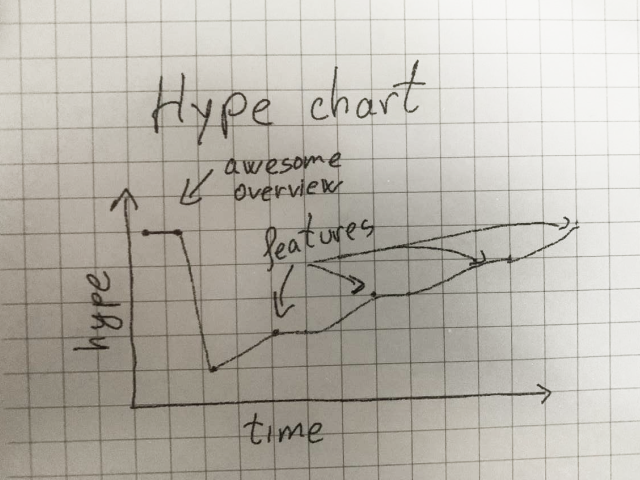
So we sat down and came up with a script that does just that. First a pleasant looking, advanced base and then a walkthrough of the features, explained by narrator building up until the end. Writing the features part of the script however, made us realize that we are in fact lagging with some of them.
The duststorm, a highly anticipated feature, was still in the experimental stage. We had no meteor strikes, and another threat, which we'll discuss later, was only in the conceptual stage. We've had medical beds in for a while but without any sickness there's nothing much to show. The mining equipment, even though fully functional, had no animations and while that can look great in screenshots, it doesn't work as well in video footage. The list here goes on.
Solving the Dust storm
The first effect created for this looked pretty good but it didn't really work that well with zooming in and out and it didn't actually allow seeing the base through the storm. At that time I used photo editing software to test out what the final effect would look like by deleting the dust over the base using a mask.
In order to work well within the game the effect has to do 3 things:
1. It needs to be stable spatially. The player can pause the game and then move and rotate the camera, so any tiny piece of dust needs to stay where it is.
2. It needs to have a constant density in relation to the zoom level. Otherwise said, it should look just as dusty when zoomed in as it does when zoomed out. This as it turns out is not something that works well with the first point.
3. It needs to not draw in certain parts of the screen like where the base is or where colonists are (even though colonists should not be out and about in such events)
I spent a few good days trying things and nothing seemed to work as well as I wanted it. Eventually I zoned in on a sort of idea and as I was doing research further I found out that this is essentially what a technique called "ray marching" is even though my math was a bit more specialized for case in the game. The good thing about it is that since this is a graphics area that's got lots of enthusiasts it means there are a lot of examples to look at and plenty of things to read. Sadly, I hit a bit of a wall because none of the examples that I've seen out there handle the "constant density" part so well. As I was doodling things in my notebook, I stumbled upon a sort of pattern that would allow me to fade out detail that goes past the camera while fading in detail between the camera and the ground at a constant rate.
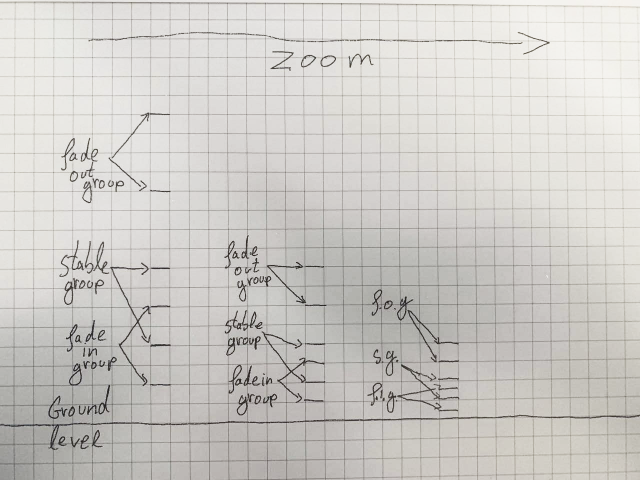
It took a fair bit more effort but I got it working in the game in such a way that performance is not going to have too big of an impact. Next, I still needed to mask out the base and the colonists. The theory here was simple, just draw everything that needs to be in the mask as white, at a small resolution and then blur it. The result of this process can be used as mask when drawing the dust storm. What was not simple however was figuring out exactly how Unity expects this code to work. The documentation is lacking in some areas but luckily the publicly available code for it is fairly understandable. So one or two days worth of reading later everything was working well. What I've noticed is that in video form however, the small details are lost due to compression. It doesn't look bad or anything, but it's also not easy to see what I've been talking about here.
Sick colonists
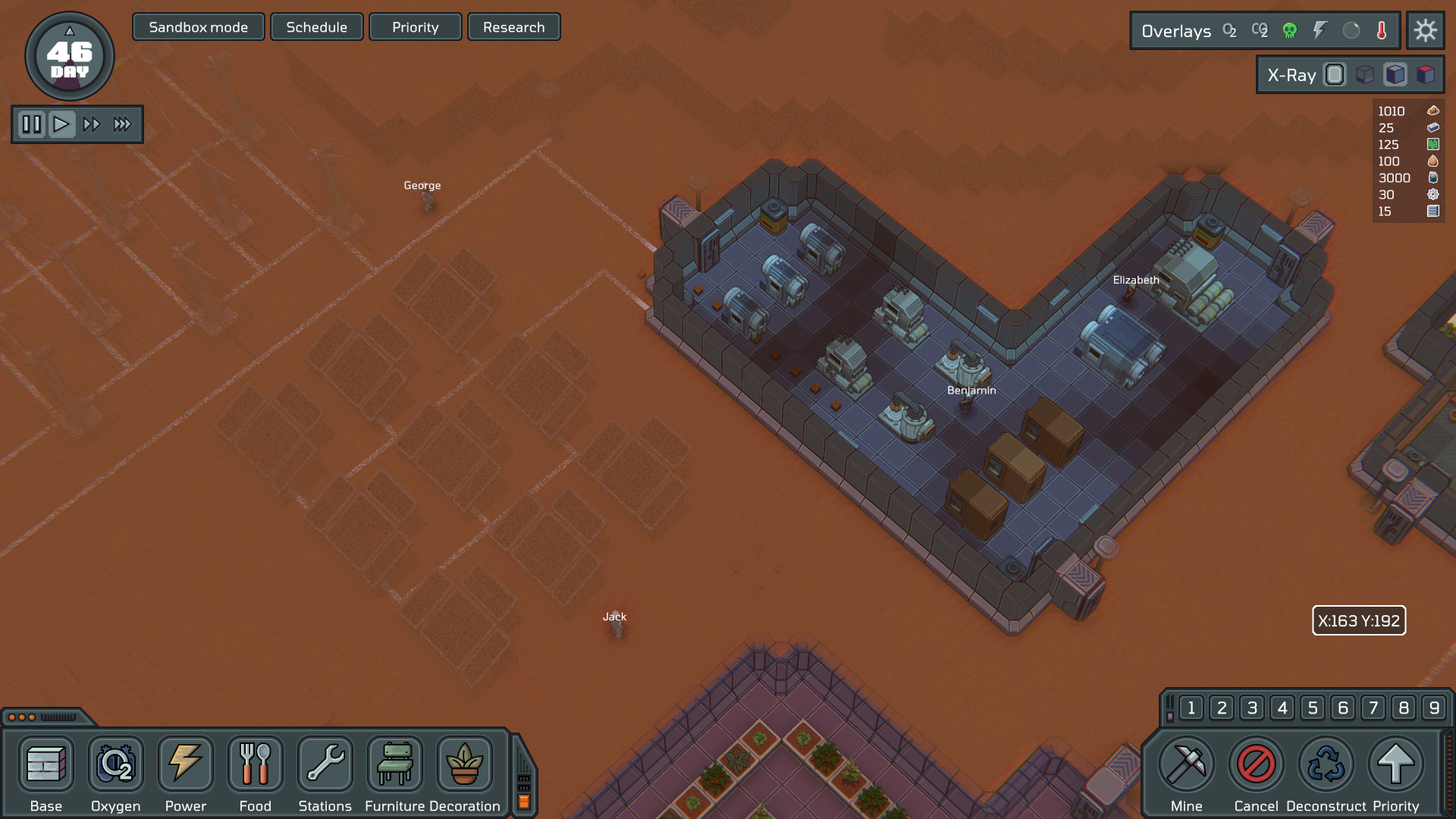
One thing that I could've done here was to "hack" my way into putting the colonists on the medical bed and just show a passing video with a few of them being sick. The problem with this is that while indeed less work, it would've been work that had to be completely redone as this is a feature that the game has to have. So, it just seemed simpler just to implement the feature, or at least a good part of it. Now colonists have a small chance of getting sick. When that happens, a sort of race starts, between the immune system and the disease. If the disease reaches the finish line first, the colonist dies. If however the immune system reaches the finish line first, the disease will quickly lose its power and the colonist gets better. Depending on the exact disease, traits and circumstances, the immune system will either win on it's own or require medial beds and even treatment to be effective.
Mining equipment animations
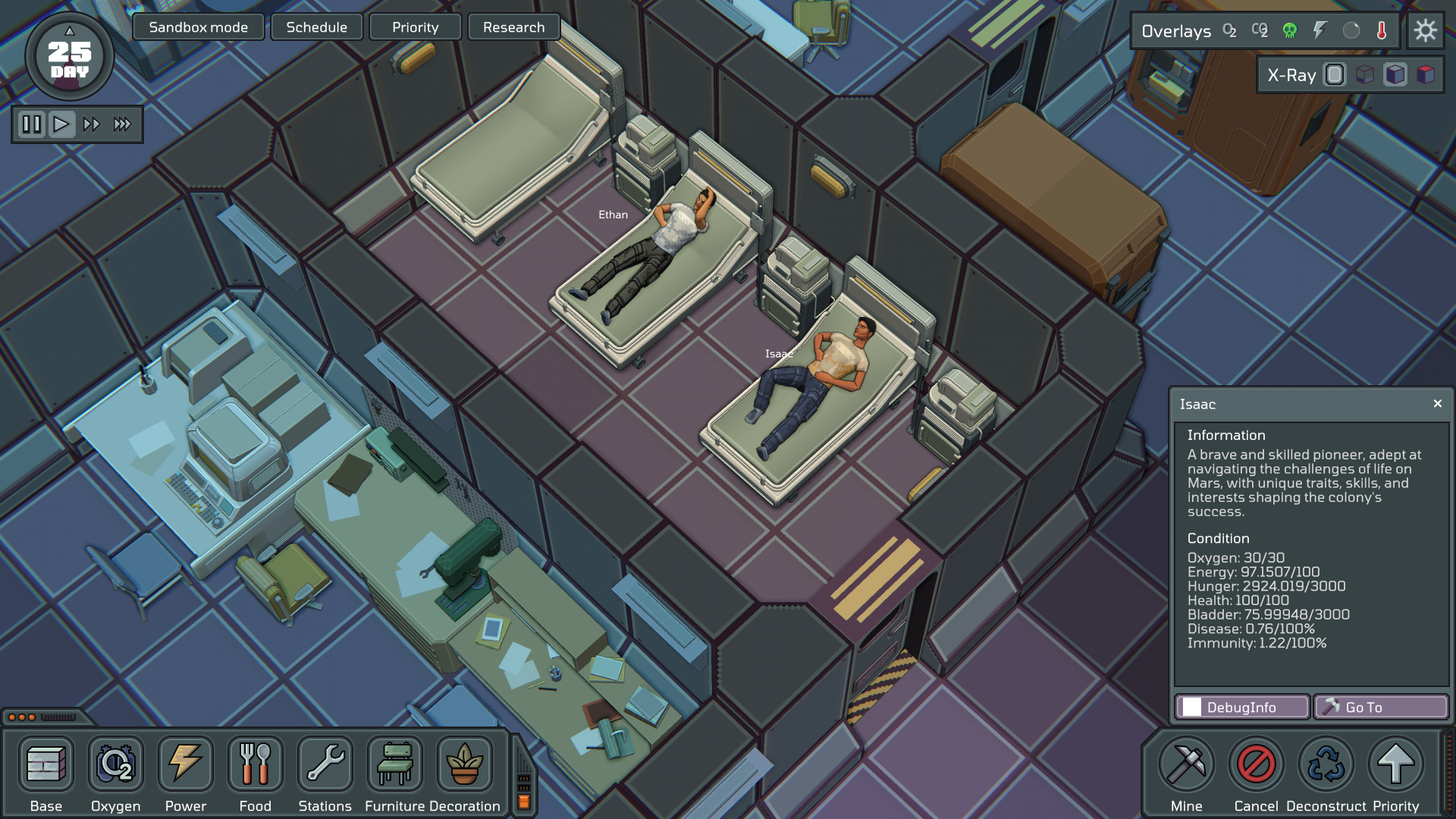
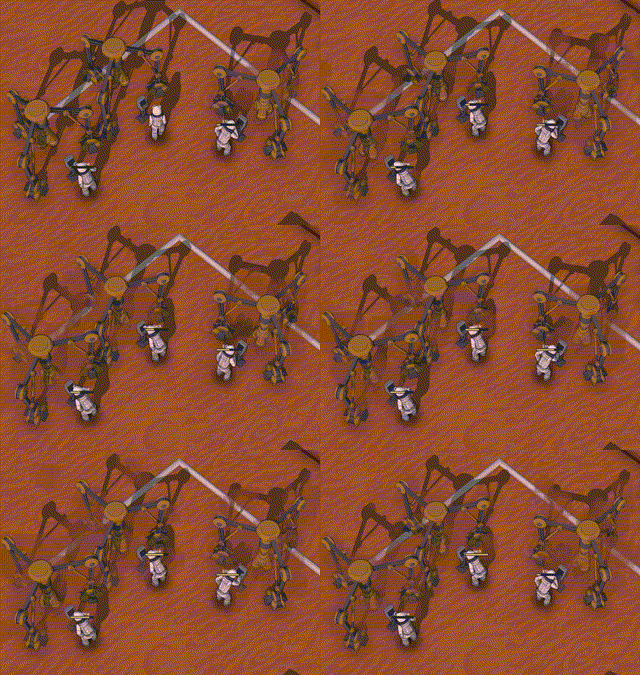
Adding animations to the mining buildings was a matter of breaking down the model in smaller parts that can move and rotate. Since we also want to control sounds and particle effects we've decided to move the almost all animations directly in Unity but this also left us with significantly less capable tools which to some degree had to be implemented from scratch. An example here is that we needed longer chains of objects to have their animations computed automatically, sort of like with a robot arm moving. The fancy term for this is inverse kinematics. I tried a few of the freely available solutions but none actually fit well with the our constraints so after reading up on some math and figuring out how others did this, I wrote a custom tool that does just this.
Fauna
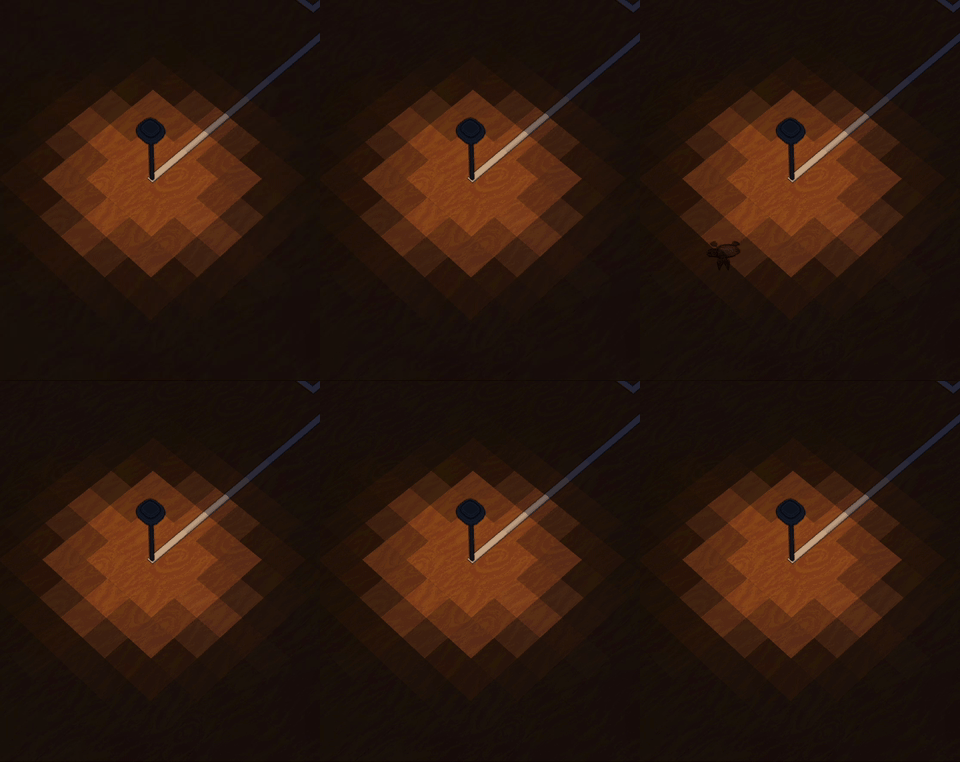
One of the things that we knew early on that we'd like to add in the game is this notion of a previously undiscovered mostly burrowing fauna. We discussed about how it would look like and what it would actually do in the game but nothing practical was done in this directly. First, Cristina spent several days, hard at work, trying out different concepts and doing some models and texturing. Next the model had to be rigged and as I was the one that previously did this, she had to learn how this works. Two or three slightly frustrating days later everything was ready for animation and this was once again something new to learn. Animating humanoids is as it turns more familiar and thus easy than other types of creatures but a few good iterations later, the creature was ready for integration.
For now I've only added some rudimentary AI to it but it serves it's purpose and the work done so far can be expanded on later. We're not going to show too much here as we're still sanding down the mechanics we'll want.
Meteorites
Given the fact that Mars has a much thinner atmosphere than Earth, it's natural that it's a lot more prone to meteorite strikes. We knew this is something we wanted in the game but the base systems were more important to set up and it was never the right time. Now that we're working towards the trailer this can't be postponed anymore. The meteorite itself is nothing too complicated. It's essentially just a rock with particles that comes crashing down. It does raise the question of what happens if it actually hits something. Visually speaking, whatever it hits, needs to show damage and we have a fair number of things that can be hit and introducing many damaged states would take a long time or require more textures. Another approach would be to just use what we call "shader magic" which means making the material that we draw with support damage. This is quite advantageous, as the same system can be used to cover up outside machines with dust over time. At the time of writing this however we're not as happy with the results as we could be so we'll postpone showing this to later.
Lots of things to polish and fix
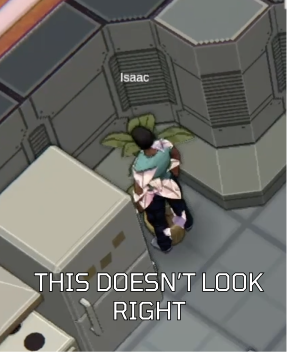
We figured out early on that we'll need to iterate on the footage so we started doing some recording and we ended up spotting quite a few minor issues, like colonists not having any shadows while inside the base, progress bars not being clear and consistent with the rest of the UI, colonists being able to walk through plants, missing particle effects and sounds, AI going crazy in some cases and the list goes on. None of these issues were tough to solve but they do add up and our time is limited. We're doing this mostly after our day jobs and in the weekends. Our dogs take about an hour of walking per day and we're also trying to maintain a shred of a social life. This is why we're trying to use the time we have as best we can. Most bugs we find are first reproduced in an automated test and then fixed. This does take longer but after this is done, the issue never needs to be manually tested again. The code for a game like this is quite complicated and one innocent change in one part could have dire implications in another part. This system already tests for hundreds of cases and has saved us from introducing a significant number of bugs over the course of development.
Still not there
While the things mentioned here have been resolved, this has not been a comprehensive list and there are a few other things that need to be taken care of before we can record the final footage. It's been a bumpy road but we're getting there.
I hope you've enjoyed reading about the development of Red Dust Colony and we'll see you next time.
If you'd like to keep up with the development of our game, we have a Discord server where we share our journey: https://discord.com/invite/3wj5RAyprc
Written by Lorin