
Update 0.5.2 introduces the Bookmark!
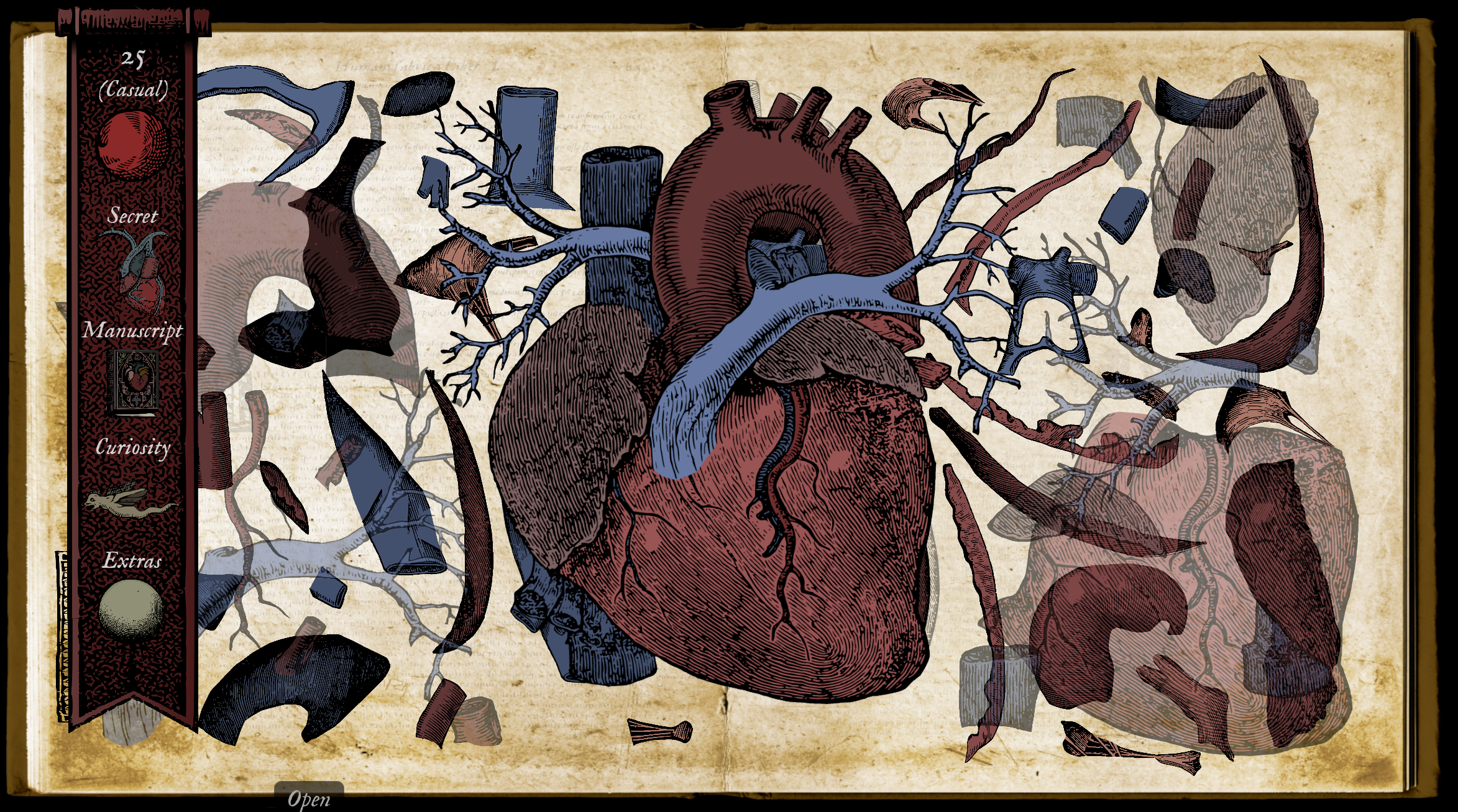
The bookmark is accessible in all levels and gives you a quick visual overview of your progress.
With the bookmark you can see the following:
- Current level number
- Current level completion status
- Secret found
- Manuscript found
- Curiosity reward
- Extra items
Clicking the icons on the bookmark opens additional panels.
Click on the level icon to reveal the Level Status Panel. Here you can see your progress for the three difficulty levels. You can click on the level icons in the panel to jump to that level.
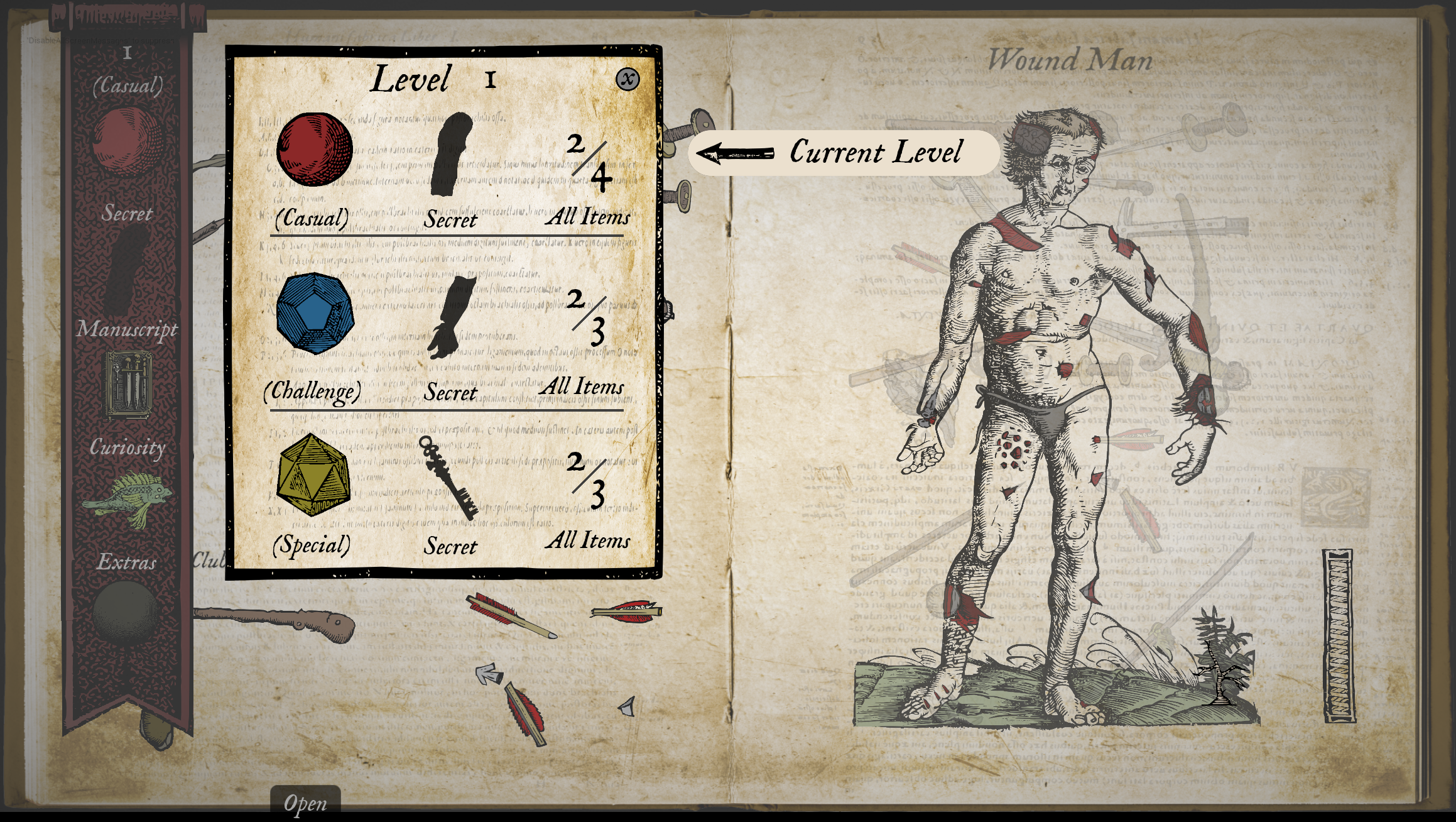
This panel is now also available on the Level Select screen. Click the eye icon to open the panel. When all of the items in a level (Casual, Challenge and Special) are found, the eye icon will be colored in.
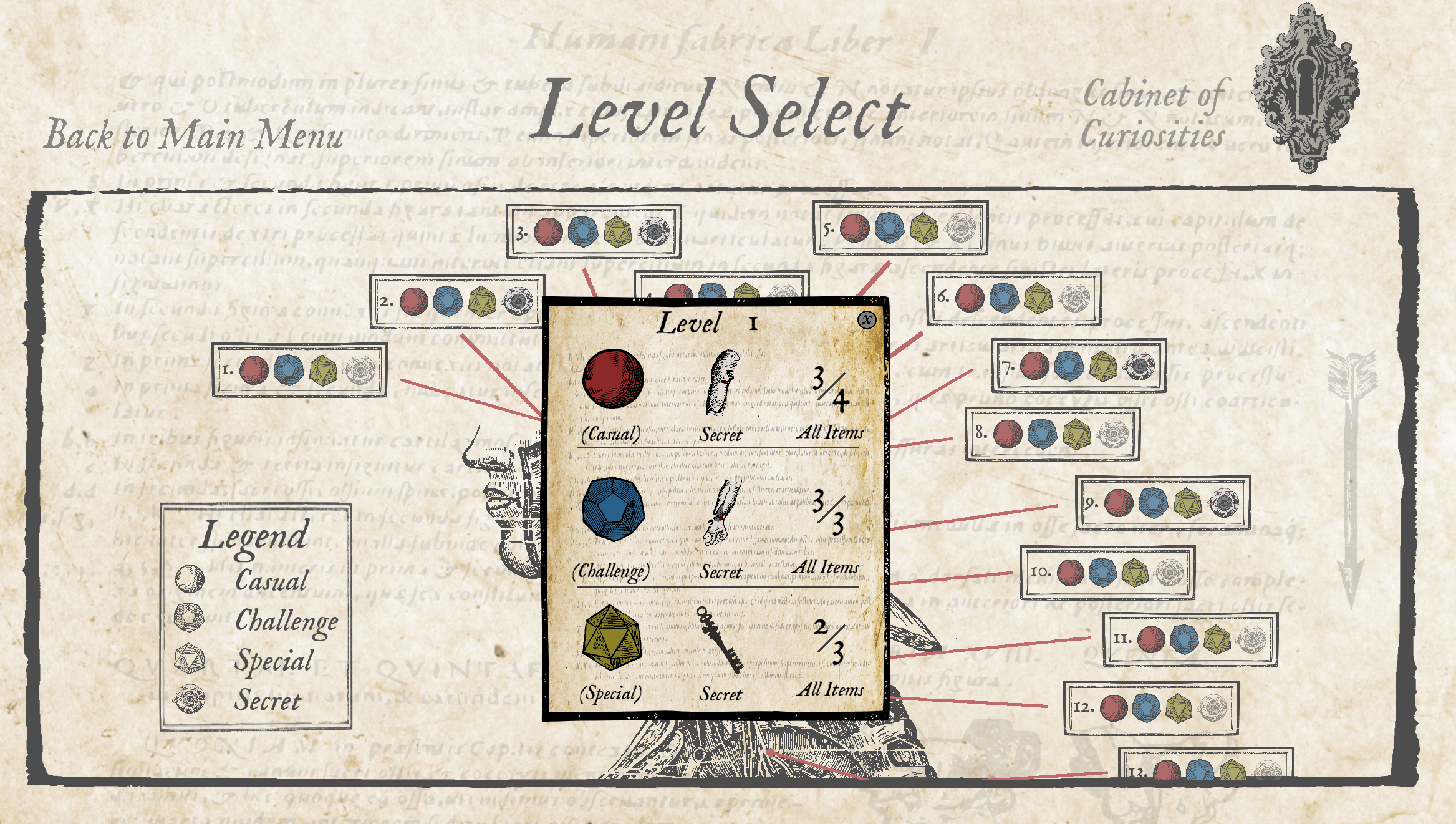
Click on the Secret to see details as well as Wound Mans description of the item.
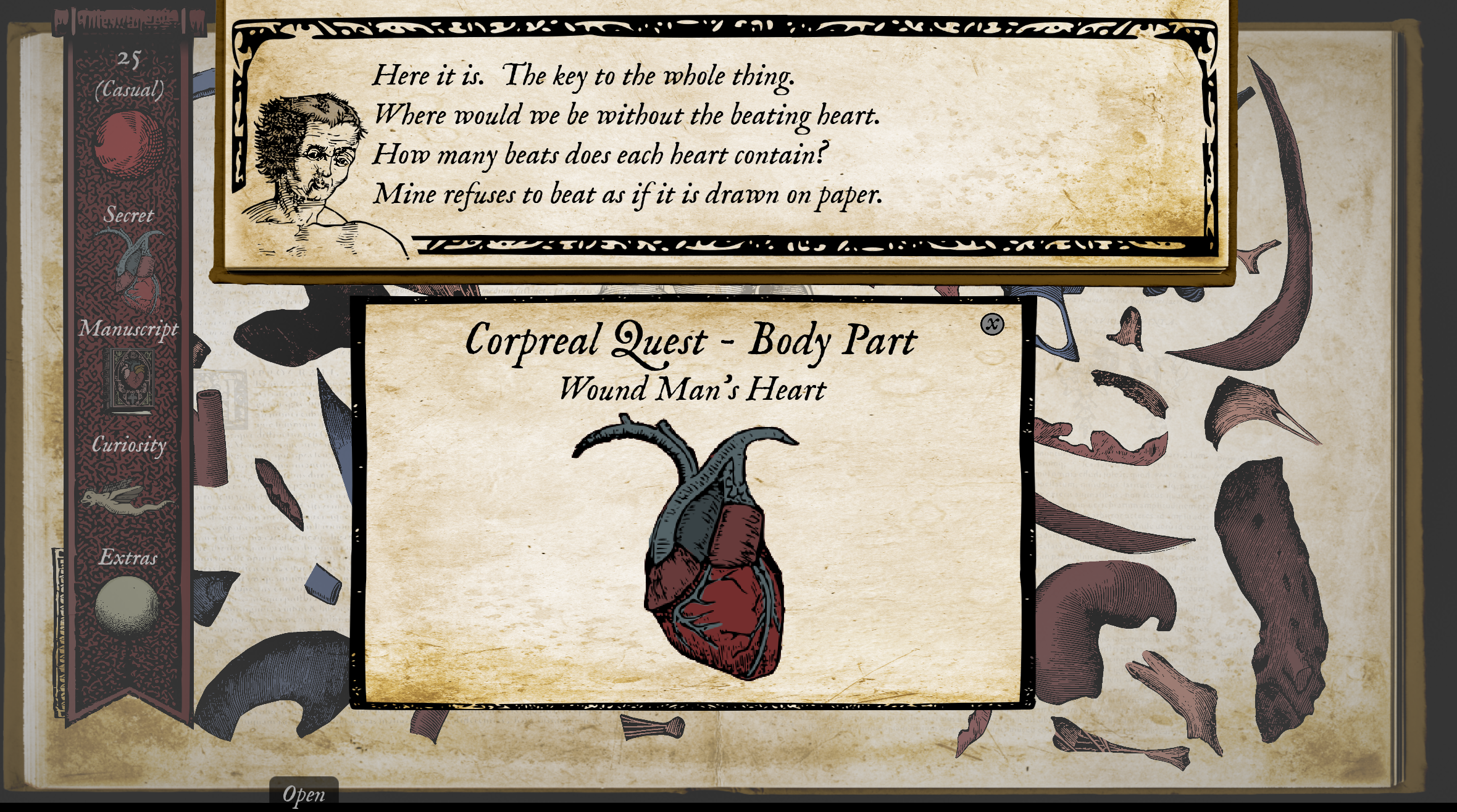
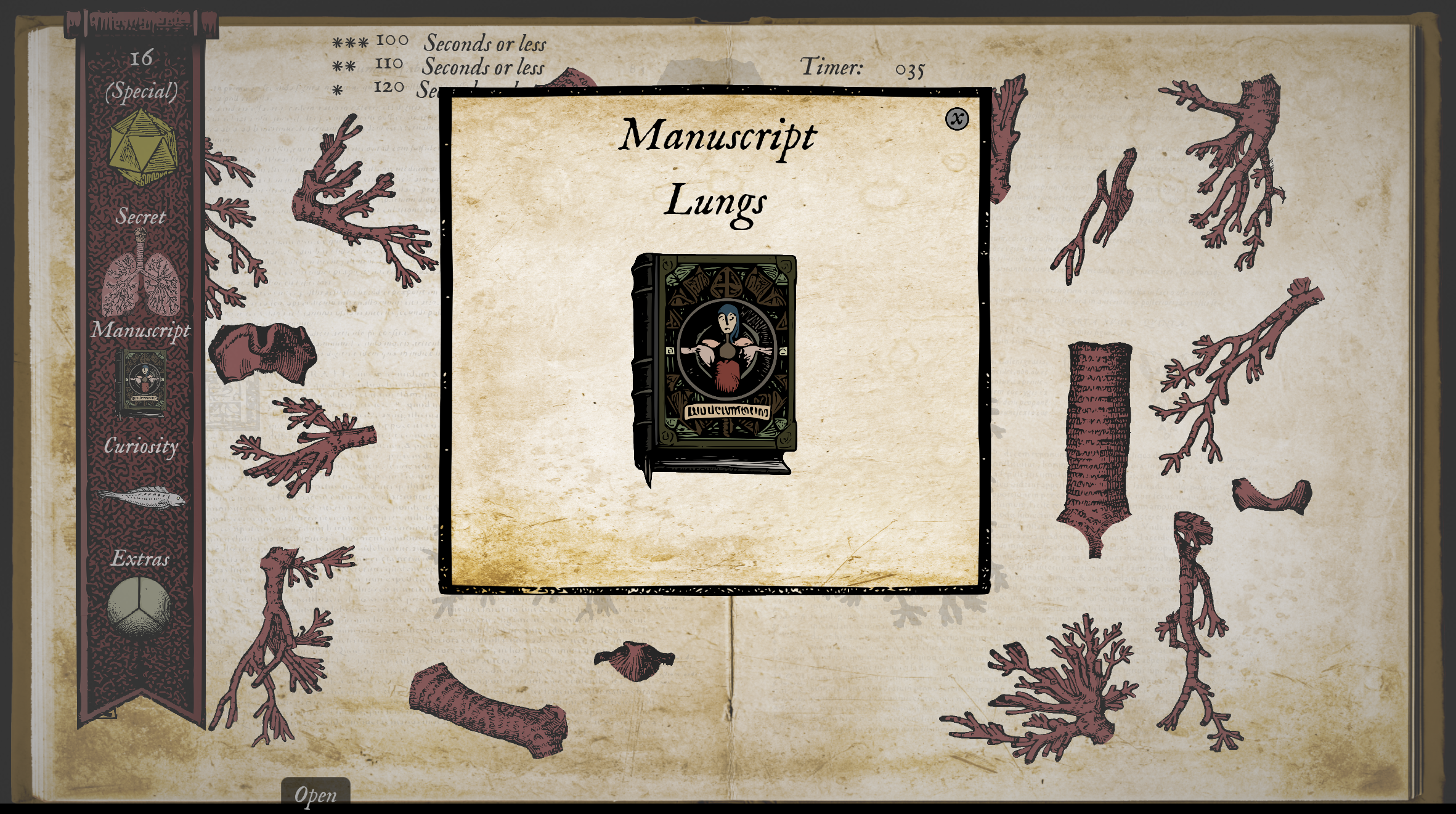
Click on the Manuscript to see an enlarged image. (See note on Manuscripts down below).
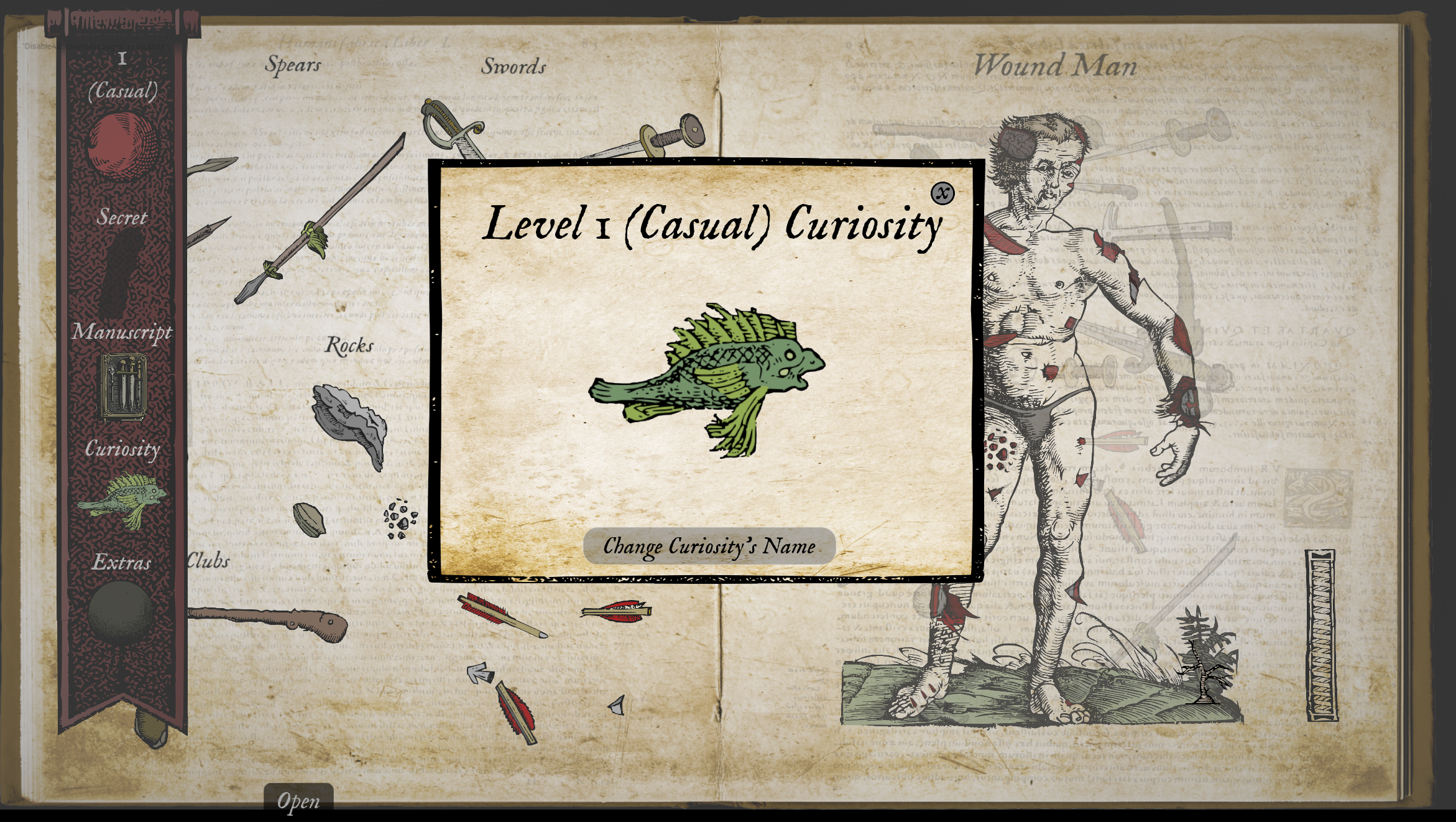
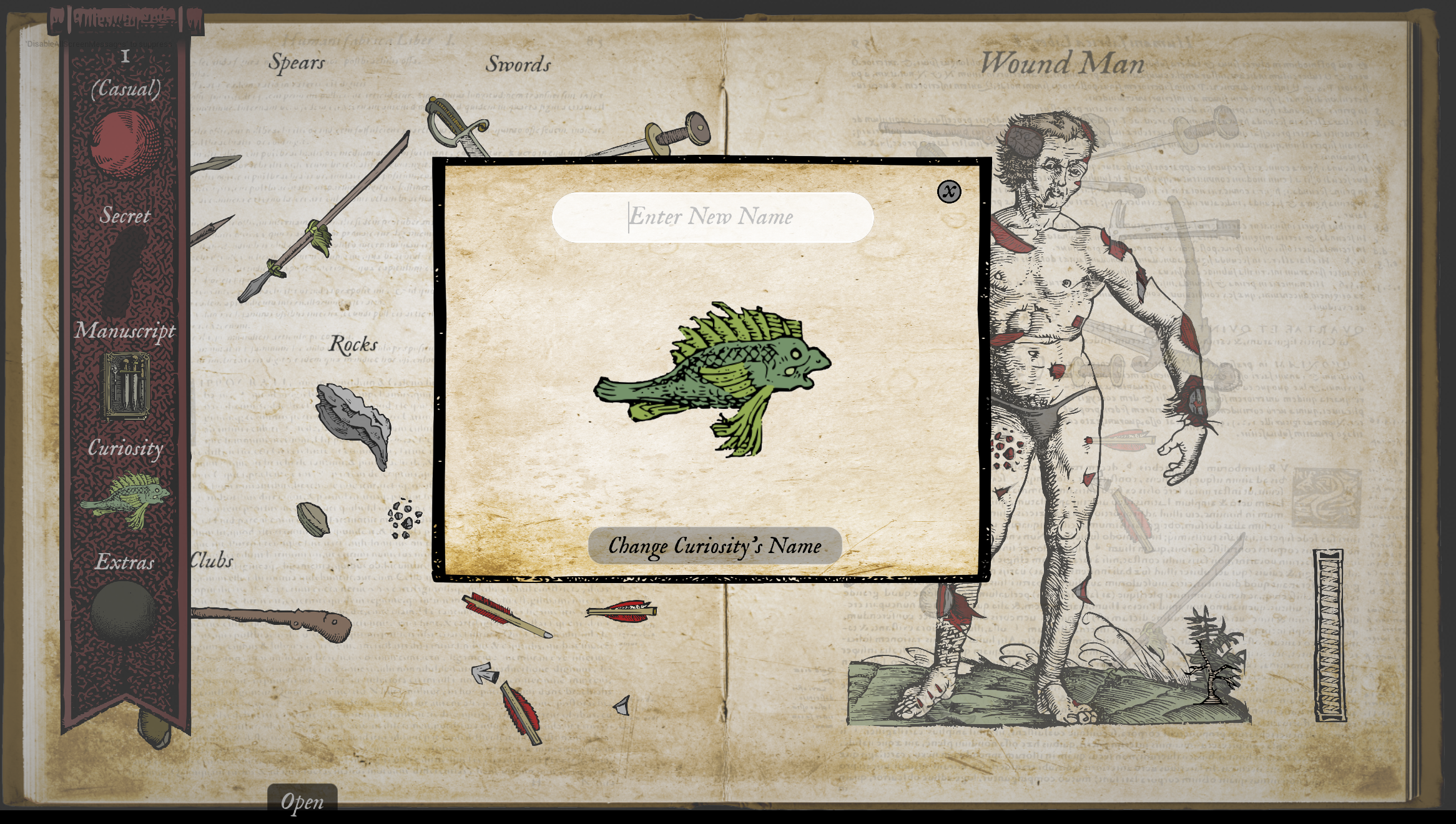
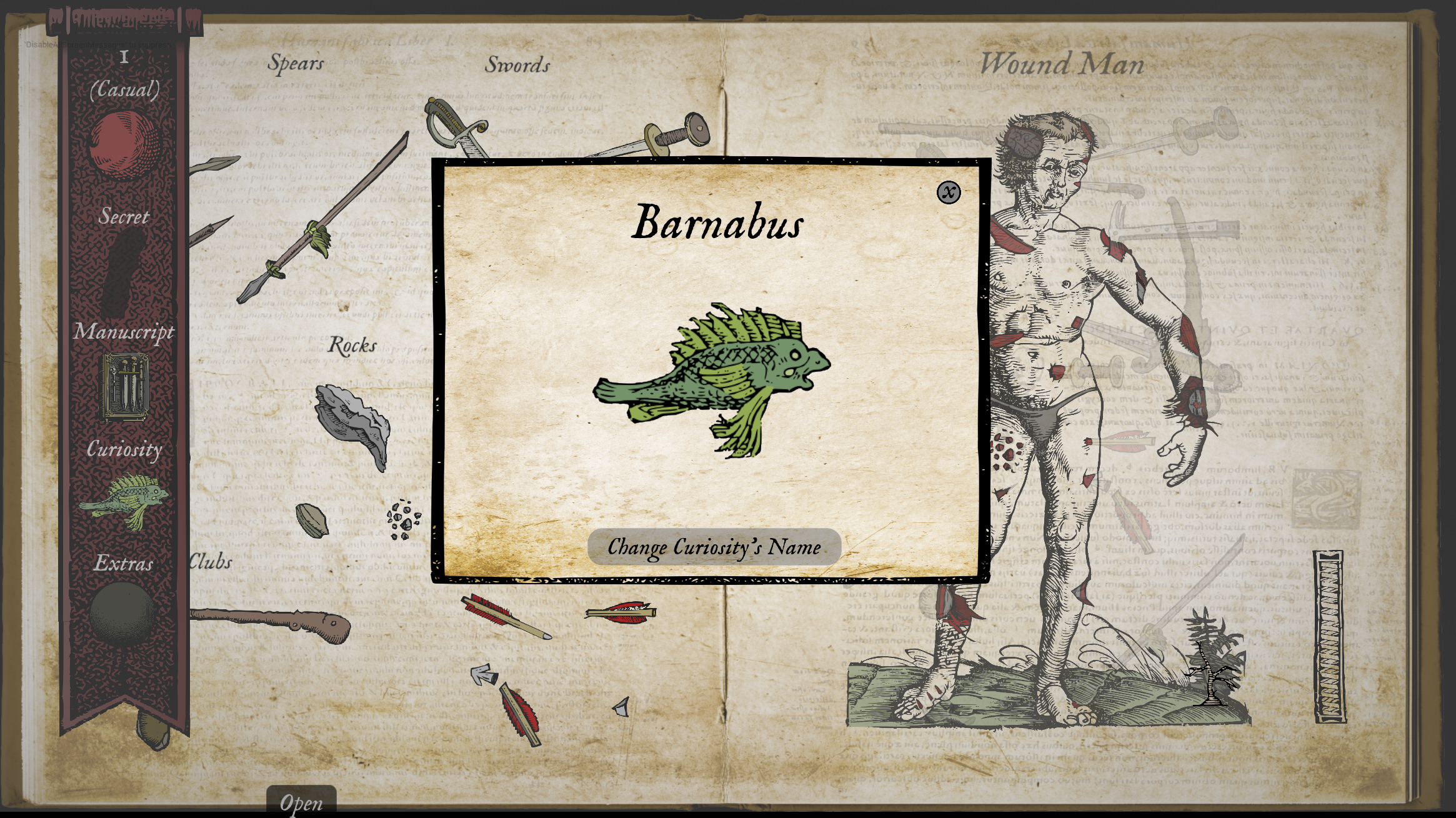
Click on the Curiosity to see an enlarged image. You can name your curiosities too!
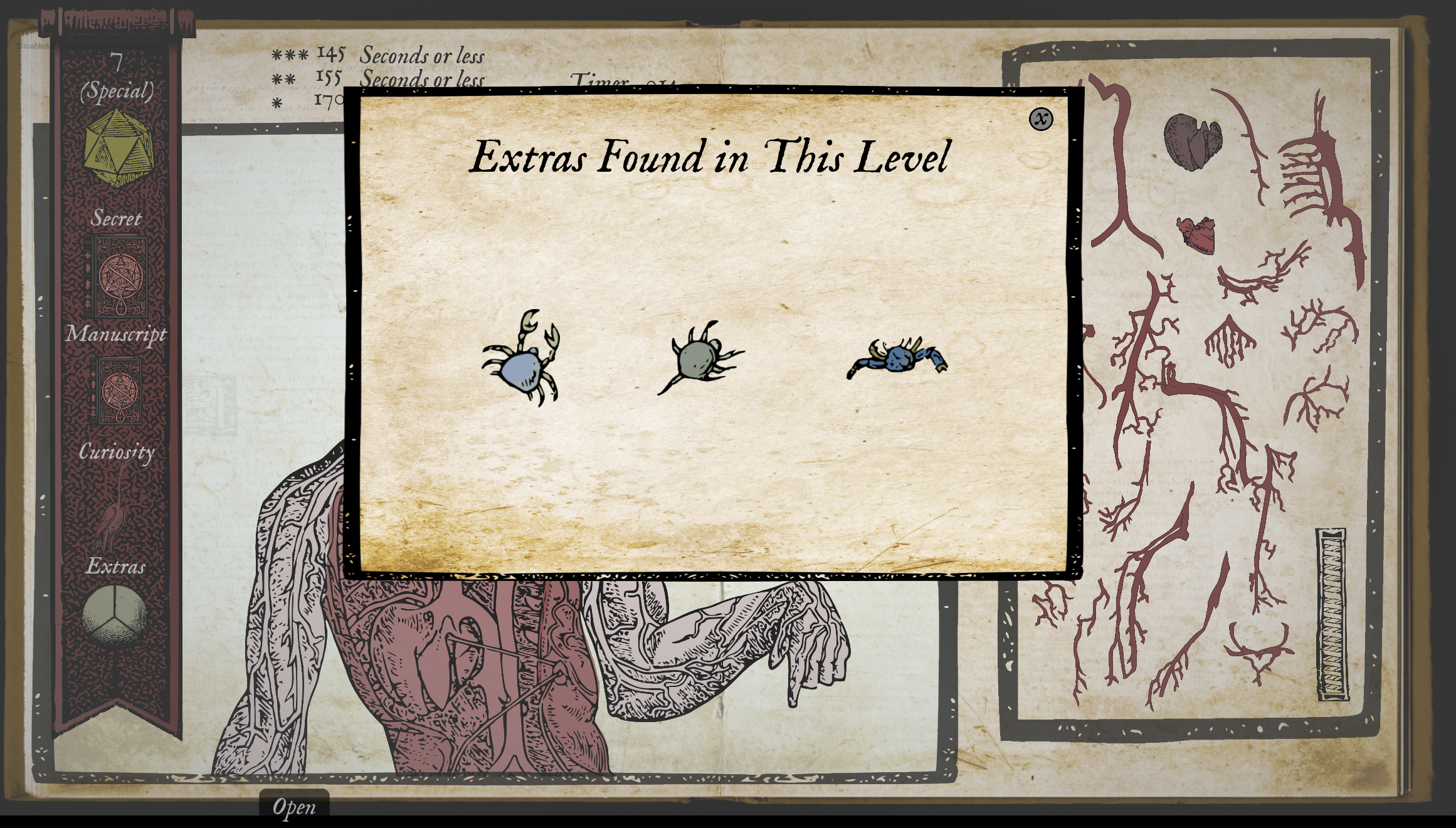
Click on the Extras icon (if available) to see the extra items to be found in the level.
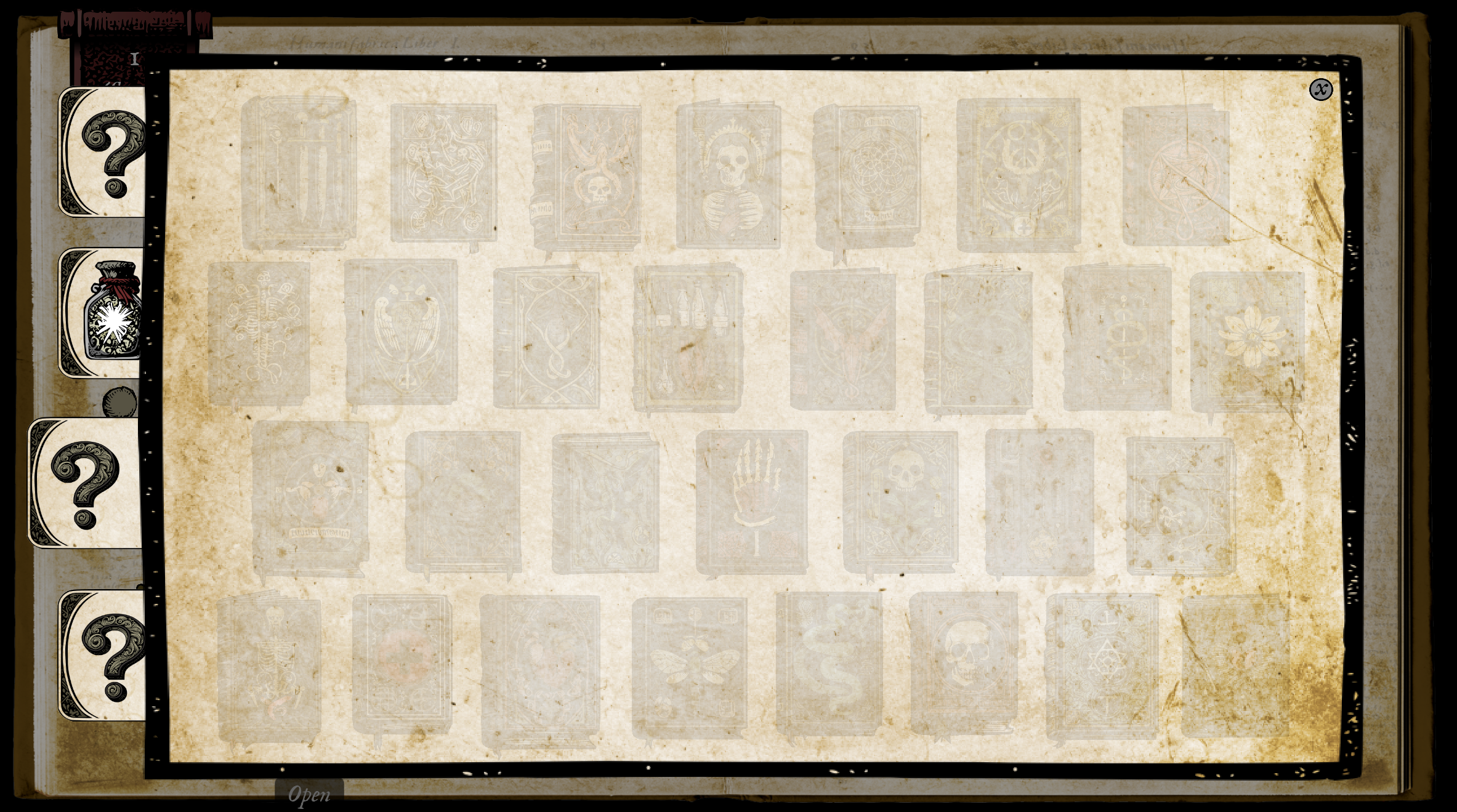
Manuscripts - COMING SOON
Manuscript content is currently not available. The functionality will be implemented in a future update. As a result, 100% completion of the game is not possible at this time. I am working hard to complete this feature. Just FYI, finding the level manuscript will unlock information about the images.
As always, thank you very much for playing Wound Man. Your feedback is very valuable, so please feel free to leave comments and ask questions. If you can please leave a review for the game.
See you next time,
Jeff @ Aspidochelone Studios