Add VR joint touch interaction
The VR mode adds movable joints to the MMD model, allowing you to use handles to pose various poses or do other interesting things for your favorite characters in the virtual world.
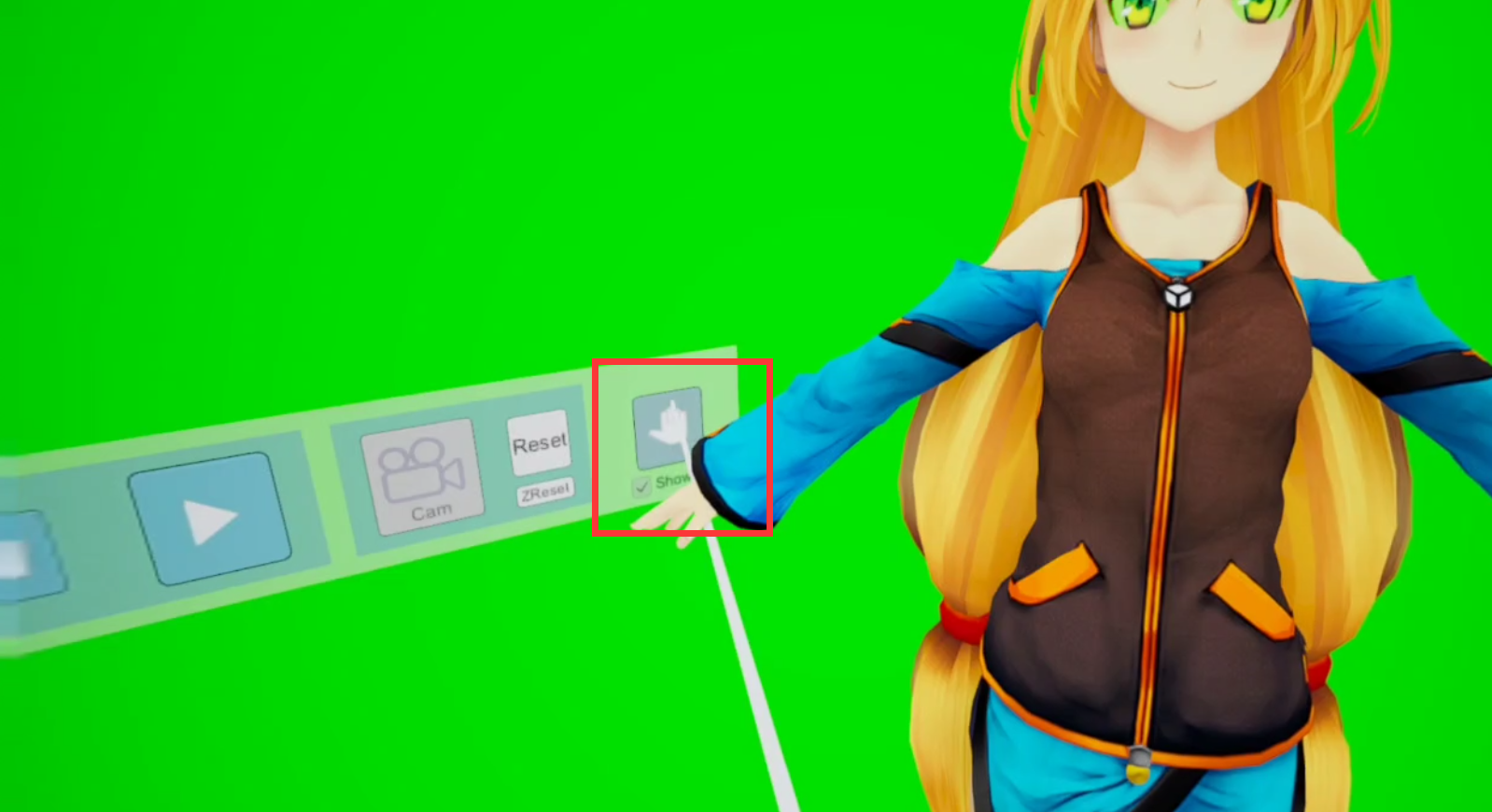
After importing the model, enter VR mode, press the function key on the left handle to call up the menu, and then press the "palm" shaped switch to activate this function.
After approaching the joints such as hands, feet, and waist, operation prompts will appear. Press the grip button on the handle to operate.
(This feature currently only supports PMX format models)
Added support for VPD pose files
Added a "Pose" tag in the "Motion" panel to import *.VPD poses
Add green screen background
"Lighting" - "Mode 2" - "Sky" - Added "Green" option, making it convenient to combine with other software to achieve mixed reality MMD animation playback
Add a dynamic scene
It can be found under "Model" - "Scene"