·Developer post·Original post (opens in a new tab)
New bone editor, morph motion import function
Bone Editor
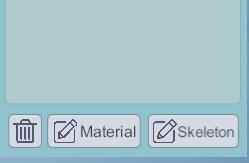
After importing the model and motions, click on 'Model List' - 'Skeleton' to open it
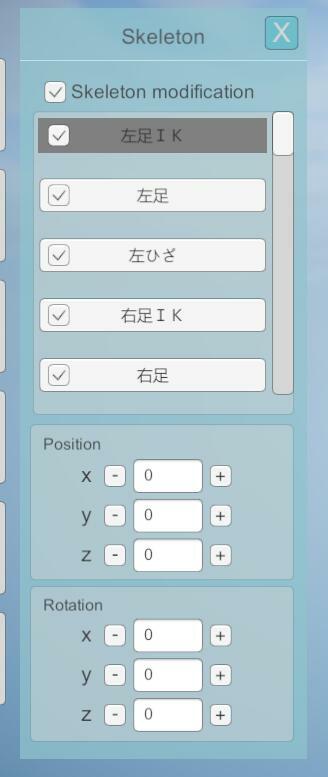
- Check 'Skeleton Modification', select the bone to be adjusted in the list, and use the modifier below to modify its position and rotation.
Morph motion import
- Added support for VMD morph motions, suitable for PMX/PMD models.
- Needs to be imported after importing the model and skeleton motion files
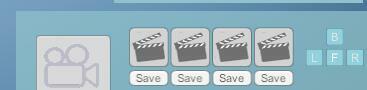
Added camera position preset function
New/improved sky box lighting mode
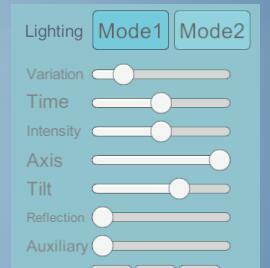
- 'Lighting' panel switches to 'Mode 1' to open a new lighting mode
- Added three sky box presets: "Clear Sky", "Sunset", and "Purple Sky"
- The upper left corner menu 'Rendering' ->'Light Penetration' enables the hazy effect of light coverage