
We have opened the interface that will form the basis of the RPG system to comments from our players.
With the v.0.5-Alpha update, we're unveiling the interface for the detailed and deep RPG system we have planned for Pirate Patrol.
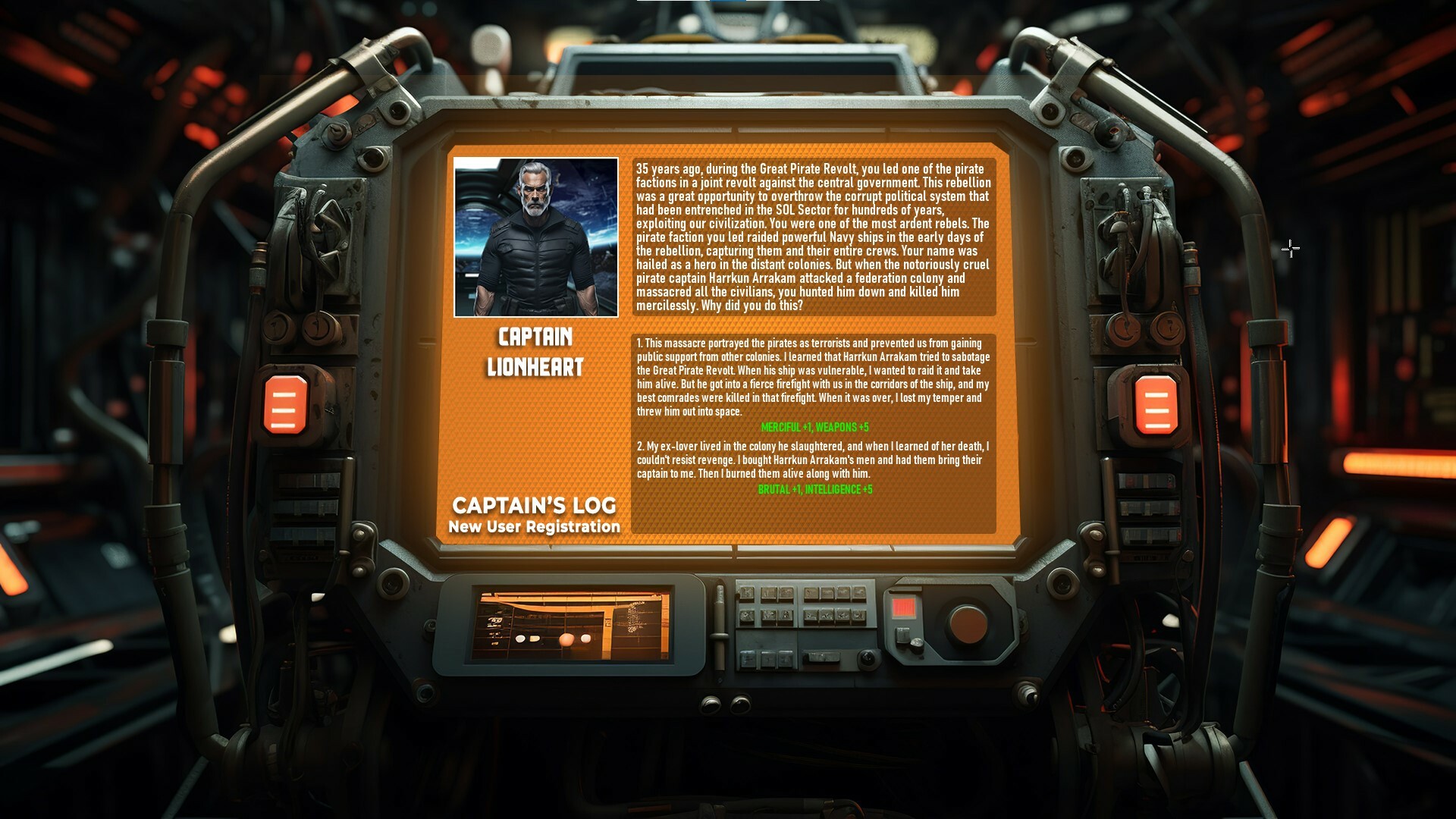
At the moment, the interface works mechanically, as Captain Lionheart gains XP, you can see the progress on the character panel, but character screen features such as skill selection are not available.
Also, for now, this interface only shows the character screen for Captain Lionheart, but there will be separate character screens for each pilot and officer in the game. But first, we want to clarify the interface design with feedback from our players.
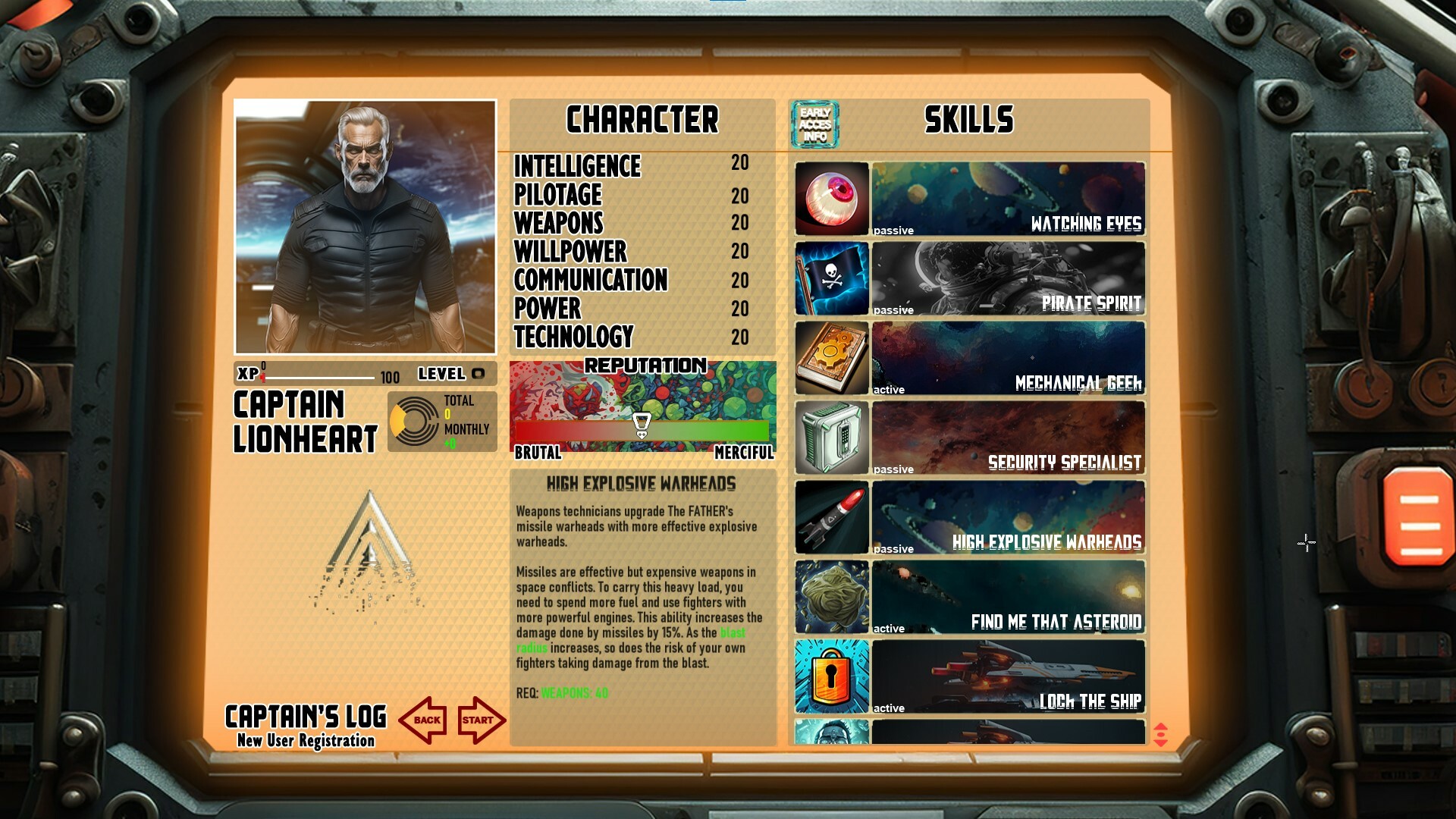
We are also focusing on skills. For now, we have only created visuals of 11 skills to test the interface, but in the next updates, when the RPG system is fully implemented, there will be hundreds of different skills. As players level up, they will be able to unlock the appropriate skills, but there will also be hidden skills that can be obtained by completing quests, trading, or exploring different parts of the universe.
Speaking of exploration...
At Pirate Patrol, we believe that exploration is a powerful gameplay motivator. For this reason, we are working on a galaxy map that is 10 times larger and we will release this new map in the next updates.
Of course, we are also preparing the myriad of factions, pirate gangs, political entities, colonies, wealthy merchants, trading, competing, fighting, missions, etc. that will fill this huge map.
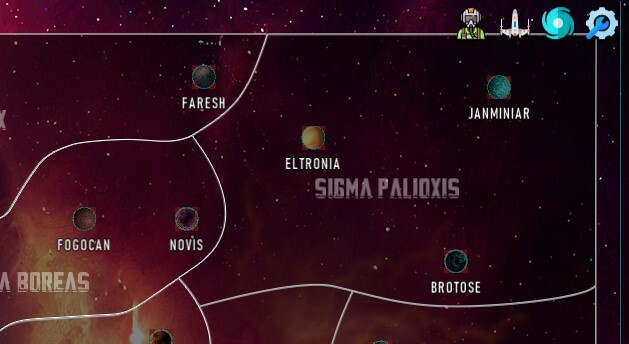
TOP MENU
A new element we have added to the visual design of the game is the TOP MENU, which appears in the top right corner. This menu allows you to access panels that were previously only accessible using the keyboard shortcuts, by clicking on them with the mouse. These are:
- Character Panel (P)
- Hangar Panel (H)
- Galaxy Map (G)
- Settings Menu (ESC)
Thank you for your support of the game. We continue to work hard to make Pirate Patrol a very immersive and deep RPG. We would love to hear your comments in the Steam Discussions section.