
Obviously we all want to write bug-free code that just works. However in practice, even the most senior devs make mistakes and need to debug their code. Now we can all appreciate a well placed print statement as the most basic way to get a glimpse at the inner workings of our code. However proper debugging is sometimes needed. Similar to most other modern IDEs, the in-game code editor in JOY OF PROGRAMMING now includes a visual debugger. This means you can comfortably place breakpoints on any code line to stop your code at that point.

Then you can step through your code line by line and inspect the value of variables at any time. The real-time simulation of your current environment automatically pauses on breakpoints as well.
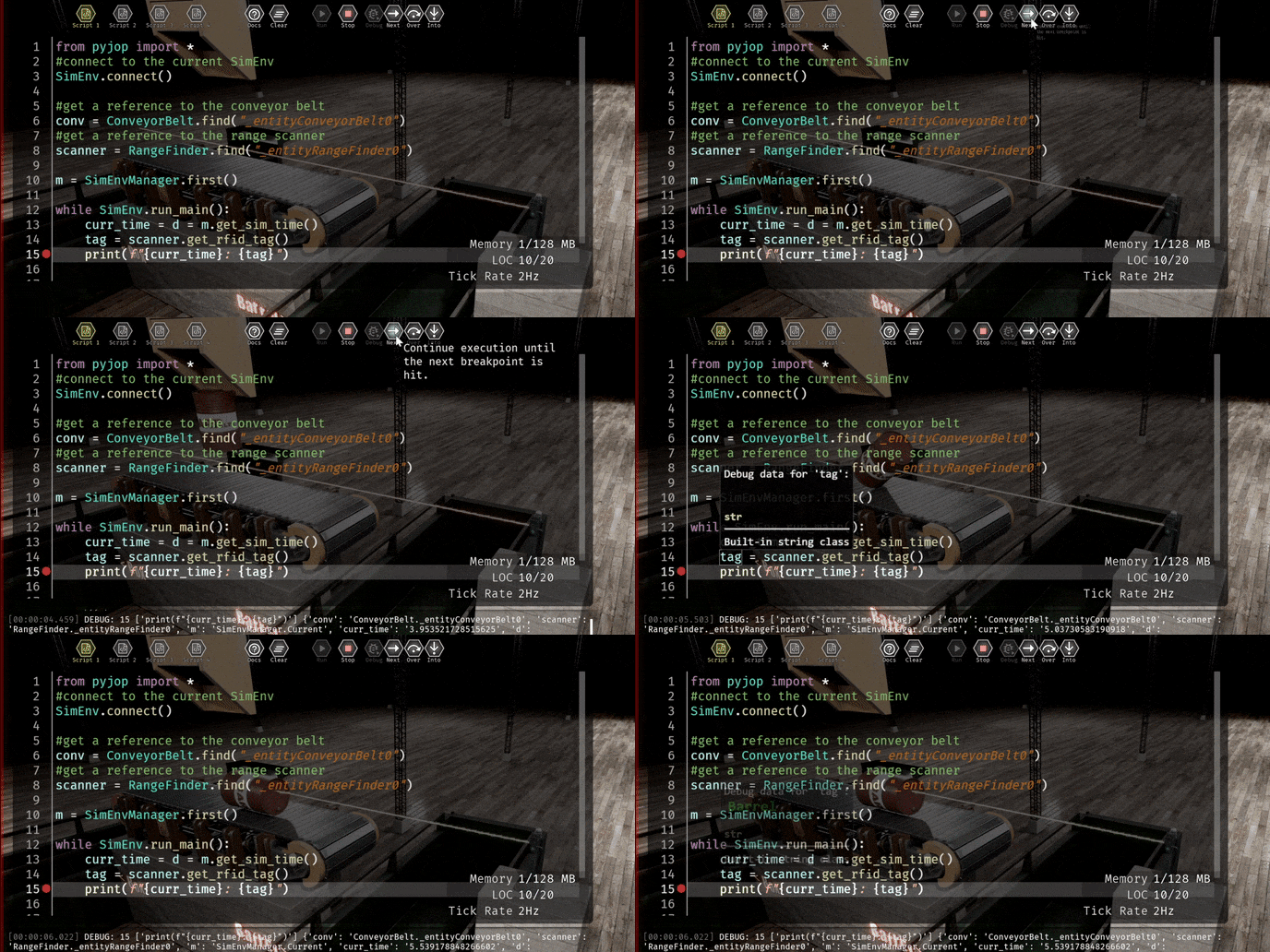
Happy debugging!