
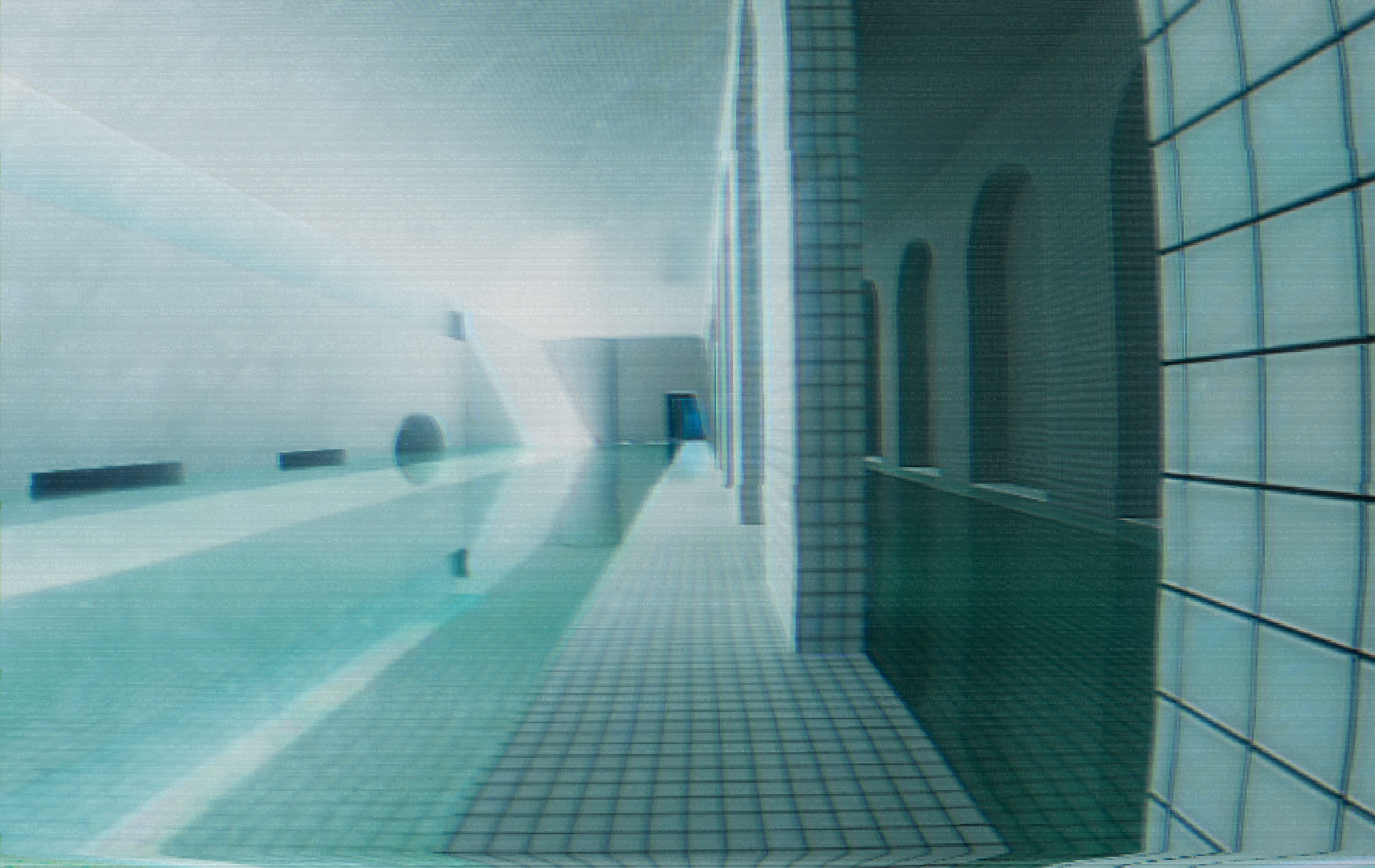
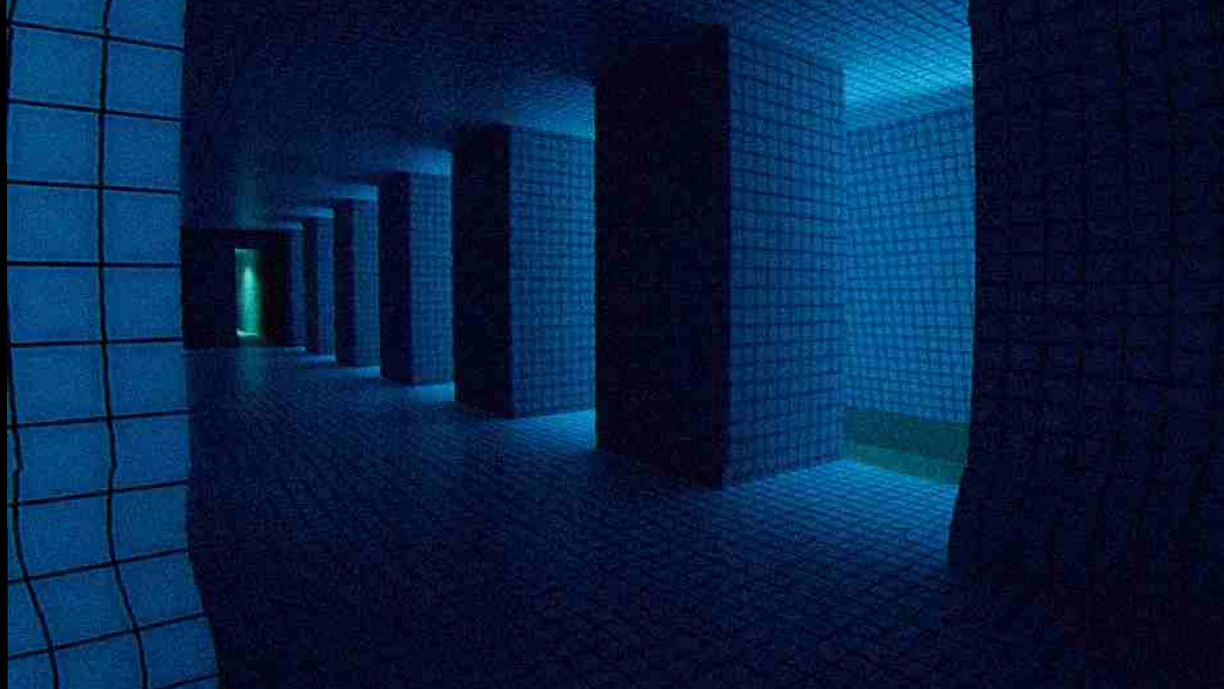
Temporary workaround for the crash in the "Poolrooms Dark" section (while passing through the Poolrooms Arches area, image below).
Poolrooms Arches:
 Poolrooms Dark:
If you're on Windows and using an AMD GPU, you can bypass the crash by replacing your save file:
Close Disminal
On Windows: Pess WINDOWS KEY + R then type/copy and paste: %userprofile%\\AppData\\LocalLow and hit Enter. Navigate to: Decretory → Disminal On macOS:
Open Finder, press Cmd + Shift + G, and go to: ~/Library/Application Support/Decretory/Disminal On Linux:
Open your file manager or terminal and go to: ~/.config/unity3d/Decretory/Disminal
Locate the file: game_state (this is your save/progress)
open the game_state file and replace all its contents with: {
"PlayerTransform": {
"Position": {
"x": 317.31146240234377,
"y": 3.683467149734497,
"z": -1284.7344970703125
},
"Rotation": {
"x": 0.0,
"y": -0.2932060956954956,
"z": 0.0,
"w": 0.9560492634773254
}
},
"ScenesOpened": [ "cloudy",
"poolrooms_gridwall_palms",
"poolrooms_exit"
],
"LastActiveScene": "poolrooms_gridwall_palms",
"LastSurface": "pooltiles"
}
Save it and restart Disminal.
This will skip the problematic section and spawn you near a doorway.
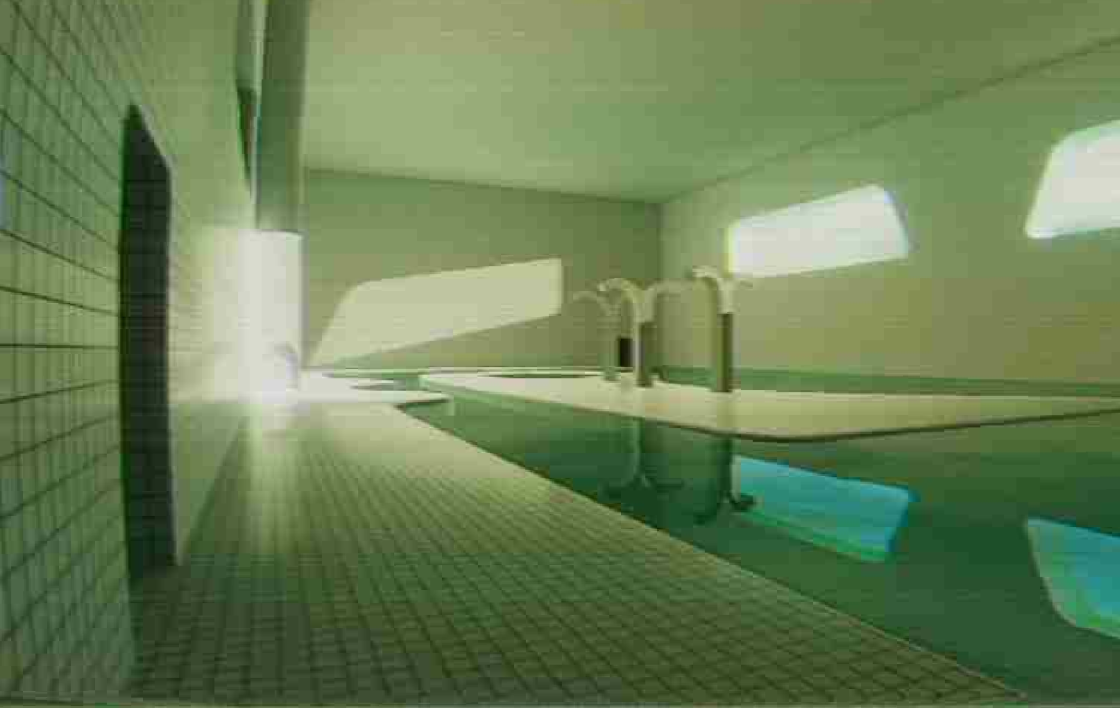
You may encounter some visual glitches in the underground pools, this is a temporary workaround while I continue investigating the issue with players who have experienced it. Apologies for the inconvenience.