
Hada Microbiome Area Scan 04: ACTIVATED!
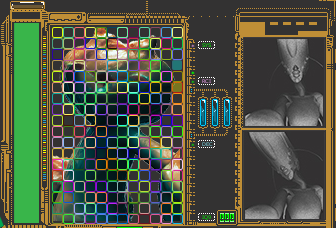
- New detailed illustrations of hada predator called a, Meddigagoe. These are the same creatures in hot pursuit of the blortuses/blorta on the main screen (hood). This new screen has some slick interactivity coming from technology used for the DLC.
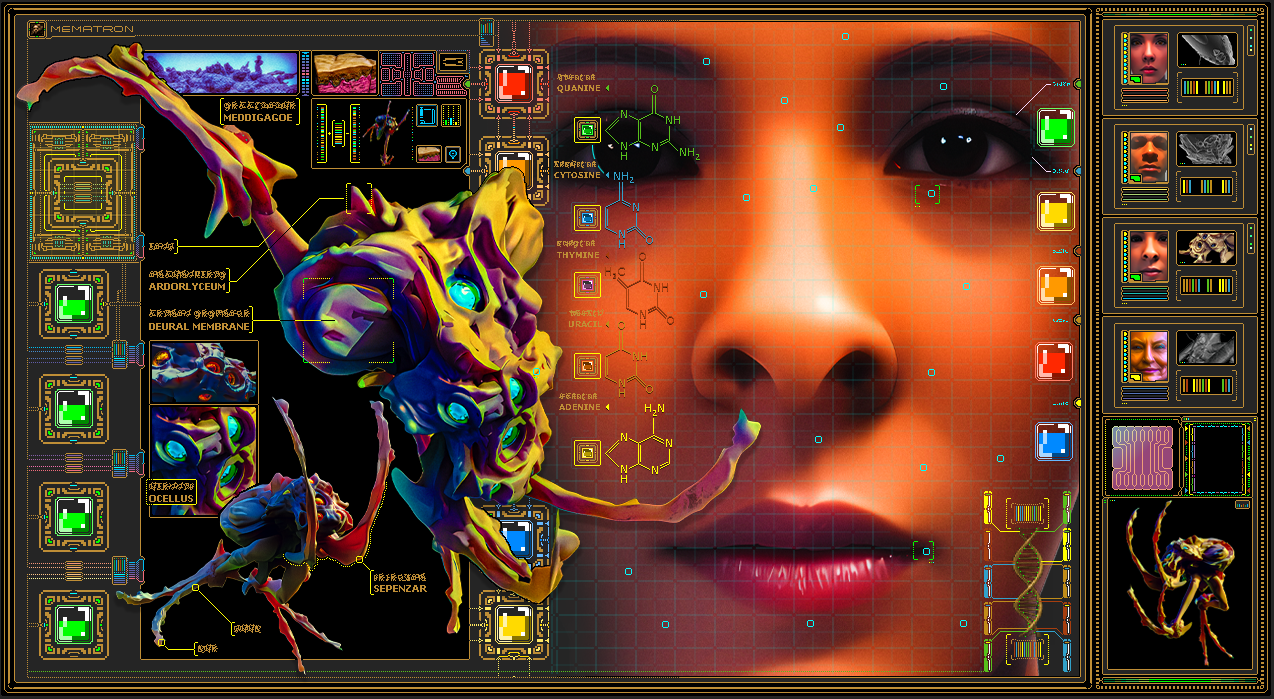
- Spot illustration buttons have enhanced looks. Design cues from their contents has been carried around them.
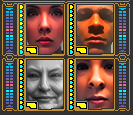
- More details near and the 4 Spot illustrations to balance out the additional color shapes near the spot illustrations.
- Spot illustration buttons will now activate after a mouse click instead of a mouse press. This prevents accidental launching of multiple windows with a long mouse press.
Features
- Integument preload screen changed from black to a soft dark blue.
- Loading percentage animation in outer window frames.
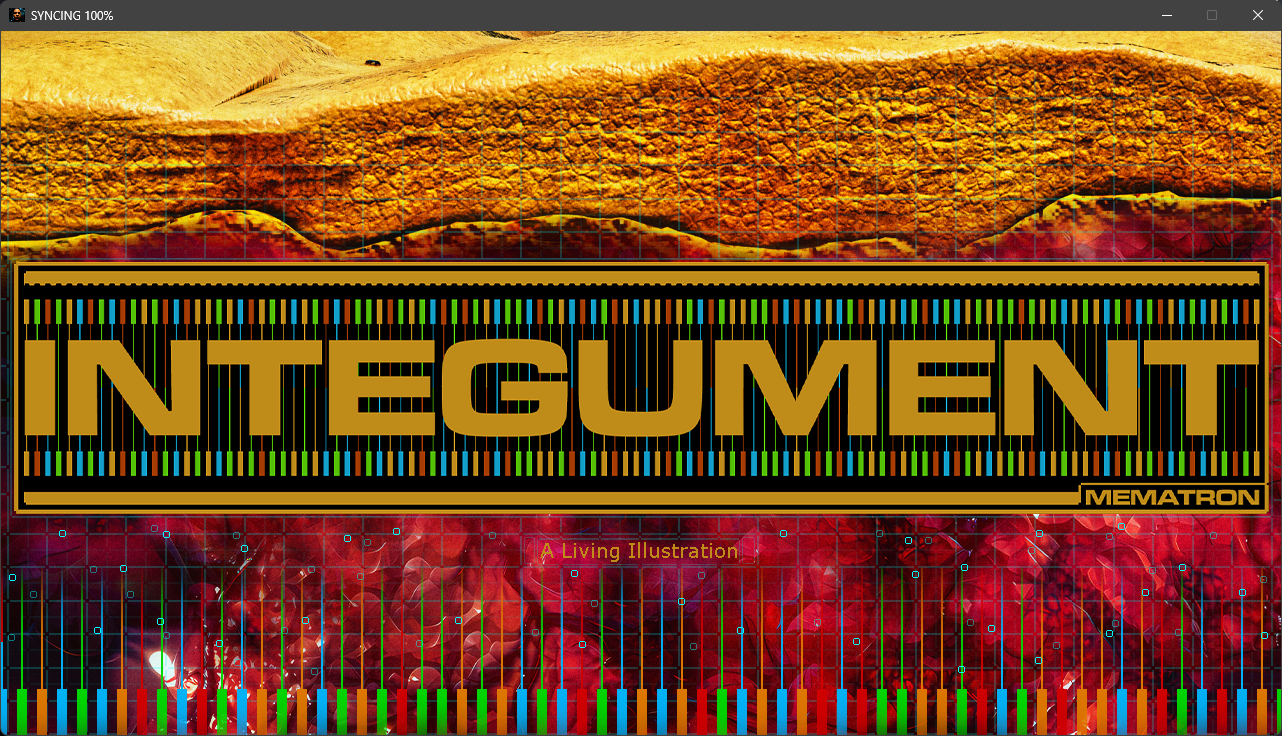
- Integument new splash screen. This was done to reflect and connect the current design language.
- Meddigagoe run cycle in the lower level interface (engine) was changed from a movie of an animation loop to a real-time animation loop. Calculating frames can sometimes be less resource intensive than playing a movie file.
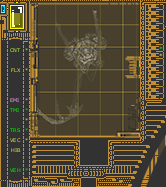
- The Data Stack Screen (DSS), Animation color grid no longer is always on but will only turn on when you mouse over it.
- Mematron signature When clicked the music playing will have a visual indicator that will stop its animation once the music has stopped.
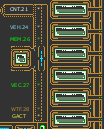
- Meddigagoe and blortus technical readouts are all now tidied up. These are the small colorful blinking texts on the sides of some of the windows. They where not lined up perfectly. This all hand coded so yes, it was a pain to do but it was really getting on my nerves!
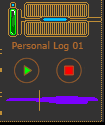
- Personal Log 01: interface now displays a very cool / atypical waveform when the log entry is being played. Once the personal log has stopped playing the play indicator and waveform will automatically turn off. The lights used to stay on even after the recording had ended.
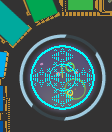
- TBN (Translation Buffer Node) The rotating thingamabob located in the middle of the "engine" (Lower level screen interface). One of the orbital nodes was brought back into orbit. It had been rotating around the center of the Data sphere off screen. In cleaning up my code this was revealed.
- Traces added along the bottom and left side of the engine (Lower level screen interface). Yes, these pixel size dotted lines work just like the traces on circuit boards. Traces carry signals to where they are needed. So feel free to follow them to discover patterns.
Slightly technical
I refactored all 5961 lines of code that make up, "Integument." This is the programmer equivalent of Spring Cleaning. It's a lot of work but it makes it easier to introduce new content. This isn't a new thing as I rewrite portions of it between updates. It allows me to solve problems, answer questions and discover new things that in turn cause problems, present new questions and challenges.
In the end I hope that this update will have made for a smoother running, more interesting composition. Remember, this is art for art's sake.
Did you know?
Excluding the obvious, all the the interfaces are hand pixelled with some of it even being created on the fly via code?