
Just before the release of the v0.2 demo, I added a highly requested feature since a lot of people were asking me about a compass and at first I was against it because of the mainly linear environments, but in some places we have caves and it might not be clear where you are supposed to go.
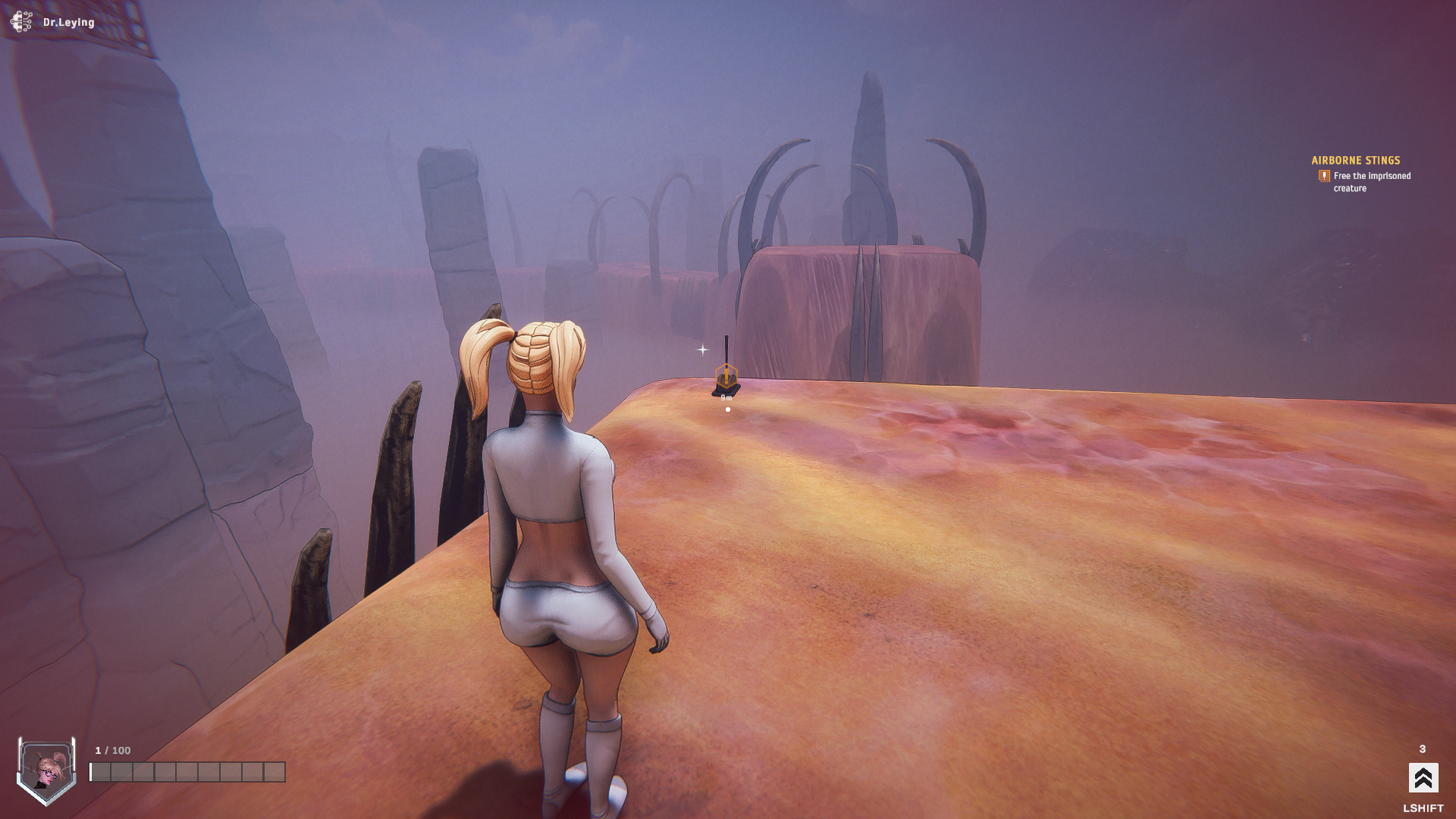
Instead of an actual compass, I added “Points of Interest” – it shows the target’s location and the remaining distance. There’s also an option to change the icon based on the target, but for now the icon will be the one you see above.
Points of Interest spawn on every quest and every task after the tutorial (since it’s very linear and there’s no point to add them there).
Fly Camera
Another extremely highly requested feature and something that was on my To-Do list for a long time was a Fly Camera during romance animations, you can explore them from any angle and distance you wish. It also has a seamless transition from and to your current static camera.
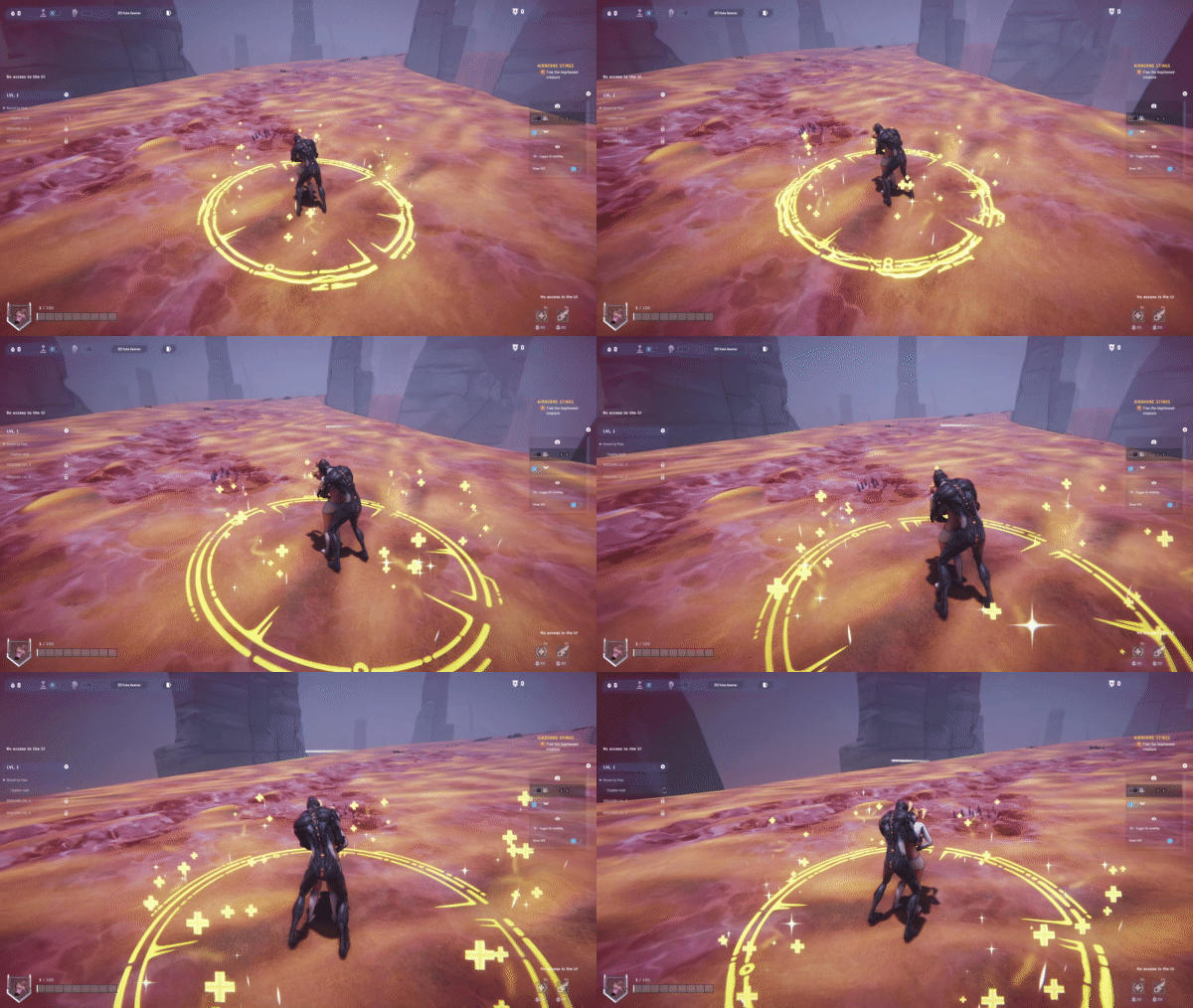
After this, the only major camera view during romance animations I might consider is POV. Using the Fly Camera, you can definitely position it in that way, but if the head of the character is moving too much, it will clip into the view, therefore a POV camera must be attached to the character’s head or follow the head movements, again this won’t be a priority for now.
Another possibility is a “camera” that automatically switches between the static angles and has a small motion kind of like a cinematic view, this isn’t really a new camera type just a fancy controller that makes use of the existing static camera.
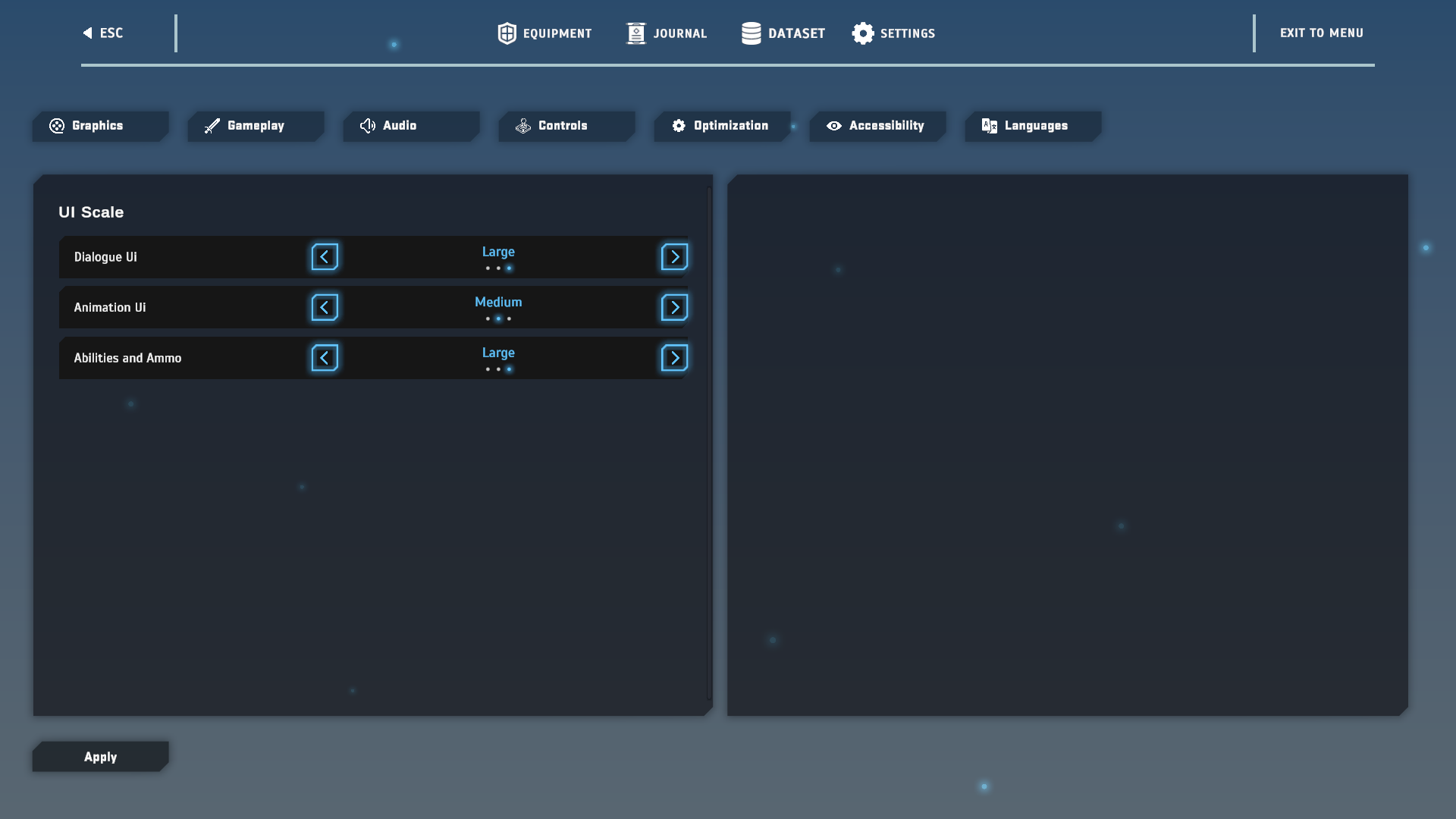
Right after a release, I spend a week focusing on smaller tasks that don’t demand much cognitive energy and this time by request I’m working on accessibility features – being able to make the UI bigger, so people with difficulties can see it better. I believe when selling a game on Steam, developers should be focusing on such things that won’t really be a priority if you are doing a game jam. Those are all kinds of accessibility settings, control rebinding, being able to revert the mouse Y (to support those who are used to playing on a controller), translation and much more.
Now, I’m going to post the whole changelog for v0.2 and a week-by-week breakdown of what I’ve been working on.
🌟Highlights:
- New H-Scene
- Enemies can romance you during combat [READ MORE]
- Customize your character’s equipment – equip and unequip individual items. [READ MORE]
- New character type – Mutant
- New character type – Slime
- Navigation System – Compass Points of Interest.
And much more…
Week 1:
- Skippable prologue (while playing it and from the menu).
- Checkpoints are now working correctly.
- Hold ‘E’ is converted to just Press ‘E’ in most of the cases, where it’s still hold, you will see a UI popup letting you know you should hold.
- The shooting range tutorial has only 1 task, which is a combination of the static & dynamic targets.
- The shooting targets count for the tutorial is reduced from 30 to 10 (but its repeatable if you wish).
- Enemy difficulty is toned down during the first level.
- If you break the collision in the cave level you won't fall down, but be teleported inside the cave again.
- Saving your progress after the level has been completed is fully working.
- Fixed full screen and windowed mode not switching.
- Small localization errors were fixed.
- Fixed small bugs in the UI.
Week 2 + 3:
- A new AI that stays in place and attacks – it will be used for tentacles and tanky characters that are optional to kill, but drop a decent loot.
- A new AI with low health, low movement speed, and a small target detection radius – Oh, am I making this guy weak on purpose? Exactly! This will be used as a pretty much lvl 1 creep that you can easily kill to heal yourself and it won’t be required to be eliminated in order to progress the level. I thought this could be much better than just spawning a lot of health packs you can freely pick.
- Added a default inventory when you first start the game – Melany’s Pigtails + Lab Girl’s outfit + M4 Rifle (+ A UI Update) – This will prepare it for v0.3 when you will be able to customize each individual item from your inventory and take it off.
- Pressing the “I” key opens the inventory rather than pressing ESC and then opening it manually.
- Updated the controller’s physics to be more consistent – should solve some going through walls issues while dashing.
- Changes to the romance scenes ability UI.
Week 4:
- Enemies can drop items that heal you upon interaction.
- Limit the amount of enemies and enemies of the same type that can attack you concurrently.
- Default crosshair, which is always visible even if you don’t aim with a gun. You can turn it off from the game settings, if you don’t want to see it.
- The player camera was moved to the right to give you a better view and going from non-ADS to ADS mode easier.
- Changes to lvl 1 in the Campaign's combat during quest 'Find the Lead' - added health pickups, decreased the amount of enemies on wave 3 and spawned more lower health creeps that drop health pickups when killed.