November 8 Update & Fixes:
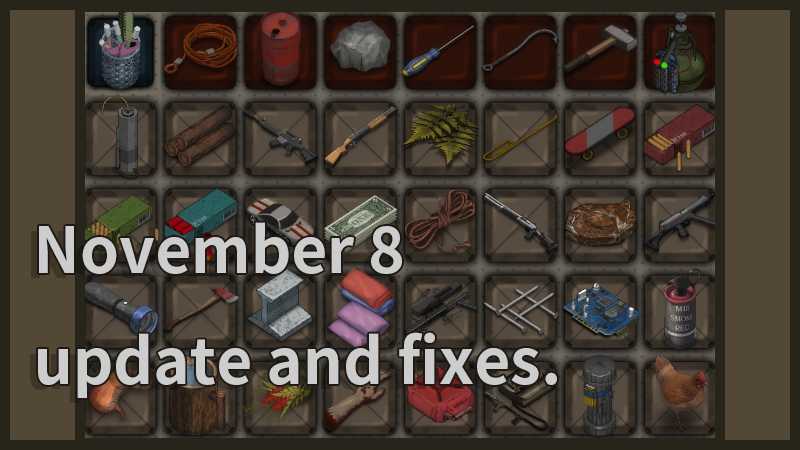
A new quick organize button has been added to the backpack interface. When in the backpack screen, press the "K" key to automatically organize items in your backpack.
The auto-organize backpack function includes:
Automatically stacking items of the same type.
Sorting items in order: firearms, melee weapons, food, grenades (throwable items), building materials, skateboard, toy car, wearable equipment, ammunition, and miscellaneous items.
Removing empty spaces between items.
(Note: Points 2 and 3 will not apply to the first row of the quick access bar in the backpack to avoid disrupting the preset quick access order.)
A prompt indicating the quick organize button has been added to the bottom of the backpack screen so players can easily identify the specific key.
Fixed an issue where ropes would erratically float in some situations. This was caused by frame rate fluctuations and has now been resolved.
Resolved an issue where red lines would randomly appear across the screen. This was due to incorrect code, which has now been corrected.
Fixed an issue where pressing the "Q" key while running caused the camera to zoom out. This issue was due to incorrect code sequencing, which has now been corrected.
Added an audio cue when unloading ammo in the backpack to confirm if the button has been pressed.
Added translations for some UI elements to make them more accurate and comprehensive.
Adjusted the position of the feedback button in the main menu for easier location and identification (when the language is set to Chinese only).
Background music volume is now included in the background volume control.
Fixed an issue where the minimap UI icon wouldn’t align centrally when there were no active tasks. This was due to a missing center alignment indicator in the code.