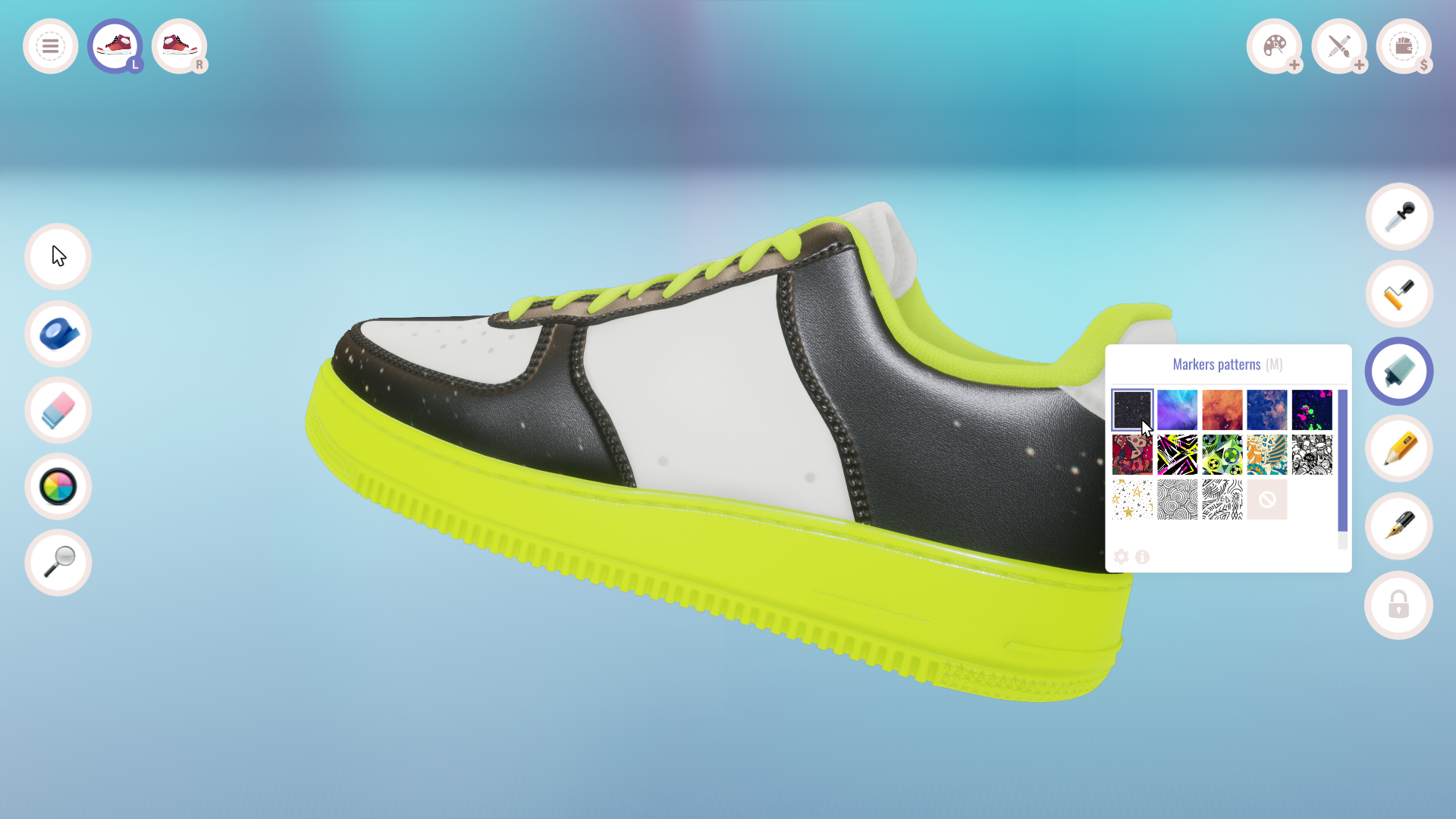
Hi! This is our first devlog, in which we will briefly describe what we were able to do in the first version of the SCS demo.
At the beginning, we focused on creating the mechanics of tools adapted to further development. Having all the necessary tools, we can develop them with new templates, colors and patterns. In this version, each of the tools, such as: brush, pencil, marker, or textures, have several test patterns, and their number will increase in subsequent stages of production.
At the moment, there are 3 editing modes:
- repair,
- cleaning
- painting
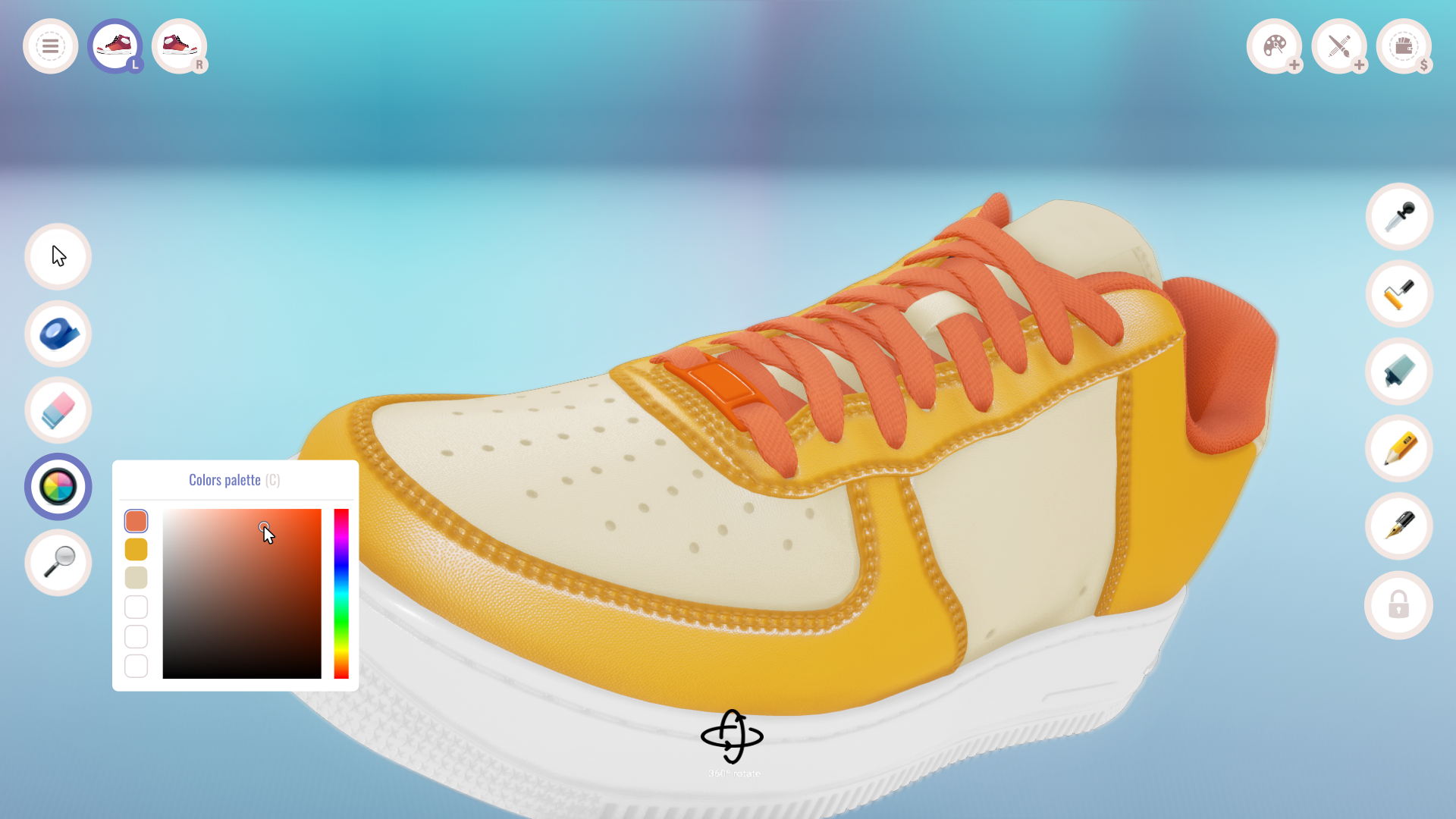
The demo contains the necessary tools for personalizing shoes, which can be easily supplemented with new brush and marker tips, palettes or ready-made patterns.
The most important mechanics:
- shoe visualization, rotating, switching, dividing into panels
- paint tools, markers, pencils, cleaners, glue, thread, polishing etc.
- the ability to undo and redo, save colors and keyboard shortcuts
- a color palette and several ready-made test patterns
- shoe change (left, right)
- bringing the shoe closer and rotating it in each axis (RMB + Mouse)
- we can undo or redo the undone move
- view the tool shortcut menu
More information about the current version of the game coming soon! ;)