
Hello everyone,
The biggest announcement in this update is the new encounter map layer/level/floor system. With this system every encounter map has 6 levels/floors for you to add items to, allowing you to add verticality to your maps should you so desire.
So how does this work? Well in the bottom right corner of the encounter map editor you'll find a text area which tells you what level you are on, and buttons to go up and down levels. You can also use the "." and "," keys, or the "[" and "]" keys to navigate between levels. The default or bottom level is 1, and between each level is a translucent layer of fog so you can clearly see what level you are on. The object placers and eraser will only affect the level you are currently on, so you don't have to worry about changing things on the levels above or below as you edit your map.
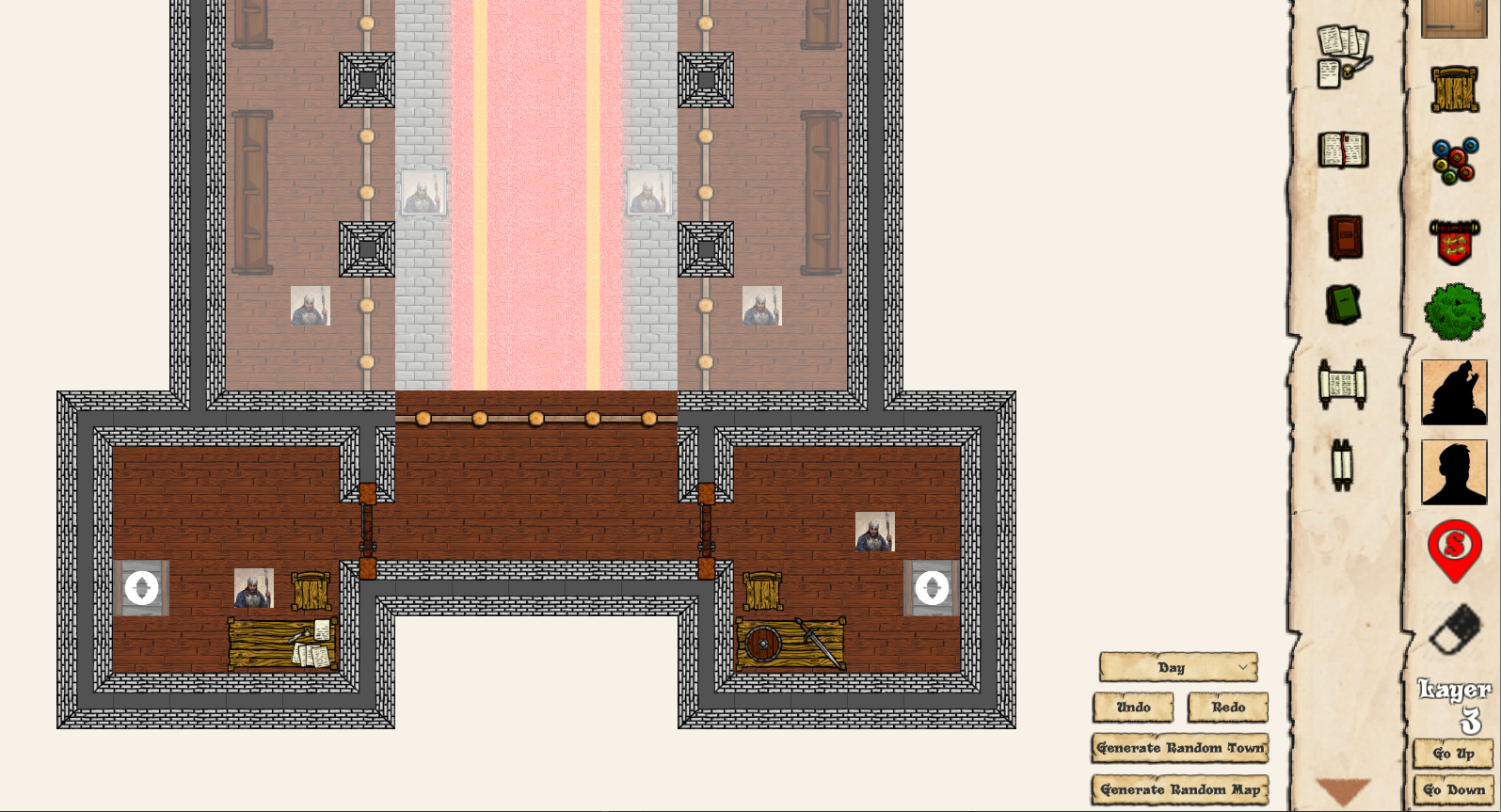
While hosting the game the DM is free to move between levels to view what is going on on those levels using the same method as on the encounter map editor.
In order for your players to get between levels you'll need to use the teleport utility. You can place the start of a teleport on one level, navigate to a new level, and place the destination. When players step on the teleport in game they will be moved to the new level and destination. When you place a stair object (under the furniture tab), a teleport will automatically be created from the stair to the level above it, so you don't need to worry about placing teleports on stairs you place.
During play players will be able to see down to lower levels, and will have their overall light mask only impacted by walls on their current level. Additionally spells with area of effect will only affect characters on the same level as they are cast on. For duration spells that have been placed if the player moves to a new level, then moves the spell the spell will move to the players current level.
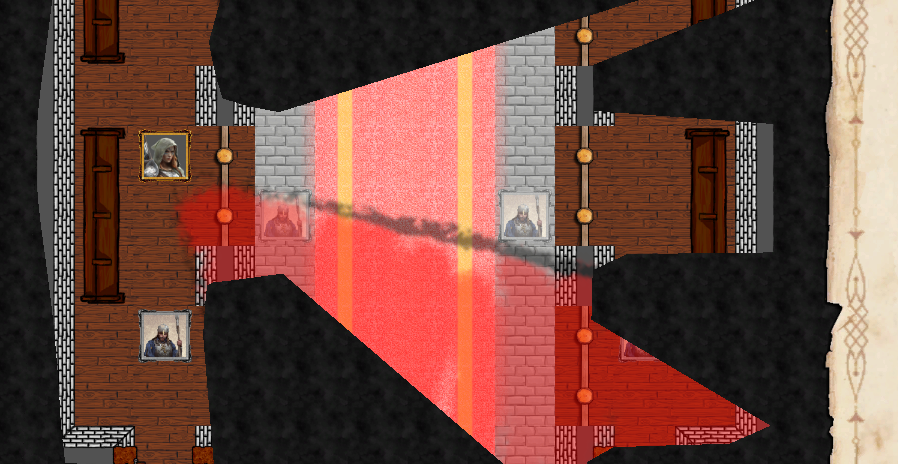
When a player is on a level higher than 1, and does not have a floor to stand on they will fall to lower levels until they hit a floor, or hit level 1. When they do they will lose 1d6 health per level fallen, as levels are 10 feet in height each.
DMs can move players between levels by dragging the player, and using the keys stated above to change level before letting go of the player, and this will drop them onto whichever layer the DM is viewing. This can be used to drop a player from a high level if you so choose.
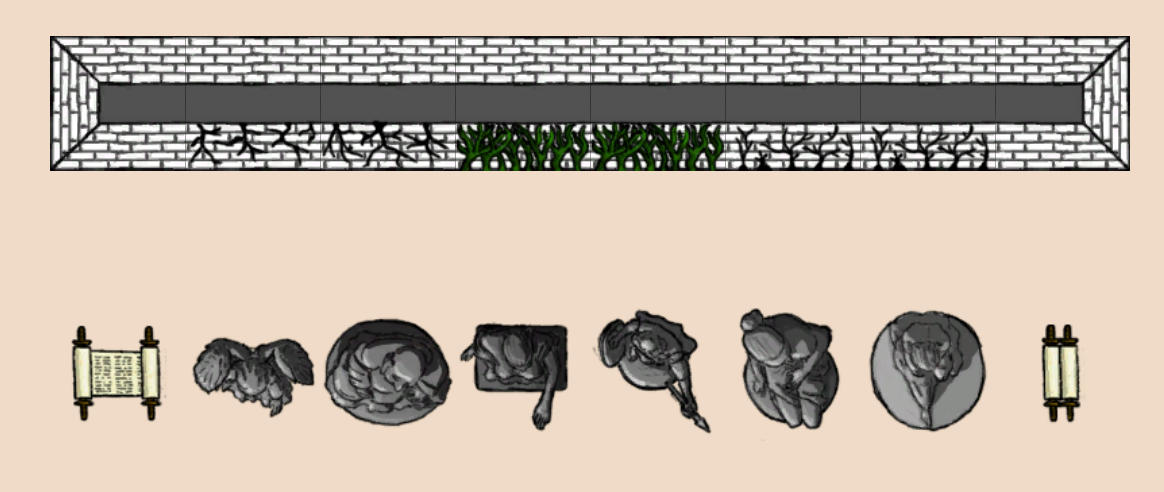
Finally a handful of new items have been added to the game including scrolls, statues, and cracks and vines to place on walls. As well I've redrawn the stone brick walls to better match the current art style, so hopefully you like the way it looks.
As always feel free to make suggestions for further changes to the game, and new items you want to see added by starting a discussion on the games community page. You can also point out any bugs you find here, and I will fix them as soon as I can.
Cheers
Brian