Here is a list of the new features:
- Calibration now has better instructions and another method to calibrate
- Standard Shader now has support for any bundle made from any version of Unity 2019
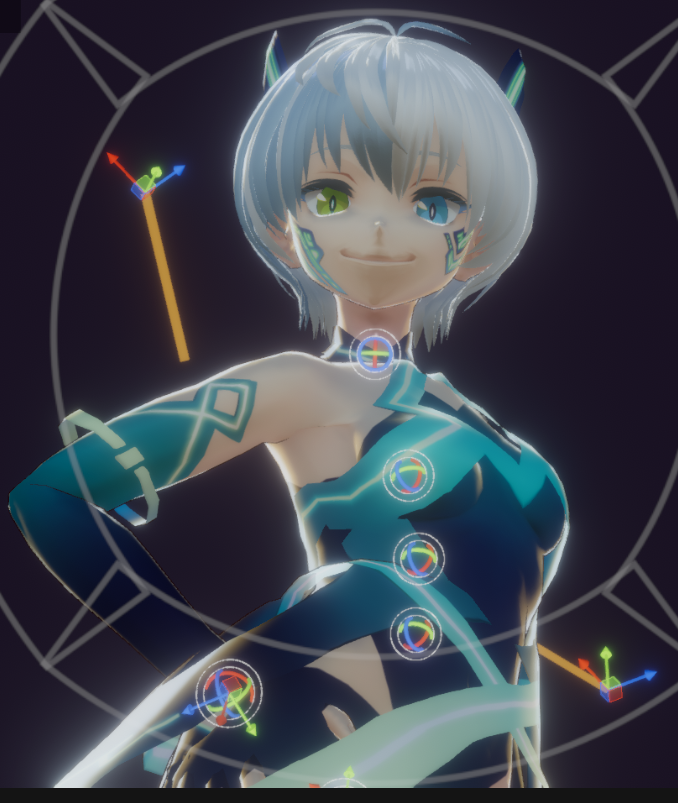
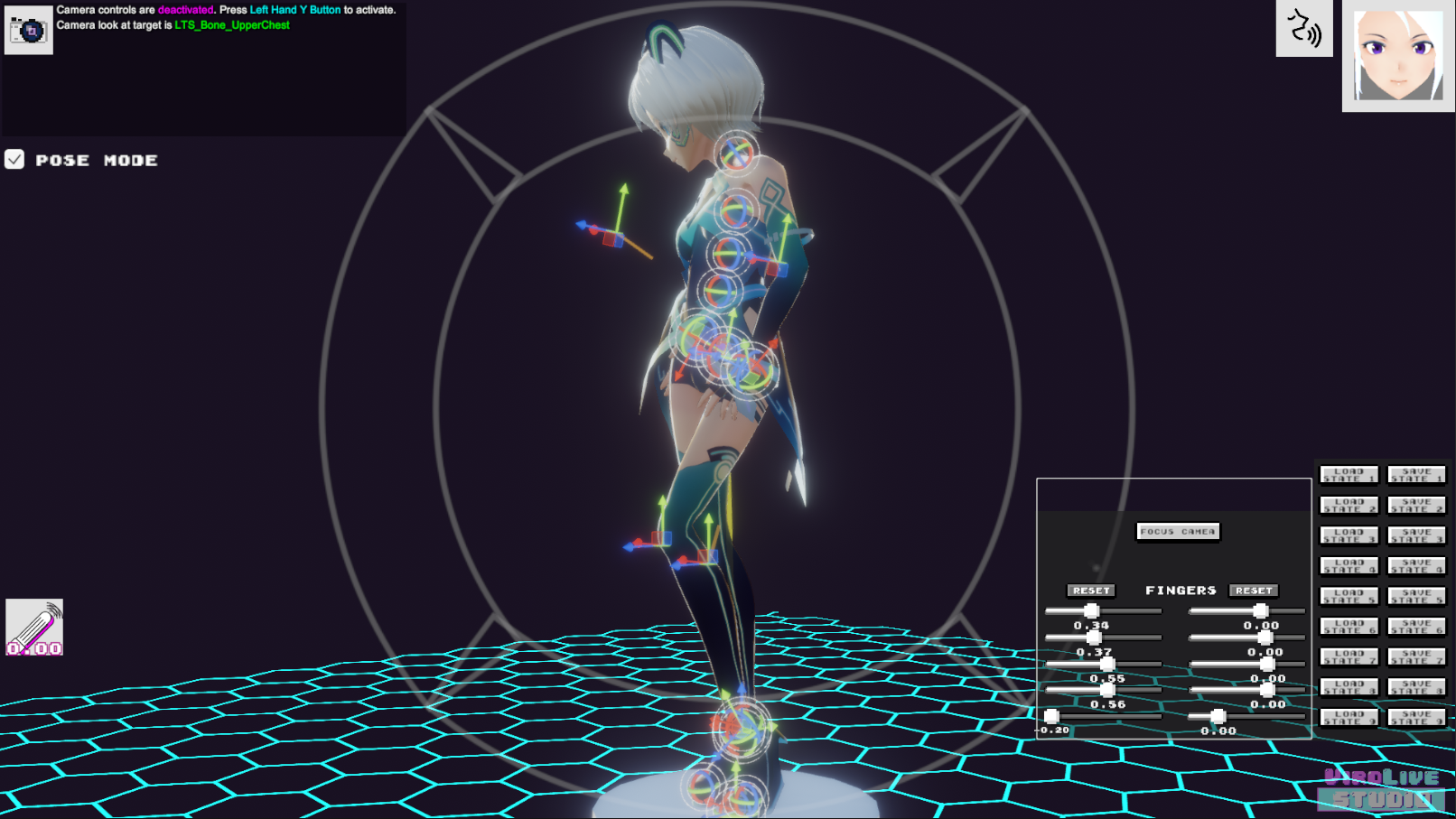
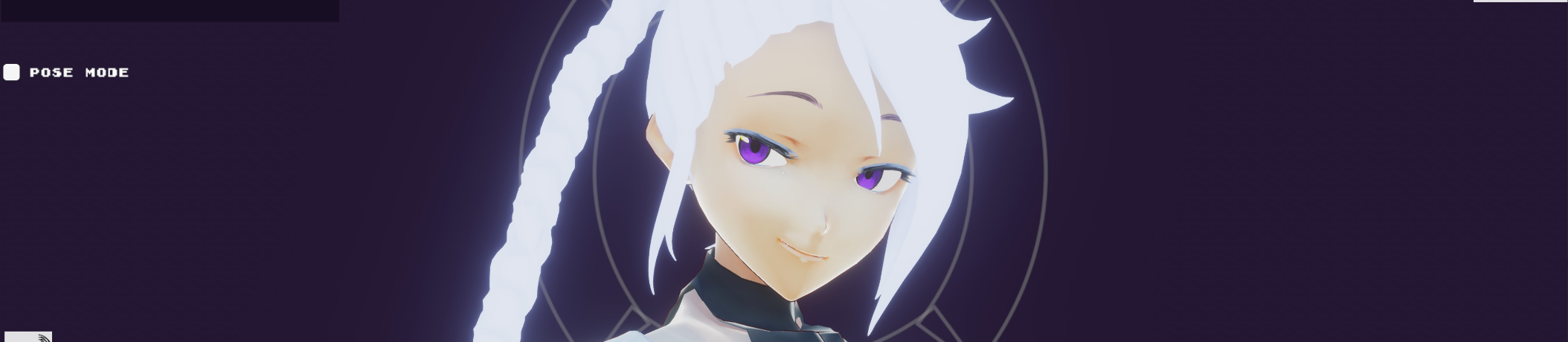
- Pose mode feature added. This allows you to pose your avatar any way you like. Great for photos or getting your character ready when only streaming with head tracking (EX: ViRo Live Face Portal for iOS)
- VRMs can now import without a thumbnail
- New tutorial section leading people to find more resources as needed
- Bend Goals added to pose mode for IK adjustments
- Fingers now reset on UI button in Pose Mode
- Hall of Mirrors Bug in VR mode fixed
- Skybox support added when exporting / loading a bundle
- Default Pose added to Pose Mode
- Vive Pro Eye and Vive Face Tracking mode now work with custom avatars (VRM and non-VRM)
- Getting out of menus is faster for people wanting to use Pose Mode
- Fullscreen toggle added in Settings
- Help and Tutorials now point to online guides for addition resources
- VSF support added. Place VSF avatars in ViRo Live Studio\User Assets\Asset Bundles\... (Not all plugins supported)
- VR head tracking in roomscale no longer breaks neck
- Shoulder Rotation Weight: Adjust how much your shoulders follow your arm movement
- Left / Right Arm Swivel: Adjust the rotation of your arms and how they bend
- VR Tracking Scale: Have all tracked objects move closer or further away from each other
- VR Tracking Height: Adjust the VR Floor Level
- Avatar Scale: Range Adjusted from 0.7 - 1.3 to 0.5 - 1.5
- Quivering motion bug fixed
- Fixed some UI ghost input bugs
- Slider that scales tracking space, to help with some avatar proportions
- Buttons that offset the tracking space, to help with some avatar proportions
- Shoulder slider to help with some avatars
- Elbow bend swivel sliders added
- Fixed some elbow and knee twitching
Thats a pretty big list ^_^!
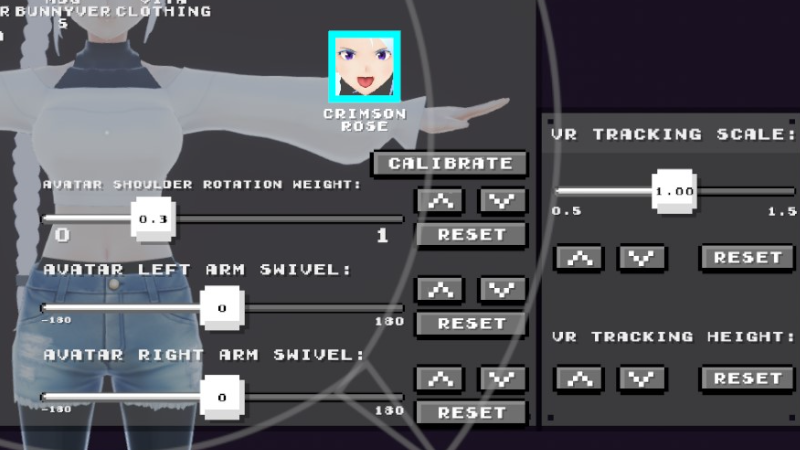
Shoulder adjustment options
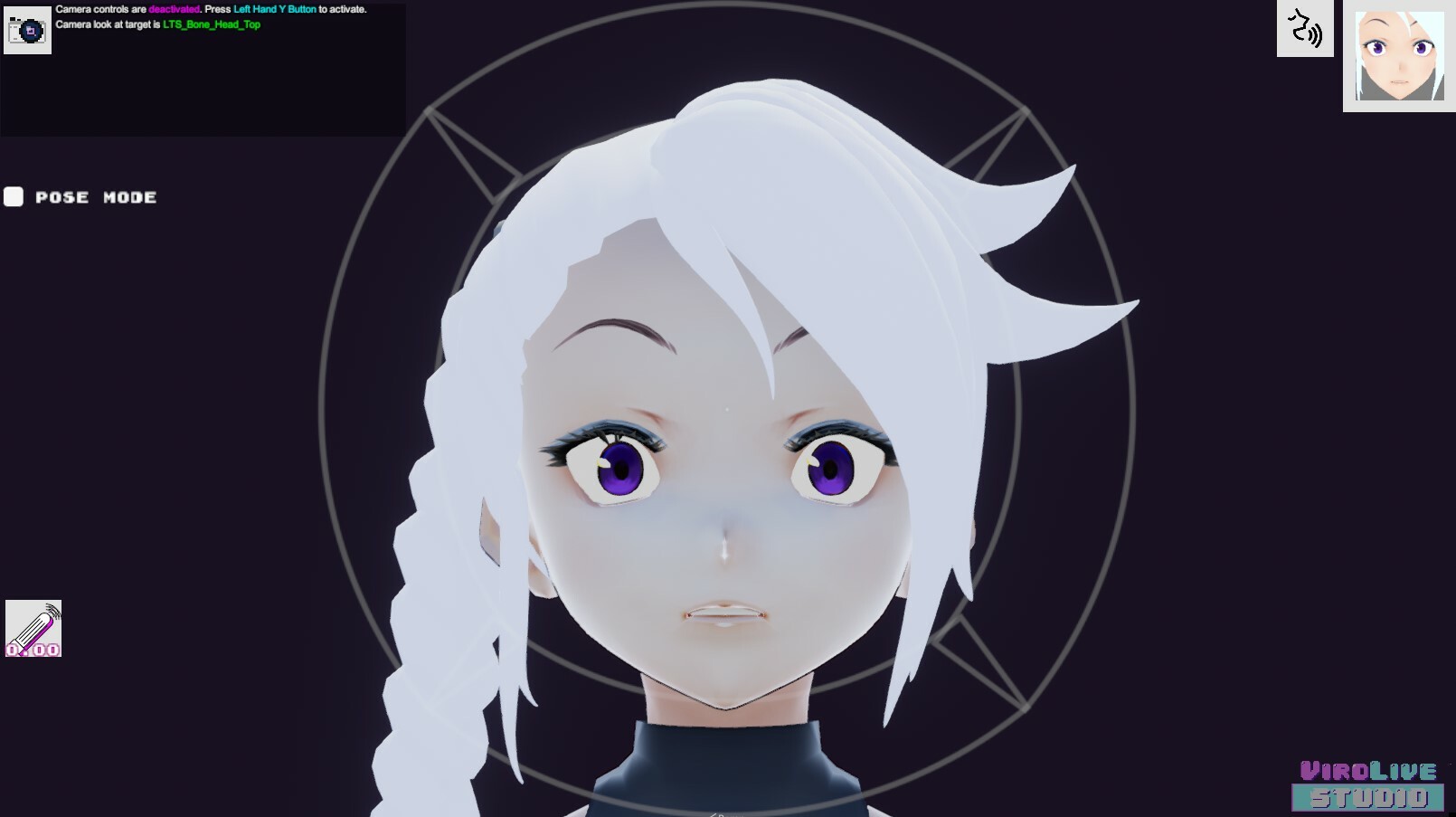
Pose Mode:
Pose mode is used to Pose your Avatar. This is great for taking screenshots or posing your avatar for simple streams that only use lip sync and/or head tracking.
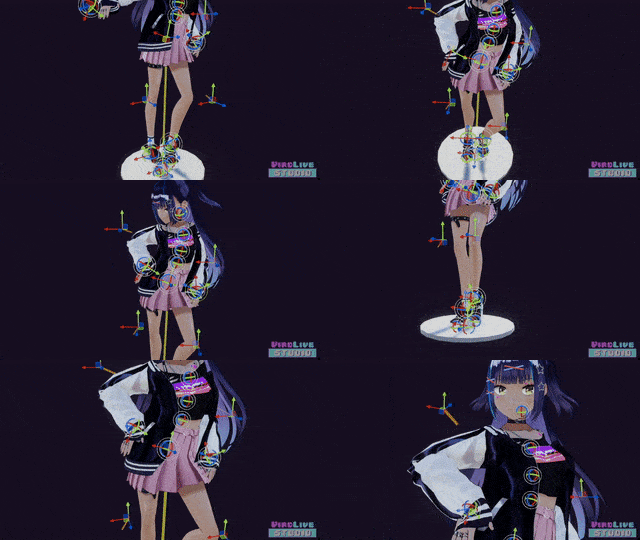
Controls:
- Press the right mouse button and hold it to rotate around your avatar.
- Use the middle mouse button to pan.
- Left click is used for moving and rotating various gizmos to assist in posing your avatar.
- Press the F key on your keyboard to focus on your avatar.