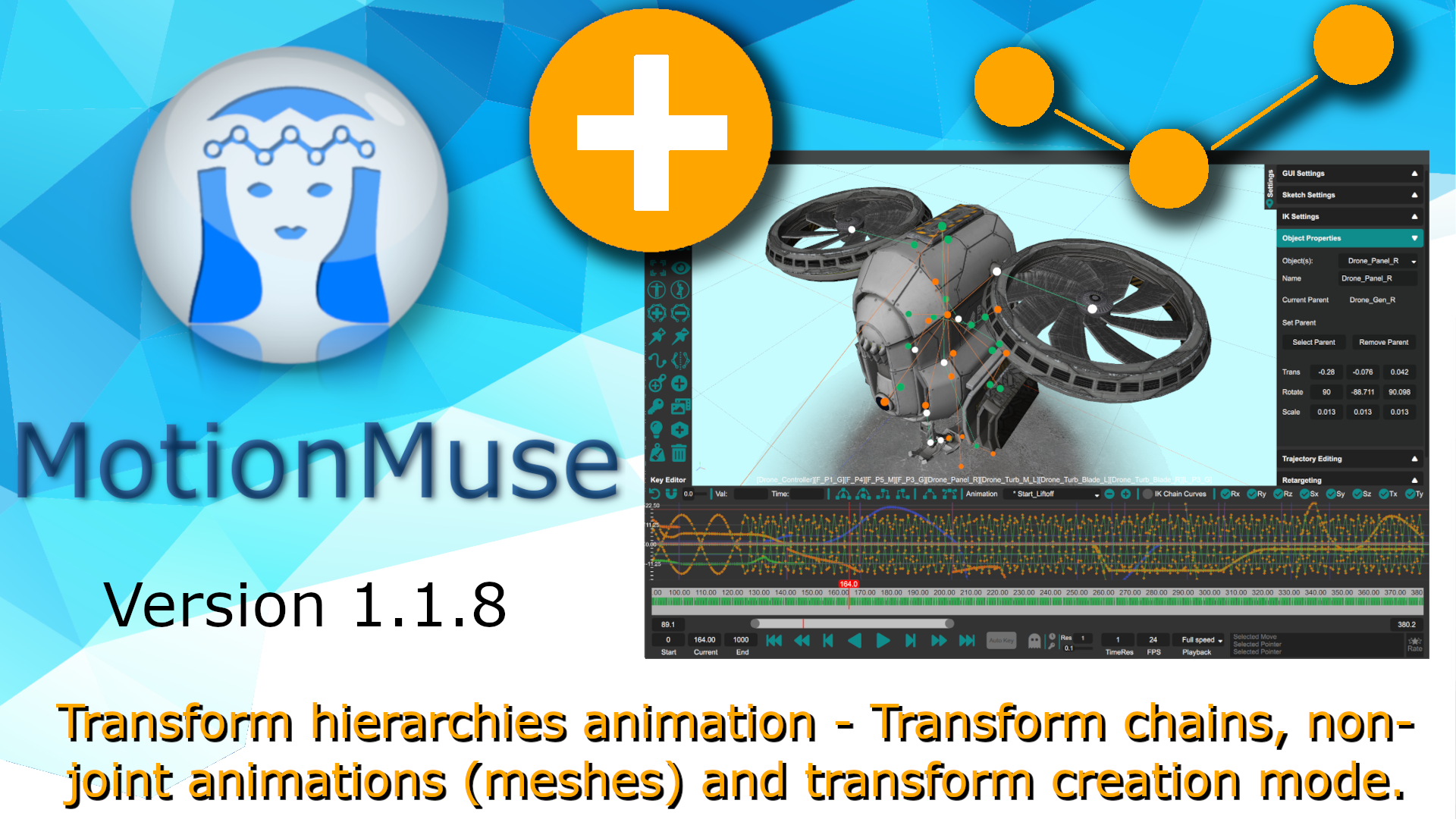
MotionMuse Version 1.1.8 adds transform animations with parent-child hierarchies; this allows for general animations to be created/edited in MotionMuse. Objects not bound to joints can now be animated using this system. Transform animations can be imported and edited similar to joint hierarchies, with only FK (using gizmos) supported for transform manipulation. Animation curves, key creation/deletion and KeyEditor work for these animations as before. Transform creation is also supported using a new tool in the toolbar - this works similar to Joint creation with support for x-mirror while creating transform chains. A new object setting panel has also been added to object properties for transforms; to edit the parent-child relations and values for selected transform(s). A full changelog for version 1.1.8 is as follows:
Added: Transform parent-child hierarchical animation support (import, export, KeyEditor).
Added: Transform creation button/mode to the toolbar and menu to create transform chains.
Added: Transforms appear as round discs with parent-child relations appearing as lines.
Added: Toggle to show/hide all transforms/relations in the General Settings panel.
Added: Object properties for transforms to edit parent-child relation and values.
Added: Transform icons in the treeview to show parent-child relations.
Added: Support for simple Mesh animations, as each mesh has a parent transform.
Fixed: Key creation for all now only keys all visible key-able objects.
Fixed: Random crashing in some cases when changing the timeline slider.
Fixed: Long animations (with multiple frames) taking too long to load in some cases.
Fixed: Gizmo selection plane changing size with joint sizes.
Fixed: Hiding a joint/transform now hides its child sub-tree as well.
Fixed: Object properties defaulting with multiple selected objects when mouse clicked.
Fixed: Changed quaternion to Euler angles conversion for better consistency.
Removed: Show/hide bones - joints toggle now toggles the bones.
Note: Only FK (gizmo) is supported for Transform manipulation - IK, Sketching do not work.
Note: Similar to joints, animated transforms appear green, orange otherwise.