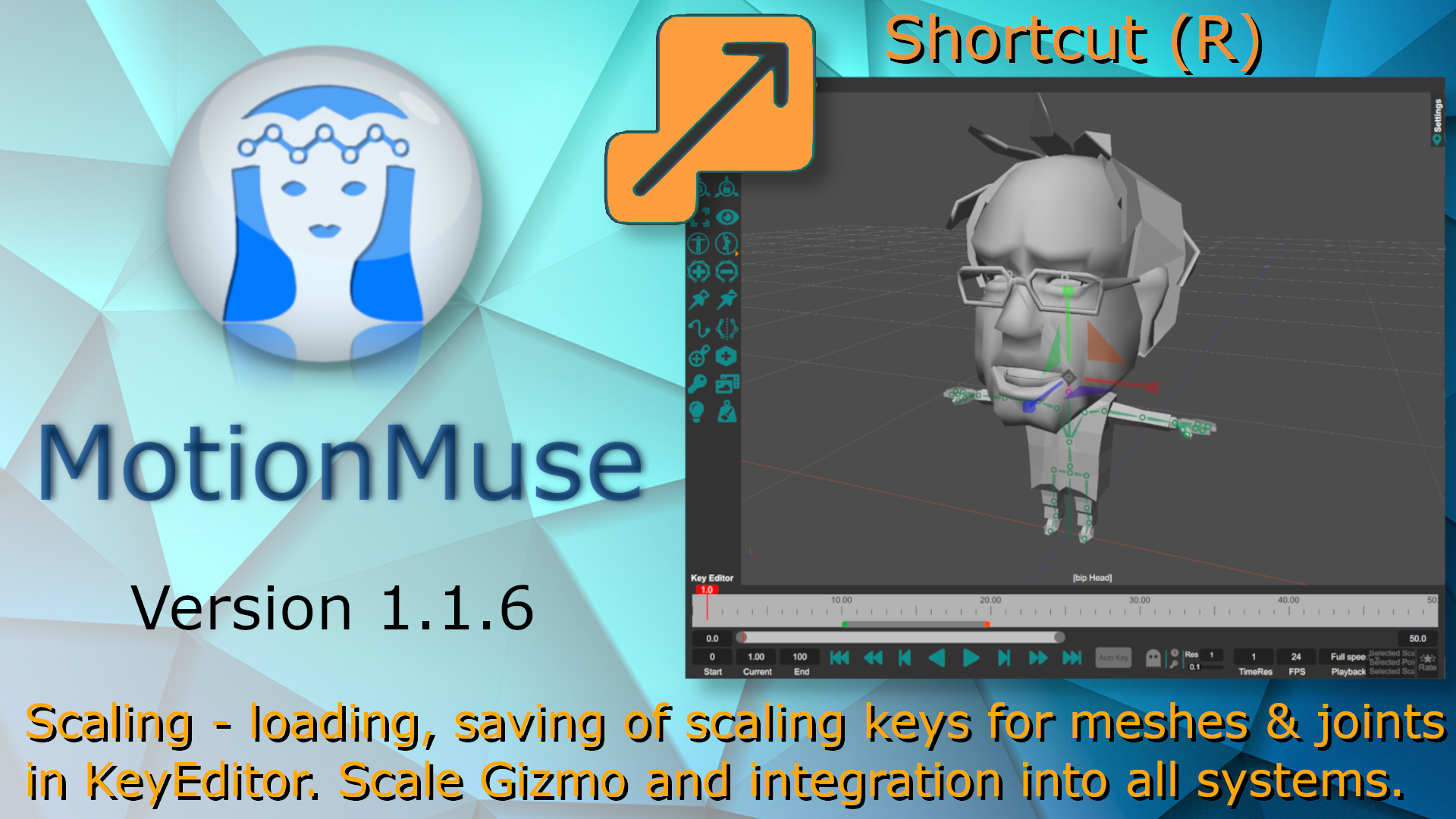
Version 1.1.6 adds scaling to MotionMuse. Meshes and Joints can now be scaled and keyed accordingly. Joints can only be scaled uniformly while other objects can be scaled non-uniformly. This helps in character rigging to properly align joints within meshes in case of discrepancies. A new scaling gizmo has been added to the toolbar, renderer, in order to facilitate this (shortcut 'R'). Existing systems have also been accommodated to work with scaling including IK, sketching, retargeting, ghosts and motion editing amongst others. Scaling curves can also be created, modified and exported using the keyeditor. This version fixes some issues with auto-rigging and textures not loading properly. The next few versions will focus more on quality of life improvements on fixing bugs and crashes as we focus on revamping the underlying systems. The full change log for version 1.1.6 is as follows:
Added: Gizmo to allow scaling along each axis/plane, button added to toolbar (shortcut 'R').
Added: Scale curve toggle buttons to the timeline to show/hide scaling curves.
Added: Scaling options to the object properties panel to set scale values.
Added: Scaling to ghosting, IK, posing, mirroring & motion editing to solve space-time constraints.
Note: Scaling the root does not scale the entire animation - as translation keys are not scaled.
Added: Exporting scale keys using GLTF and FBX exporters.
Added: Loading scaling keys for FBX, GLTF, GLB and VRM input formats.
Added: "Create" menu added, to easily add objects to the scene from one menu.
Fixed: Auto-Rigging crashing with one or two joints / bone.
Fixed: Sometimes creating a key collapsing the skeleton to origin.
Fixed: Local gizmos displaying as too large in some cases.
Note: Some older MUS files may run into compatibility issues with this version.
Fixed: Drag and drop files for USD, USDZ, USDC, OBJ, STL formats.
Fixed: Textures not loading properly for some FBX files.
Removed: Trash/delete button from the toolbar and re-arranged the toolbar.