
It’s been a while since we’ve updated the Demo but we’ve been working hard!
 Here is a list of changes and additions:
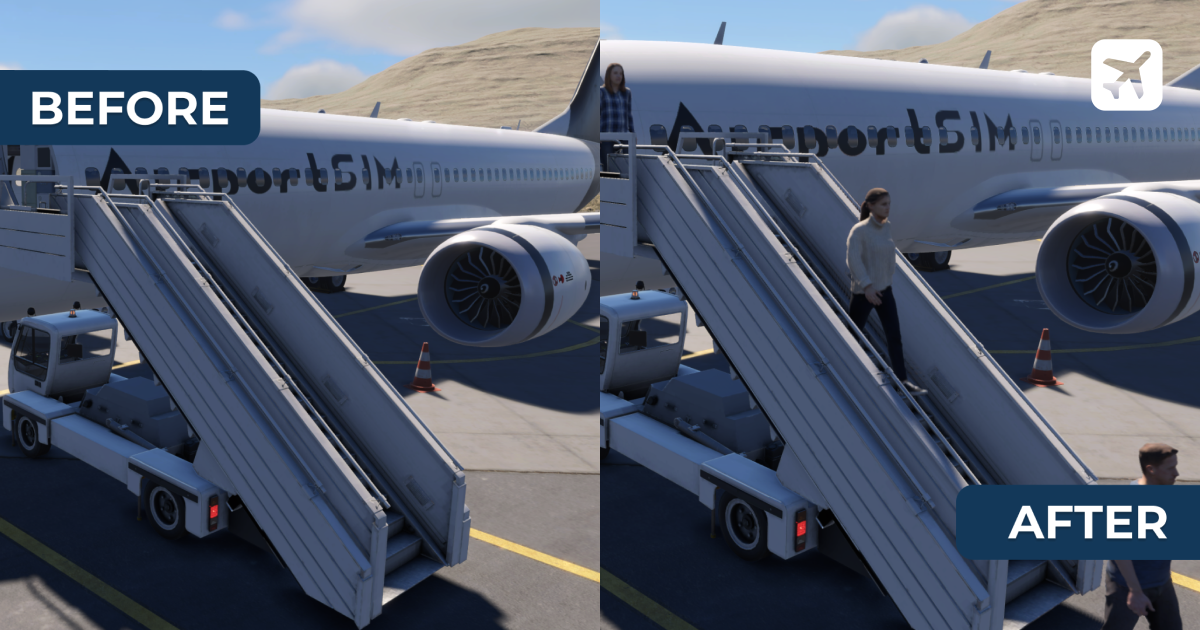
- Passengers finally arrived to the AirportSim! Now you will see them boarding and disembark the aircraft!
- In side of the terminal the passengers are now visible
- New reworked system for vehicle connection to the aircraft - stairs should be easier to connect now
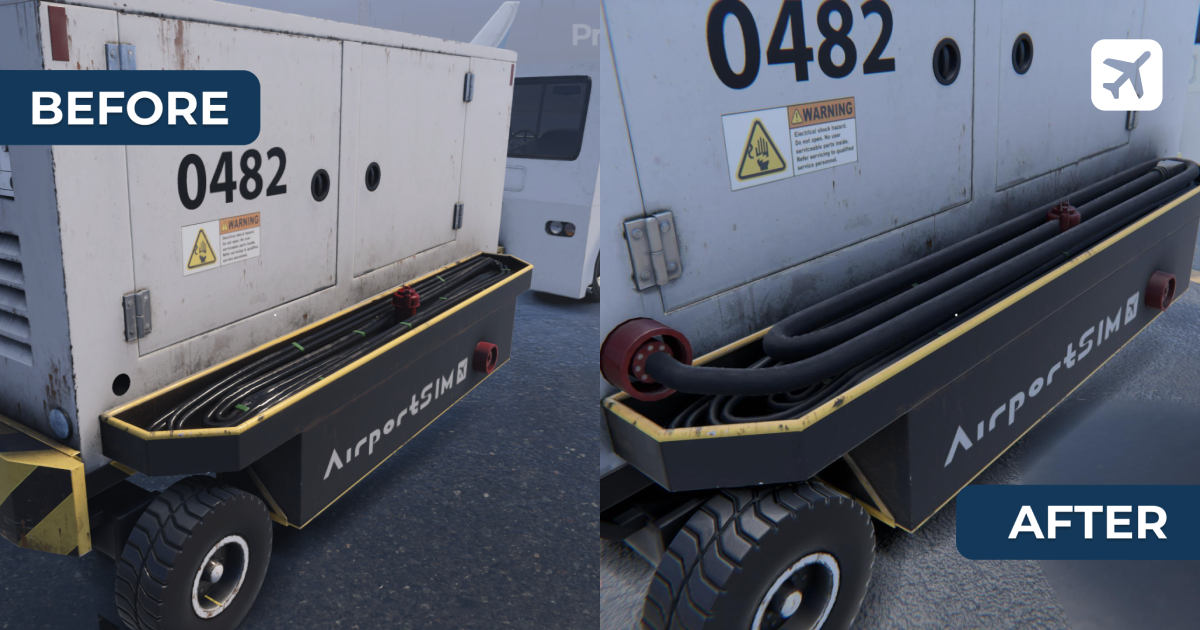
- Physical cable added to the GPU - now you can carry it around and connect it into the aircraft.
- Changes in tutorials:
• Tablet Demo name has been change into Tablet Introduction
• Demo name has been changed into Turnaround Tutorial
• New stage for picking up GPU connector has been added
- Keys hint can be requested by pressing the F11 button and Y button on controller
- Crouch added on Left Ctrl key and B button on controller
- Rotation of items moved onto Right Mouse Button (hold) and onto LT (hold) on controller
- Settings in Pause Menu are working now
- FOV and Camera Wobble Slider has been added
- Vehicle peripheries ring has been added. The ring will contain all available options to control lights, wipers turn lights etc.
Ring option will be available under Q key and on XBox Pad under D-PAD Left
Fixes:
- texture and model fixes for B737 Max
- APU not starting up when requested by player
- corrections to the driving models of vehicles - now luggage tractor and luggage loader are RWD and ABS and TCS are disabled - just like in real life
- speedometer and rpm gauges inside vehicles not moving
- keys hint not showing up when picking up the object
- GPU connection LED on the panel is now working
- "Aircraft parking at a gate..." has been changed into "Aircraft parking at stand..."
- When stairs are extended you cannot retract the supports
- Luggage loaded into front luggage hold were displayed in tablet as they were loaded into aft cargo hold
- other minor fixes
- further optimization