
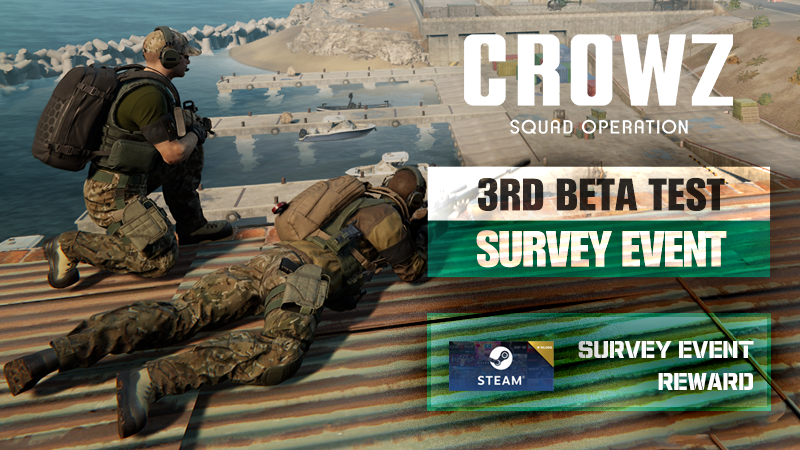
Thanks to the interest and participation of the Crows, the 1st and 2nd global beta tests have been successfully completed. And finally, the 3rd beta test is scheduled this Saturday.
We have prepared a small event to show our appreciation to the Crows who expressed their voices for the positive development of CROWZ!
Crows who participated in the 3rd beta test and completed the survey will be given a 'hat' item that can be used at the official launch and special gifts, so please consider participating!
▶ Event Schedule: January 21, 2022 15:00 ~ January, 2022 26 14:59 (UTC+0)
▶ How to participate: Click the link below to participate
★ Participate Survey Link: Click!
※ The survey link will be activated with the start of the 3rd global beta test.
※ Please participate in the survey after playing in the 3rd global beta test.
※ The survey link is the same link as the survey link provided in other notices.
▶ Reward: Steam digital gift card 50,000 won (10 people selected randomly)
※ It is the same as the survey that you must participate in to receive the 'hat' item that can be applied at launch.
▶ Notice
- After the event ends, friend requests will be sent out to Steam64 ID in the Event Winner Announcement.
- Friend requests are to send out event rewards, and will be deleted after.
- After accepting friend request, you must maintain friend status for at least 3 days in order to send the reward.
- The digital gift card you purchased will automatically be converted into your residence's currency.
- When participating in the survey, you must enter your 'Steam64 ID'. If you enter the wrong information, you may not be eligible for reward, please be sure to enter the correct information!
※ How to check 'Steam64 ID': Access the Steam page → Log in → Click [View Profile] at the top right → The number listed after the URL address on the profile page is the Crows' 'Steam64 ID'.
Example) In the case of https://steamcommunity.com/profiles/111222333444555/, [111222333444555] is the 'Steam64 ID'.
- If you are using a custom URL, you must copy and enter the ID after removing the custom URL.
* How to check 'Steam64 ID' & remove Custom URL in advance: Click!
- Rewards and schedules are subject to change according to internal circumstances.
#CROWZ #EVENT #REWARDS #SURVEY #PLAY #THUMBAGE #ROYALCROW #FPS #Crows