
Hello all,
We're adding three realism animators for the first early access release. The second one is a look animator (the previous one was a female chest animator and the next one is an eye animator). You can try out the new feature in the demo with the following steps:
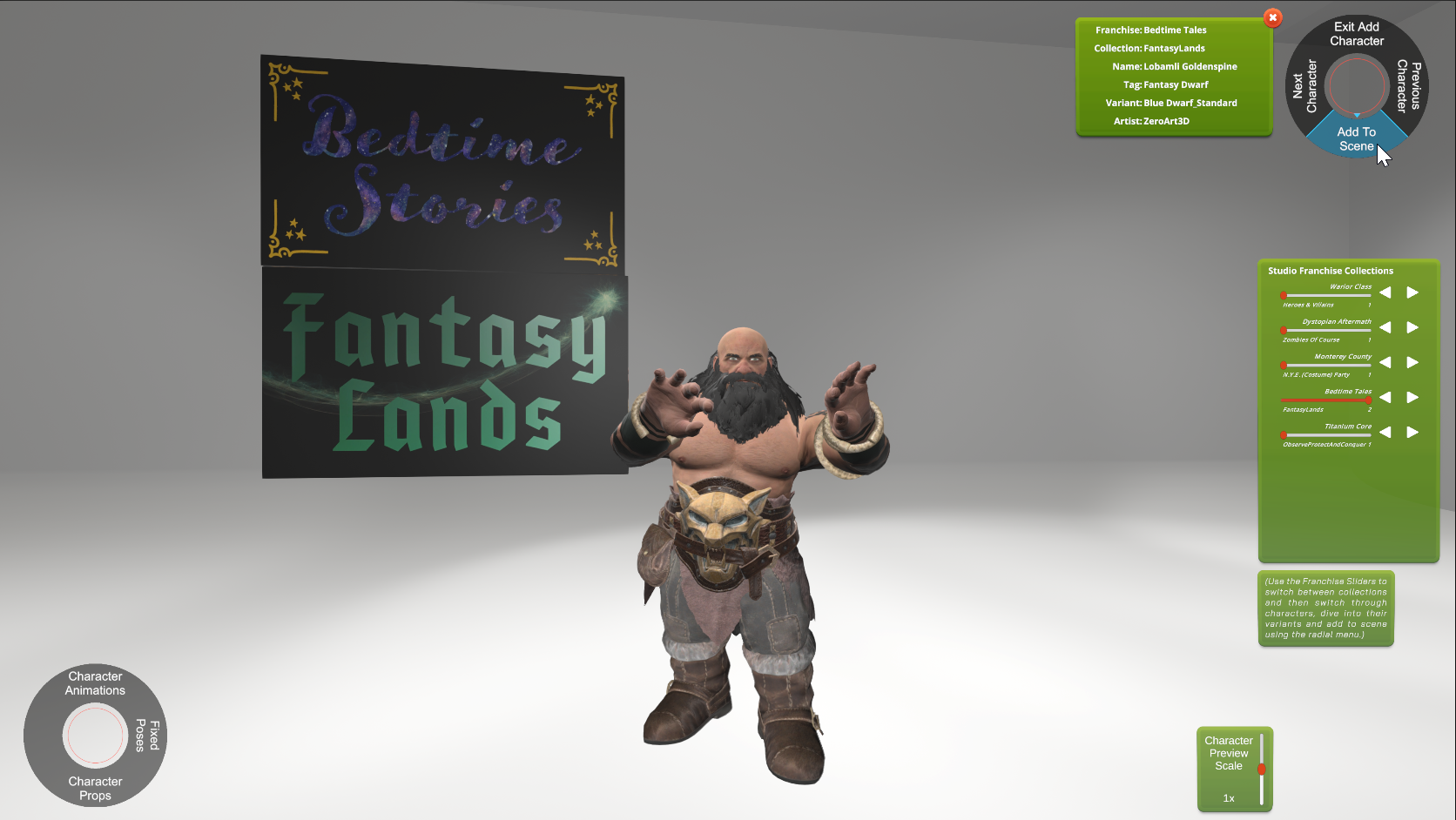
1. Add Character (All humanoid characters should support the look animator, we'll be adding support for dragons, etc for the early access release)
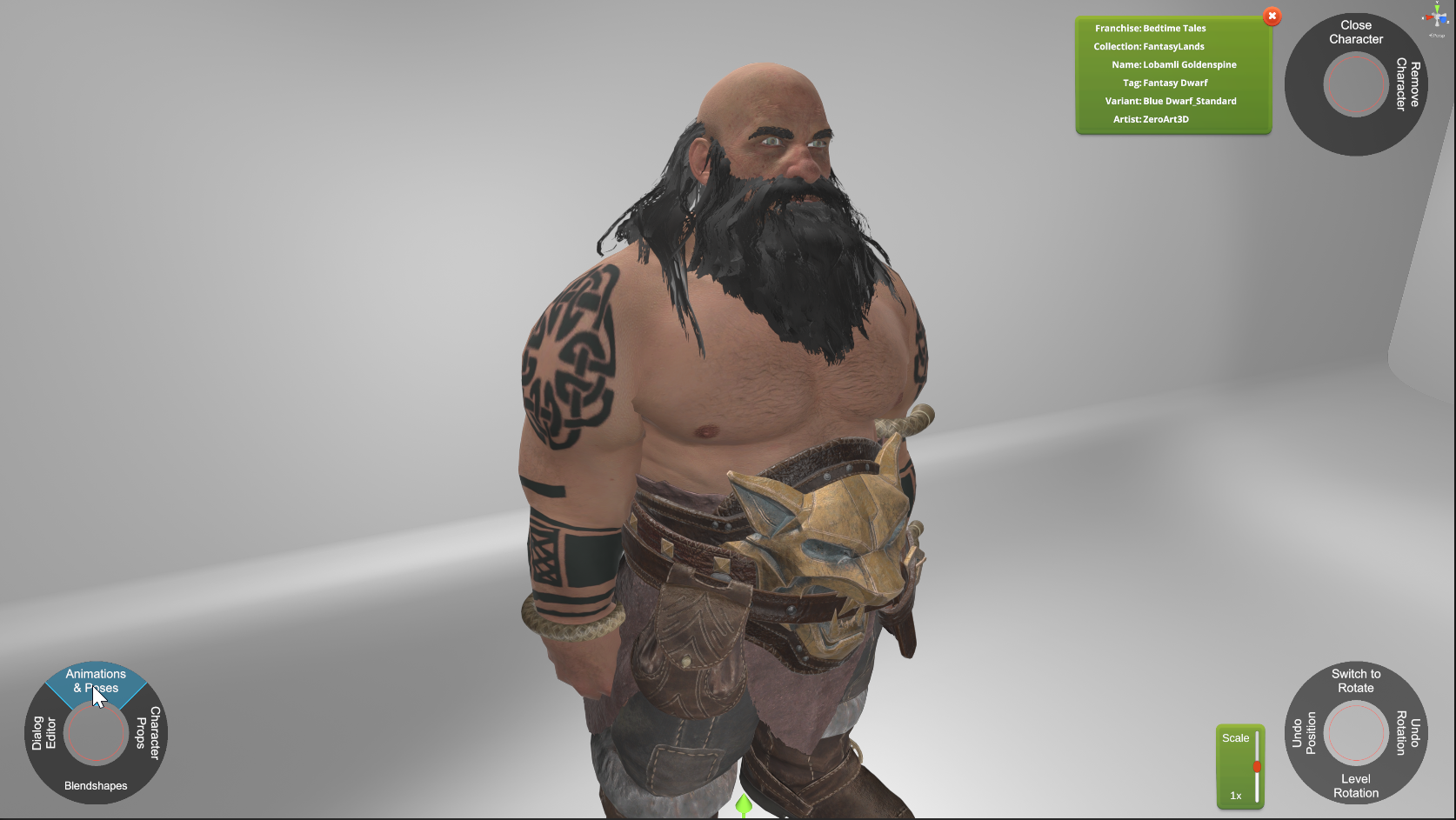
2. With the character added to the scene, click the Animation & Poses button on the bottom left radial menu.
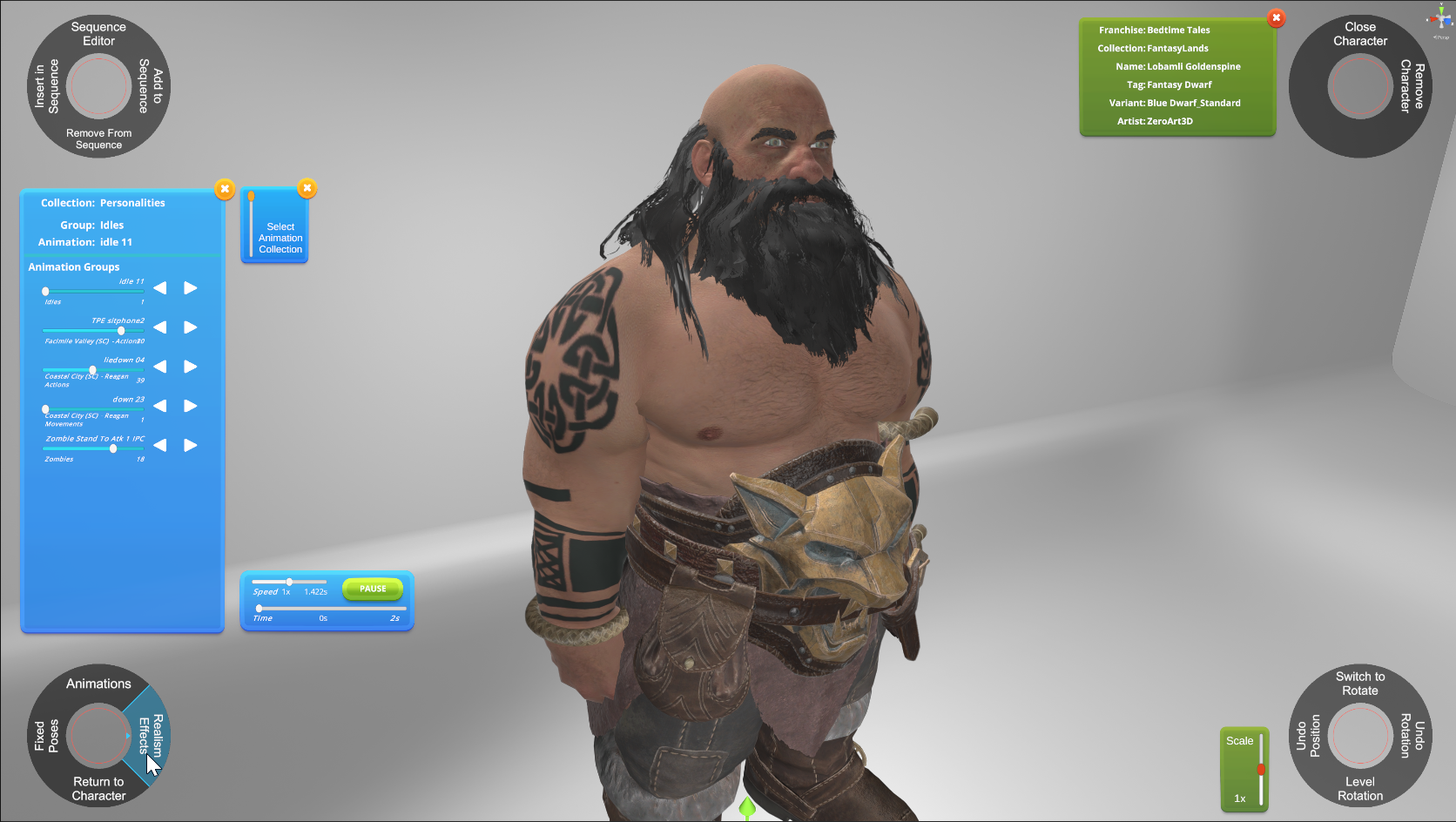
3. Go to Realism Effects on the updated bottom left radial menu.
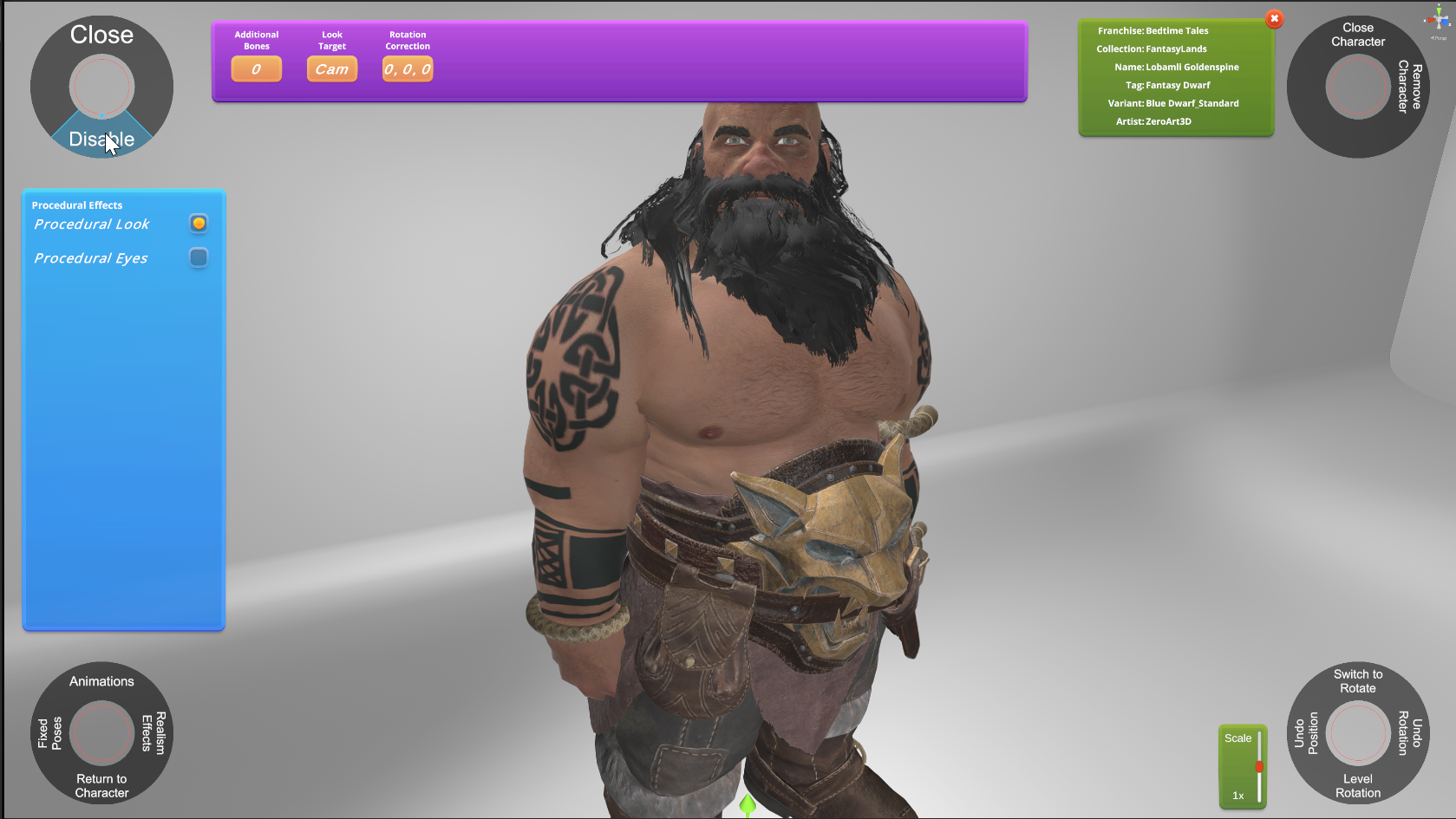
4. Select the Look animator from the list and then click the enable button on the top left radial menu. (The character will be temporarily placed in a T pose so the neck can be calculated correctly.)
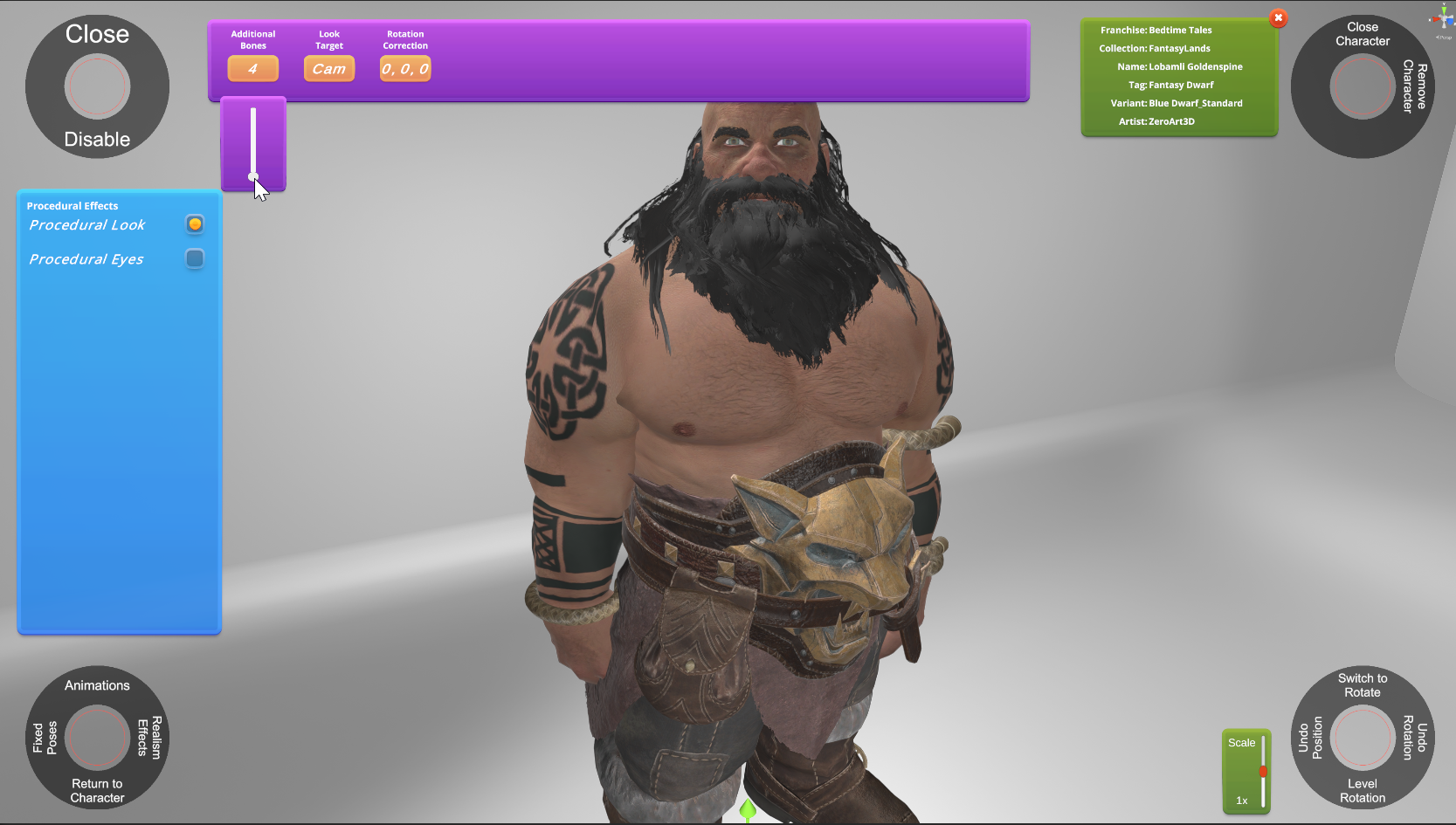
5. Once enabled, you can adjust the settings. The Additional Bones setting allows you to add spine members to increase the amount of bones engaged in turning.
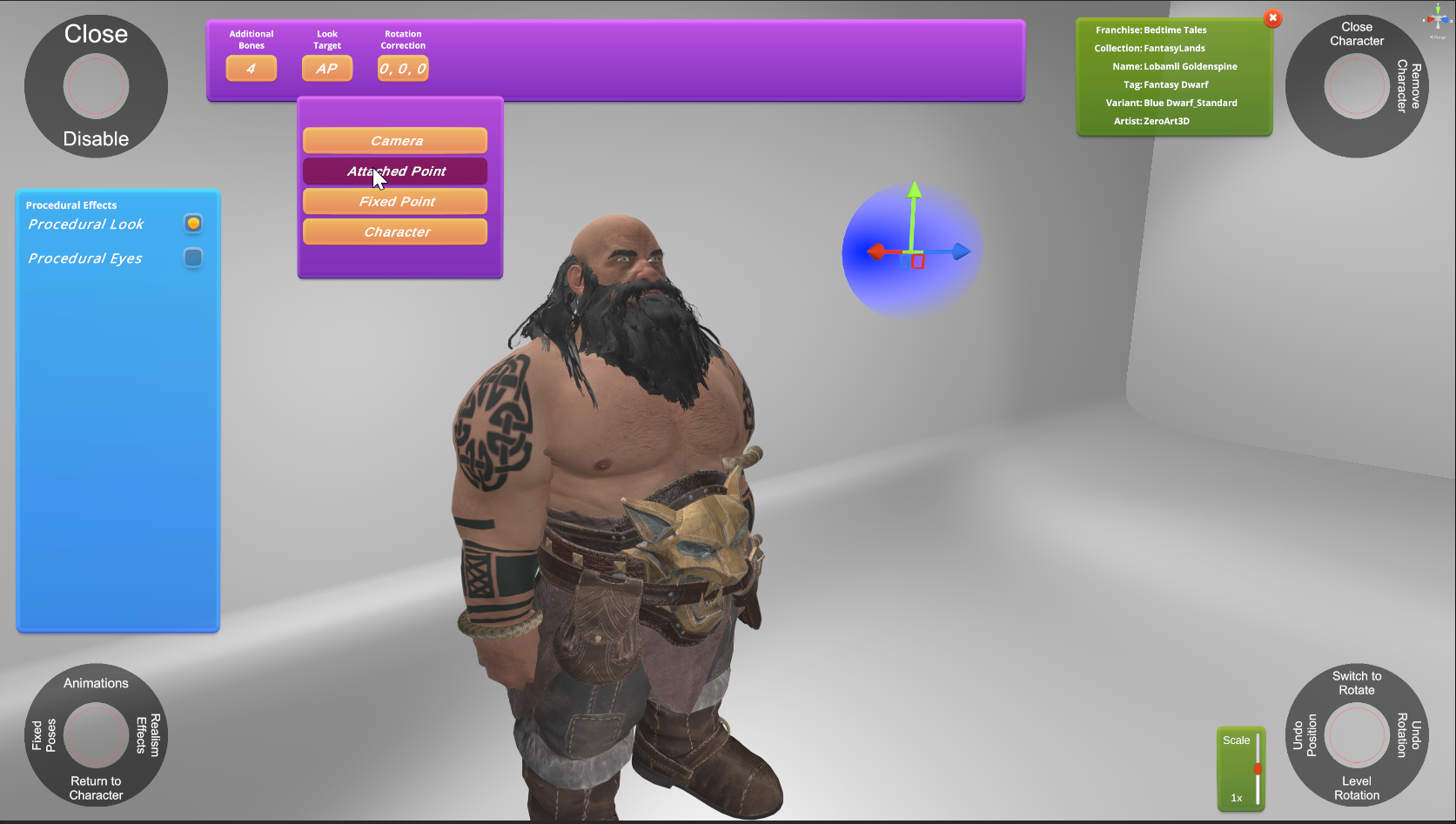
6. You can switch the look target to an Attached Point, which moves with the character.
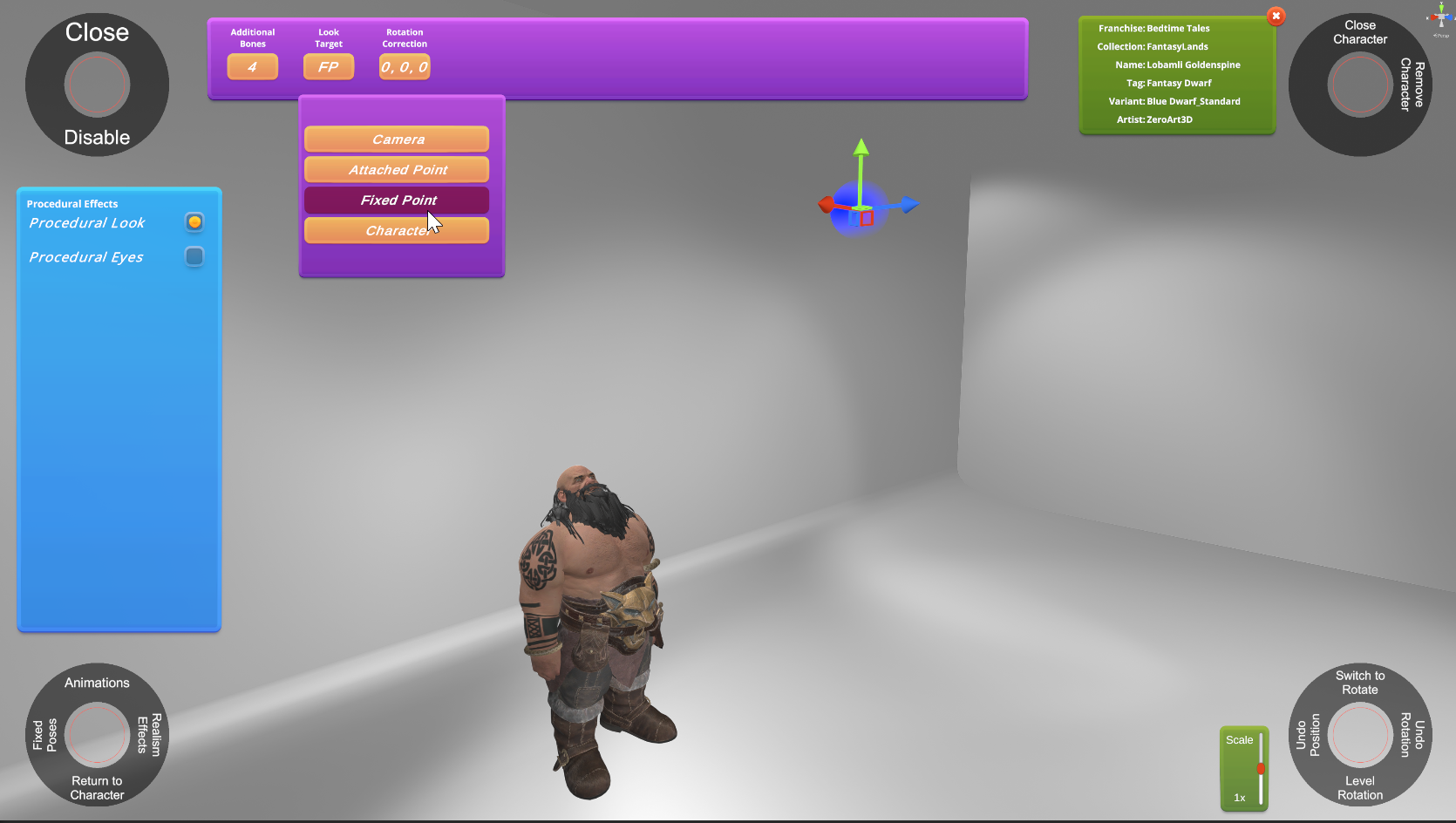
7. Or Fixed Point which can be placed anywhere in the room without being affected by the character travel.
Thanks for your time! The Eye Animator will be posted in the next day or two.
Arcade Player '99