
Welcome to the NewTaskbar 1.2 update
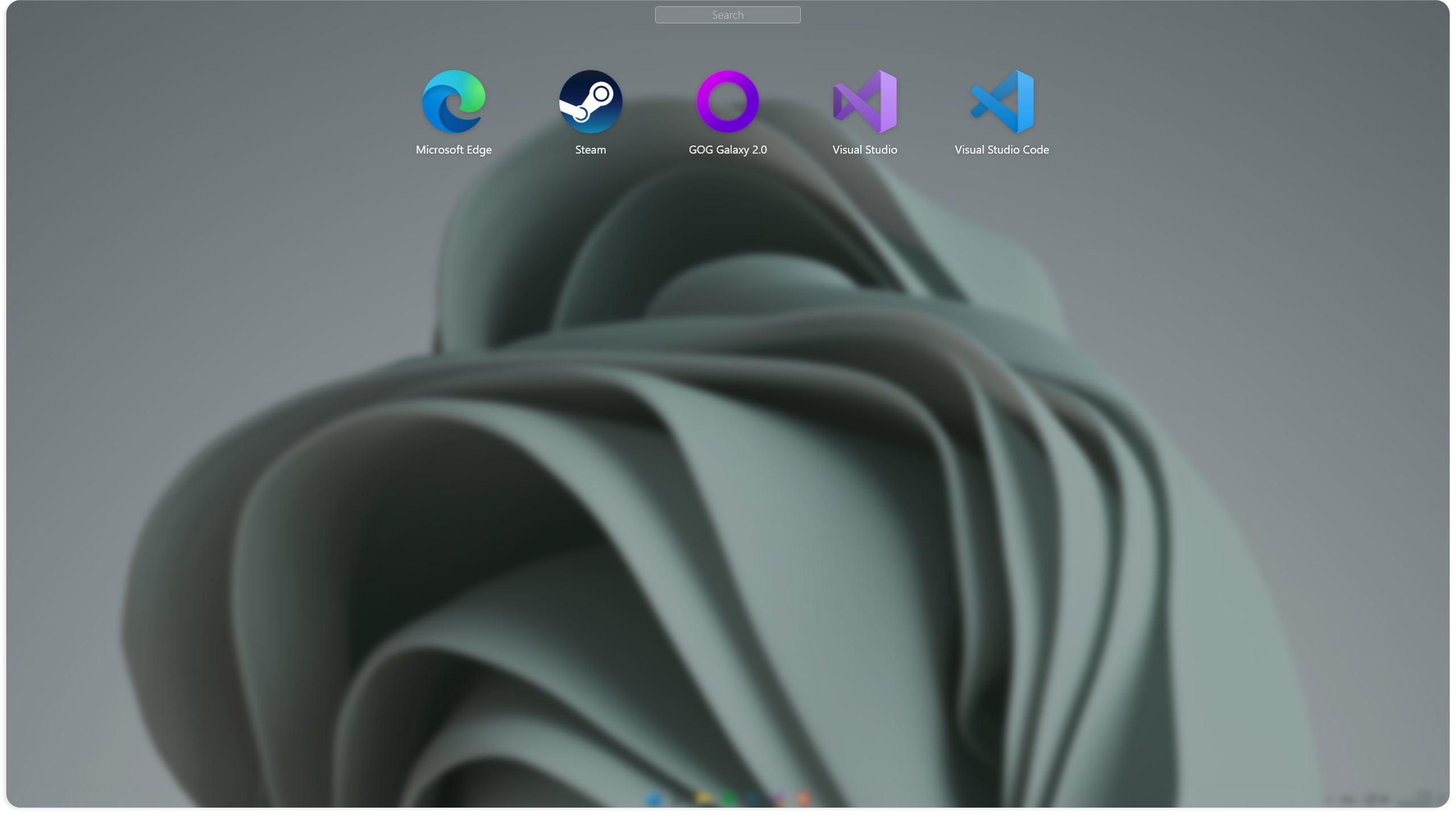
In this new version we are introducing a big new feature, this feature is called "Shelf", you can access your Shelf by using a new dedicated shortcut or by adding a new component named "Shelf button".
You can add existing or brand new applications in your Shelf.
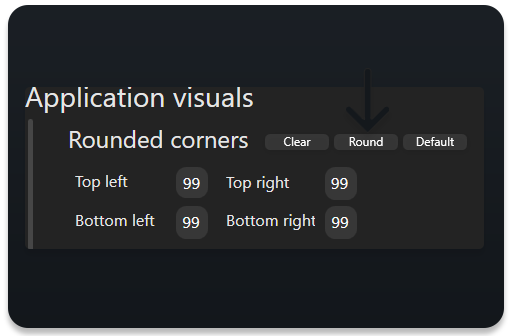
Along with this new feature we are bringing a new button to the application editor, the button is named "Round" and it will set the rounded corners boxes to 99
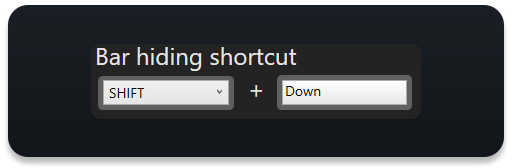
We also added a new shortcut to hide the bar
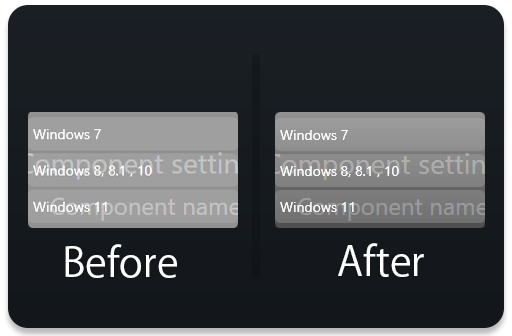
We redesigned just a bit the context menu used in the settings window and in the nea Shelf feature
And lastly, NewTaskbar is now caching all of the images it needs to work, this allow the program to reduce the loading times up to 60%.
Bug fixes :
Fixed a bug where multiples NewTaskbar icons could be seen in the Windows notifications/tray
Fixed a bug where the options "Always on screen" and "Always on top" could be enabled by changing the position x or y of the bar
Fixed a bug where the bar will use the Windows language rather than language selected by the user
Enjoy !