
When a new patch for S.T.A.L.K.E.R. 2: Heart of Chornobyl is released, certain game file modifications may lead to compatibility issues, crashes, or unexpected behavior. Below is a breakdown of modifications that can cause problems after updates.
Files that were added or installed to \\S.T.A.L.K.E.R. 2 Heart of Chornobyl\\Stalker2\\Content\\Paks\\~mods folder

Changes to the original game files — whether manually edited, downloaded from third-party sites (e.g., Nexus Mods), or altered via third-party tools — can conflict with new patches. This includes use of:
UE4SS
SimpleModLoader
Fmodel
UnrealPak
UAssetGUI
GIMP or similar asset editors
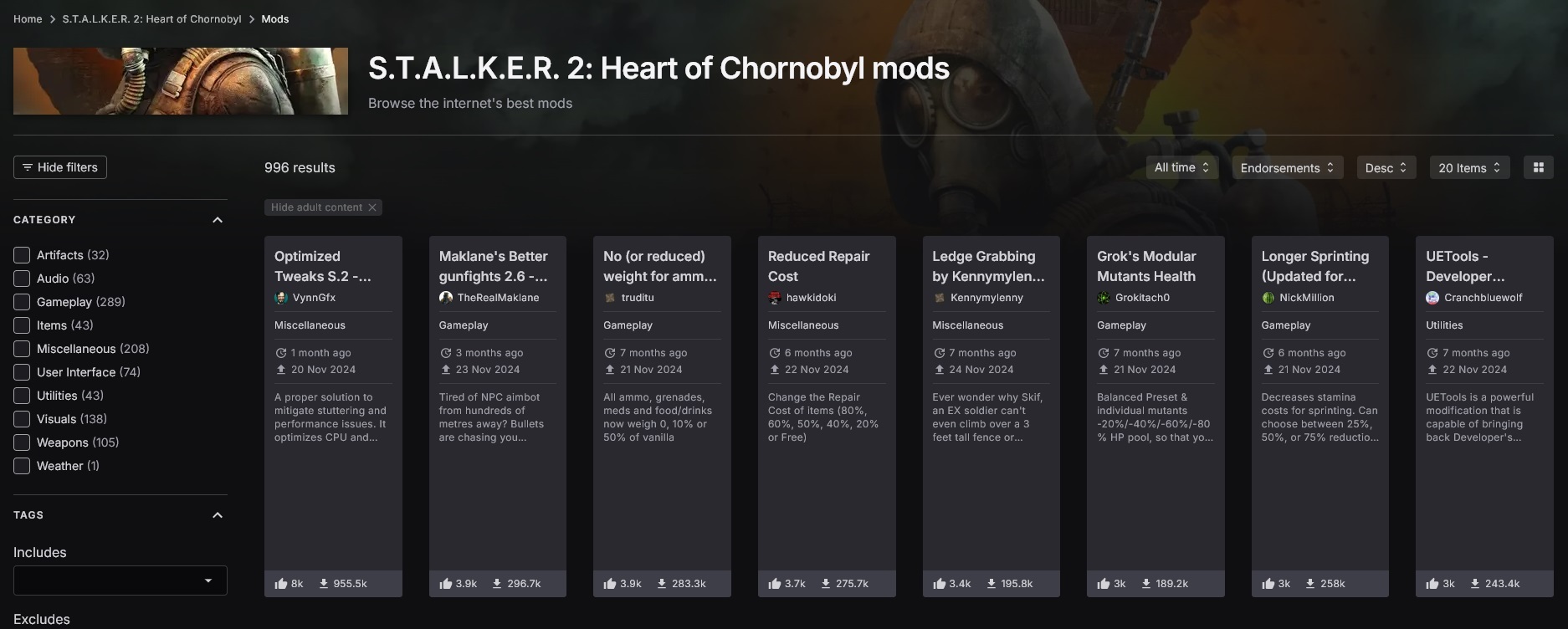
While not traditionally viewed as “mods,” the following user-side changes can also result in issues post-update and can cause potential issues:
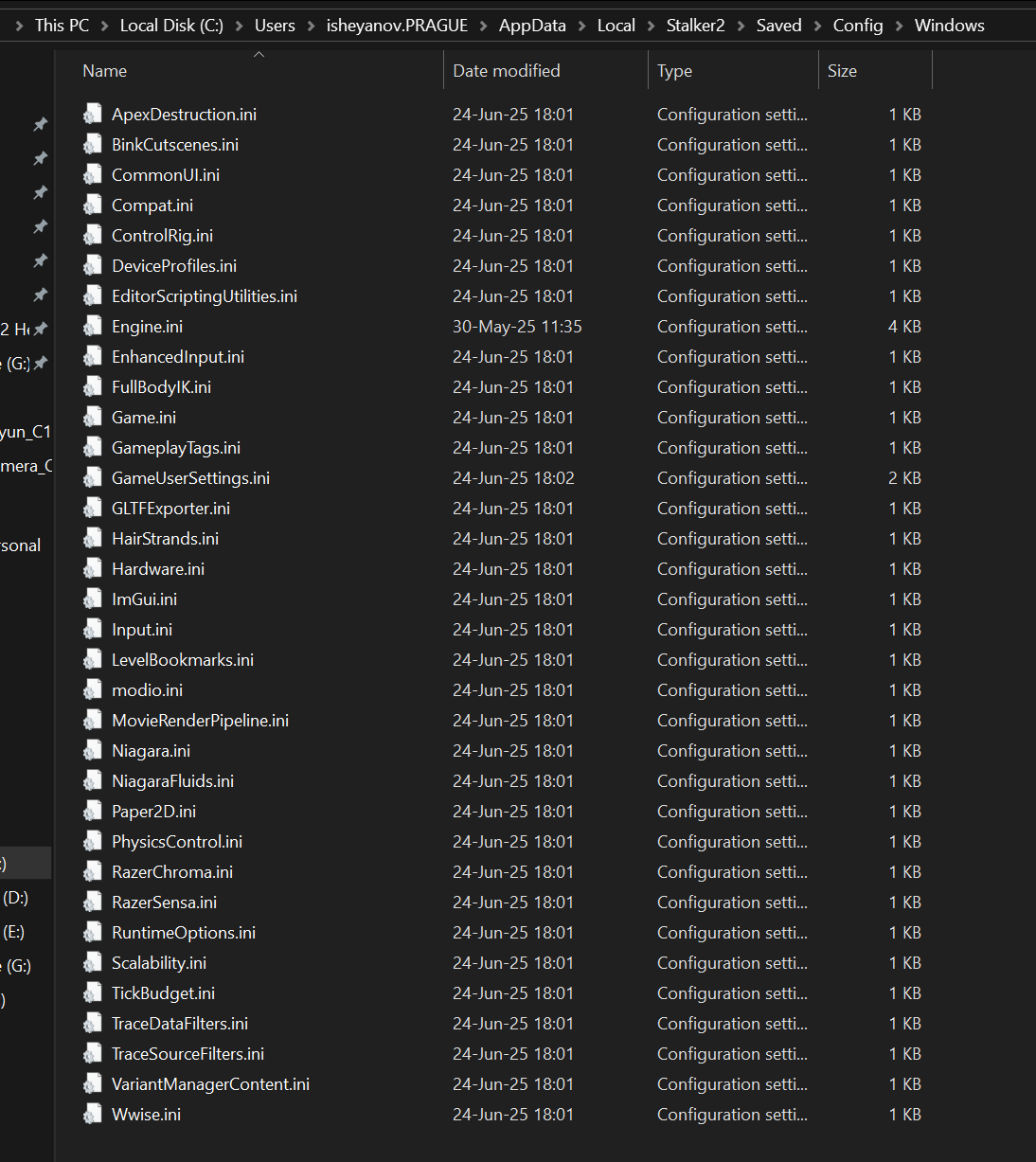
1. Any changes to configuration files (especially GameUserSettings.ini)
These are usually located at: \\AppData\\Local\\Stalker2\\Saved\\Config\\Windows
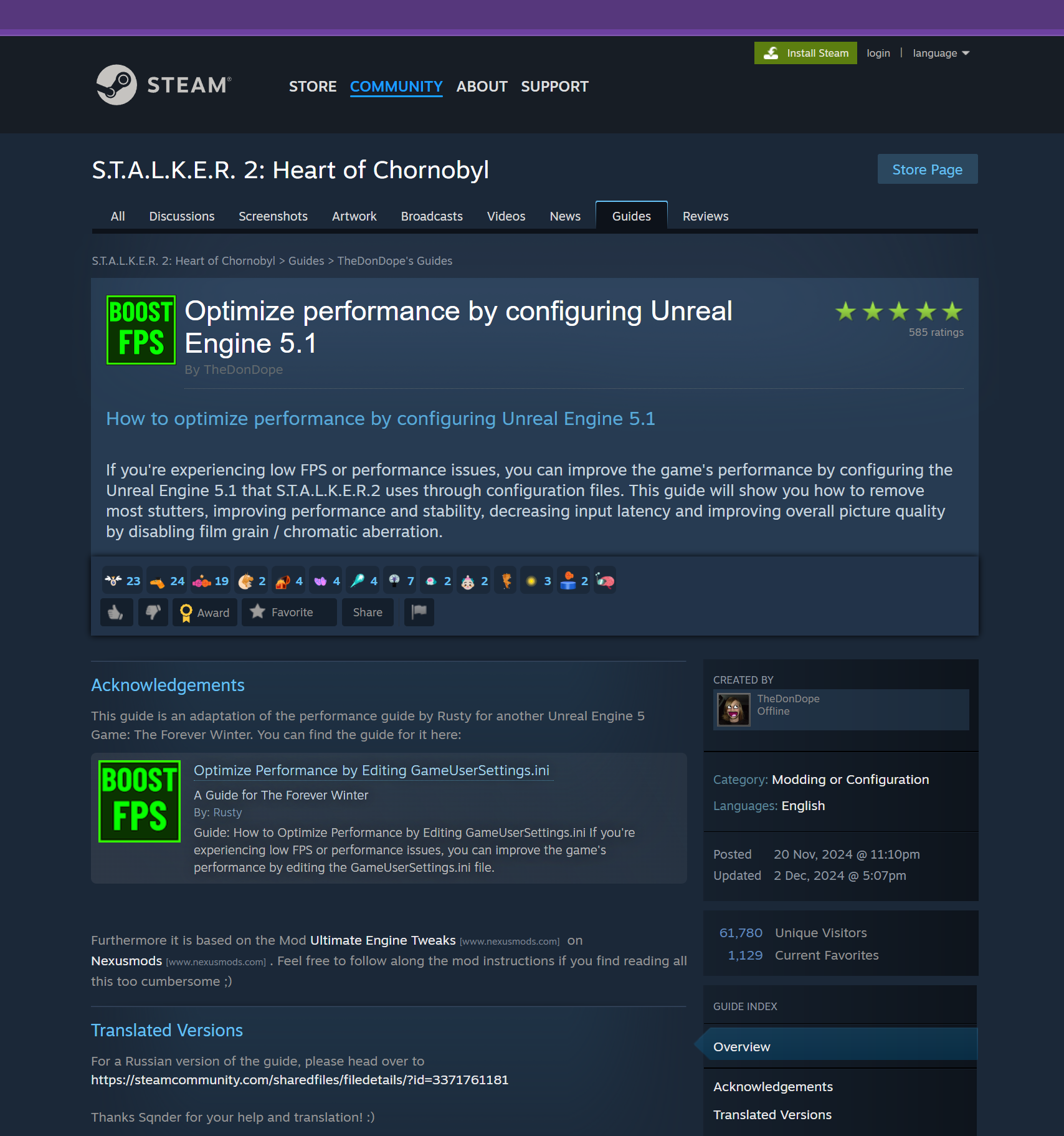
2. "Optimization" changes by configs, third-party software, and anything that was not released as part of an official S.T.A.L.K.E.R. 2: Heart of Chornobyl patch
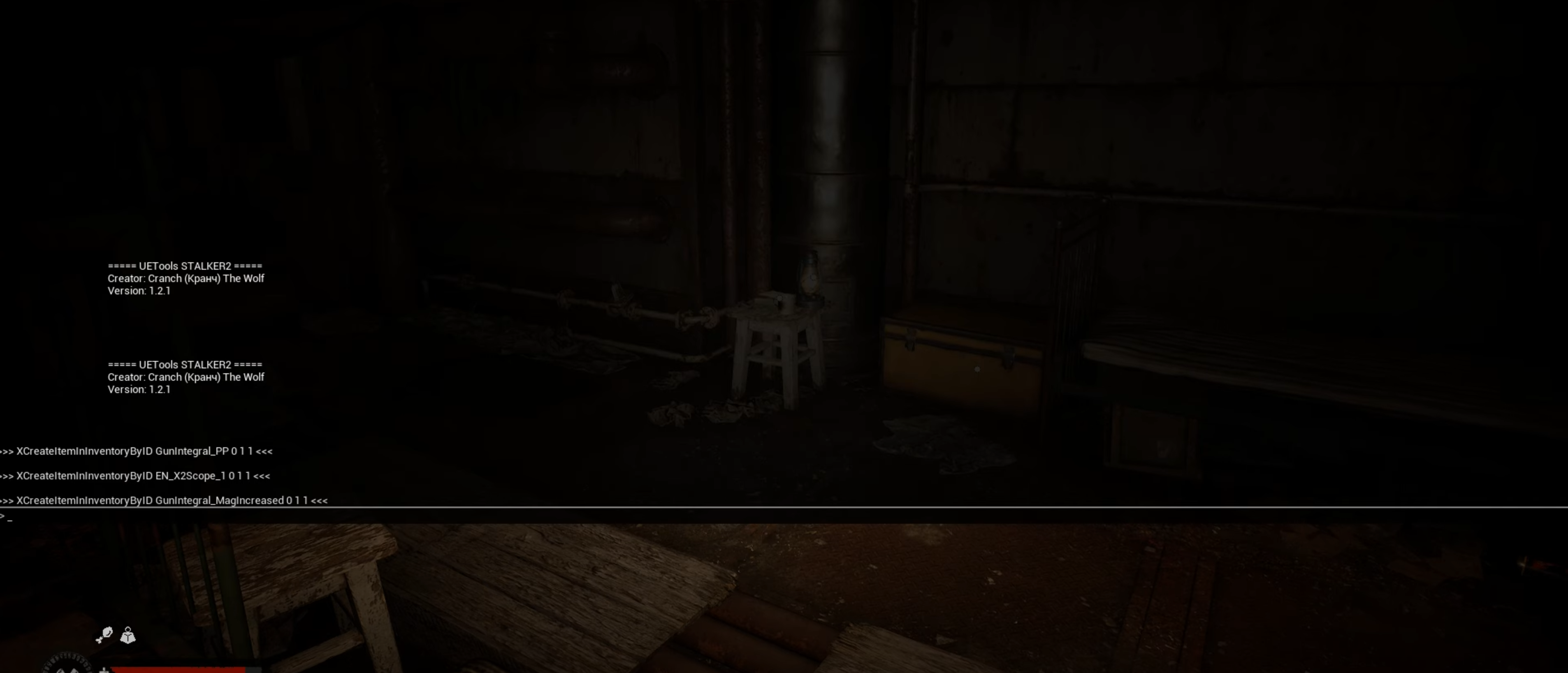
3. Use of In-Game Console/Debug Tools
⚠️ WARNING
The Zone is ever-changing and a new Patch can shift Her structure. If you’ve chosen to walk the path with modifications, know this: they may not withstand the latest shifts. If you have performance or stability issues following the release of a new Patch, we recommend you to disable your mods. If you continue to experience issues, please visit https://support.stalker2.com/hc for additional troubleshooting steps and assistance.