
Dear Coffee Lovers,
You must keep track of the stock you have in your coffee shop. Order coffee beans, milk, and syrups, and choose their quality and price.
Click on the supplies icon in the upper right corner to open the supplies window.
Choosing the products
Choose the bookmark with the product category you need to order. Check their quality, unit capacity, and price.
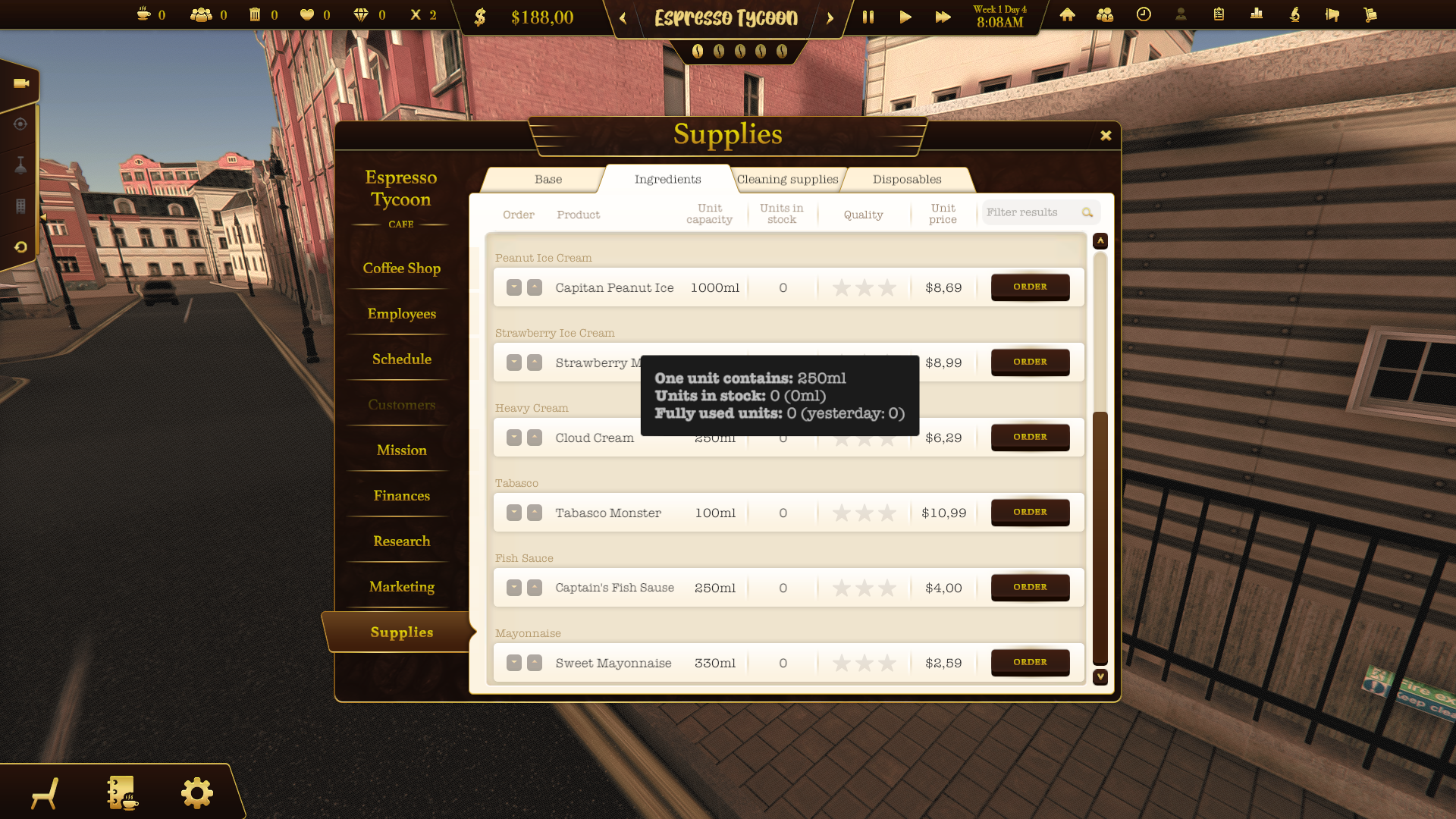
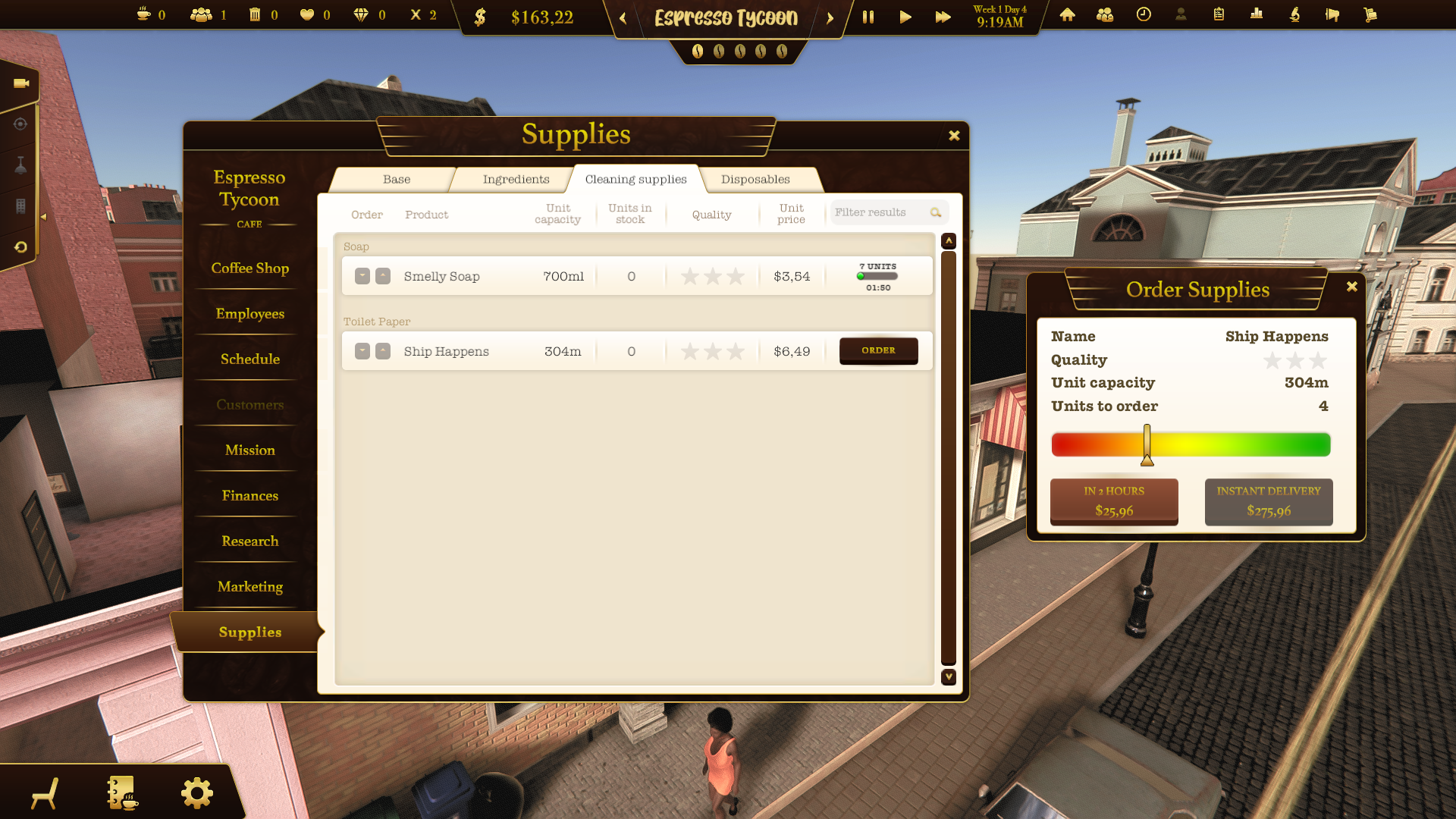
Ordering supplies
Click the "Order" button to see the order details. Choose the number of units and the time of delivery. Note that an instant delivery is quick but expensive.
Refilling the supplies
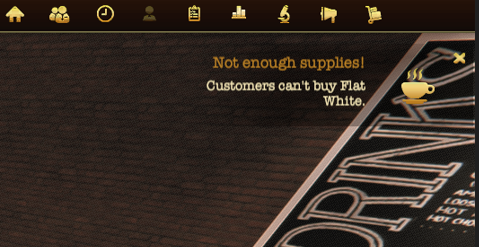
You will get notified if your supplies run out of stock. Click on the notification to open the supplies window and order new ones. Try to avoid missing supplies not to get negative reviews.
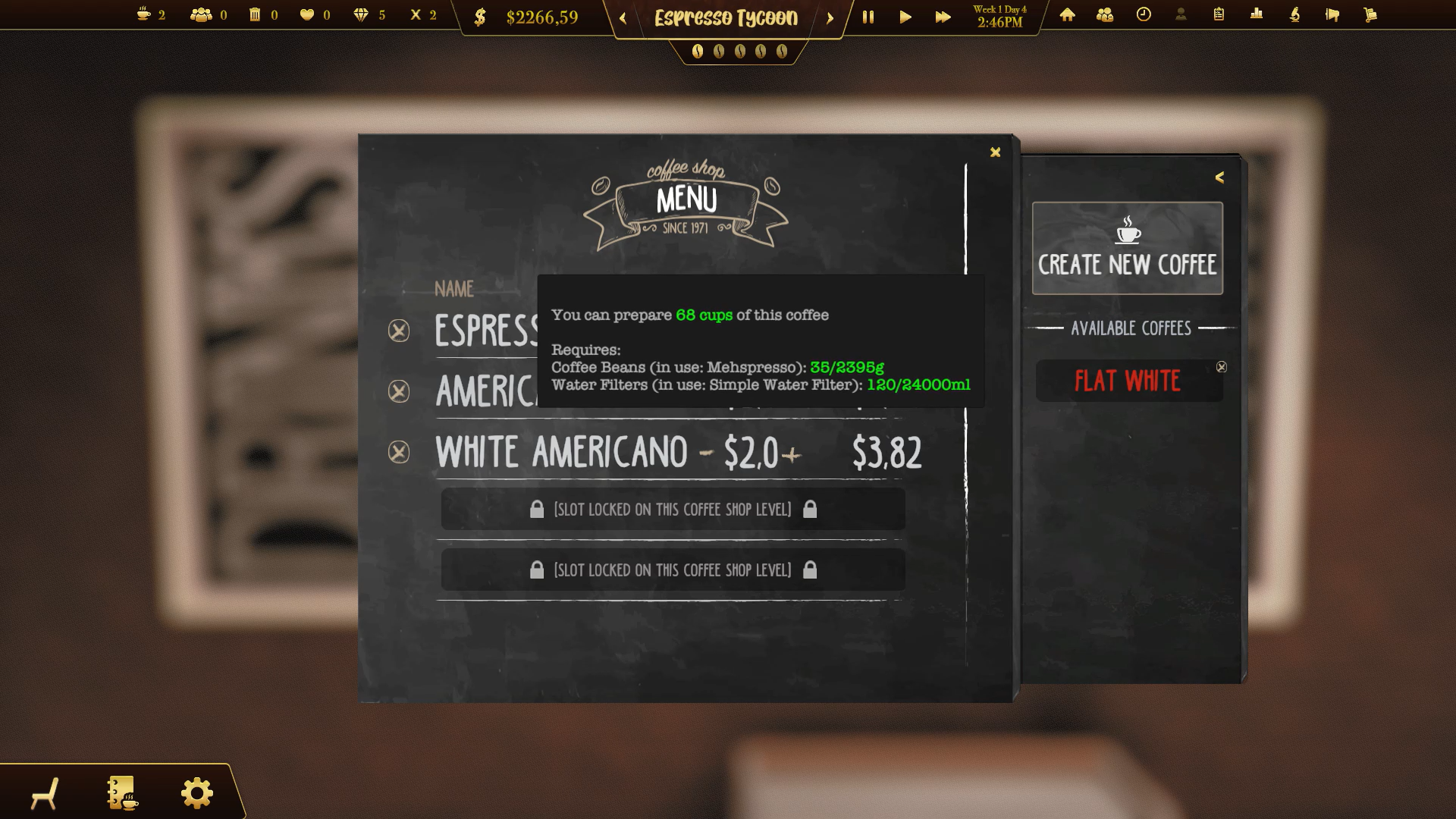
Checking needed supplies
Open the menu window and move the cursor to a coffee recipe to check what supplies you need. You’ll also see other requirements for preparing a given coffee.
Changing the priorities
If you have more than one ingredient in the same group (and they differ in quality) you can change the priorities of using them.
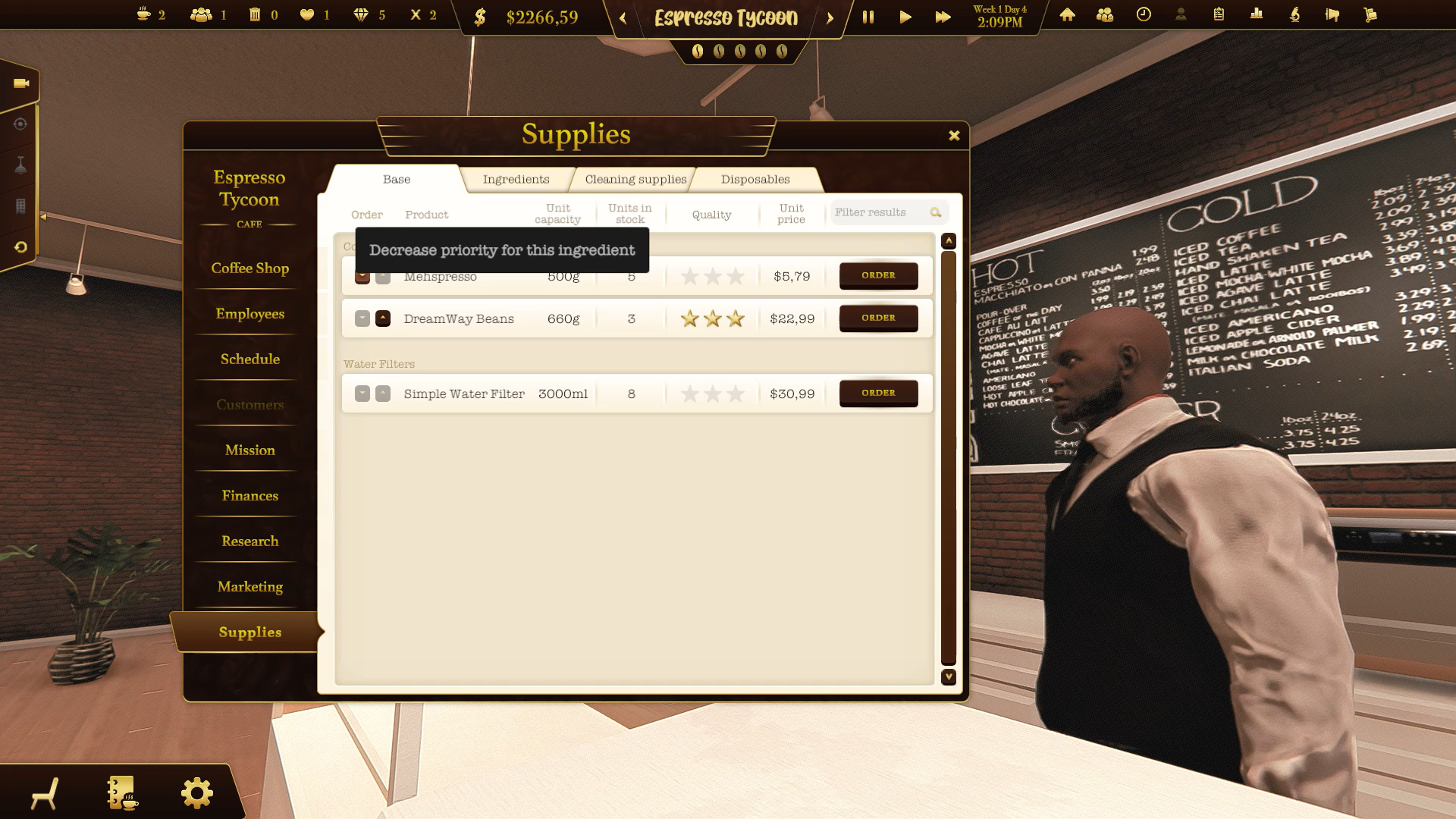
Receiving the order
Your supplies will arrive at your coffee shop by drone delivery. You will see them arriving with the package containing your order.

Collecting the supplies
Click on the packages to collect them. Once you do it they will get added to your supplies.
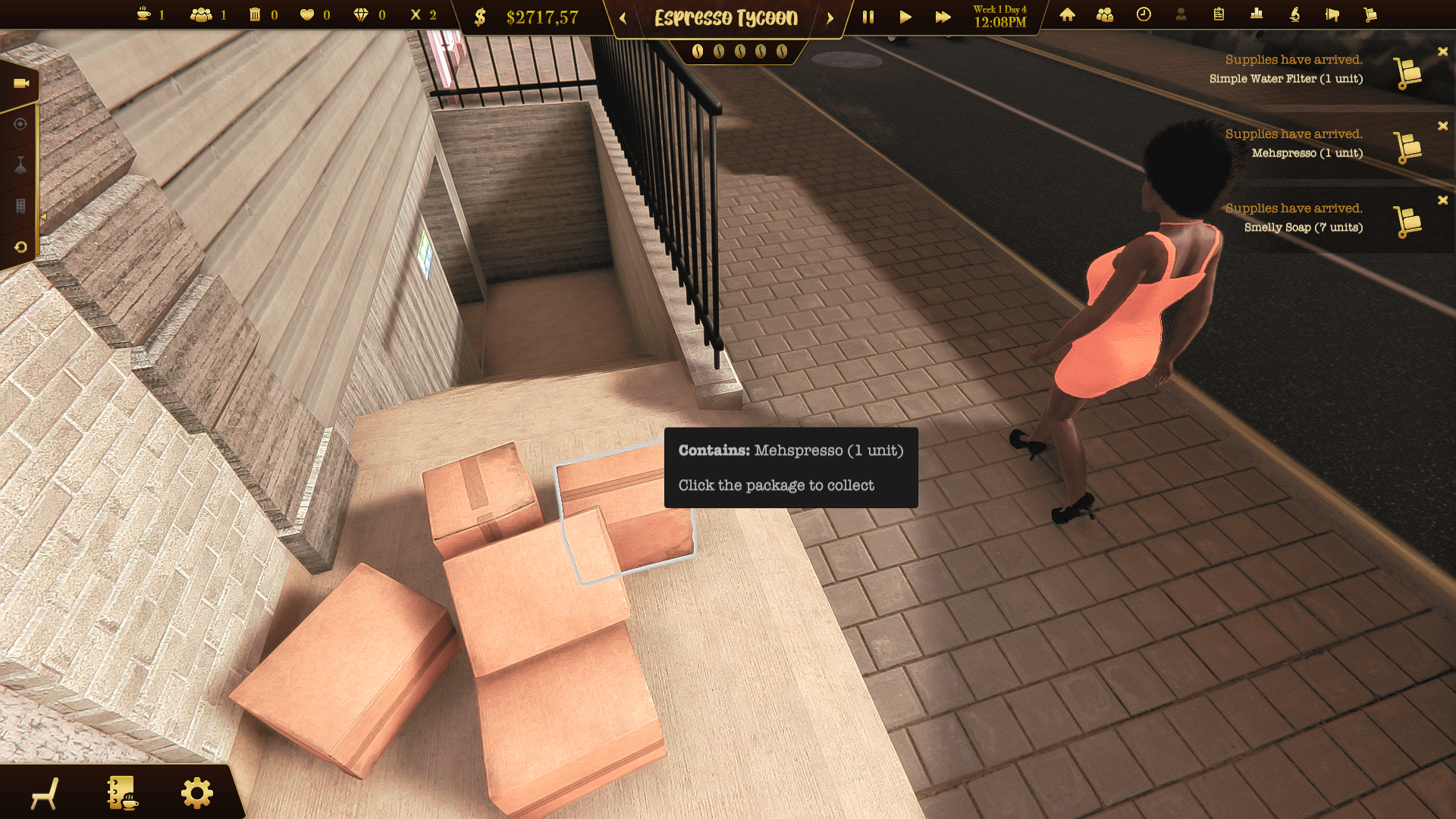
Don't forget to check the budget! Think a few steps ahead and organize your supplies' delivery wisely ːsteamhappyː
You can check this feature in our demo:
https://store.steampowered.com/app/1543280/Espresso_Tycoon/
And in our Prologue soon!
https://store.steampowered.com/app/1904980/Espresso_Tycoon_Prologue_Underwater/