
Q1:The game crashes without even entering the main interface when clicking on the Steam library page.
Solution: Try to delete the entire folder C:\Users\username\AppData\Local\TalesOfWild.
This directory can be accessible by running %appdata% through cmd to open the C:\Users\Admin\AppData\Roaming path of your computer. Then go back to the parent directory and enter the Local directory, delete the entire TalesOfWild folder.
Please try it, maybe it will help you.
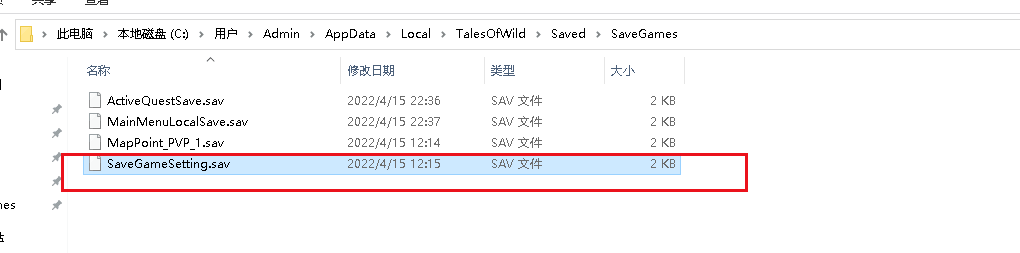
Delete the file that shown in the red box.
Prompt to download and install c++ problem: deal with the download and installation according to the prompt, the package download link: https://drive.google.com/file/d/1LmenZrXl8MyOHlpdiHNPzpd2_BGb0Xsh/view?usp=sharing
Q2: Other game crashes as below
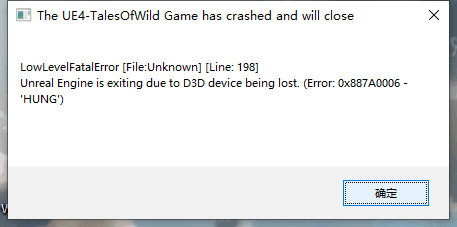
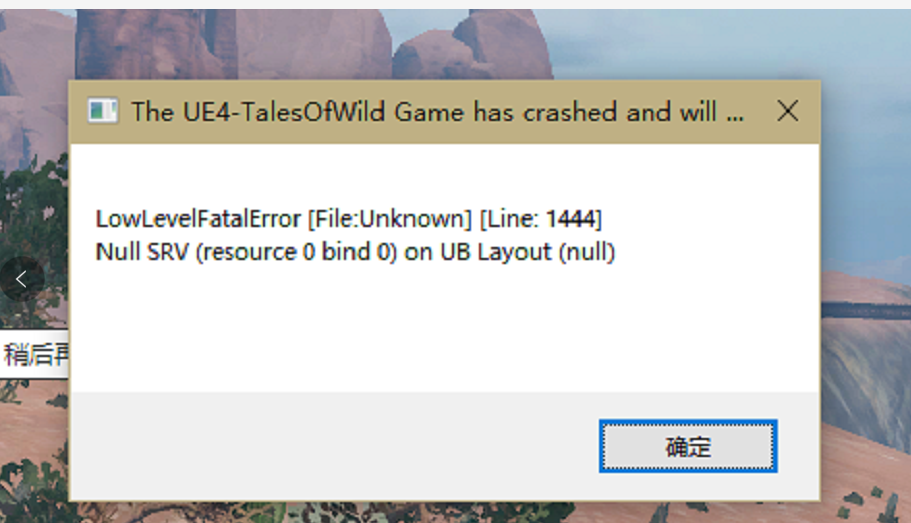
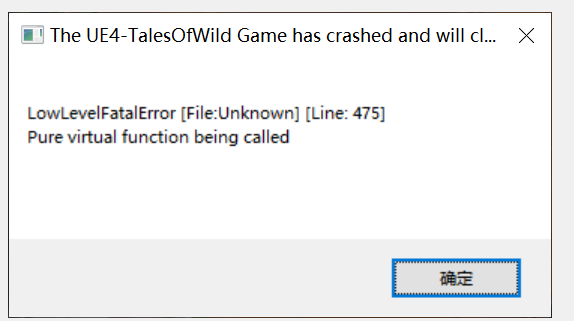
Solution:
When encounter such UE4 fatal error, try to solve as below:
Try a low image quality setting.
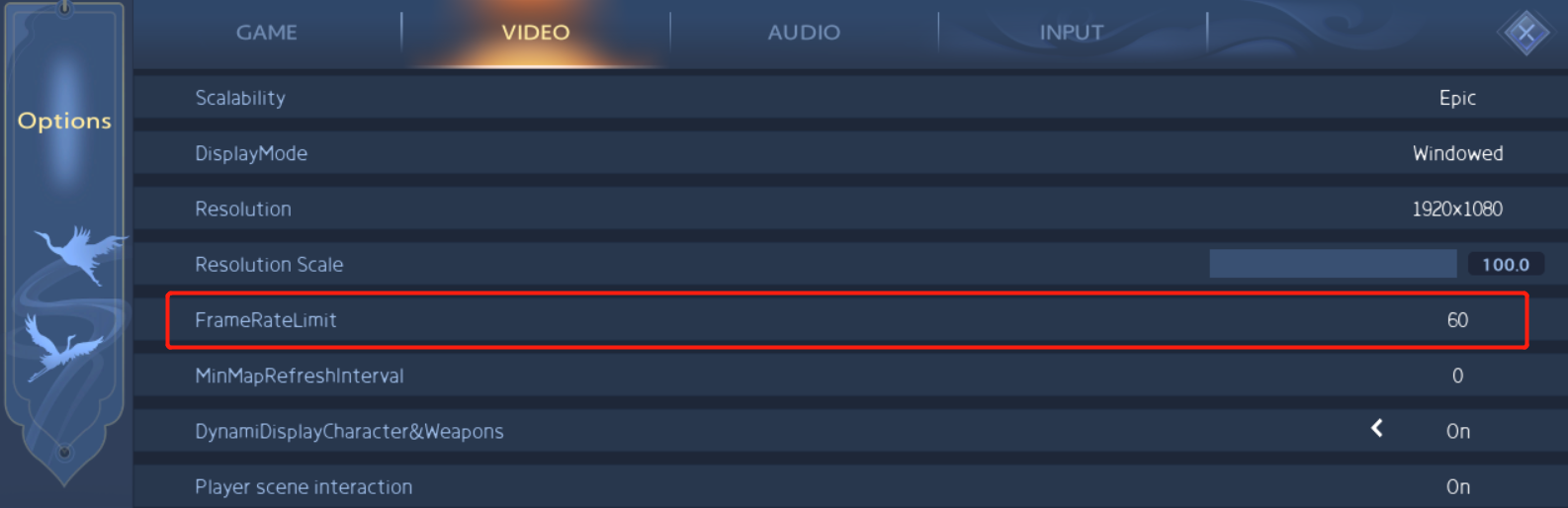
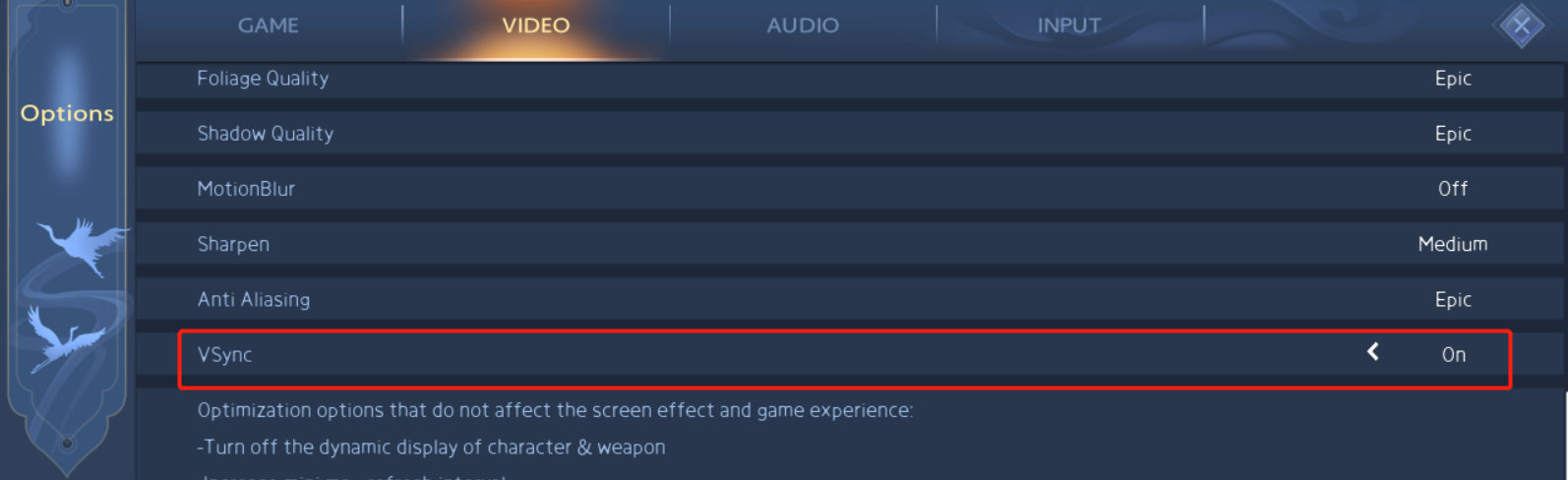
1.Set FrameRateLimit less than 60,and turn on the VSync
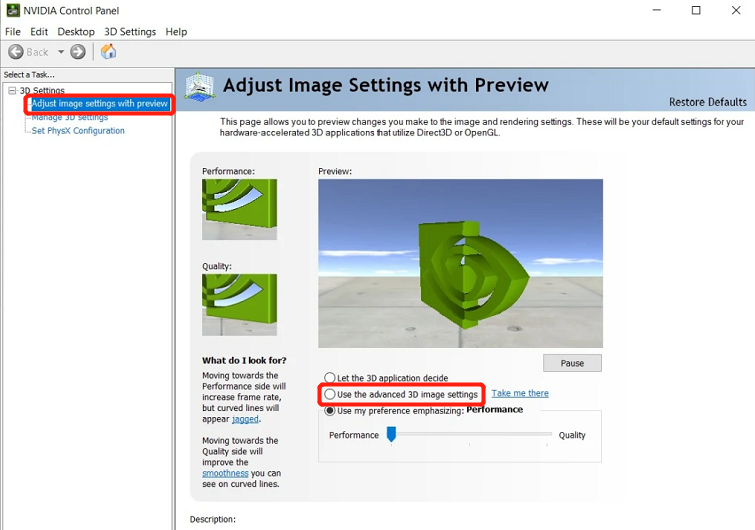
2. Enter NVIDIA control panel,and select “Use the advanced 3D image settings”
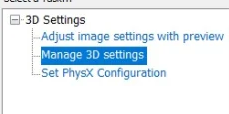
3.Switch to “Manage 3D settings”→”Program Settings”,select(or add) Cultivation Tales.exe startup file
Setting
Triple buffering On
Anisotropic Filtering Off
Low Latency Mode Ultra
Texture Filtering-Quality High Quality
Save it
Notice,
After conducting tests, this method can solve the rendering crash problem of some computer configurations, which can not be completely solved. AMD users need to adjust similar settings by themselves