
Boom! The first big update for Vidya Poker since Early Access release is now live!

I Hope you have had fun playing...and with the new options and gameplay tweaks, I hope you will like the game even more :D
Keyboard Support
I started implementing keyboard input support for both the menus and during gameplay. Ever closer to the casino/bartop way to physically play!
- The Escape key will either toggle the Pause menu or back you out of any sub-menu you are in.
- The 1 through 5 keys will toggle selection of the respective playing card.
- Space/Enter keys will trigger the Deal/Draw button.
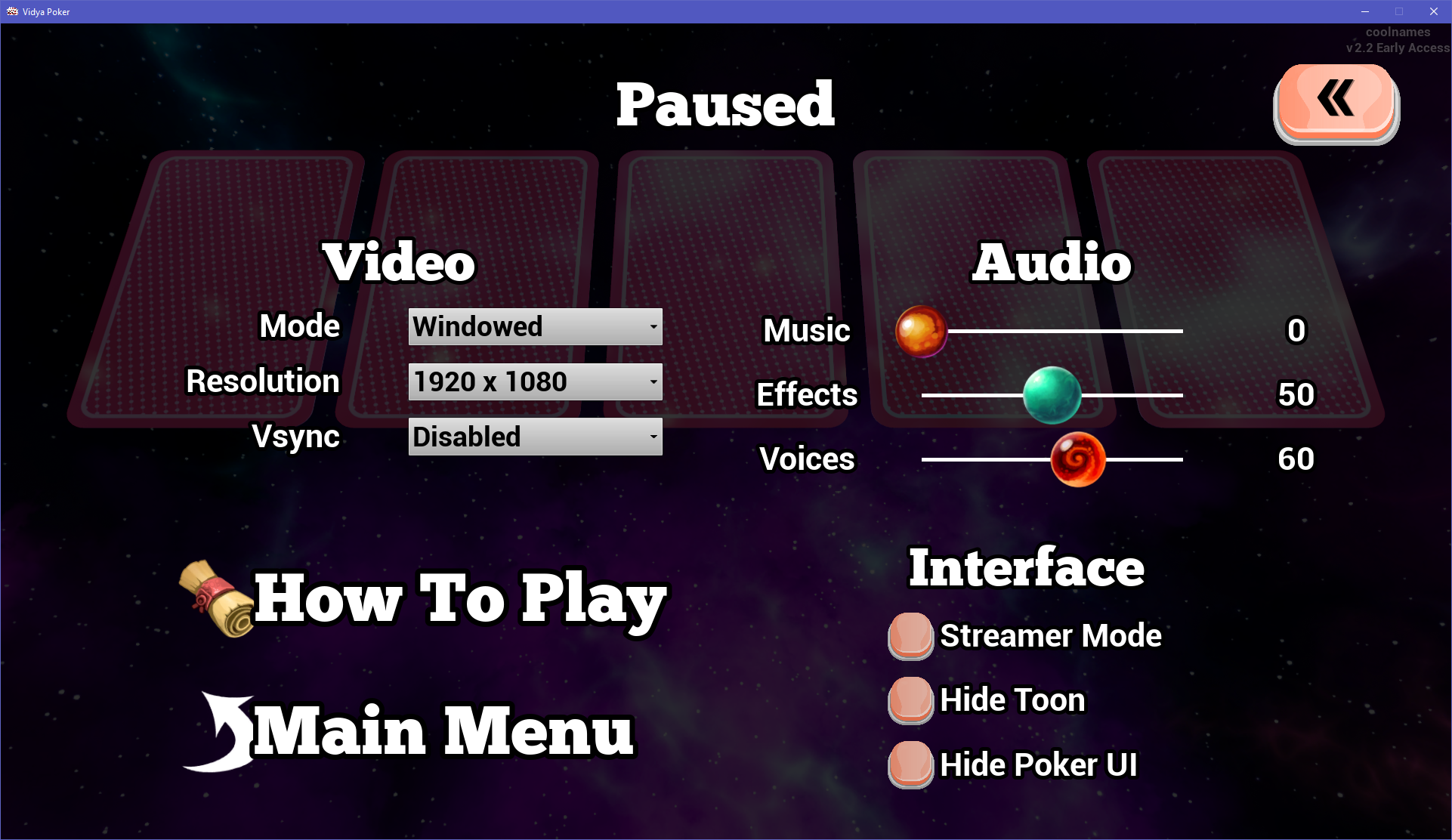
Video Options
There are now Video options available to be changed from both the Main Menu as well as when the game is Paused!
Earn more Diamonds and Coins
I made some changes to increase how much currency is earned ...that should make playing more fun!
- Hot Streaks now award the player additional Diamonds and Coins using a Multiplier that increases per win while Hot!
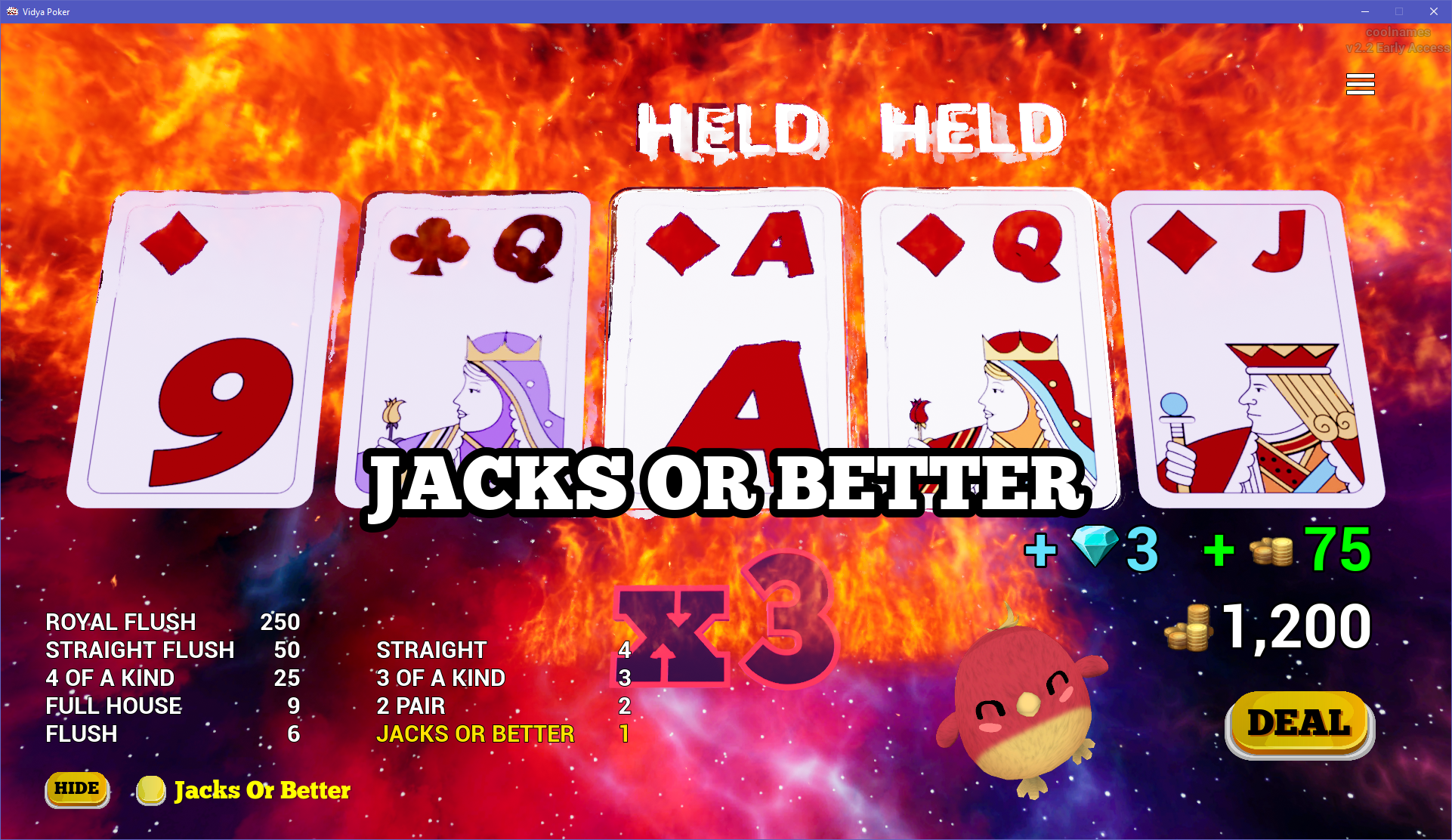
Example:
Hot multiplier = 3
Winning hand payout = 1
Total Diamond payout is 3 x 1 = 3
Total Coin payout is 3 x 25 = 75
- During a Hot Streak, if a winning hand as Aces, the Hot multiplier is increased +1 for the Diamonds calculated. Now Aces always provide an additional bonus no matter the Hot status.
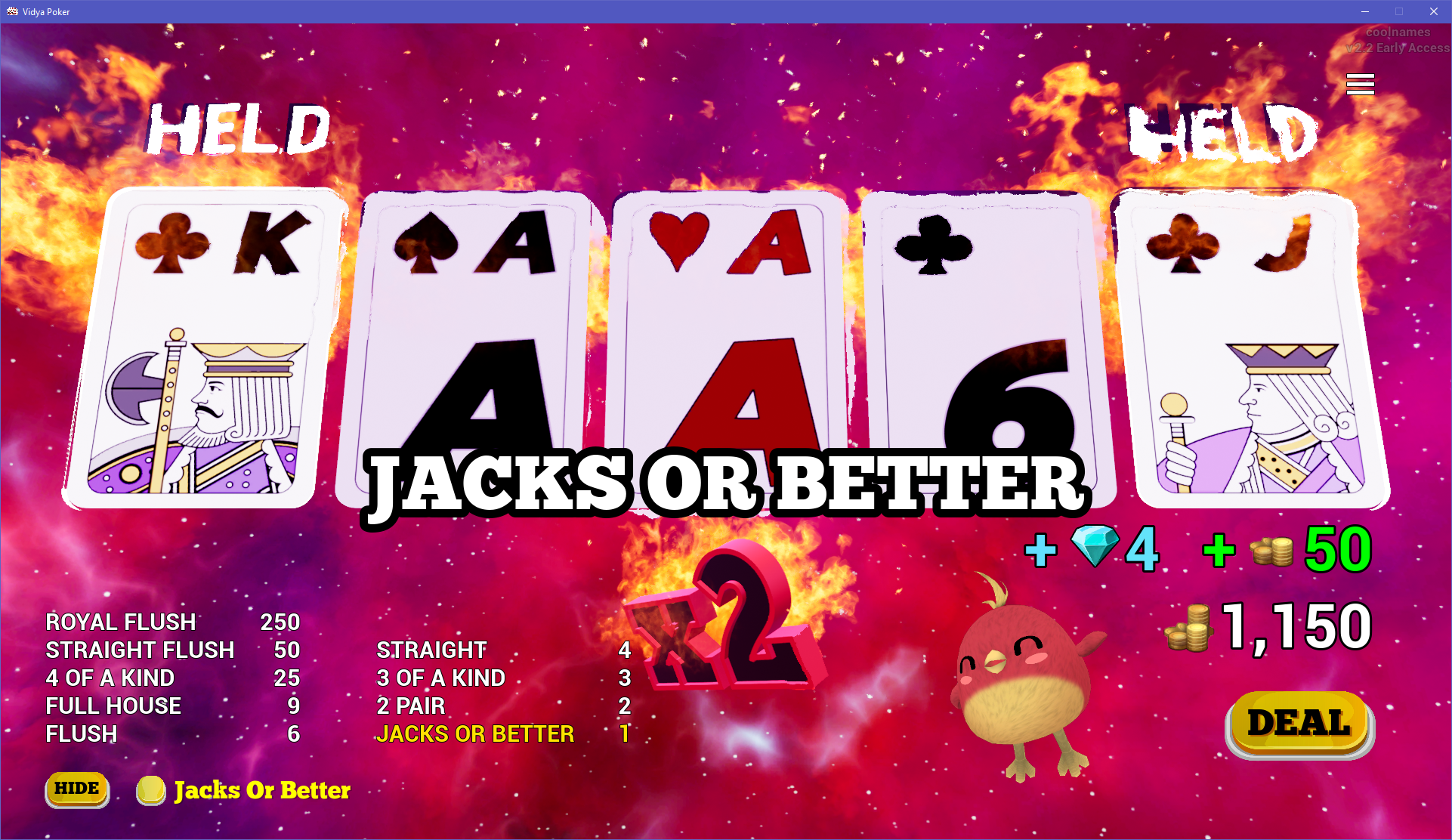
Example:
Hot multiplier = 2
Winning hand payout = 1
Total Diamond payout is 2 x (1 + 1) = 4
Total Coin payout is 2 x 25 = 50
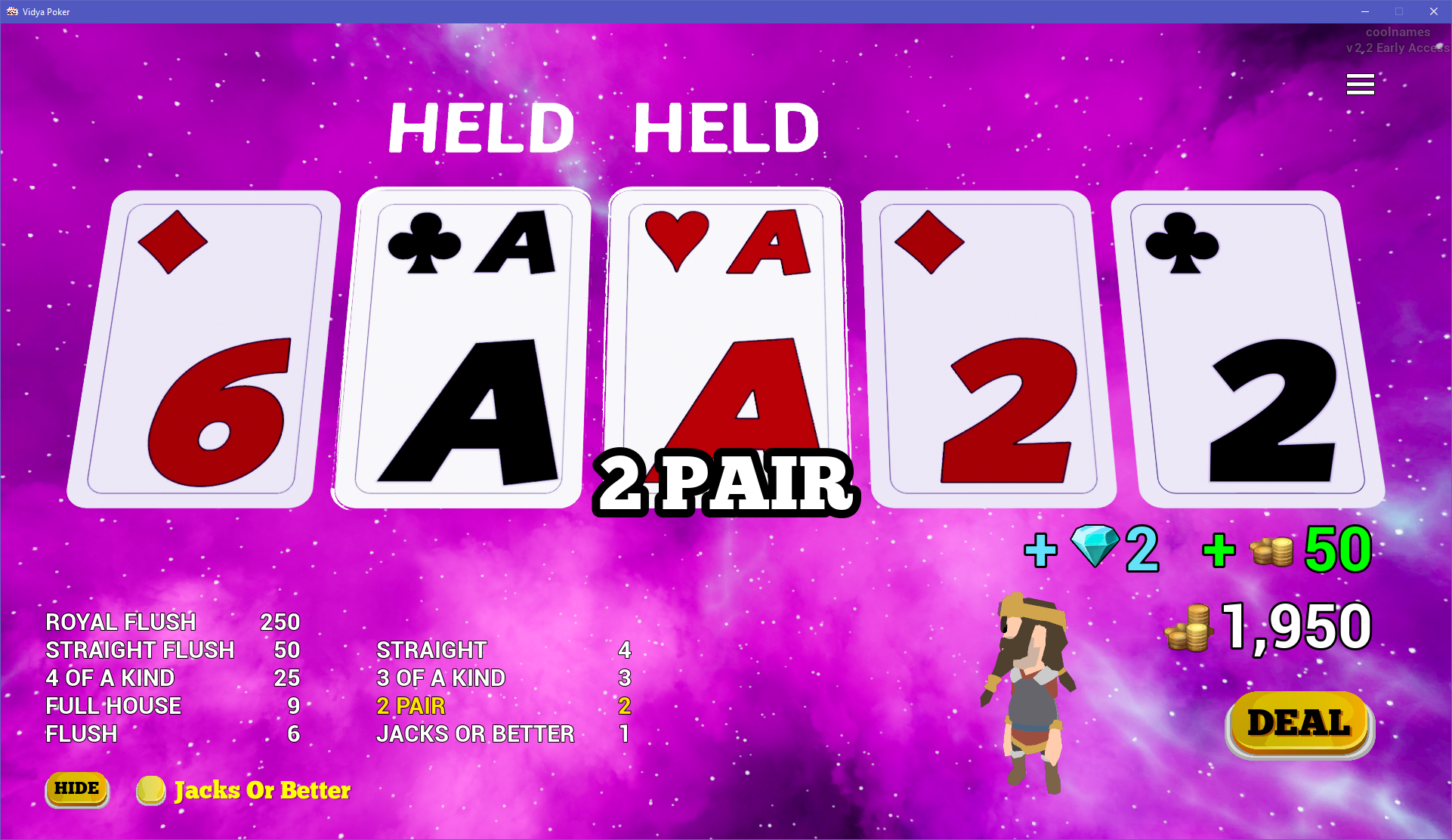
- When not in a Hot Streak, a winning hand with Aces will award the player in Diamonds equal to that of the payout multiplier for that hand.
That's all Folks! ...for now! Still adding features! (further animations for Hot and Cold streaks, graphics quality selection, etc). Have fun!

PATCH NOTES
Vidya Poker v2.2
2-17-21
BRANDING:
- INTRO VIDEO ➡ coolnames video added 😎
GAMEPLAY:
- ACE HANDS ➡ In non-hot streak, diamond payout = paytable mult
- HOT STREAK ➡ Multiply Diamond payout with Fire intensity level
- HOT STREAK ➡ Multiply HOT Multiplier into coin payout
- HOT STREAK ➡ Winning hand with Aces has +1 Diamond payout
UI:
- OPTIONS MENU & PAUSE MENU ➡ Access to Video options in to change Resolution, Fullscreen and Vsync
- HOT STREAK ➡ Show fire intensity level for payout multiplier
- MENUS ➡ New Button Icons
- Version number and username in corner of viewport
INPUT:
- Keyboard Support ➡ Escape Button ➡ Exit Menu or Toggle Pause Menu
- Keyboard Support ➡ Space/Enter ➡ Deal/Draw Button
- Keyboard Support ➡ 1 - 5 Keys ➡ Card selection