
🧪 Beta: If you also want to test new features earlier and help with your feedback the development of Dorfromantik, then find out here how you can participate in the public beta. 🌻 Community Feedback: We highlight items that we have implemented based on community feedback or suggestions. We look forward to your feedback in our Steam Community Hub or on our Discord server.
https://store.steampowered.com/news/app/1455840/view/6456498378612176246
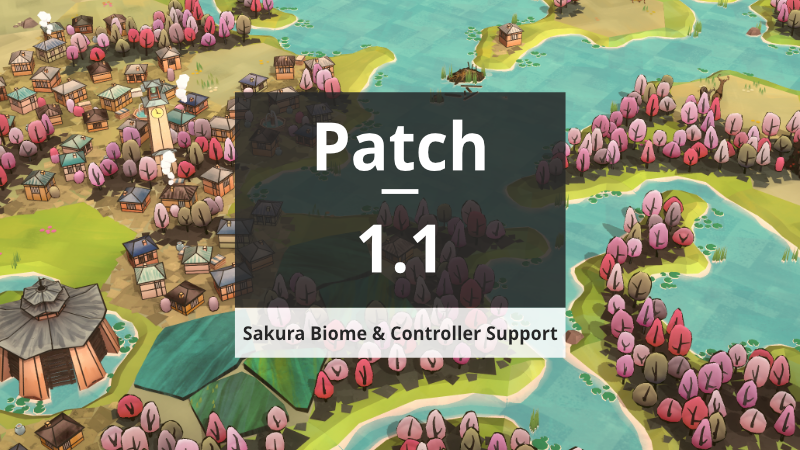
- Sakura Biome
- New biome with cherry blossom theme
- New house visuals
- New special building visuals (e.g. windmill, tower, granary) Controller Support
- 🌻 Added Gamepad controls for all ingame actions
- 🌻 All Menus now fully controllable via Gamepad
- Creative Mode tools accessible on Gamepad via new radial menu
- Adaptive UI behaviour displaying buttons and UI elements depending on used input device
- Added tooltips displaying gamepad button hotkeys
- Added separate tutorial texts for Gamepad input Steam Deck Support
- This version should be the one to get Dorfromantik validated for Steam Deck
- Implemented keyboard functionality when trying to enter custom mode seed Performance
- Up to 40% improvement in memory usage
- Added "Mesh Quality" dropdown to boost rendering performance
- Improved Undo performance
- Reduced game size by 15%
- Various other performance improvements throughout the game Challenges
- 🌻 All challenges can now also be completed in Quick Mode & Hard Mode
- Added Landscaper level 6
- Tweaked Landscaper level requirements Custom Mode
- 🌻 Added new custom rule: World Border. Play with world border to restrict playing area by given radius Usability & Clarity
- 🌻 Offscreen Quest Markers now display offscreen quest counts & their current completion state
- 🌻 Offscreen Quest markers automatically appear when previewing a tile affecting an offscreen quest
- Scale Quest bubbles when zooming out to preserve their readability
- Improved visuals of preplaced tiles when Post Processing is switched off
- Now displaying game mode icons next to ingame score and game mode label in menu Localization
- 🌻 Improved and updated localization for many languages
- 🌻 Added Czech, Estonian & Korean Localization Bugfixes
- Fixed bug that caused Undo on Game Over screen to stop working
- When placing tiles quickly with gamepad, prevent preview for new tile to overlap previously placed tile
- Fixed element group segment staying highlighted in tutorial after it has been previewed connected to a highlighted tutorial group once
- Fixed tutorial getting stuck when entering menu while transitioning from one tutorial phase to the next
- Prevent tile placement to stop working when switching game sessions after using a creative mode tool (destroy tile, generate matching tile etc.) Other
- Reduced radius of camera movement outside of world bounds
- Increased max volume