
Today we updated the demo build to include the first part of Chapter 2 of the game. We did a lot of code cleanup to make things under the hood work better. Some things that were added this build:
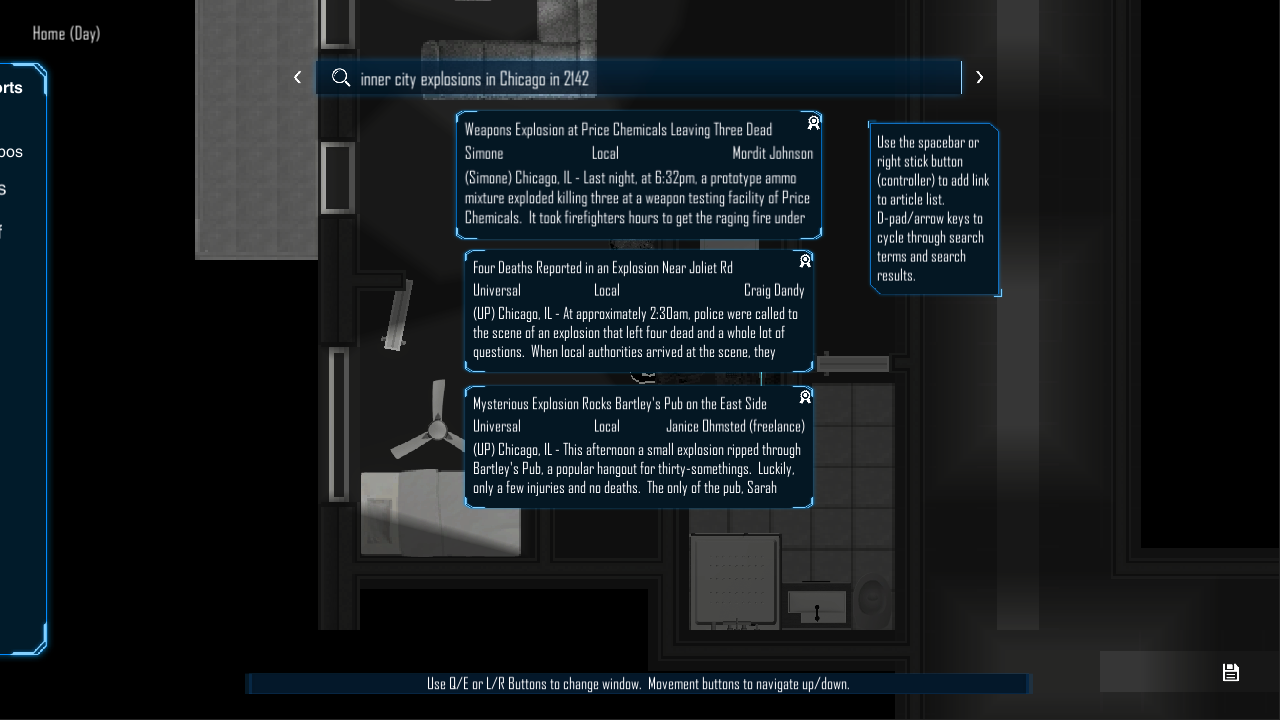
New search system. We wanted to allow the player to feel like they're looking for information in the world so we set up a system that allows for new search terms to be found in game and that leads to looking for articles like you would find in our current world.
We also added in a simulated payment system that functions like a bill pay function in the game. For example, an NPC may ask you to pay them for a new weapon, or a service. They'll send you something like an invoice and then you'll open up the bank app and pay them.
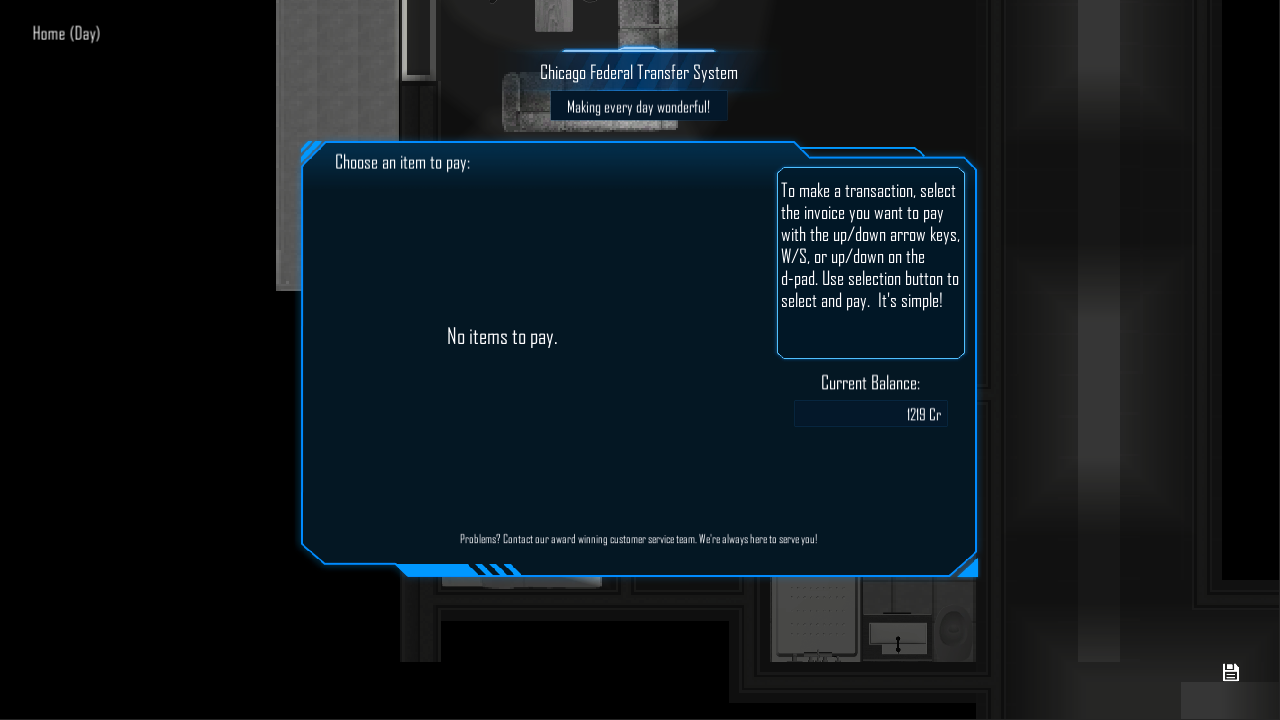
You can access the bank app by pressing B on the keyboard or the RIGHT BUMPER on a controller. There will be an icon on the bottom right corner that lets you know someone is requesting money.
A couple of notes:
-You can save your game whenever you see the disk on the bottom right corner of the screen. Currently, this is only at your home. Save game by pressing F1 or 1 on the keyboard, or START/OPTIONS on the controller.
-Once you have a save game, you'll be able to skip the intro of the game.
-If you're feeling stuck, remember you can hold the LEFT SHIFT key or the LEFT TRIGGER to show which things can be interacted with in the game world. Press ENTER or Z, (O - on PS4 controller), (B - on Xbox controller) to actually interact with items.
We'll do a key/controller guide in an upcoming update!