
Hey everyone,
We have a couple of small (but useful!) updates ready for you before the weekend starts.
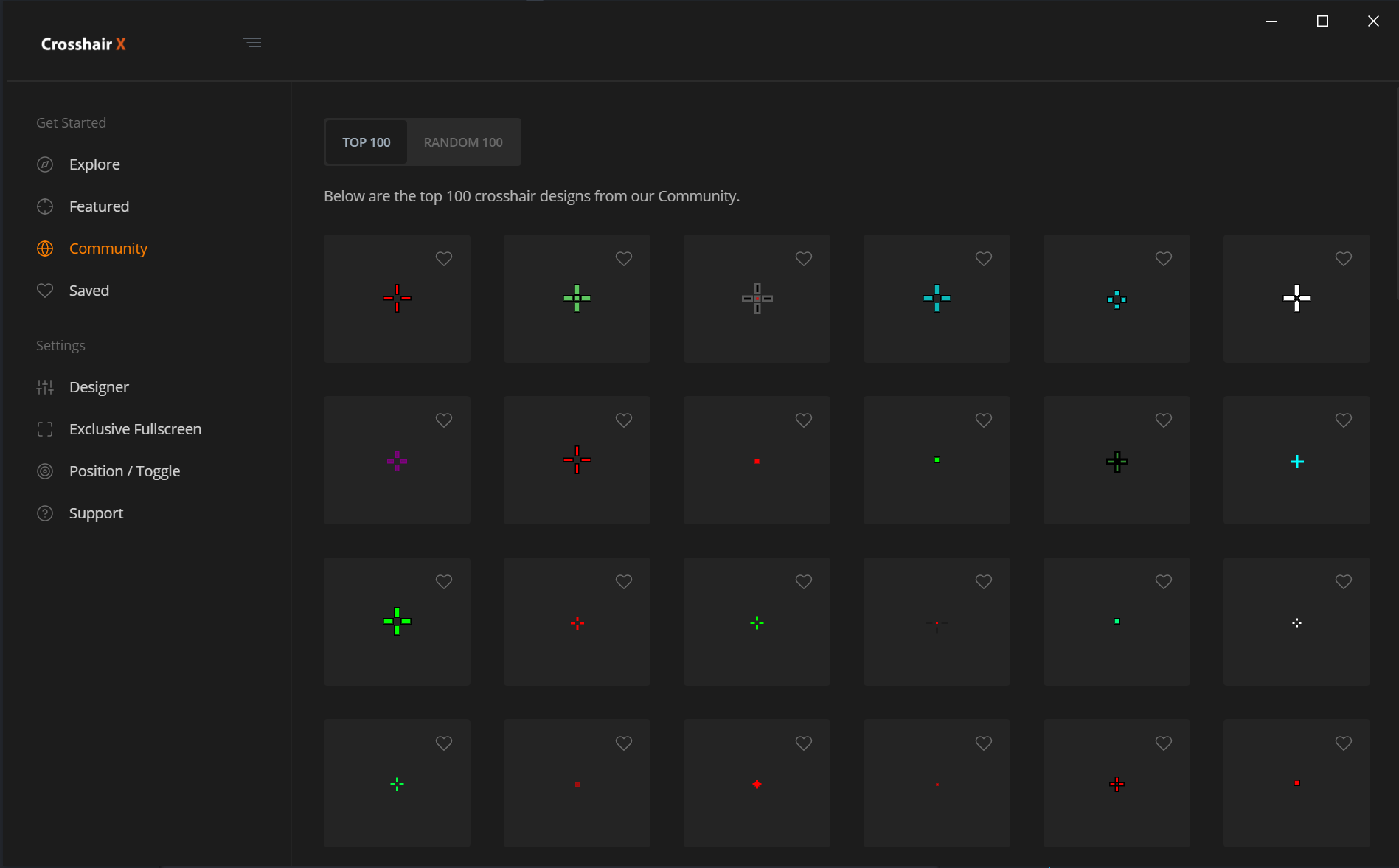
Community Top 100
We wanted to make it easier for you to find the best possible crosshairs to use in every game you play. The community page now displays the top 100 community crosshairs. We also wanted to make sure that you could still discover the rest of the awesome designs created by the community so we moved the previous interface under the 'Random 100' tab.
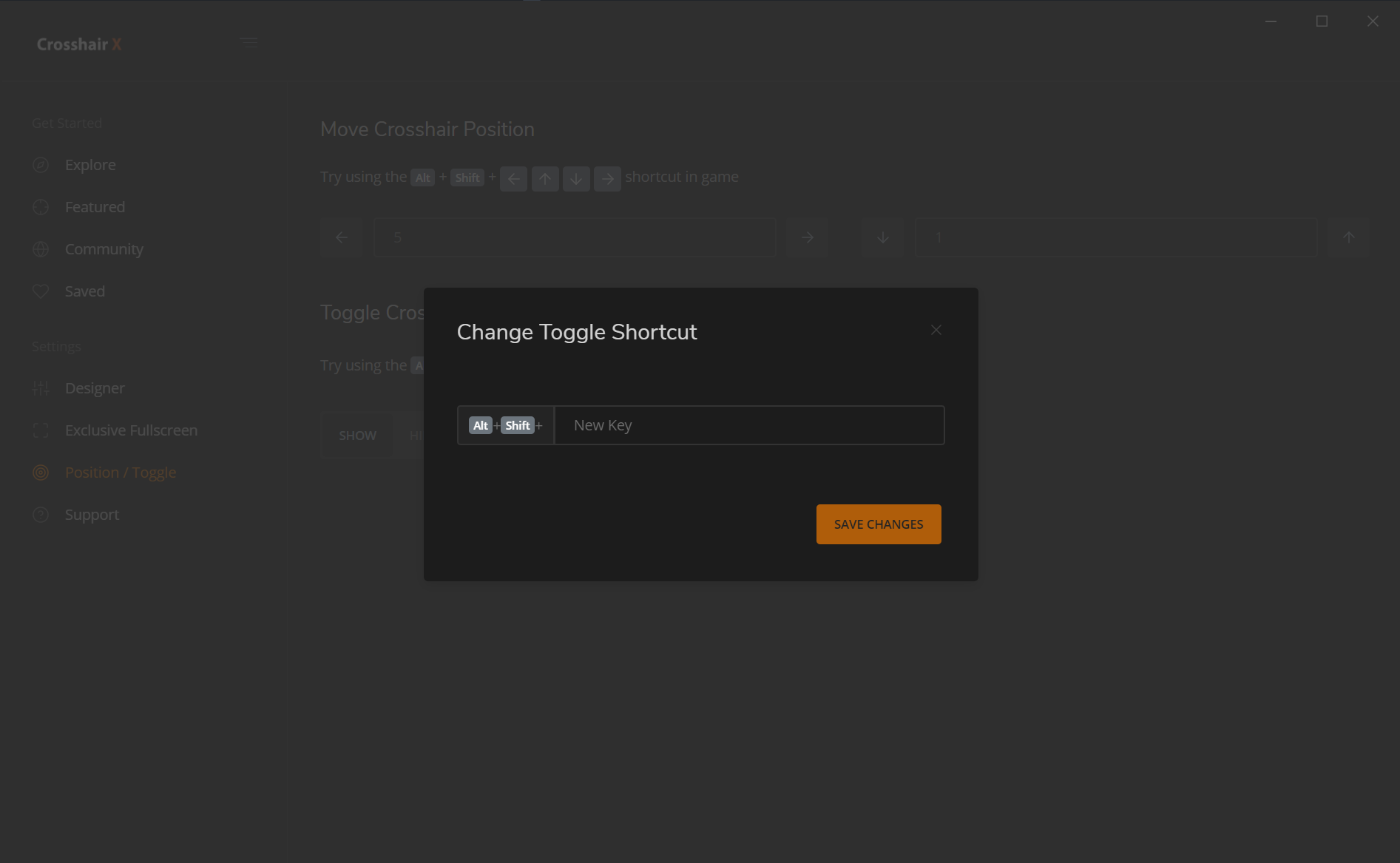
Changing the toggle shortcut
A few of you requested that you be able to change the toggle shortcut to be something other than the 'Z' character because it was interfering with in-game controls. That's now possible, just head over to the 'Positions / Hotkeys' page to do so.
Bug fixes
Introduced the following bug fixes this update:
- Fixed flickering of pages when loading.
- Position input boxes can now be empty (Thanks Crosshair X user 'Cousin Earl' for pointing this out!)
Unresolved third-party issues
There are currently two known issues:
- Xbox Game Bar doesn't allow us to programmatically center or adjust the position of the widget requiring our users to manually center the crosshair with the help of our positioning hotkeys.
- The Game Bar extension should be transparent instead of pitch black when the Game Bar is open. Microsoft is already working on fixing this and a fix should be out by April.