Hello again, Animaze community!
We’re back with a couple of surprises for you guys so hang on tight and let’s get this update started with:
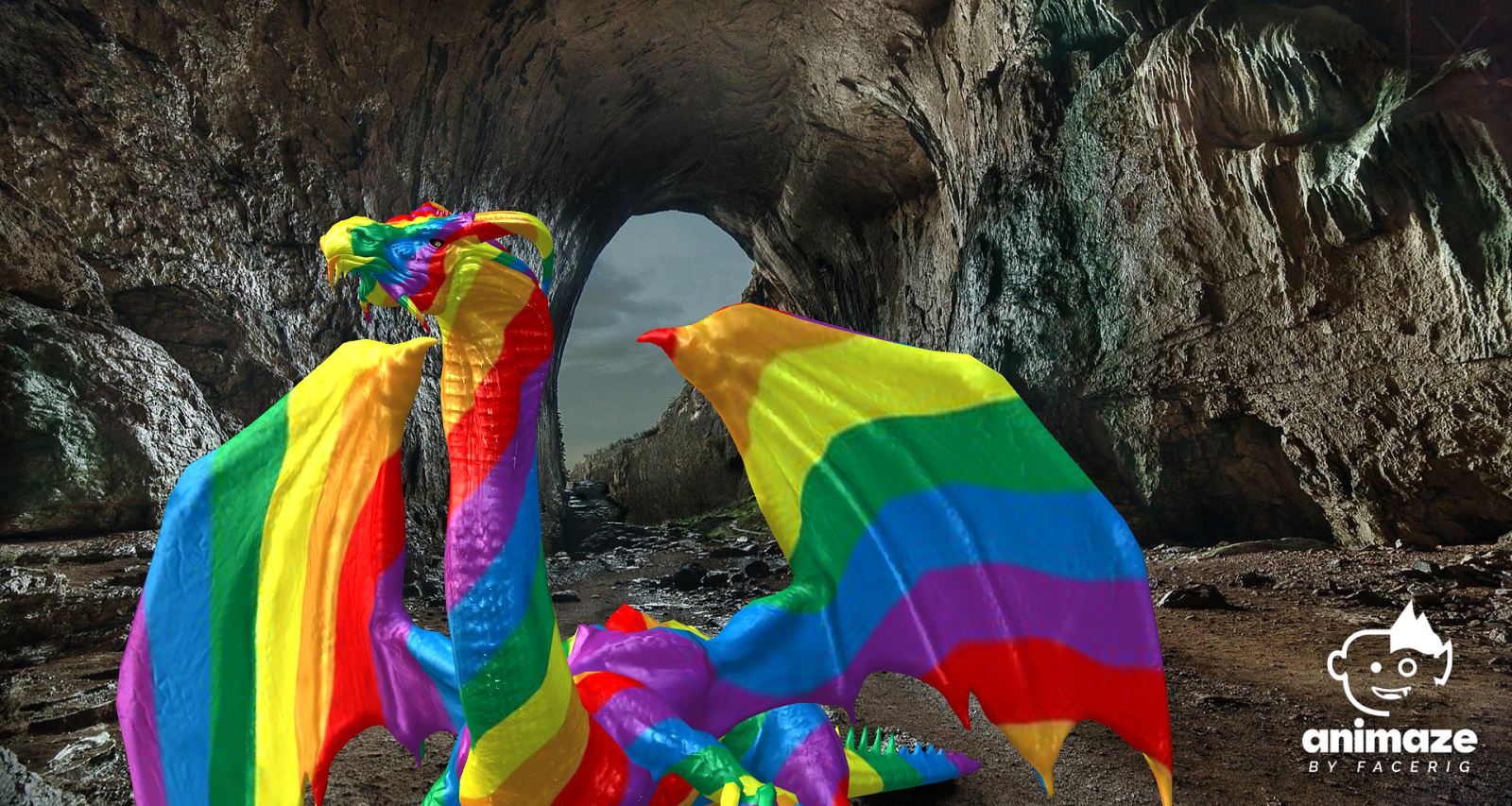
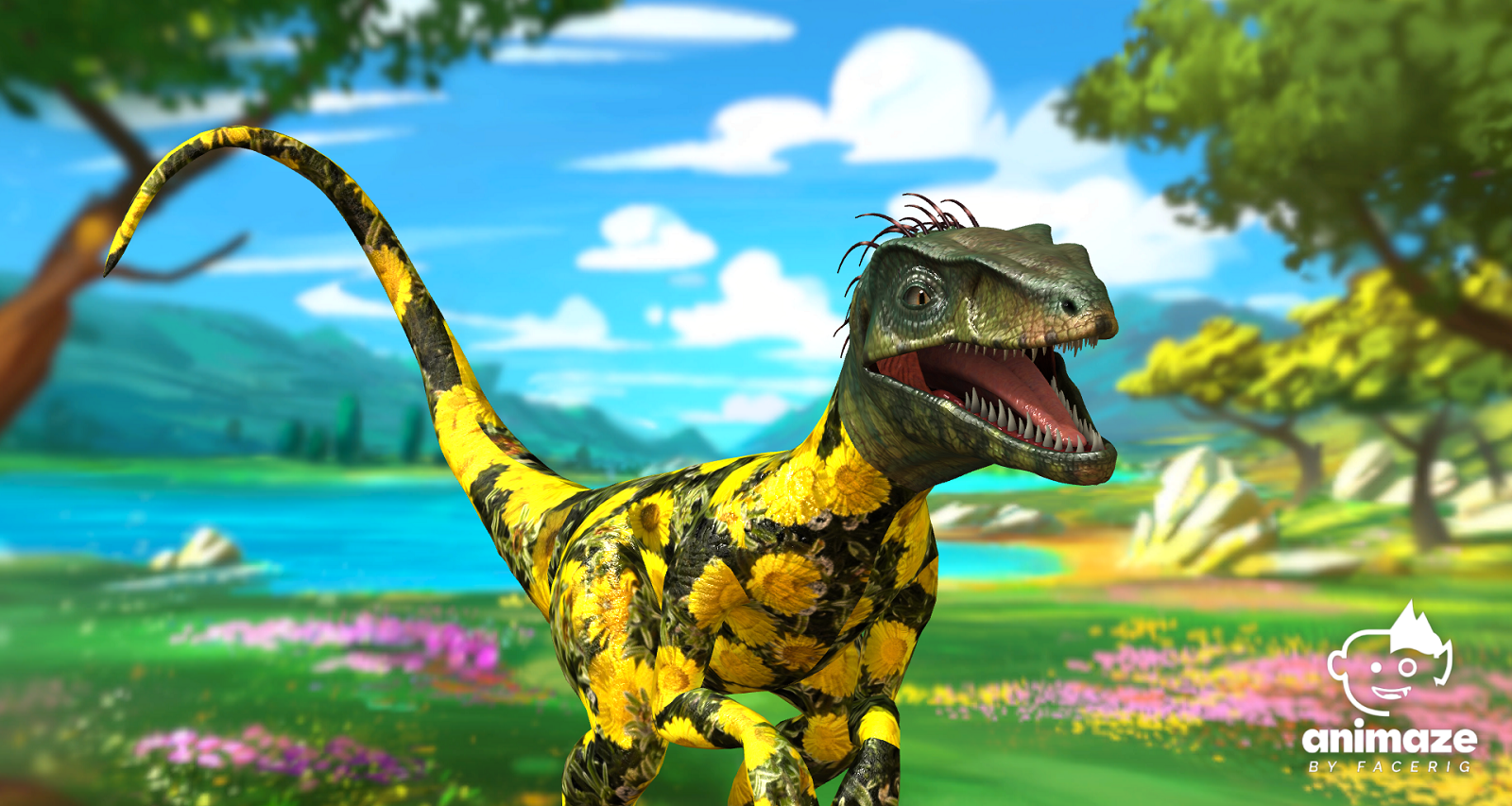
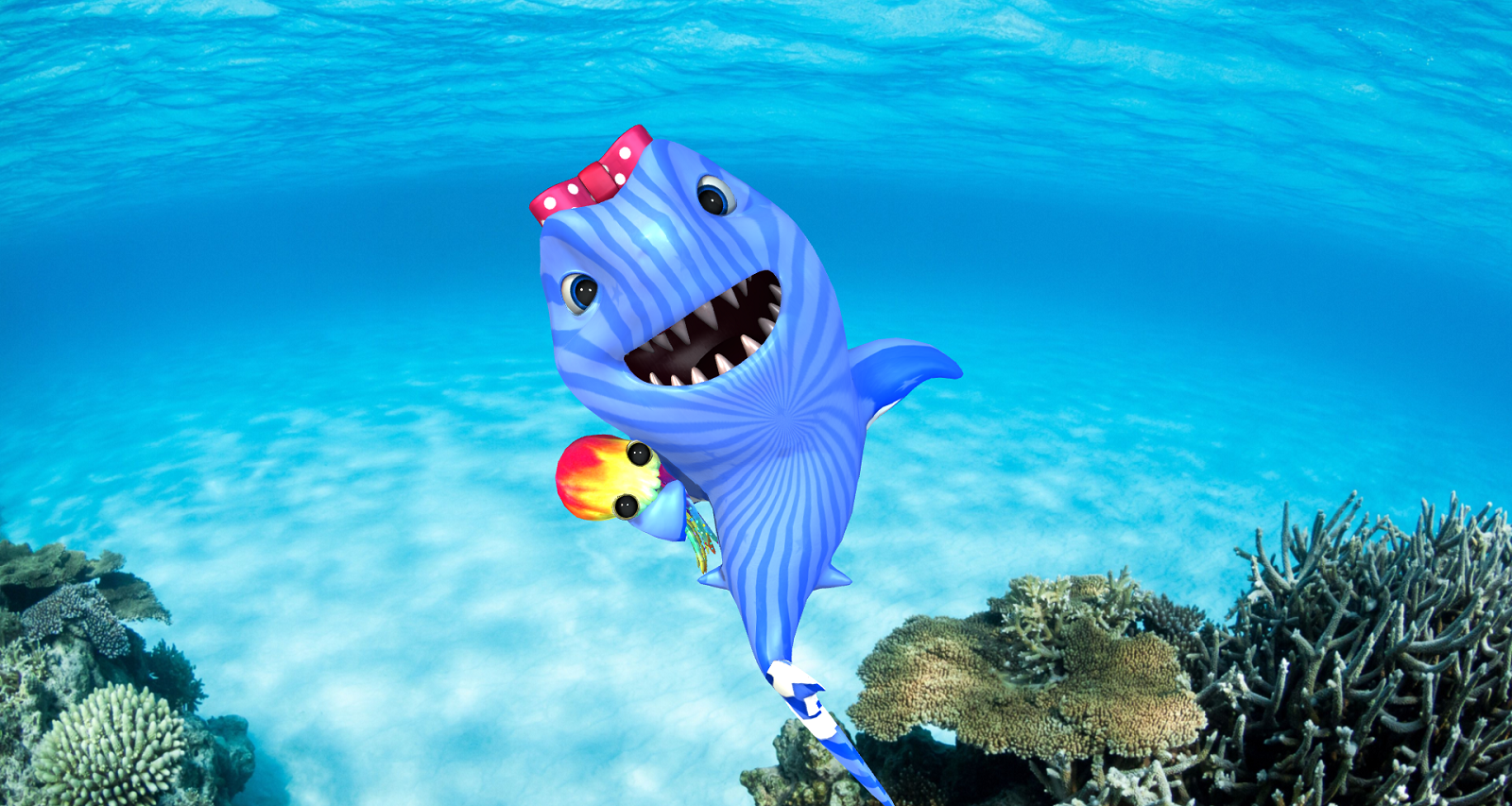
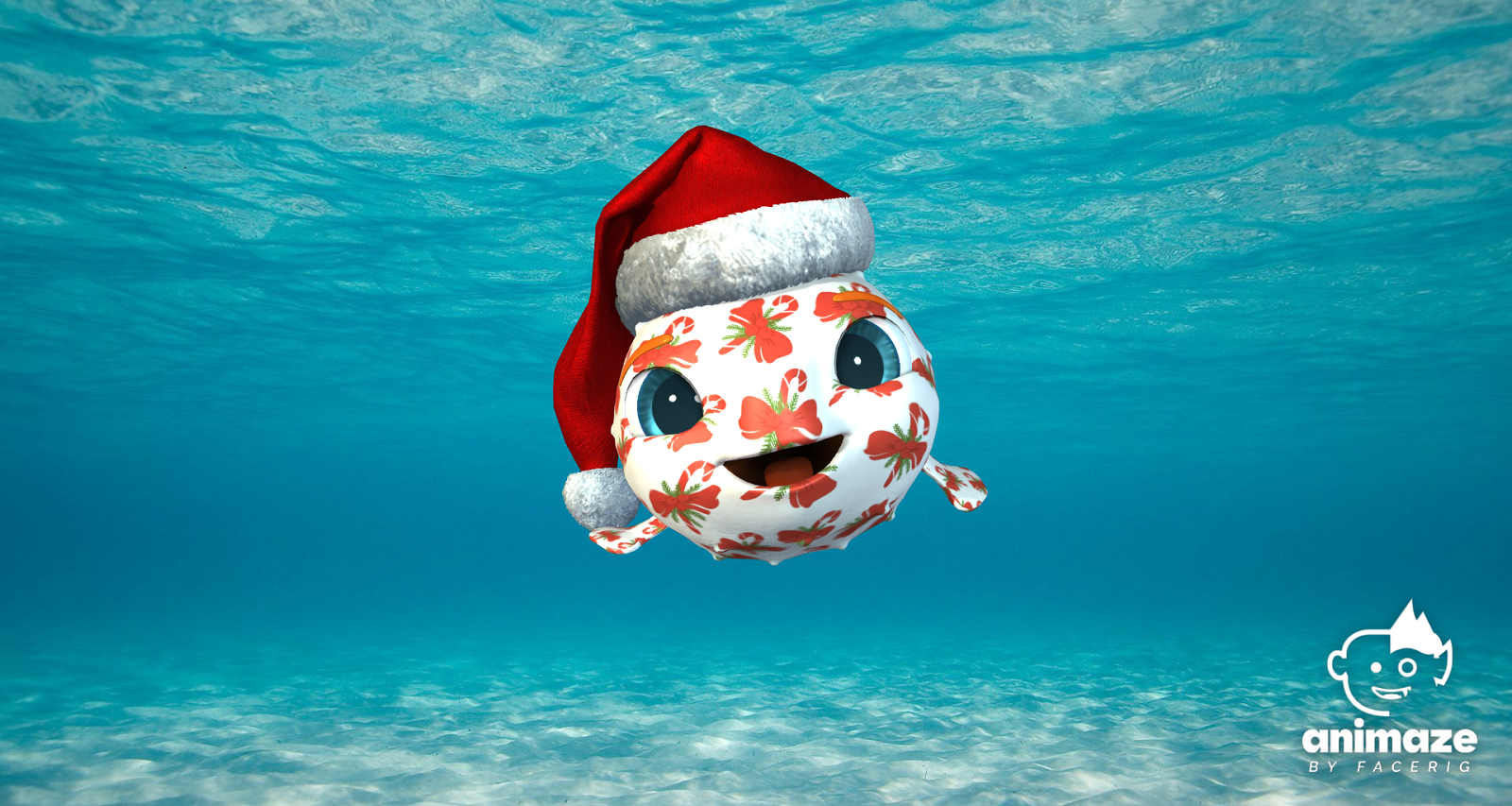
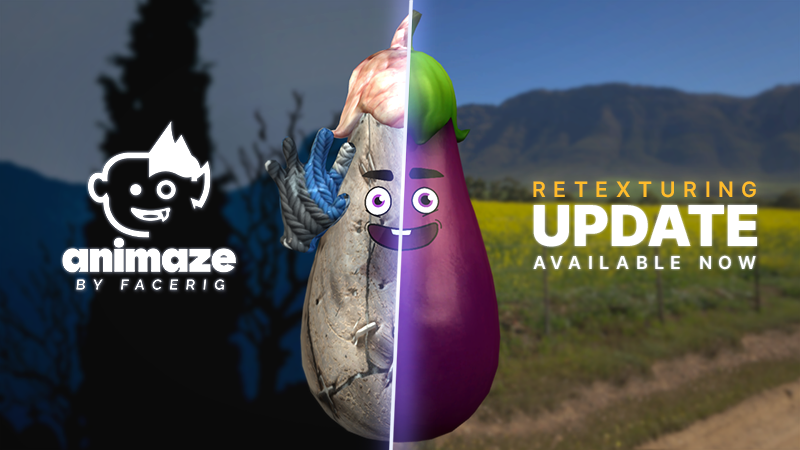
- Avatars & props retexturing: replace your avatar’s colors/skin with whatever texture you want. The possibilities of customizations are endless. Check out the textures tab in the customization window to check it out!
- Live2D import adjustments: fixed some bugs related to the Live2D Import option
- Added the ability to reimport live2D avatars through the import menu
- Manage Subscriptions UI Upgrade: We've redesigned the manage subscriptions UI to make navigation easier and clearer
- New props included: Personalize your avatar with our newly released props: an army helmet, a mohawk steampunk hat, an axe hat, a shark hat, and hippie glasses
- Downloadable props update: Moving forward, we'll be able to add props without requiring a binary update for Animaze
- Added a copy-paste functionality to text boxes: you can now use the copy and paste functionality in most in-app text boxes
- Added a reset panel layout button for windows for avatars, props, and more.
- Fixed animations panel sizing issue
- Physics scaling fixes
- Several other fixes and adjustments
If you are having any other issues with the Animaze PC app please email us at support[@]animaze.us and we will do our best to resolve in our next updates!
PS: here are some example of how you can use the retexturing tool: