
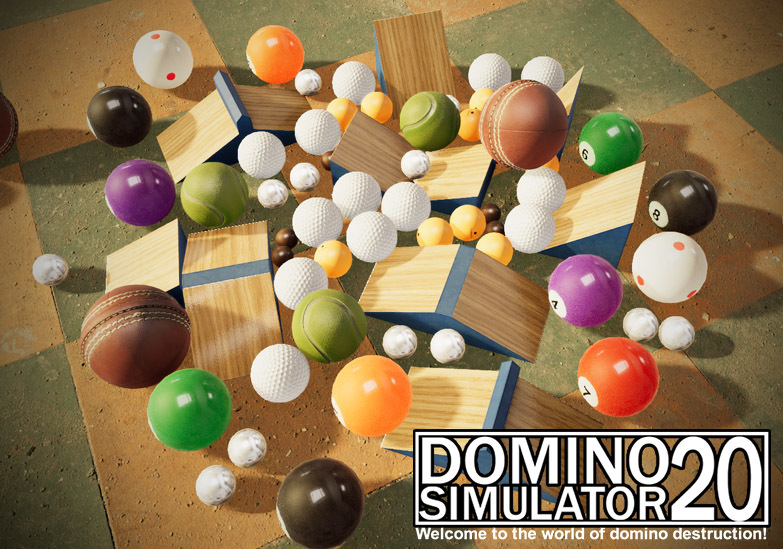
Change Log since initial release
- Added anchored bridge
- Added various ramps
- Added half pipe
- Added horse piece
- Added baseball
- Added cricket ball
- Added tennis ball
- Improved performance in general.
- Improved physics stability at piece resets
- Improved physics stability during and after loading a scene
- Fixed piece interaction sounds (mostly fireworks) triggering during load
- Fixed loaded workshop pieces contributing to total pieces placed
- Fixed scenes loaded from workshop not reflecting text details on lightbox.
- Fixed stander letter decal overshooting to nearby objects.
- Fixed cereal boxes exploding after a reset in some instances.
Frequently asked questions
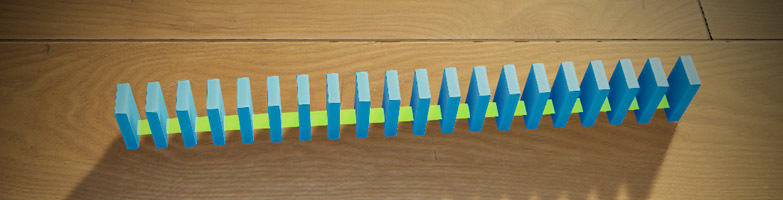
Q: How do I place multiple pieces in a straight line?
A: Press the left SHIFT key and hold it while you place it
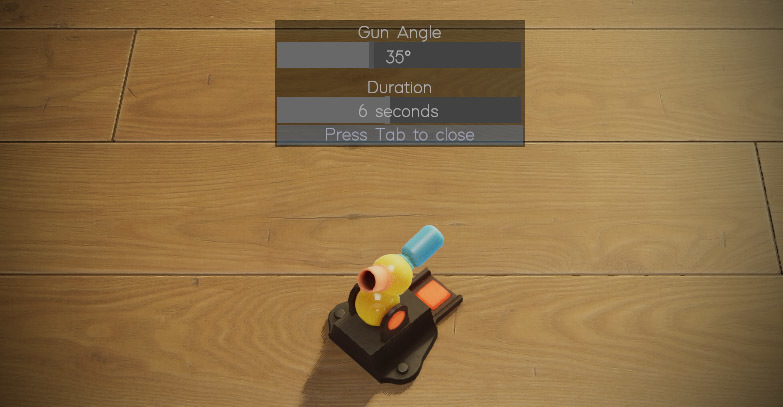
Q: How do I change the angle of turret?
A: Some objects have special options that can be set. To set these special options press ESC to clear any selected pieces, then hover over to the object and press the TAB key
That's it! Enjoy!