
Hello folks!
If you watched participating Twitch Rivals streams earlier this month, you may have earned and claimed up to 3 exclusive chef skins for Overcooked! All You Can Eat!

These chefs are now available to download and play if you successfully claimed them during the event.
Here are the steps you need to follow to get them into your game...
1. Go into the settings menu and scroll to the bottom.
2. Click the "Connect to Twitch" button.
3. Go to the URL shown, should be like this: https://octw.t17service.com:3010/link
4. Input the code displayed in game into the web page.
5. Click the link button.
6. Return to game to confirm it was accepted.
7. Restart your game!
If you successfully claimed and installed your chefs, you'll see a pop-up image similar to this one...
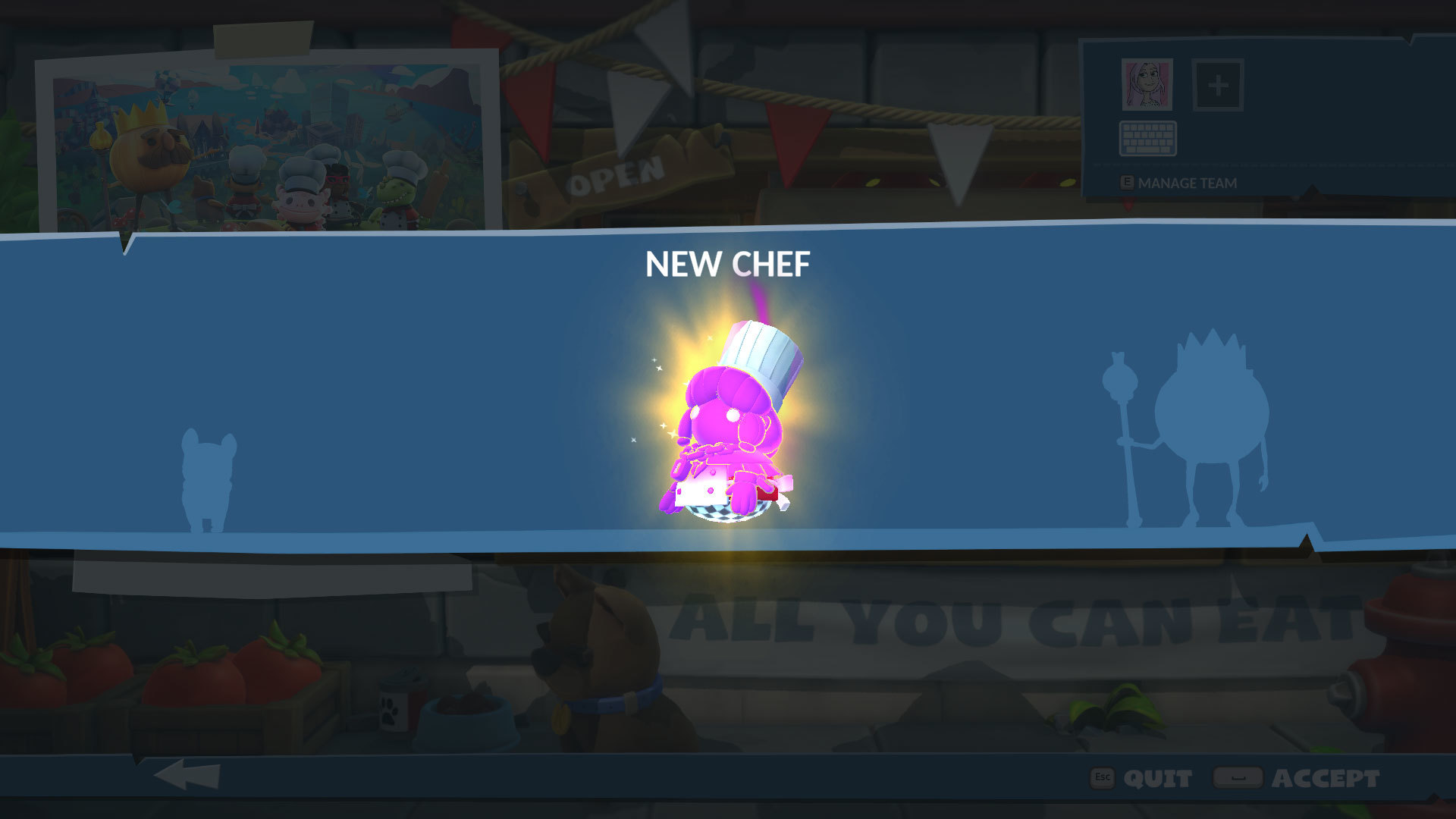
And that's it! Enjoy your new chefs :)
PS. Don't forget that The Muppets' Swedish Chef is available to download for free until April 30th!
https://store.steampowered.com/app/1528250/Overcooked_All_You_Can_Eat__Swedish_Chef/