
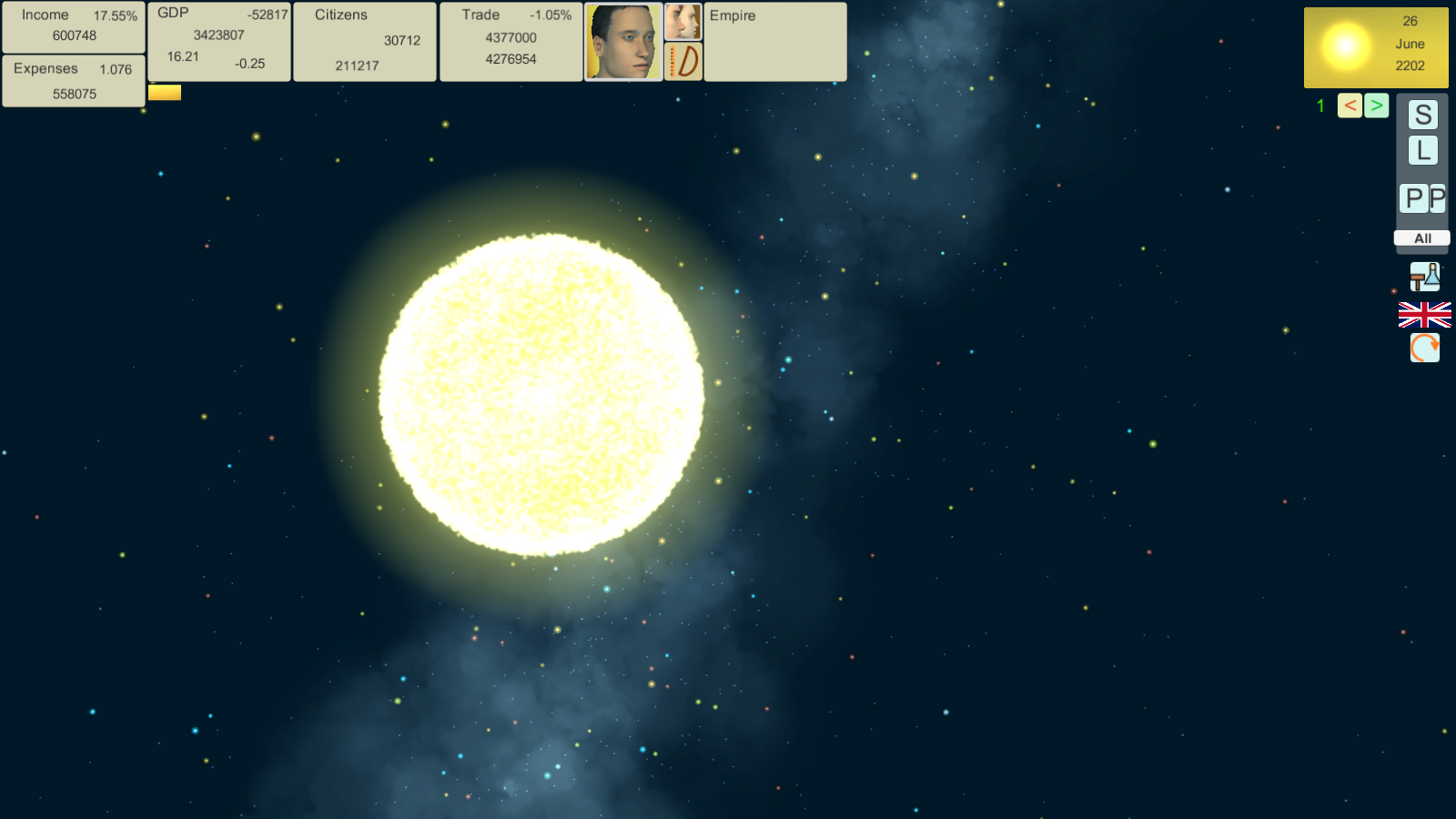
Hello, this is the first game guide.
Today we will analyze the Main Interface of the game.
First, most indicators have tooltips and don't forget about F1 for hotkeys,
But to get a complete picture of why these indicators are needed, this guide is intended.
Let's analyze the right panel as the lightest.
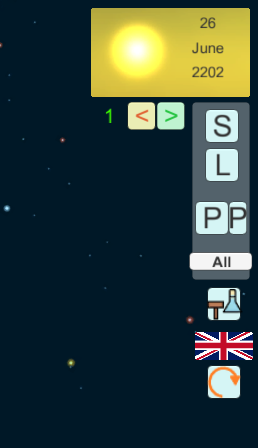
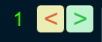
At the very top is the speed of the game.
(Hotkeys "+" and "-")
Quick save and load

"S" and "L" buttons - quick save and quick load
S - save to file "Fast".
L - load the last save.
Pauses

Big and small buttons "P" - pause and pause at the beginning of the month.
"All"
selects all spaceships in a given star system. This may come in handy if you sent a spaceship to the star system and you cannot find it there.

Hammer and flask is the military industry. Why a flask? Well this is a reagent for gas-dynamic laser.
Button with english flag language selection. A button with a round arrow - rotates the camera down.
Screenshots (F10)
Screenshots are located in the [Game Folder]/Assets/Screen folder.
In the next part we will continue to analyze the main interface.