
Hey everyone,
This past week I returned from my trip to Europe! I went on a scenic tour of Germany, Switzerland, and Italy and it was a really inspiring and refreshing experience. Good to get a couple weeks outdoors after working on a computer all day long. Anway, I’m back to work on Battle Map Studio now and I’ve got an update for you. 🙂
In this update I added in-game chat, negative elevation, and fixed lots of bugs!
New Website!
Before I get into the game updates, I wanted to draw your attention to Battle Map Studio’s new website! I recently came across ManaKeep, a website builder for games, and I was really impressed with how simple it was to use. I played around with the editor for a few minutes and already had made a site that was way better than my existing landing page, so I switched!
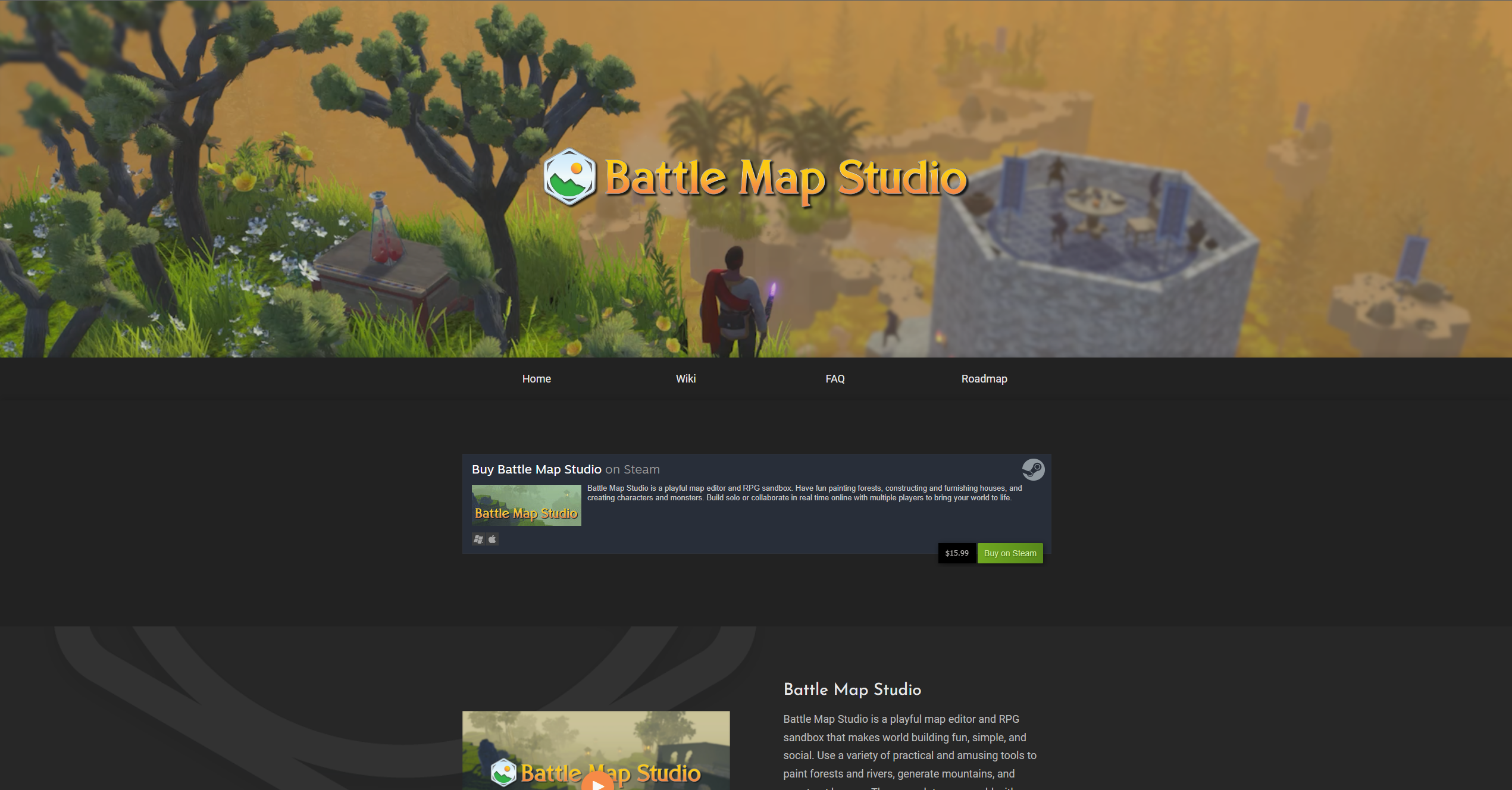
I also removed the in-game bug reporter because we now have a public bug reporting space! If you run into a bug, all you have to do is head over to battlemapstudio.com/bugreports and submit a new bug report. You can also vote on other bug reports!
Discord is great to discuss bugs and solutions, but I thought it’d be good to provide a space for you to be able to formally submit bugs and check in on their completion progress.
Finally, I’ve been putting together a roadmap for Battle Map Studio so you can check in on how this project is progressing! Check out what I have planned and what I’m currently working on here.
Chat
Hey look, I added in-game chat! Until I added the ticker notifications, I kind of avoided thinking about adding chat. I kind of figured you’d all use Discord, or some other voice chat application to talk with your friends while making maps or running campaigns.
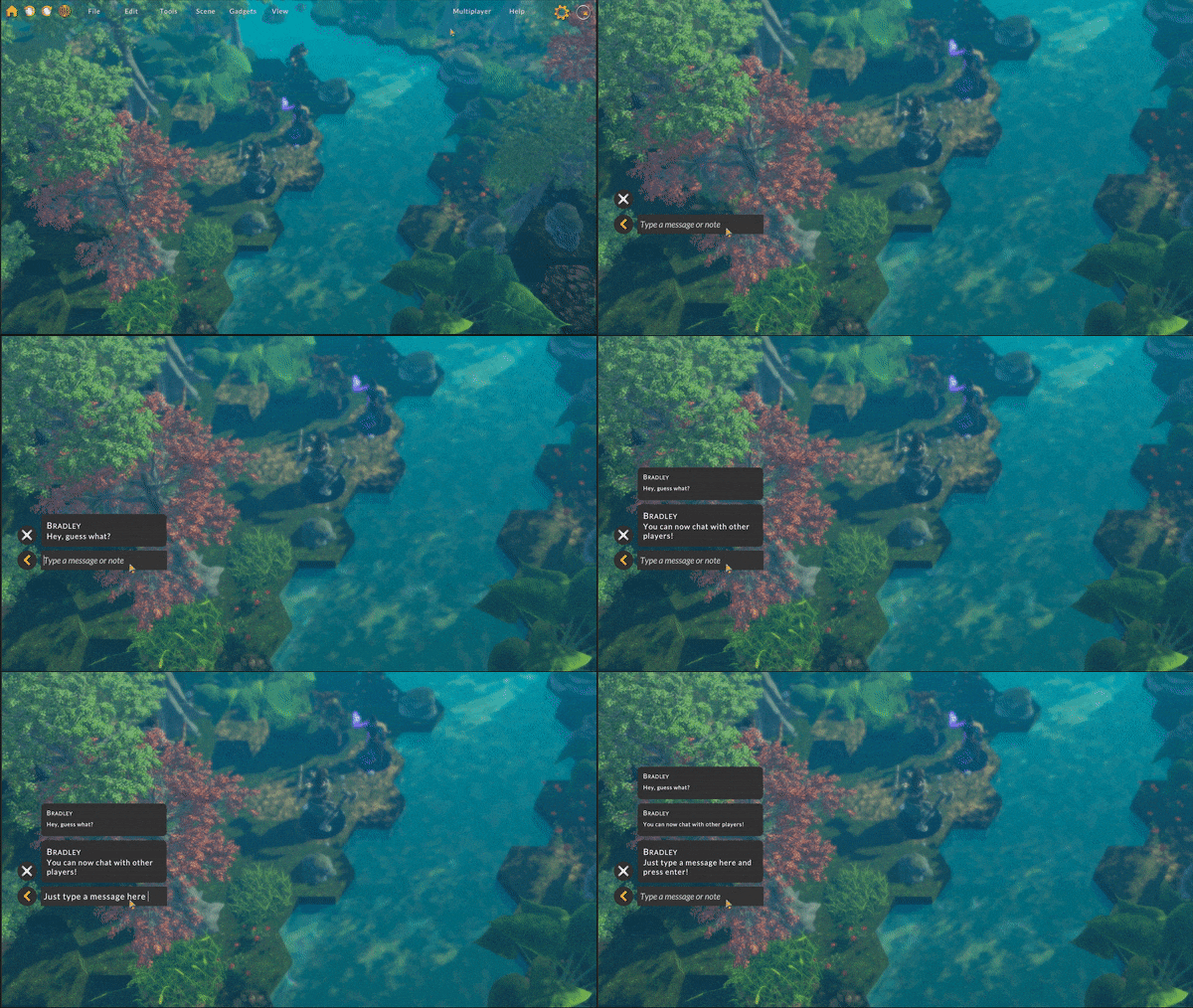
When I added the ticker and overhauled the character sheet, I thought “why not, let’s add chat to the ticker.” So I did. Chat is super basic right now, just type and press enter and send a message to everyone in the multiplayer session. I’m considering adding private messages or notes-to-self at some point so that you can control who sees the message.
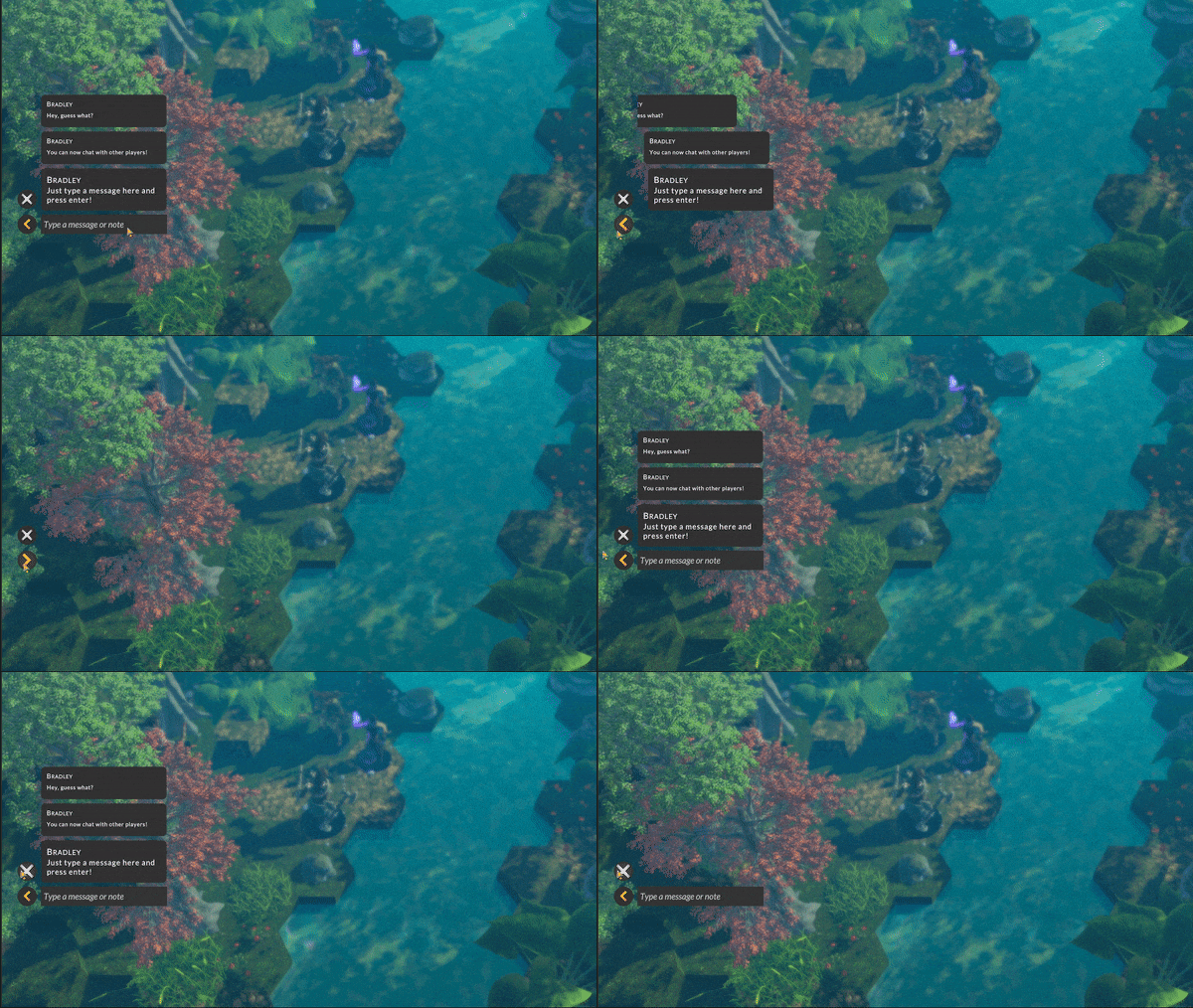
You can hide the chat (and other game messages) by clicking the arrow button. Clear all visible messages by clicking the X button.
Negative Elevation
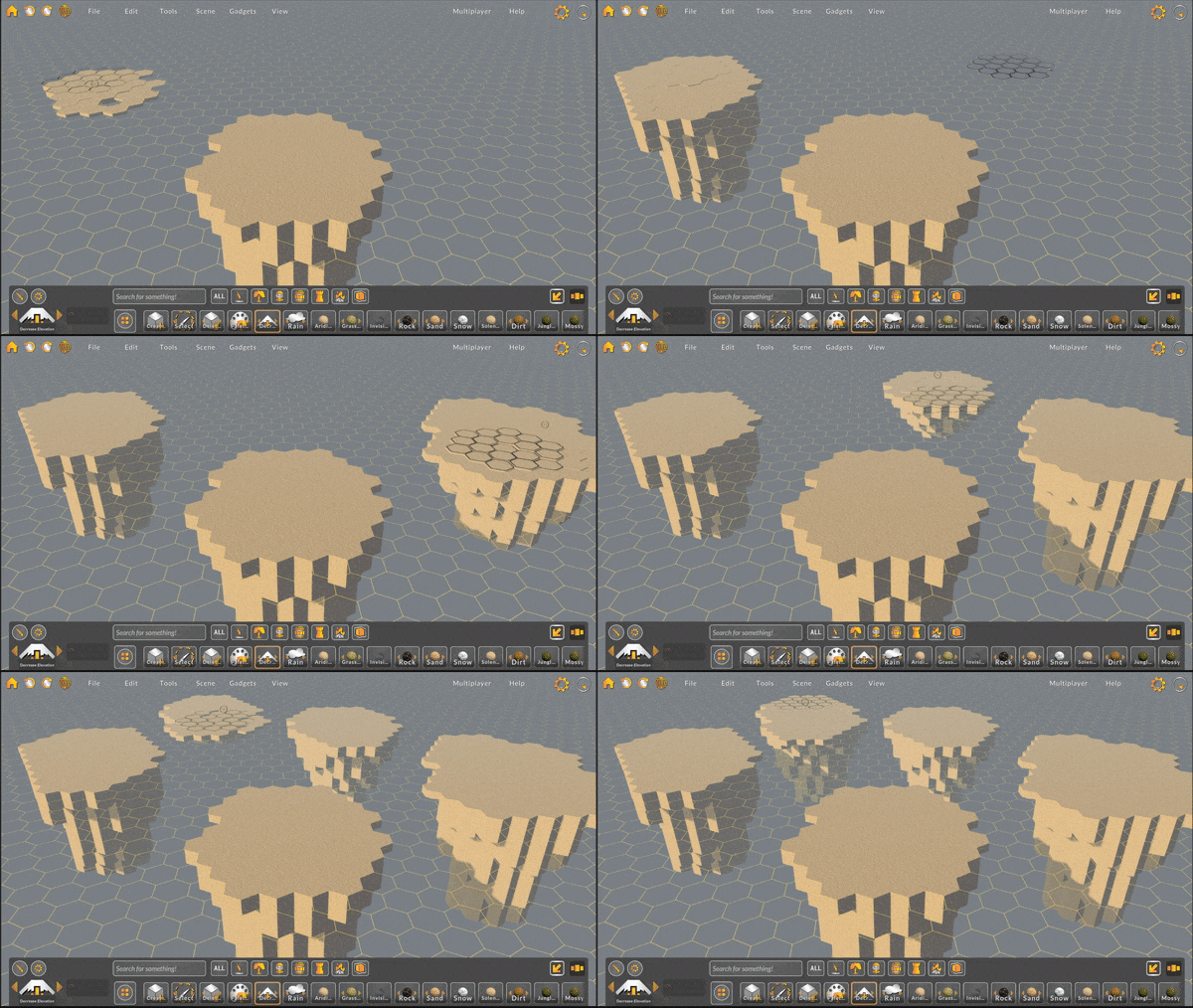
When creating caves, I was finding it a bit tedious to create the cover of the cave without adding a bunch of layers. So, I thought I would make it easier by allowing blocks to have negative elevation!
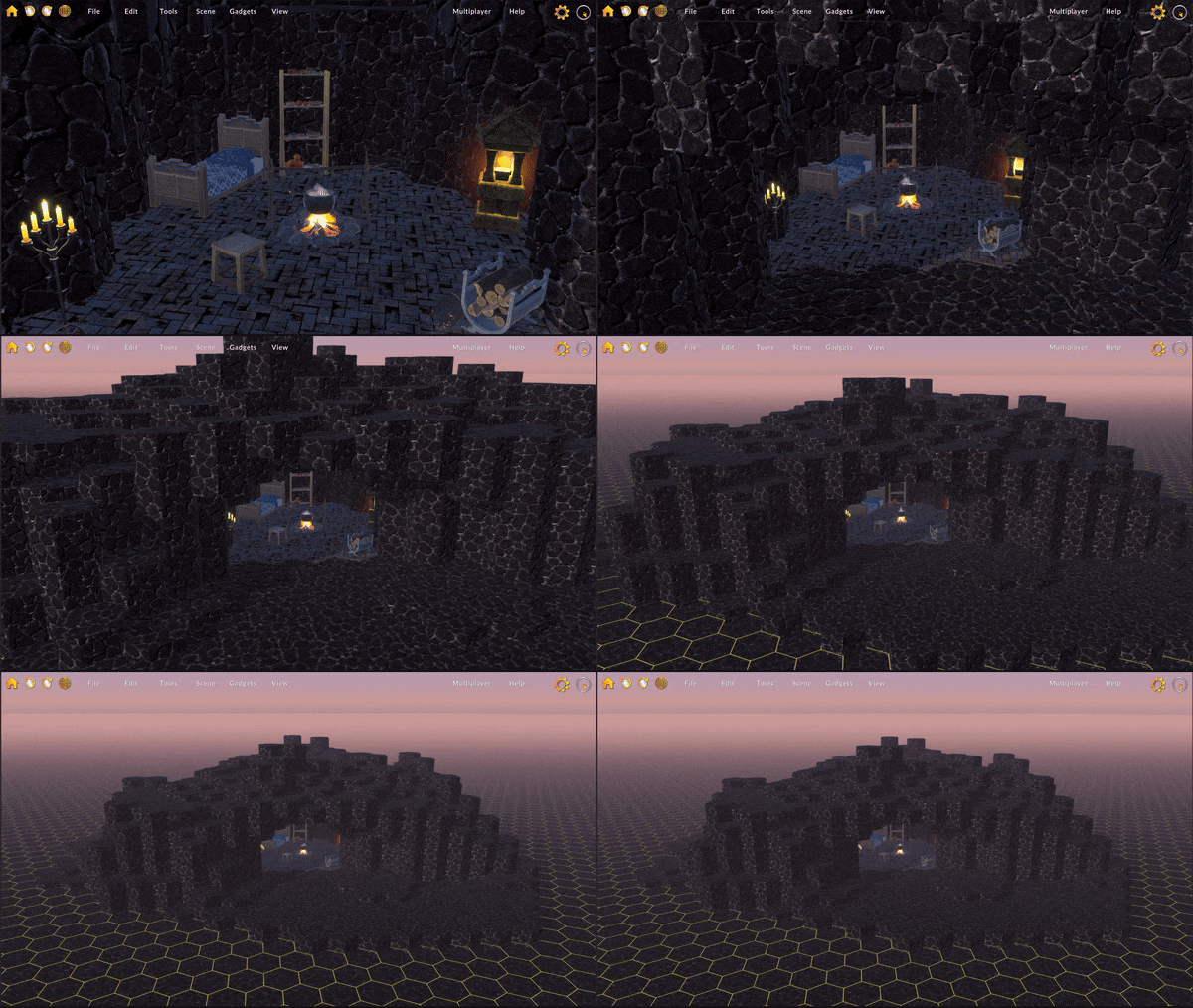
Sounds simple, but since I was modifying the most general part of the framework, it took a little while for me to make sure everything was working correctly.
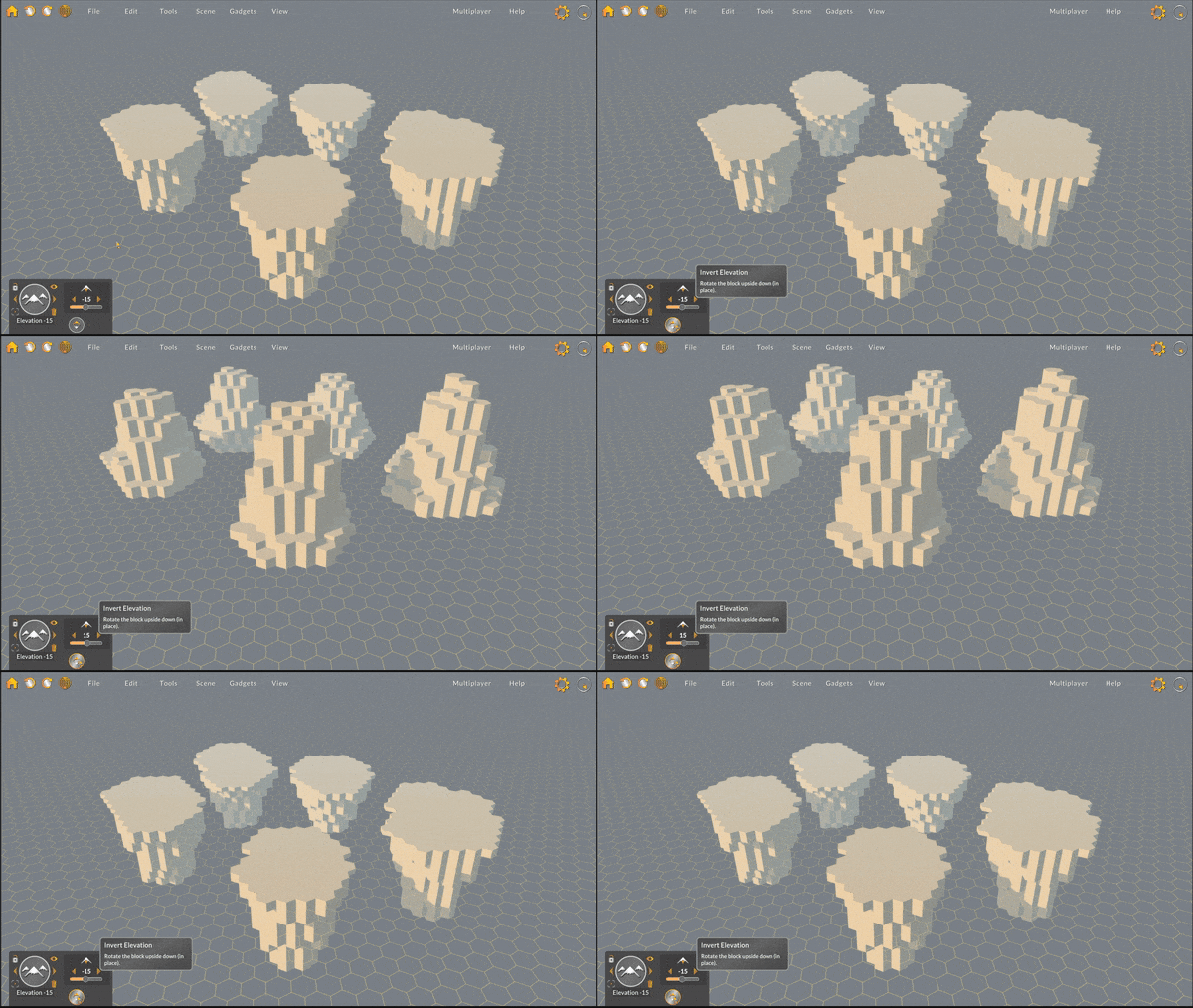
Invert Elevation
Elevation can be quickly turned upside down by clicking the new Invert Elevation button in the block context menu.
Beziers
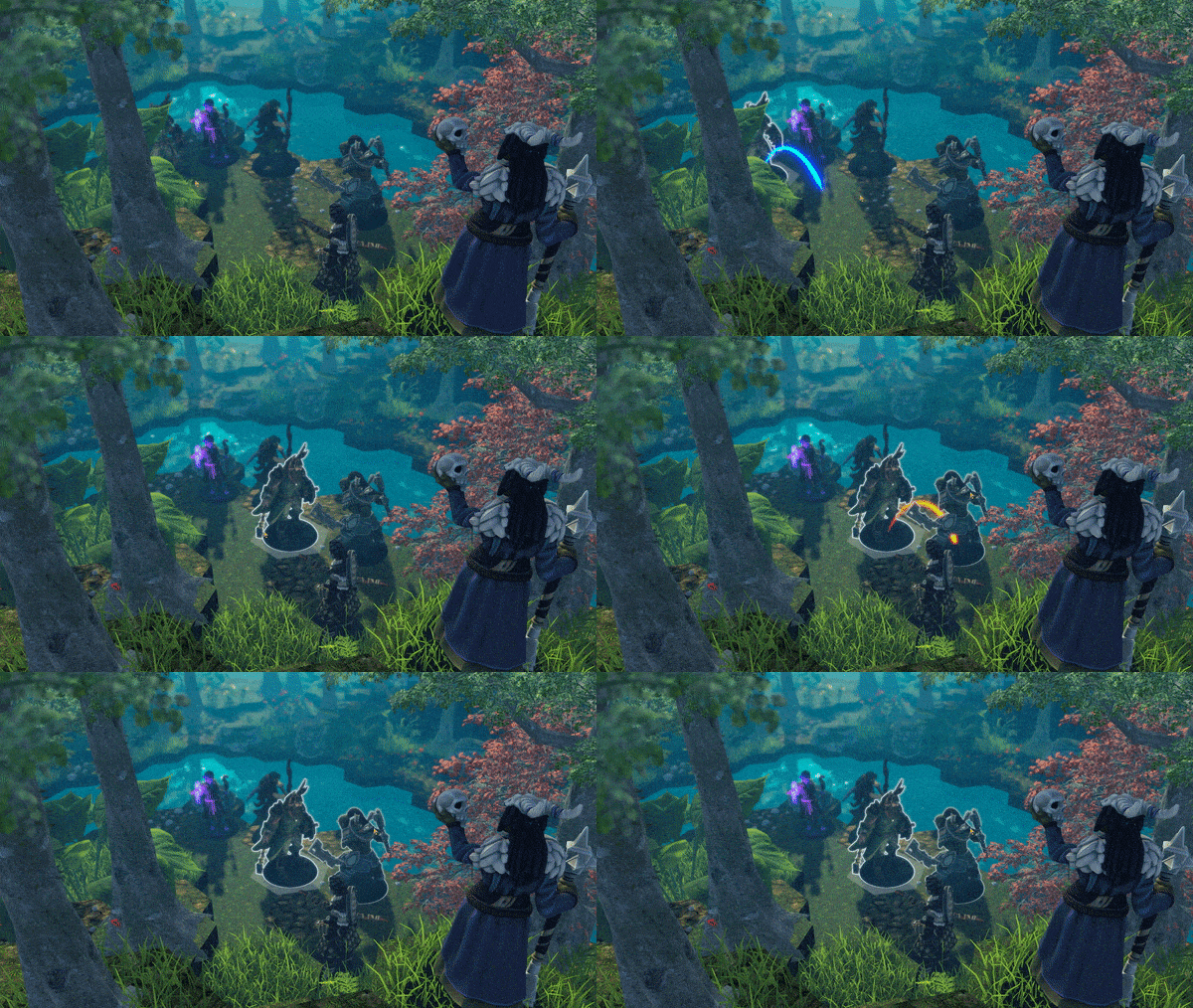
A small touch, but I reworked the bezier splines to be more visible and not stretch the texture weirdly when moving or attacking.
New Hotkeys
- Page up and Page down now translate the camera vertically up and down.
- Backspace now deletes only the selected context on a block.
Polish
- Fixed an issue where layers could not be moved under zero, disabling underwater layers.
- Fixed a bug where tiles would not move fast enough when initialized, causing them to float before making another edit to the map.
- Fixed a bug where undoing and redoing a layer name would not cache the correct layer name, causing the layer name to be changed to an incorrect value.
- Fixed a bug where overlay grid tiles would persist after changing layers.
- Fixed a bug where the dragger tool would frequently stop displaying tile markers during dragging.
- Fixed a bug where when moving an object, other objects would incorrectly block raycasting, making it hard to select a block to move to.
- Fixed a bug where custom assets would not be recognized as objects to target.
- Fixed a few mathematical bugs where rounding became an issue at very high elevations.
- Fixed a bug where when placing an object, carpets and other ground-covering objects would intercept raycasts, making it difficult to place objects precisely.
-Bradley