
Major Update to Treasure Tomb VR
We are making a major update to Treasure Tomb VR and fixing bugs reported to us. Major changes include:
• Option to play in First Person
• Climbing in VR without selecting climbing movement mode
• Gamepad controller support in First Person
• Option to play any of the first 4 levels in any order
• Full multiplayer access for mixed VR and FP players
• Common simplified menu
• In game menu
• Text descriptions of button options (other language packs to follow)
• Select VR or FP at startup
• Bug fixes
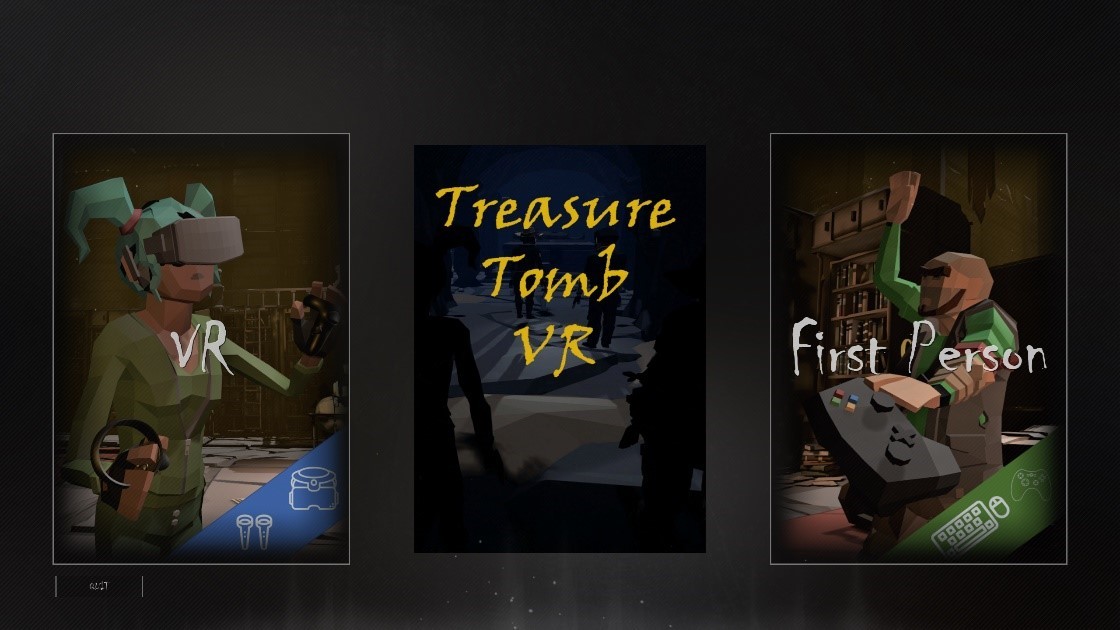
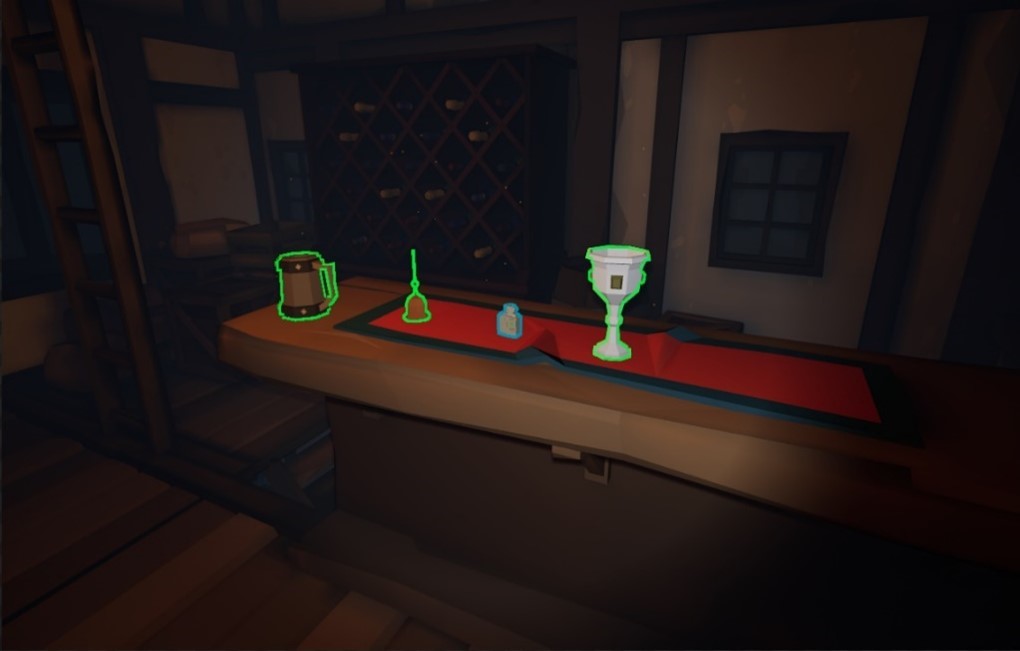
From the first page select VR or First person to access your preferred mode of play. First person supports game pad input as well as keyboard and mouse. If playing first person a small reticule is visible in the middle of the screen, use this to hover over items to interact with, if it turns green and the item is outlined – then you can interact (E key) or Left mouse button.
Lobby Menu
As before you can modify your character, invite and accept other Steam friends invites to your game through the multiplayer tab .
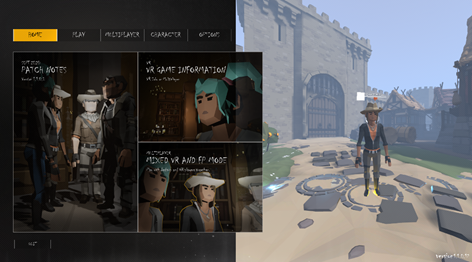
The main menu Tabs and panels provide:
• Home page – Patch notes and game play info
• Play menu – Select start level or run in sequence
• Multiplayer – invite steam friends
• Character – modify character style, sit/stand play (VR only) and ready up
• Options – Controller, Video, Audio and user guide.
VR user menu offers the same capabilities but uses a ‘touch’ screen. Each index finger will activate menu options.
First Person Mode
First Person mode is provided as a companion mode to VR. The First Person character appears the same as a VR player in game except their hands do not move in the same way. This allows VR players who may not know other headset owners to invite friends to join them in game and experience Treasure Tomb VR at it’s best
This doesn’t exclude single or multiplayer First person mode, the puzzles are just the same, and all achievements are available to be won by all players.
First person players will see an outline around any object they can collect, or any item the can activate/use in the game. When an object is picked up it moves to their left hand next to the body and an icon representing the item type is shown on the game HUD in the bottom right hand corner.
To use an item press the E key, left mouse button on gamepad X key. To drop an item press ad’Z’ key or the D down button on the gamepad.
In first person mode there are occasions where a carried item needs to be placed on another, of offered up to another feature in the game. When this is required in FP the target environment object will be outlined and using the activate key/button will cause the item to be used correctly.
For a video guide to the menu and starting the game in first person visit our Youtube channel.