
The original content from 'MegaHouse', the armed beautiful girl collection figure series 'Desktop Army', arrives in CosmicBreak Universal!
'Desktop Army' Collaboration Event Special Page.
Details of the Previous Collaboration Event
◆Event Overview
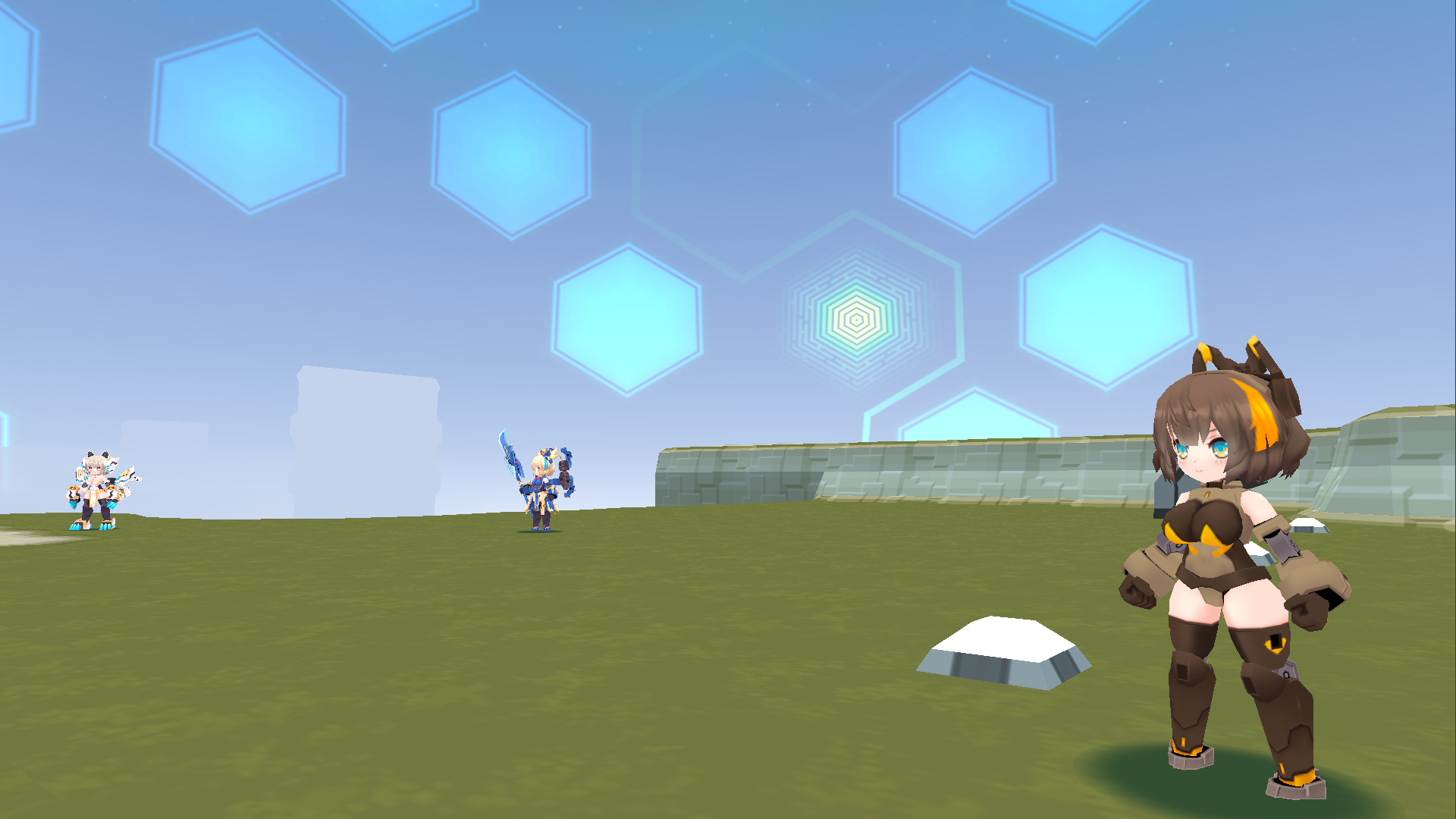
Titania Delta has arrived at the Cosmic Ark!
Titania Delta, who is tasked with investigating 'abnormal objects, entities, and phenomena', seems interested in conducting investigations in the Cosmic Ark as well.
Take on event exclusive Orders and collect 'Abnormal Phenomena Investigation Reports' to assist Titania Delta!
Event Period
From maintenance 01/16/2025 JST
Until maintenance 02/26/2025 JST
Receive 'Titania Delta' as a Login Bonus!

During the Collaboration Event period, players who log in to the game will receive one 'Titania Delta' as a login bonus!
Details about 'Titania Delta' can be found here.
'Abnormal Phenomena Investigation Report' Exchange Event
During the Event period, you can collect 'Abnormal Phenomena Investigation Reports' in various areas of the Cosmic Ark. Every 15 Reports handed over to Titania Delta will grant you a 'Titania Cube' containing Titania-related Parts!
Prize Lineup
When using a 'Titania Cube', you can obtain one of the following Prizes:
| Prize Name | Prize Type |
| S Assault Carbine Type Delta | Titania Delta Exclusive Conversion Part |
| Combat Knife Type Delta | Titania Delta Exclusive Conversion Part |
| Military Pack | Titania Delta Exclusive Conversion Part |
| Night Vision Scope | Titania Delta Exclusive Conversion Part |
| Plate Carrier | Titania Delta Exclusive Conversion Part |
| Arm Band Alpha | Titania Delta Exclusive Conversion Part |
| Arm Band Beta | Titania Delta Exclusive Conversion Part |
| Leg Guard Alpha | Titania Delta Exclusive Conversion Part |
| Titania Seiryu Flag | Weapon |
| Titania Byakko Flag | Weapon |
| Titania Delta Flag | Weapon |
| Titania Cosplay Gear | Accessory |
| Titania Genbu Hat | Accessory |
| Titania Suzaku Band | Accessory |
| Titania Seiryu Crown | Accessory |
| Titania Byakko Ears | Accessory |

Desktop Army Event Orders
When talking to Titania Delta for the first time in the Event area, you will be able to take on event exclusive 'Orders'
Completing Orders will reward you with exclusive Parts to enhance Titania Delta!
Let's play Union Wars with Titania Delta and customize her with exclusive Parts!
Orders
Orders are a system where you can receive rewards by meeting set conditions.
You can check the status of your Orders in the Lobby area of the game by pressing the F6 key.
| Reward Name | Reward Type | Condition |
| S Assault Carbine Type Delta | Exclusive Conversion Part | Tune up Titania Delta 1 time. ※Excluding Memory Slot |
| Combat Knife Type Delta | Exclusive Conversion Part | Tune up Titania Delta 2 times. ※Excluding Memory Slot |
| Military Pack | Exclusive Conversion Part | Tune up Titania Delta 3 times. ※Excluding Memory Slot |
| Night Vision Scope | Exclusive Conversion Part | Participate in Union Wars with Titania Delta 3 times. |
| Plate Carrier | Exclusive Conversion Part | Participate in Union Wars with Titania Delta 5 times. |
| Titania Cosplay Gear | Accessory | Participate in Union Wars with Titania Delta 10 times. |
| Arm Band Alpha 3,000 UC | Exclusive Conversion Part UC | Accumulate over 3,000 Melee Attack Points in Union Wars |
| Arm Band Beta 3,000 UC | Exclusive Conversion Part UC | Accumulate over 3,000 Range Attack Points in Union Wars |
| Leg Guard Alpha 3,000 UC | Exclusive Conversion Part UC | Accumulate over 1,500 Contribution Points in Union Wars |
| Robo Garapon Ticket x 3 10,000 UC | Item UC | Win in Union Wars 7 times. |
| 'Delta Scout' DTA Garapon No.2 Ticket※ | TitleItem | Complete all Desktop Army Event Orders |
※'DTA Garapon No.2 Tickets' can be used in the 'Desktop Army Collaboration Garapon No.2'

※Exclusive Parts releasing after the maintenance 01/29/2025 JST are being shown in the image.
◆Event Area
During the Event period, NPCs will appear in the 'Event Area'.
How to Access the Event Area
Press the F11 key to call up the Quick Access Menu.
Click 'Central Area (Daytime)', select 'Event Area Entrance', and press the 'Go' button.

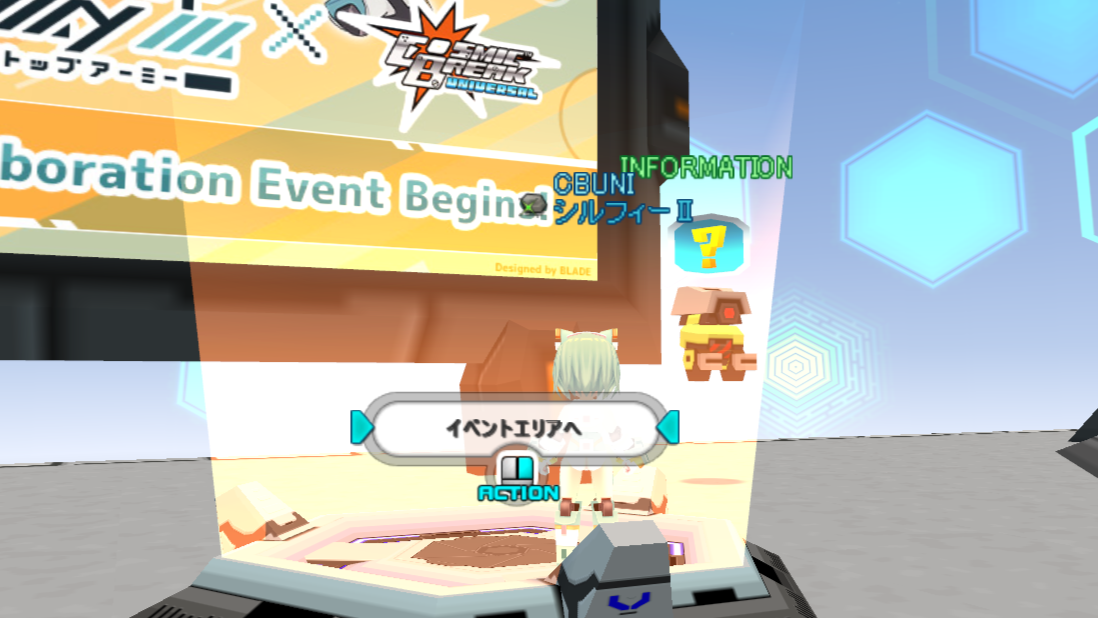
After moving, right-click on the Portal located in front of the Signboard to enter the Event Area.
Thank you for supporting CosmicBreak Universal!
©MegaHouse