Here’s a collection of handy tips you can use right away in RPG Maker MZ!
Make the most of them for your game development.
1. Loading Sample Maps
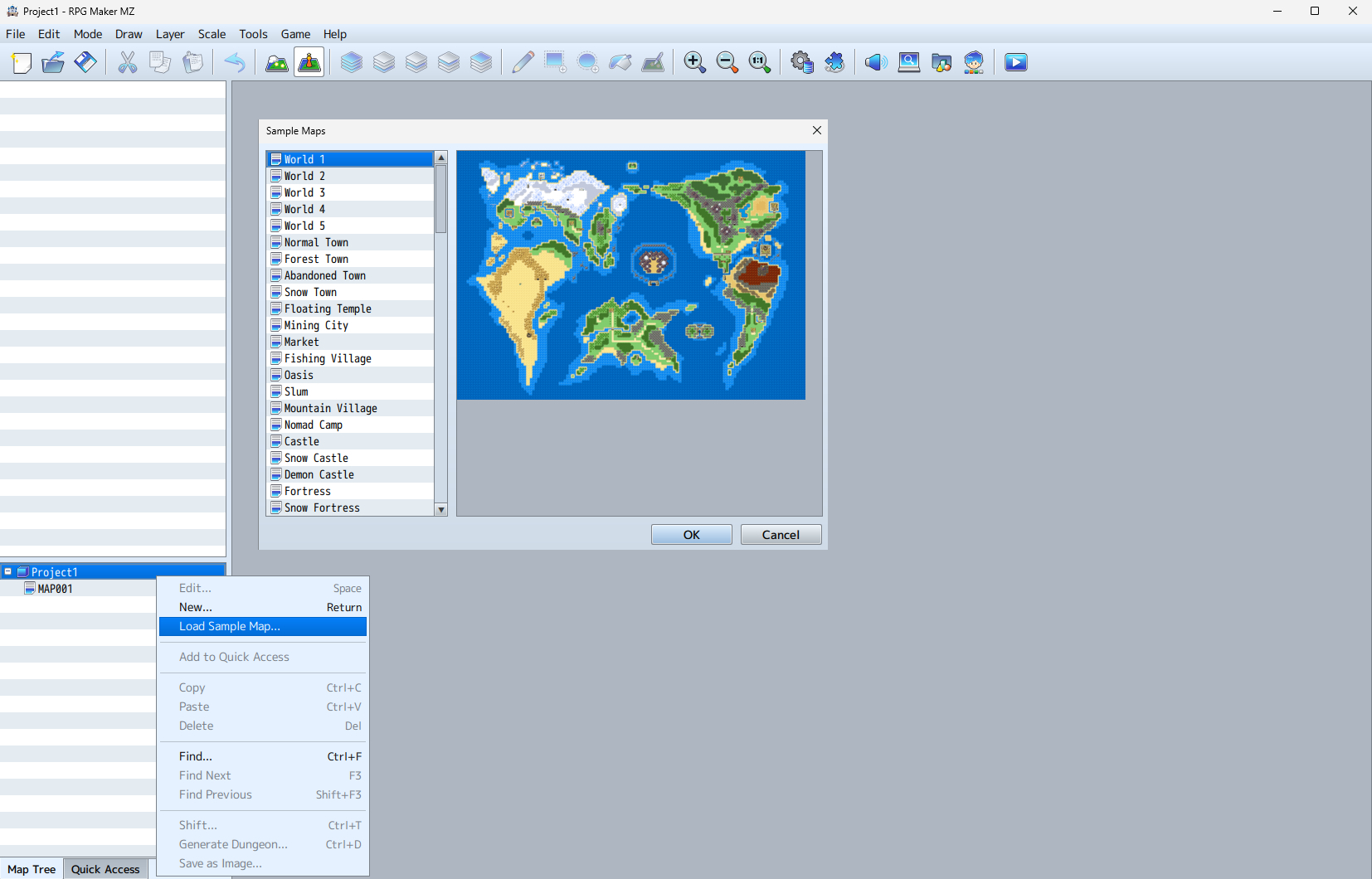
Right-click on the map list and select “Load Sample Map” to import over 100 pre-made maps.
2. Easy-to-Understand Tutorial
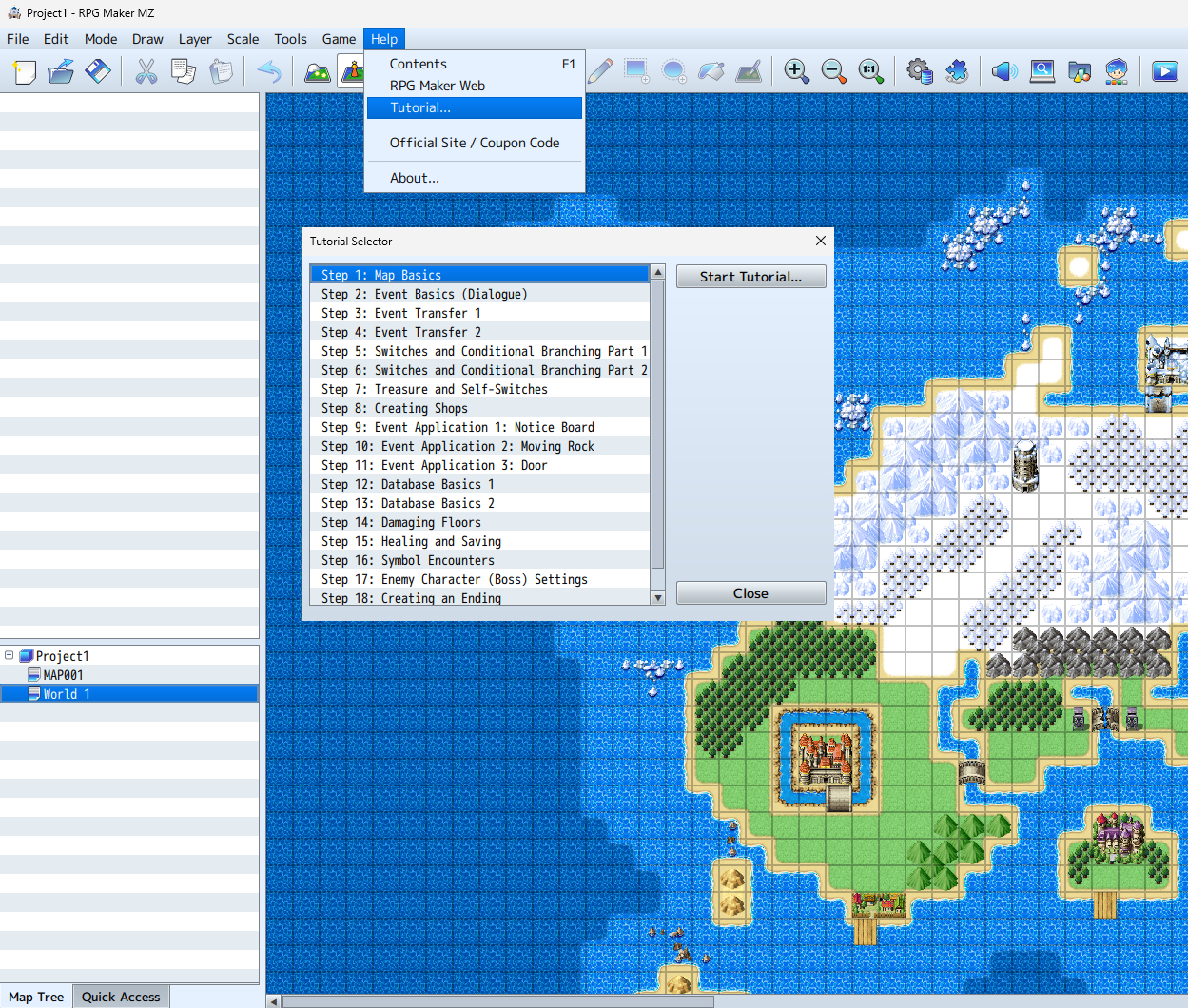
Go to Help → Tutorial to learn how to create a game step by step.m
3. Character Generator Fine-Tuning
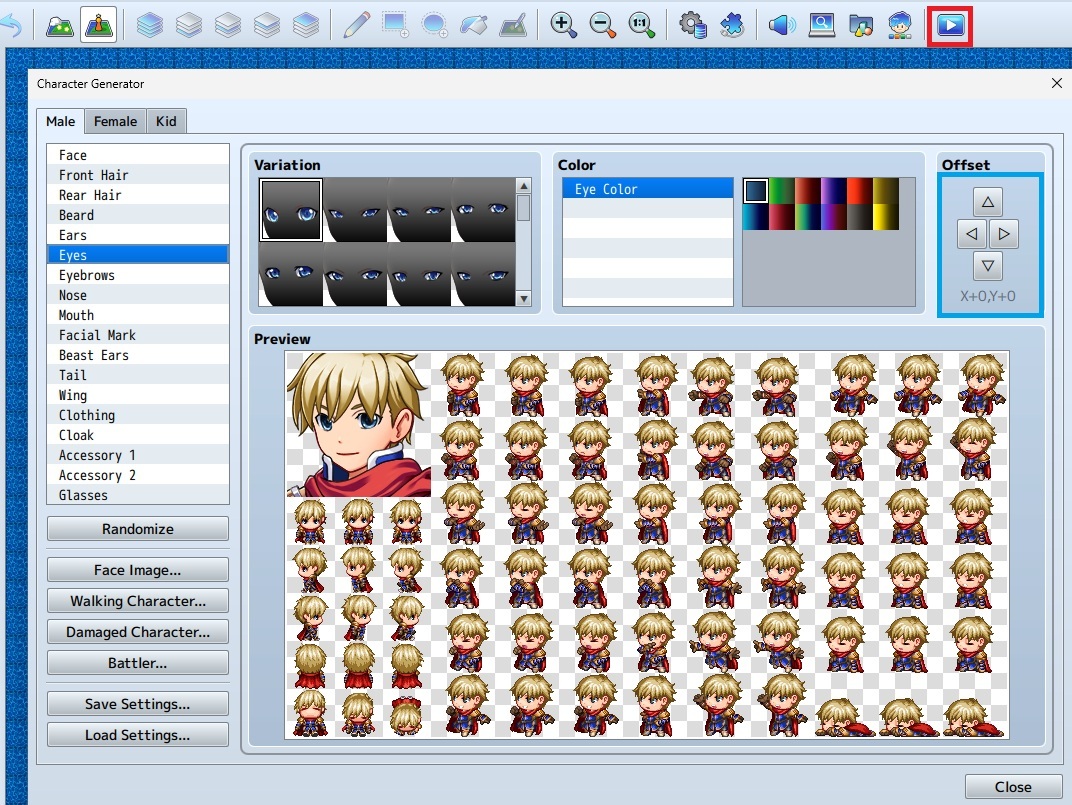
In the Character Generator, use the “Offset” button to make fine adjustments to facial features.
4. Time-Saving Database Tricks
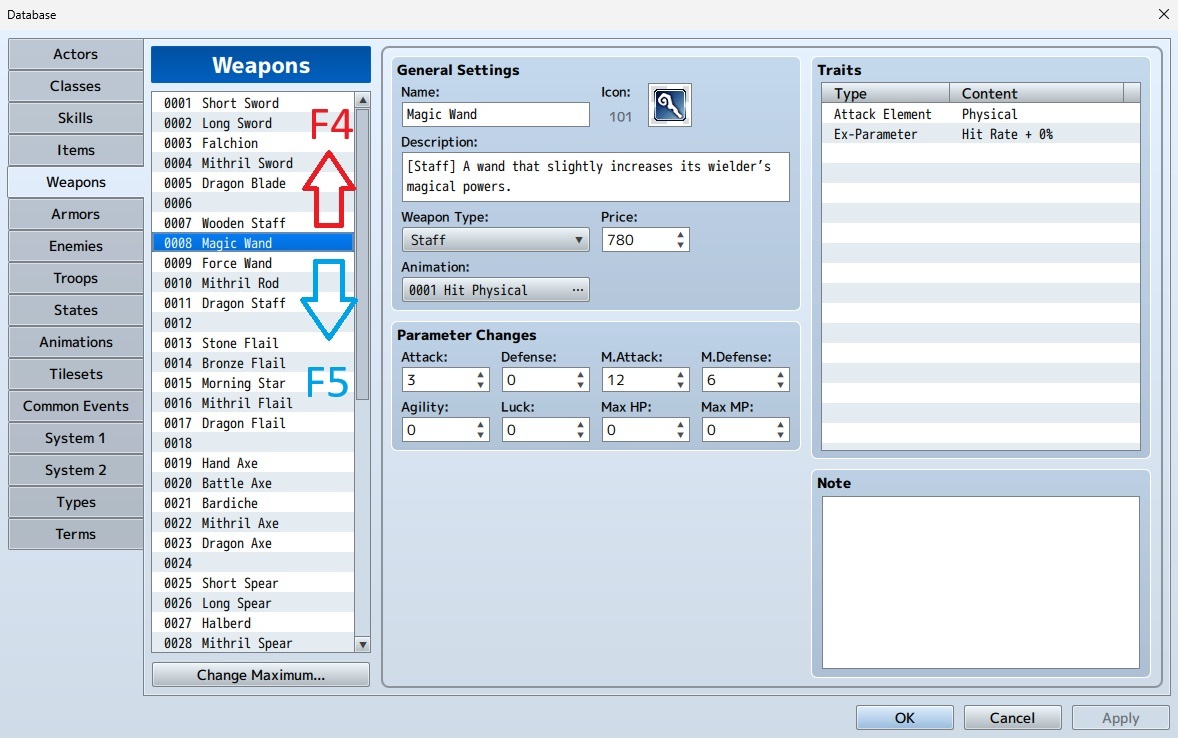
While the cursor is on a numeric box (such as Price) in the database.
-Press F5 to move to the next ID
-Press F4 to return to the previous ID
5. MV-Compatible Animations
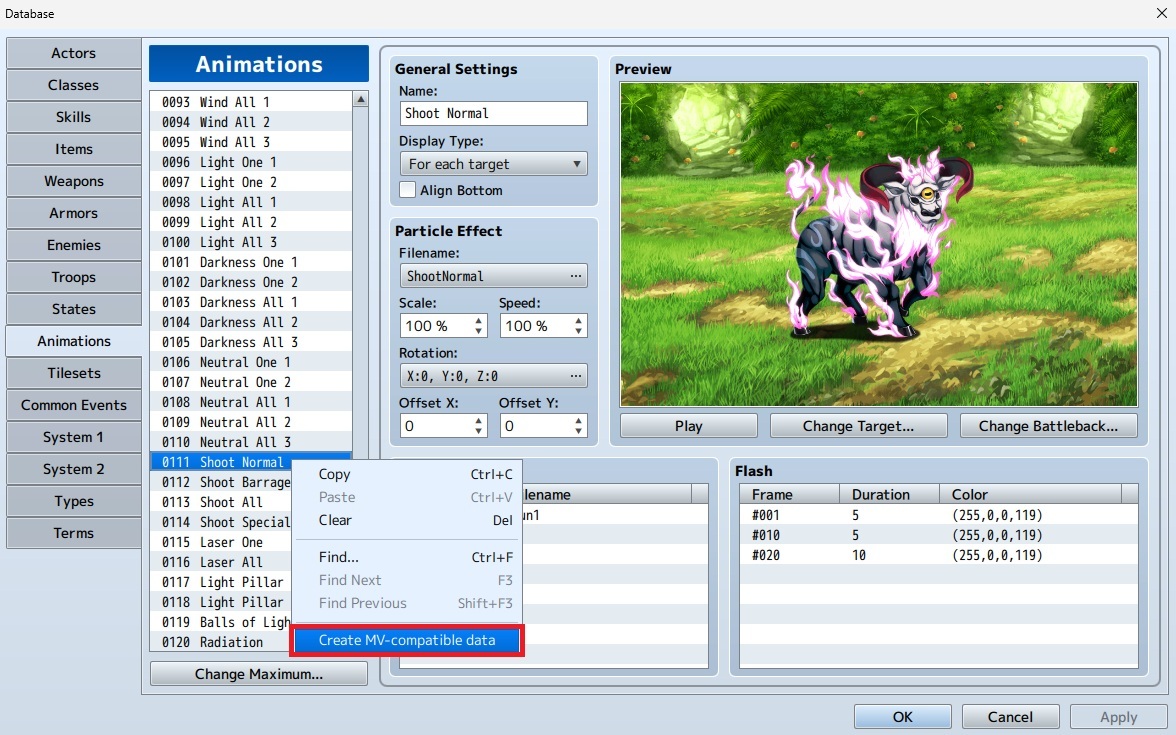
In Database → Animations, click “Create MV-compatible Data” to edit animations in RPG Maker MV style.
When using MV-compatible animations, create an [animations] folder inside the [img] directory and store the related files there.
6. Free Resources
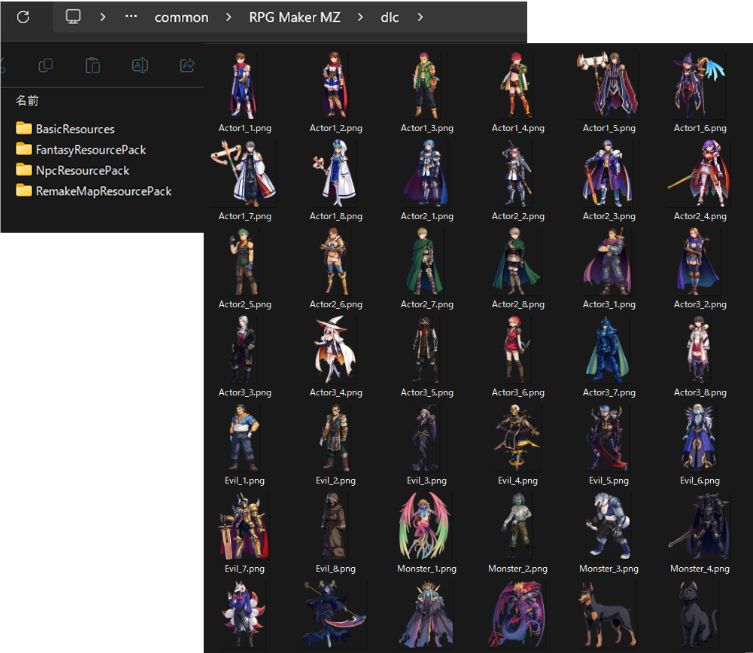
Inside the RPG Maker MZ\\dlc folder, you’ll find not only your purchased DLC but also free DLC resources you can use.
BasicResources: Character Generator parts, full-body pictures, plugins, etc.
FantasyResourcePack: BGM, walking graphics, pictures, etc.
NpcResourcePack: Walking graphics, pictures, etc.
RemakeMapResourcePack: Resources recreating sample maps from RPG Maker MV and VX Ace.
7. Skipping the Title Screen
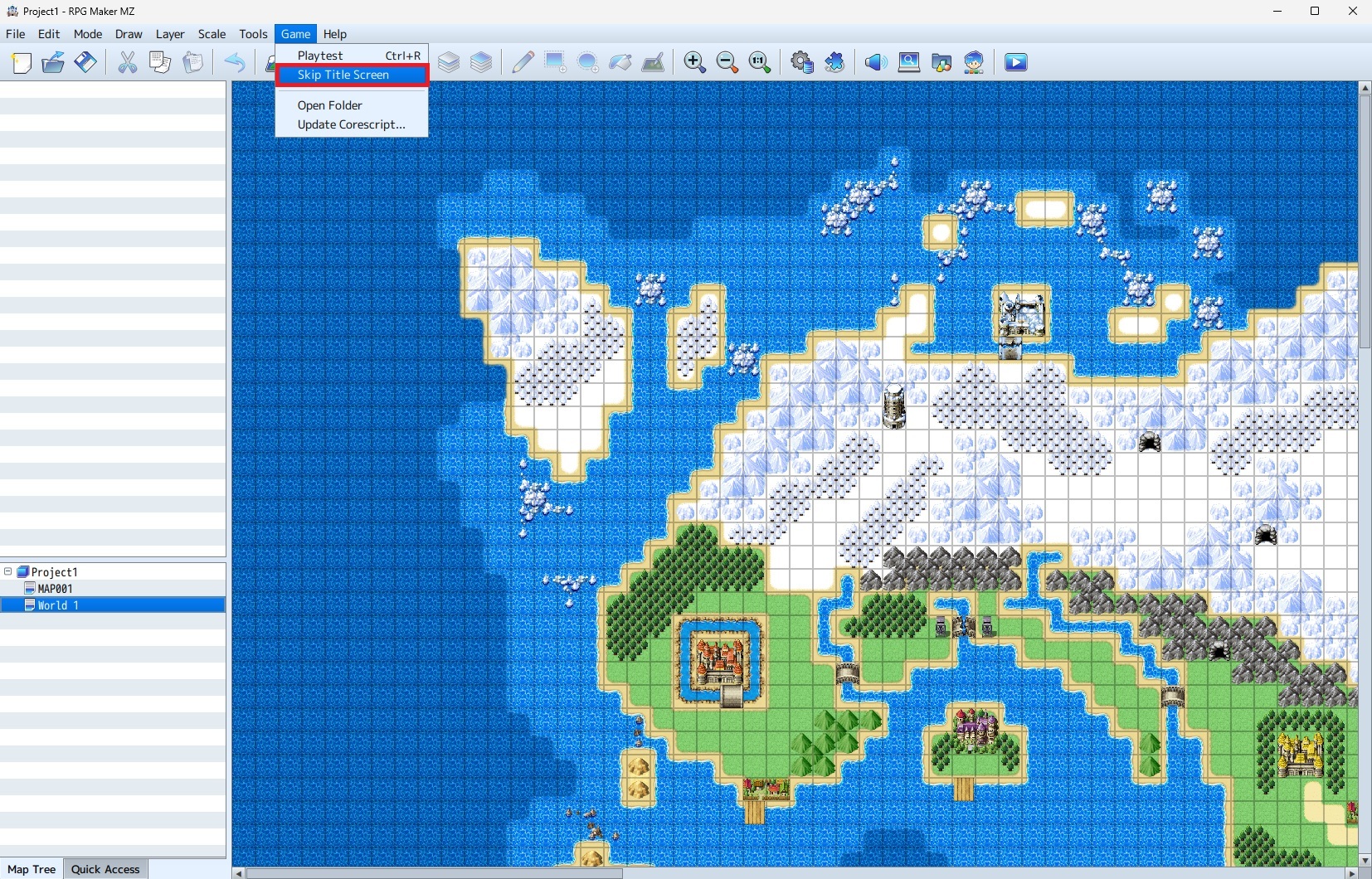
From the Game menu, select “Skip Title Screen” and press Ctrl+R to quickly start a test play from the initial position.
8. Time-Saving Test Play Technique: “Toggle Skip”
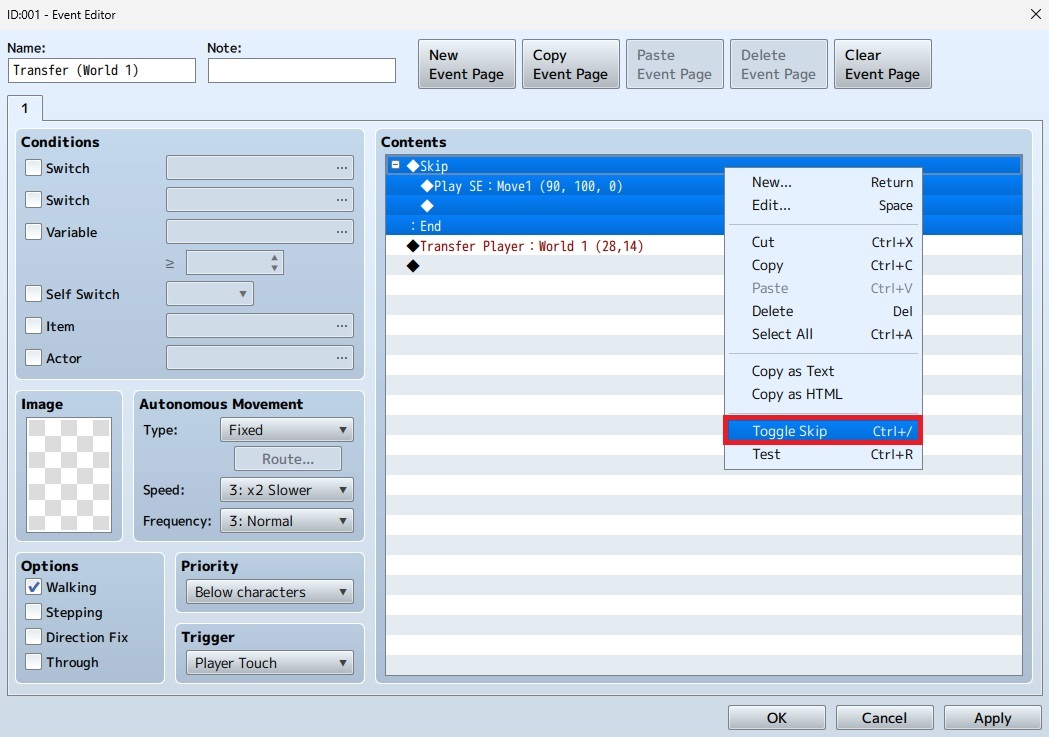
In the Event Editor, use “Toggle Skip” (Ctrl+/ key) to temporarily disable selected event commands.
This is useful when you’re fine-tuning complex events.