
Hello Gamecrafters,
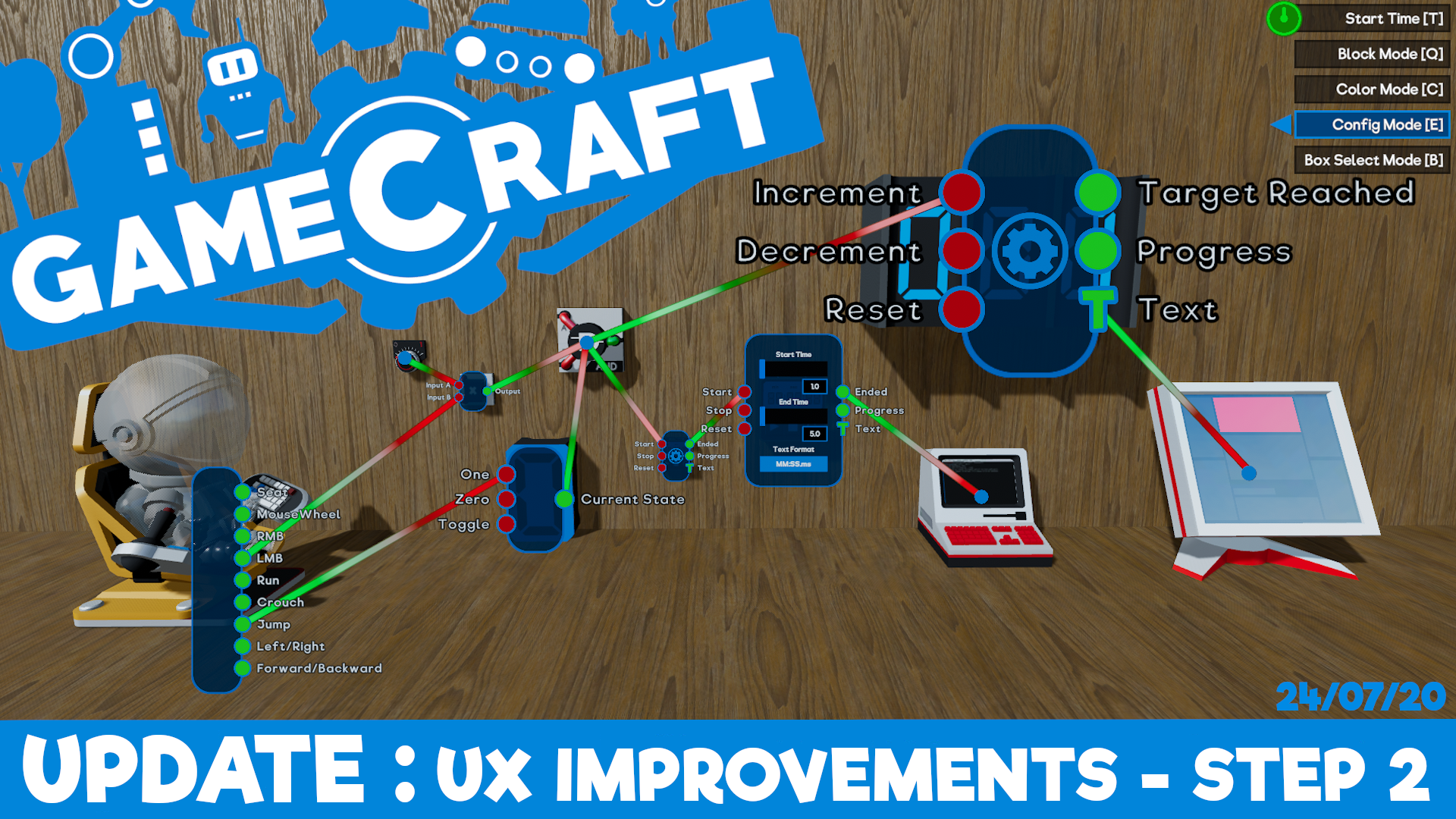
The next stage of our planned UX improvements is here. After two weeks in the Preview branch collecting feedback and squashing bugs, we’re ready to put these changes live to make your building experience much, much better! Check out the full patch notes below.
UX Improvements Step 2
We’ve been working through a list of planned improvements aimed at making building, wiring and tweaking easier and more enjoyable. You can check out the full list of planned changes here: https://freejamgames.atlassian.net/wiki/spaces/GCEXT/pages/833978369/Planned+Improvements
Step 1 introduced “Modes” for each area of building, with a few “tools” being moved around and split into their own new mode. Step 2 focuses on Config Mode, with the aim of making wiring more efficient and clean.
Config Panel Changes
The headliner here is the ability to keep multiple config panels open, so we’ll start with that.
The core functionality of opening config panels hasn't changed. Clicking LMB over a target dot (the small blue circles that appear) will expand it to show input and output ports, with a cog visible on parts that can be tweaked. Clicking the cog inside of this panel will expand it to the full config state where you can tweak stats, just like you’re used to.
Instead of this panel automatically closing as soon as the cursor moves far enough away, it will now stay open until you manually minimize it!
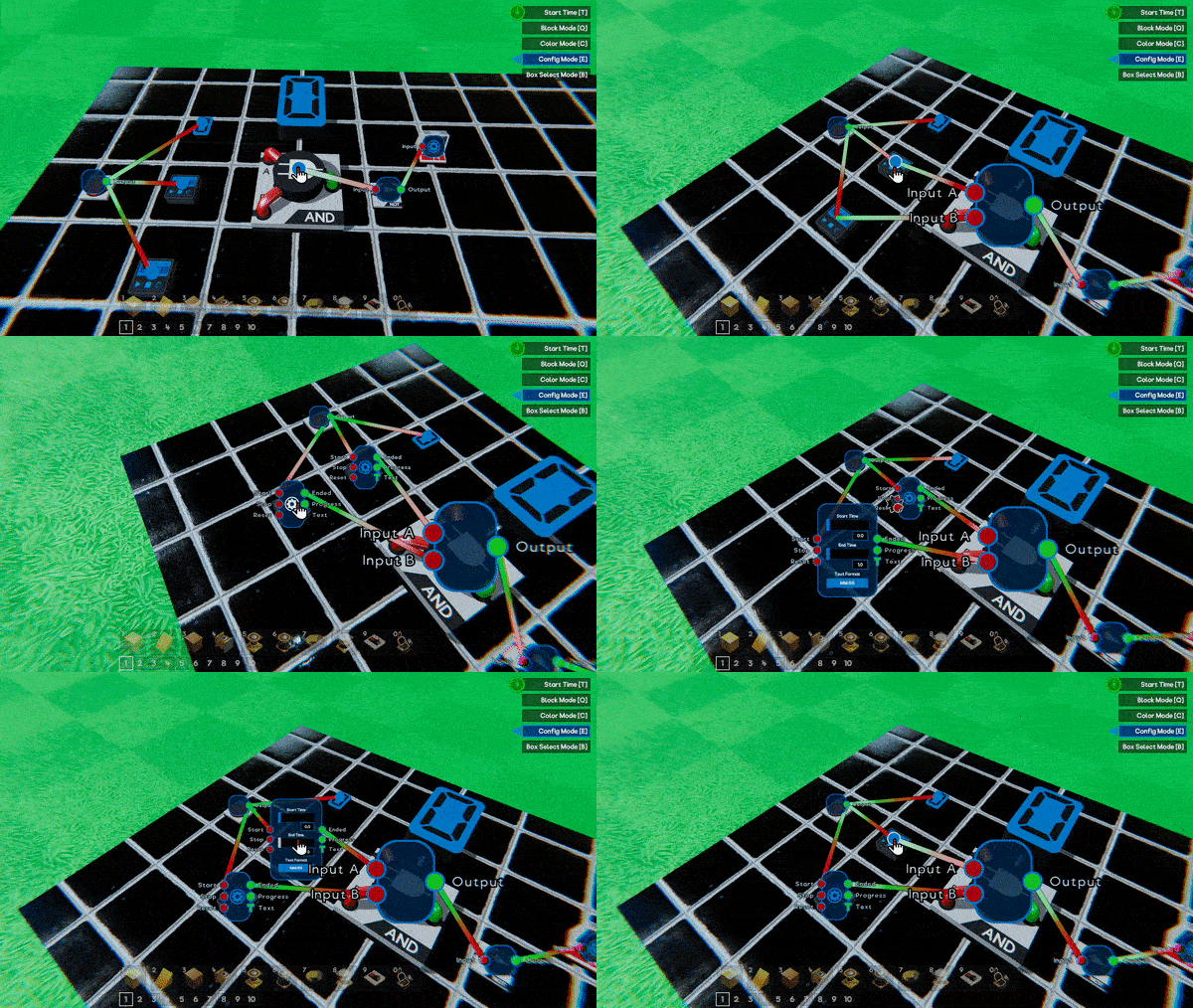
Clicking RMB will now minimize these panels, from config to port, then port to dot, letting you manage clutter and keep the important panels open when you need them.
N.B: Only one panel can be in the fully expanded state at a time. In a later step we’ll be moving the expanded panel into its own 2D panel, similar to the Command Computer so only one of these will be open at once at that stage.
If you are holding a wire and click RMB over an open panel, the wire will be cancelled and the panel will be unaffected. You can also minimize all currently open panels by pressing TAB, just in case you wanted to quickly clear everything out
With RMB minimizing config panels, you can delete all wires connected to a port by pressing DEL while aiming at the port. You can still delete individual wires by recreating the connection as well as interacting with the wire itself, but we’ll cover that in a moment.
N.B: TAB and DEL can be remapped if you’d prefer different keys, along with almost every other action via the Settings menu
The size of config panels will now scale with the size of the part, making it much easier to interact with.Parts that cannot be scaled, like the Pilot Seats and Spawn Points, will have their default panel size scaled up to make them more accessible and finally, parts that have no ports, but can be tweaked (like Movement Constrainers), will now open directly into the expanded config panel to save those extra clicks.
Persistence
That’s not all, when you start and stop time or swap to another mode and back, any config panels that were previously open will automatically pop back up!
These changes should make testing and iterating your circuits much more efficient and enjoyable and have been positively received by our Beta Gamecrafter.
Deleting Individual Wires
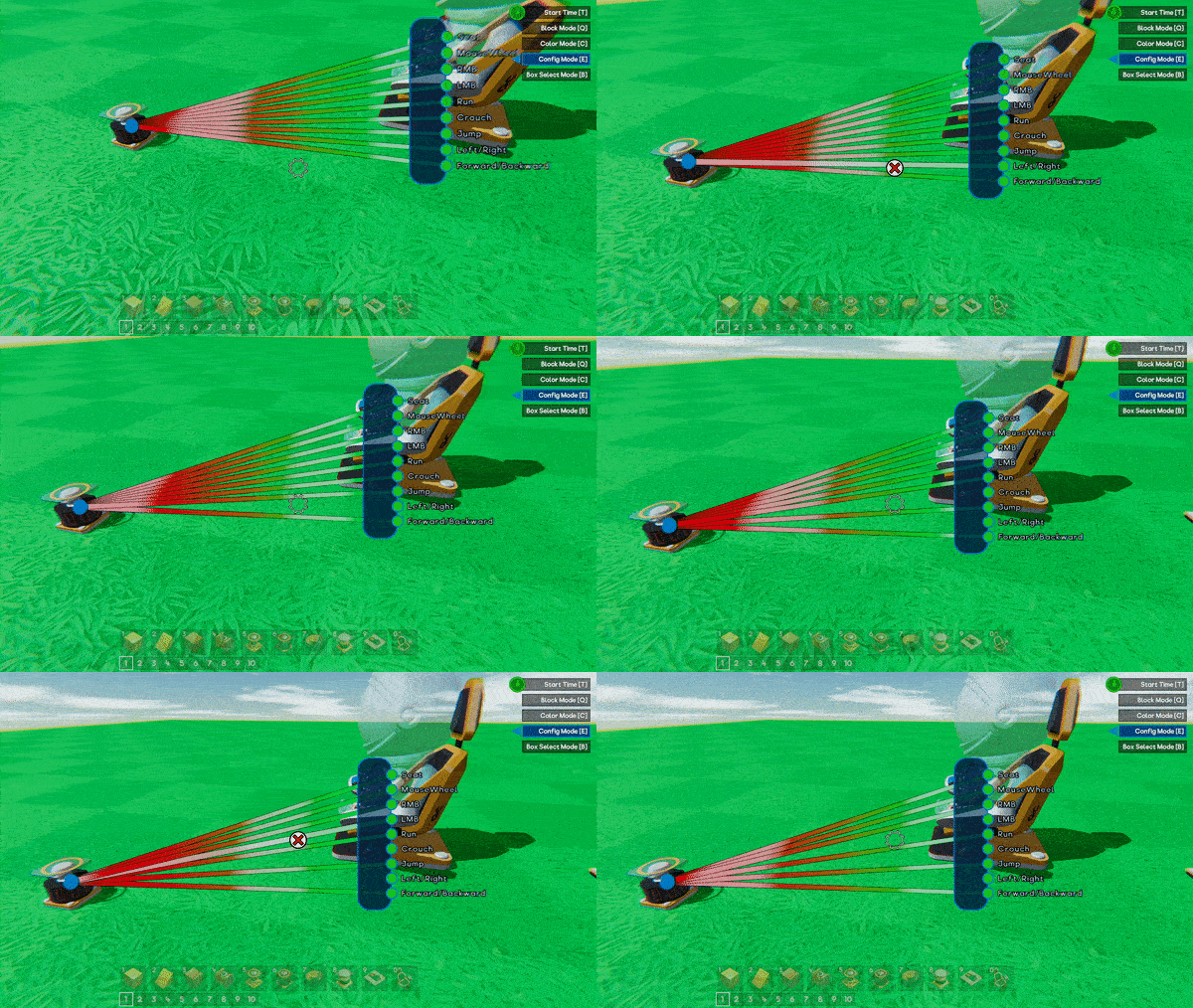
Deleting single wires will now be handled by interacting with the wires themselves, making it easier to manage. When you place your cursor over a wire, it will expand and highlight. Clicking RMB in this state will delete the highlighted wire. We’ve also given the wires a bit of a visual update to make them easier to see and distinguish.
Miscellaneous
Block Mode will no longer be treated as the ‘default’ mode This means that clicking the key for the mode you are currently in will no longer take you back to Block Mode. For example, you can enter config mode with ‘E’ but pressing ‘E’ again will not return you to Block mode. Whichever mode you were in when time started is the mode you’ll be returned to now as well.
Other Changes
T-Shirt Feature
Back in May we hosted a competition where getting your game featured would net you a free T-Shirt. We saw some amazing creations so we figured, why not make it a permanent reward. Anyone who creates a game that gets featured will be eligible for a free Gamecraft T-shirt. There are no specific rules for this. Simply make a fantastic game, get it featured and we’ll contact you with steps on how to get your shirt.

Information and general guidelines have been added to the Main Menu as a button in the bottom right which will open an in-game popup when clicked.
Label Optimization
We uncovered some performance issues caused by the fact that labels (used for Text Blocks, Counters etc.) were being processed every frame, when it was quite often the case that these would rarely actually need to be updated. This has all been cleaned up now so games that had lots of these parts should now perform much better. There’s still some more work to do though.
Wire Optimization
With the new UX changes we’ve also taken the opportunity to revisit the wires themselves, optimizing the connections, ports and rendering so interacting with the config panels and wiring should feel a bit more responsive.
Optimized Meshes
This one is just a small change to lower general RAM usage by a considerable amount. There should be no noticeable changes to anything in-game.
Static Blocks in Larger Saves
There is still some more work to be done in this area but larger levels with hundreds of static blocks like Grass, Dirt and blocks that are static simply by being connected to them should run better already.
Lower Quality Setting Tweaks
We’ve made a couple of small changes to the lower two quality settings to squeeze out as much performance as we can without sacrificing the visual quality too much.
Audio Changes
We’ve replaced the Main Menu BGM. We know the old version was a bit too loud and in-your-face, so we’ve added something new.
We’ve also lowered the volume of the intro sound effect.
Bug Fixes
- Fixed an issue with the Player Spawn Point casting a shadow
- Fixed missing audio when creating a box select volume
- Fixed some visual issues with Wires and Trigger volumes
That’s all for this update. We’re closing in on being able to share some of the incredible new features we’ve been working on for our next massive update and getting those into the Preview branch in the next couple of weeks. So be sure to keep an eye on our weekly Dev Blogs!
The Gamecraft Team