
Hello Gamecrafters!
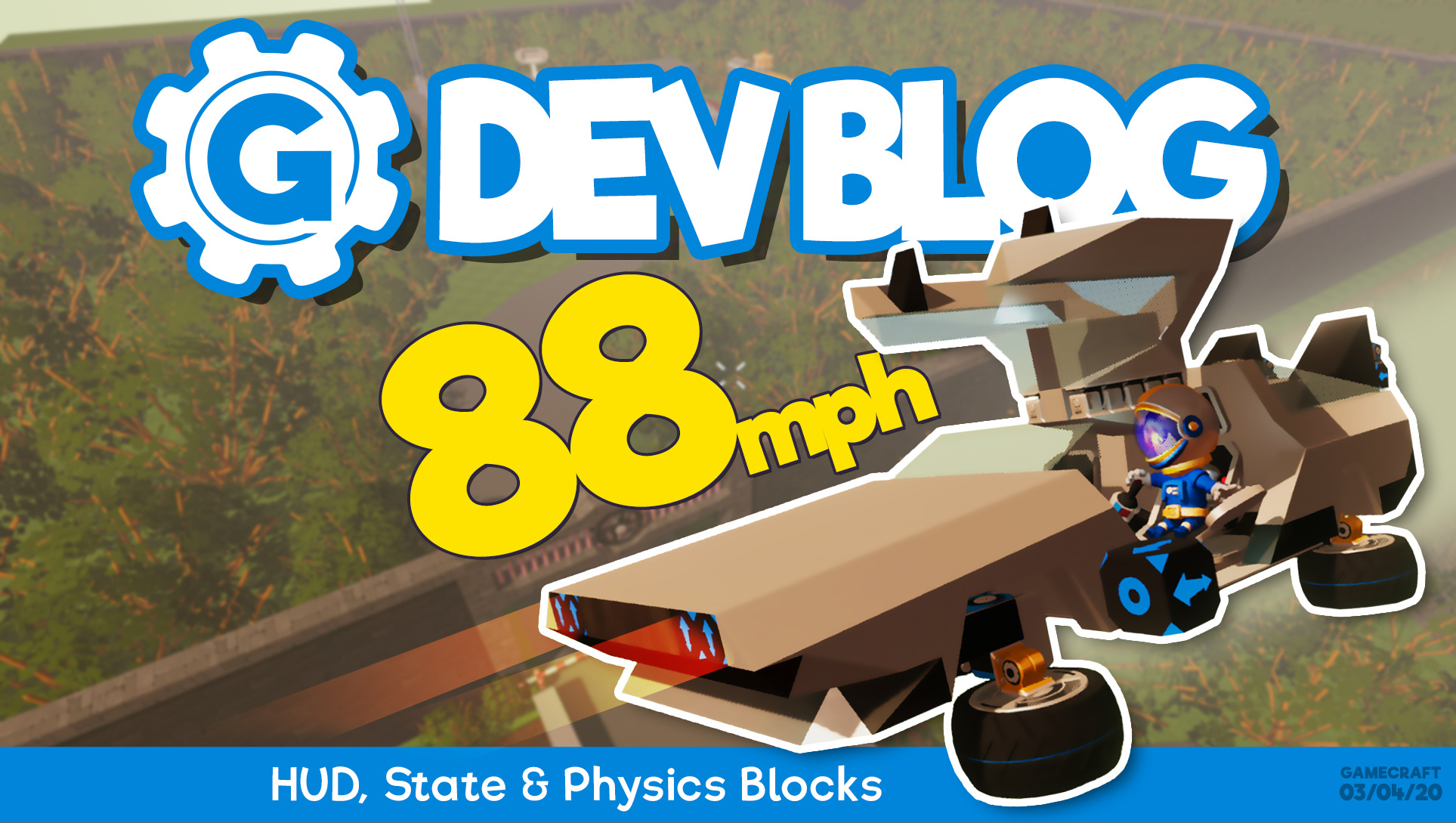
Last week we teased a few more parts coming to Gamecraft in the next update - HUD Blocks and Physics Blocks. If you haven’t read about all of those amazing new blocks, you can check out the patch notes here: https://steamcommunity.com/gid/103582791464559041/announcements/detail/2101433093282415675
Today, we’re going to give you a quick rundown of all the new features we’ll be adding in this update, which we’re going to release on Tuesday 7th April.
Physics Blocks
If you haven’t read our post about the Physics blocks already, you can find that here: https://steamcommunity.com/gid/103582791464559041/announcements/detail/2101433093282415675
A quick summary is that we’re adding 6 new blocks that can apply forces or torque to the object they’re connected to. These are the Mover, Rotator, Movement Dampener, Rotation Dampener, Advanced Mover and Advanced Rotator.
If you want to delve deeper into these blocks, you can check out our wiki page about them: https://freejamgames.atlassian.net/wiki/spaces/GCEXT/pages/729940064/Generic+Physics+Blocks
HUD Blocks
If you haven’t read our post about the HUD blocks already, you can find that here: https://steamcommunity.com/gid/103582791464559041/announcements/detail/2101433093282415675
We’re adding 3 new blocks focused on displaying game related information this update: the Centre HUD, Objective HUD and Game Stat HUD blocks. These are really powerful for bringing objective based gameplay and displaying general feedback in your games.
If you want to delve deeper into these blocks, you can check out our wiki page about them: https://freejamgames.atlassian.net/wiki/spaces/GCEXT/pages/729940073/HUD+UI+and+Text+Feedback+Blocks
State Blocks
If you haven’t read our post about the State blocks already, you can find that here: https://steamcommunity.com/gid/103582791464559041/announcements/detail/1819957482649597701
We’re adding 3 State blocks in this update: the Bit Block, Counter Block and Timer Block. These blocks are complementary to the Logic and Maths blocks from the previous update, as well as the new HUD blocks, and will open up a lot of gameplay possibilities.
If you want to delve deeper into these blocks, you can check out our wiki page about them: https://freejamgames.atlassian.net/wiki/spaces/GCEXT/pages/729940053/State+Blocks
Filter Blocks & Object ID Blocks
These blocks haven't been covered in our dev blogs yet, but we have shared a video about them on our social spaces. These are some very useful blocks that allow Gamecrafters to filter logic by Player, Team or Object ID. You can watch the video we shared about it here:
https://youtu.be/X1NJruj81zA
In short, filters will allow crafters to filter signals that come from controllers and Triggers to activate different behaviour based on that signal.
Number 2 Text Block
And Last, but not least, we have the Number 2 Text Block. This block allows you to process any number value from your logic and output it anywhere text can be processed such as the new HUD Blocks.
Additional Changes
Loops
We’re now happy to announce that loops will be supported in the wiring system. Each loop will introduce a single frame delay, to make sure everything is processed correctly. Infinite loops are handled smoothly so there’s no need to worry there.
If you want to delve deeper into the subject of loops, you can read about it on our wiki page here: https://freejamgames.atlassian.net/wiki/spaces/GCEXT/pages/723156993/Wiring+Loops
Text Ports
Expanding on that point above, we’re adding a new input/output port type. This “Text Port” allows you to pass text from block to block. The Text Block, along with a few of these new parts will be able to support this. Any text passed though these ports will be appended to the end of any existing text in most cases.
Improved Stats Panel
We’re also making some much needed improvements to the tweakable stats panel. The main changes here are the improved slider, which offers much more flexibility and the ability to manually type values. Parts such as the Servo Hinge now have full 180 degree settings, rather than 10 distinct steps while other parts like the Motor can now have their Maximum Speed stat set to a degree of 0.5 precision.
All of these values can be set manually (within the boundaries and precision we’ve defined) by clicking the number under the slider.
There are a few more changes on the way but we don’t want to try and cover everything today. We hope you enjoy this sneak peek into some of the great new things we’ve got planned for the next update and if you have any feedback you want to share, leave a comment on the appropriate Wiki doc.
Please follow us on our social spaces and share your creations with us:
Twitter- https://twitter.com/Gamecraft_FJ
Youtube - https://www.youtube.com/channel/UCkcRFCr9aQxszaYeXcWZjwA
Facebook- https://www.facebook.com/GamecraftGame/
Reddit - https://www.reddit.com/r/GamecraftGame/
Discord - https://discord.gg/gamecraft
Thanks for reading!
The Gamecraft Team