
Hello Gamecrafters,
After a week in the Preview Branch, we’ve collected all of your feedback and made a couple of changes. We’re happy with the current state of the latest update, so we’re closing down the Preview and putting that build live for everyone to enjoy! We’ll give a brief summary of the new content in the Preview, but you can check out the full Preview patch notes here:
https://steamcommunity.com/games/1078000/announcements/detail/1692726369367754771
...and a subsequent hotfix based on community feedback here...
https://steamcommunity.com/games/1078000/announcements/detail/1692726369386542808
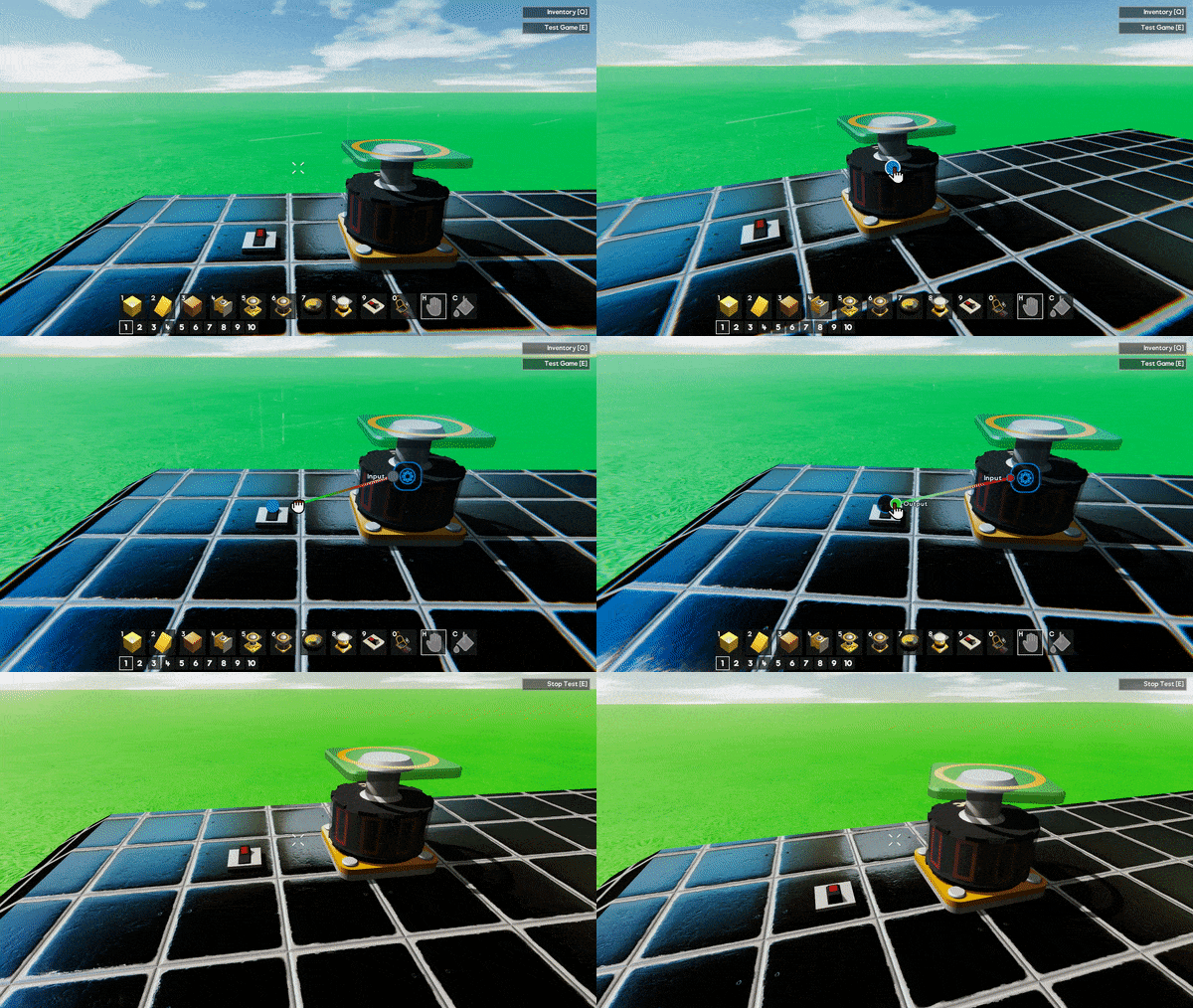
Wiring System
This method of connecting parts is an overhaul of what was previously used in Gamecraft and is designed to future proof all the functional blocks we hope to add in future (such as Logic Blocks and all the blocks you will need to make incredible multiplayer games). Along with future-proofing, the new system is designed to be more user-friendly and more powerful, allowing you to achieve builds not possible before.
The wiring system lets you connect parts in the same way as before, but with a lot of improvements and nice extras. Instead of assigning a “channel” to each of your motorised parts and controllers, you will now be connecting them through virtual wires.
Changes to Conductivity, Connectivity & Power
With the wiring system, we decided it would be the best time to remove the requirements for parts to always be connected through conductive materials that also have access to a power source. We felt that all of these constraints were a bit too limiting and often confusing to pick up.
Tweakable Stats
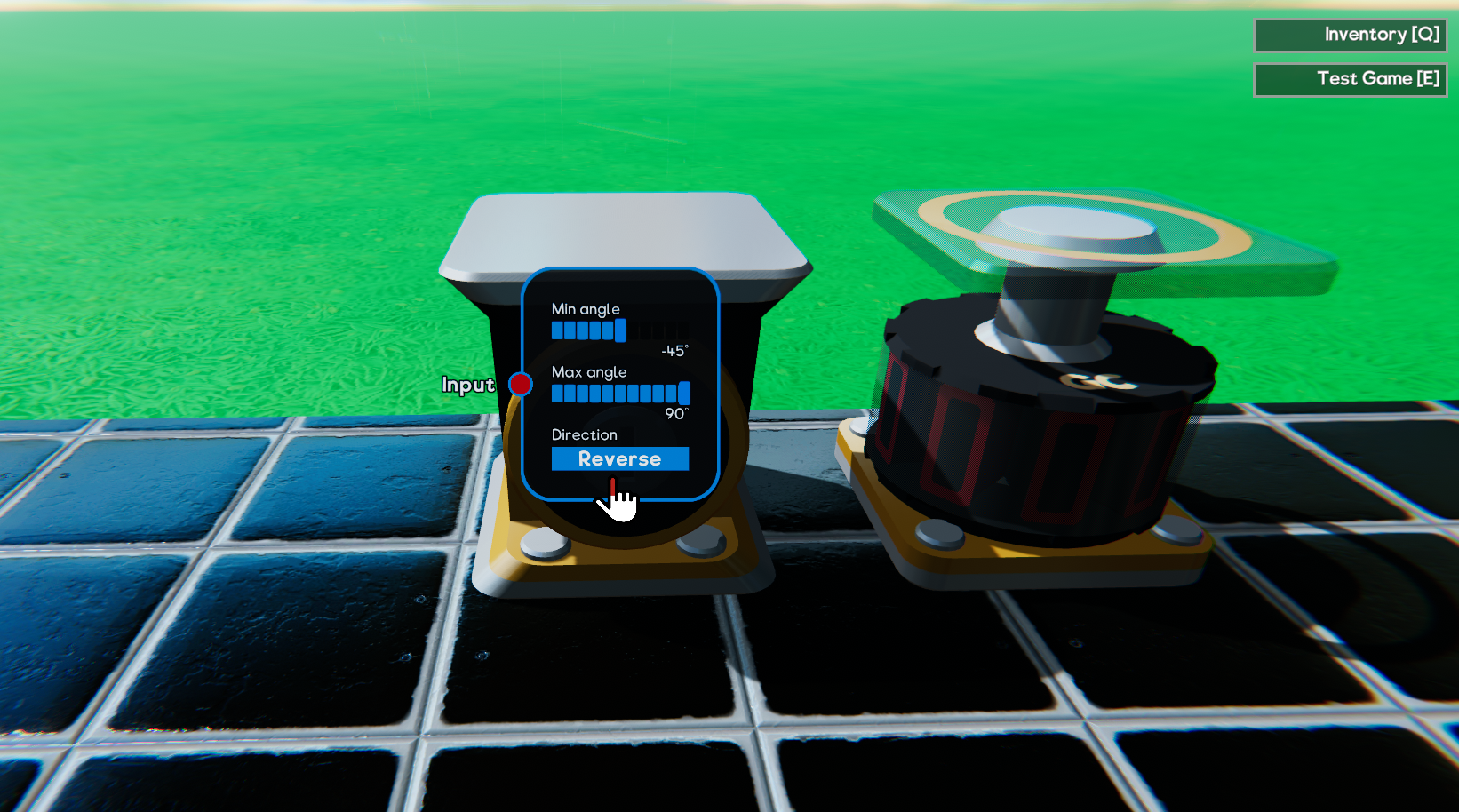
Parts like the Motor can have their “Max Speed”, “Torque” and even default direction (normal/reverse) altered. Other parts like Pistons can have their maximum extension tweaked. Levers and other controllers have their default position moved into this menu rather than dragging them like you do in simulation. Clicking on the blue “target button” that appears when looking at a part will give you access to the part’s stats.
Signal Changes
Since we now have Tweakable Stats to control the power and speed of things we have, we’ve also taken the opportunity to switch from an “averaged” combined signal to a “summed” one. This is another step towards Logic blocks. Old saves will still work with the old “average” system unless you convert them over using our new “switchSignalsToSummed” console command.
Existing Save conversion
Any existing save files will automatically be converted and wired based on their old signal channel when you load them. This means you shouldn’t have to lift a finger and almost all save files will continue to work the same way.
The only change that may affect your save games is the fact that some parts (like Motors) that would have spun on their own if you connected Power to them without connecting any controls (like Levers) will now spin on their own regardless (as there is no ‘Power’ requirement now.
Graphics & Sound Settings
Graphics and Audio settings screens are here too! These settings are available via the Main Menu, and in-game so that you can tweak as you play.
Tyre Changes & Variants
We’ve made some big changes to the way tyres work. We’ve also added 11 new variants!
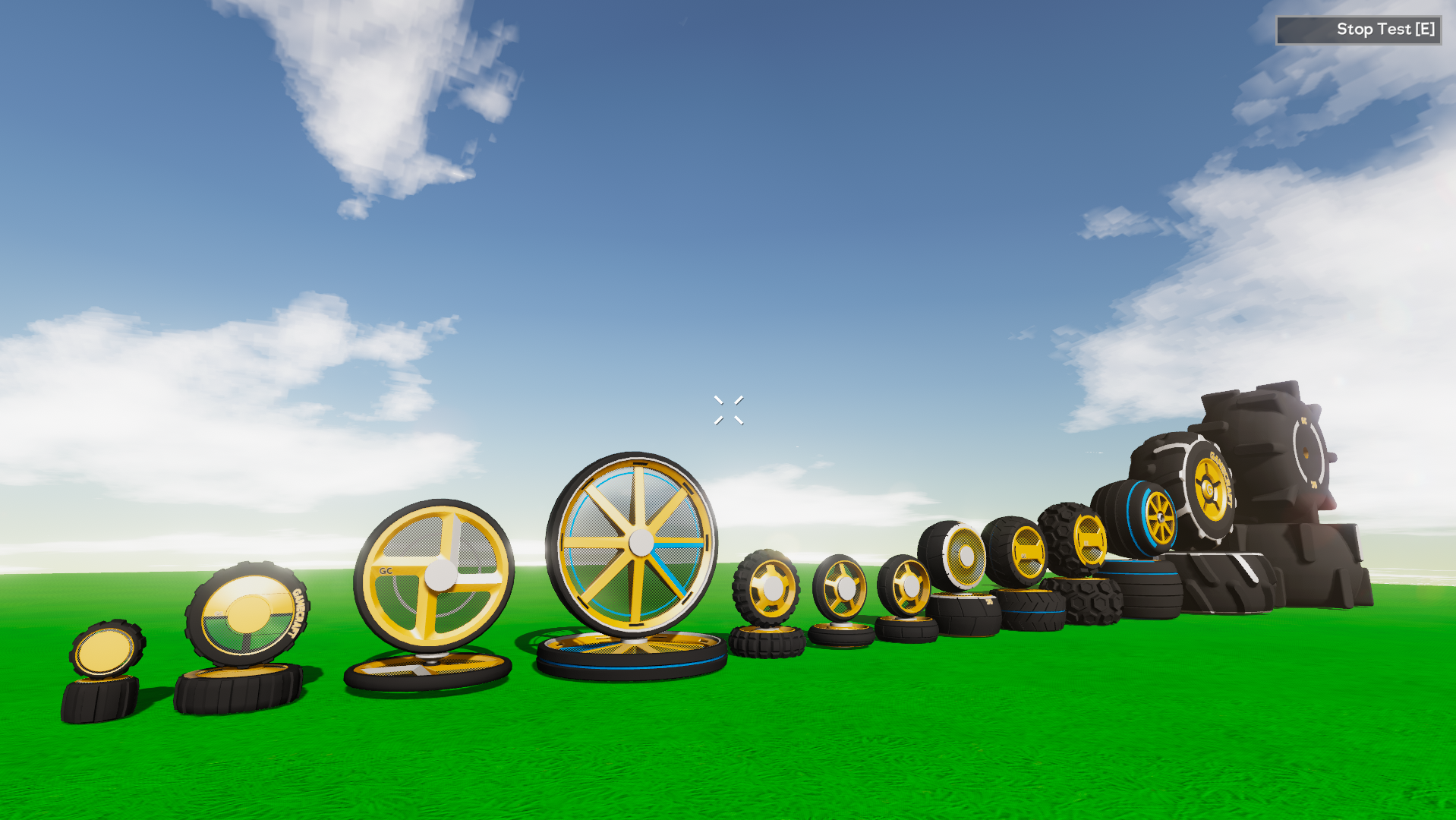
We’ve split forwards and sideways friction of tyres, which should make cars feel much, much better to drive. We’ve also Set different friction and driving characteristics for different tyres on different materials. “Road” tyres used on Grass or Dirt will slide around and have less friction than Concrete, for example. Finally, we’ve tweaked the mass of all wheels. We’ve adjusted them to make them more relative to the size of the wheel and make sure the mass increases sensibly as they are scaled.
Other Changes
QuickSave
We’ve added in a Quicksave button (F5 by default), so that you don’t have to constantly open the pause menu to save every time. If you use this on your first save you’ll go through the usual screenshot/naming flow. Using quicksave after that will simply save.
Pilot Seat collider size
We’re always listening out for your feedback and this was a quick and simple change that we’ve seen requested. The Pilot Seat and Pilot Control parts now have the collision as the Passenger Seat to make compact builds a bit easier. The visuals still need to be updated to stop the controls slipping through other parts but we’ll clean that up with something a bit fancier later.
Updated Guides & Prefab Tutorials
The old 4 “Guides” available to new users have been removed and updated a new “Build Guide” aimed at teaching users about start/stop time and the various building tools available. New users will now only see this one Guide in their “Create Games” list.
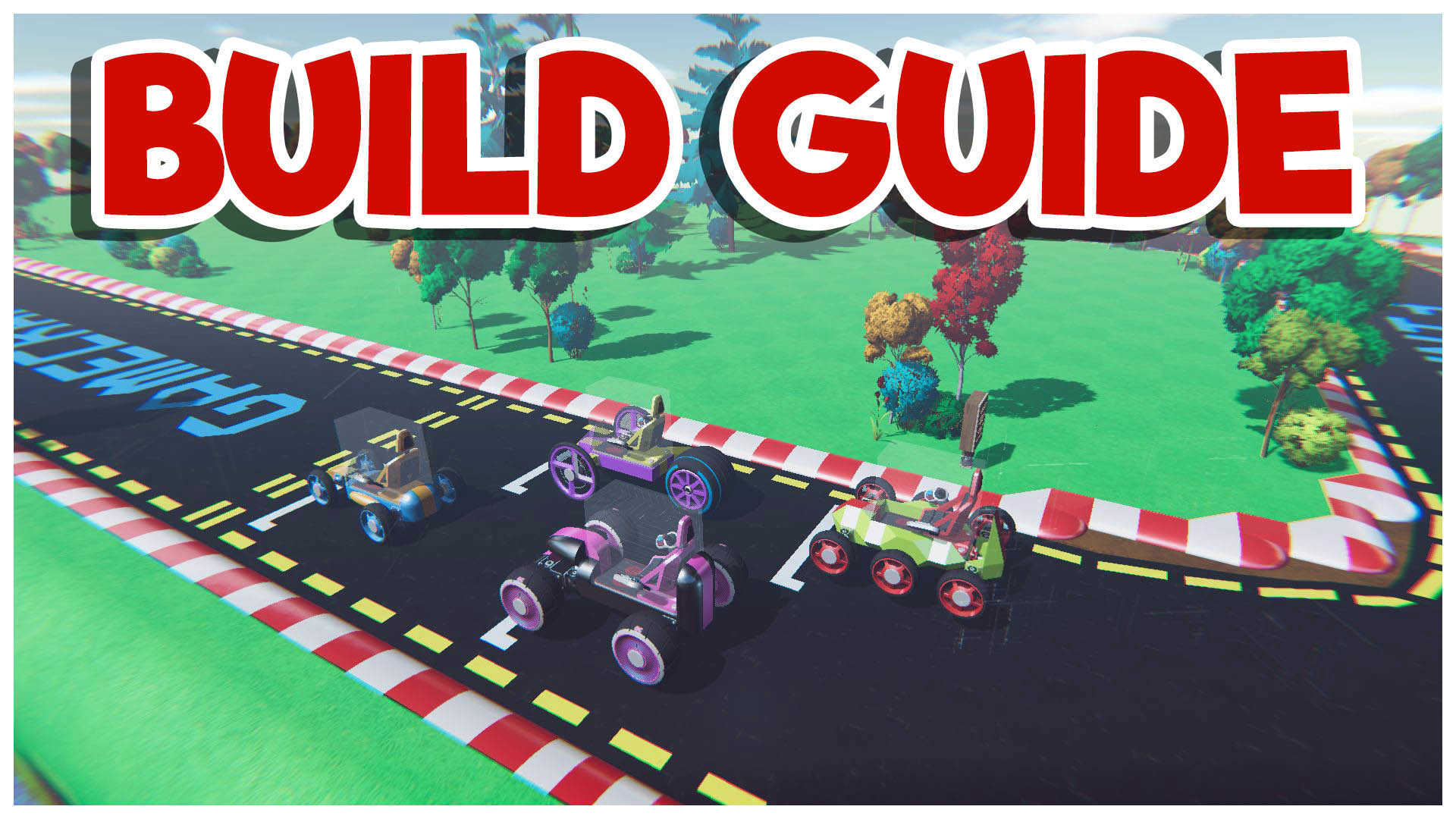
We’ll be carrying on with the Tutorial series, hopefully getting Tutorial 02 ready in the coming months. On top of this, we’re also adding “Prefab Tutorials”. The new “Build Guide” will be added here, along with a host of new tutorials to help players pick up some of the less well-known features of Gamecraft.
Optimisations
We’ve been hard at work these past few weeks making Gamecraft run a lot smoother. Most of the changes this time around will have a bigger impact on newer CPU’s with more cores but we’re hoping everyone will see some improvements in general.
Motors spinning fast often snag on the world
An official fix for this is still in the works but we’ve tried our hands at a short term alternative. In short, we’ve changed the collisions on motors and axles while in simulation to make them smaller and spherical (similar to what we did with the wheels). This makes snagging much less frequent but does have the tradeoff of having a mismatched collider, which is more noticeable as you scale, so it won’t be a permanent solution.
We’re already diving right into the next update’s workload. We’ve got a lot of powerful tools coming that we’re really excited about! We’ll be able to share more details on these in a Dev Blog real soon. Once again we’d like to thank everyone who tried out the Preview and offered feedback.
The Gamecraft Team