
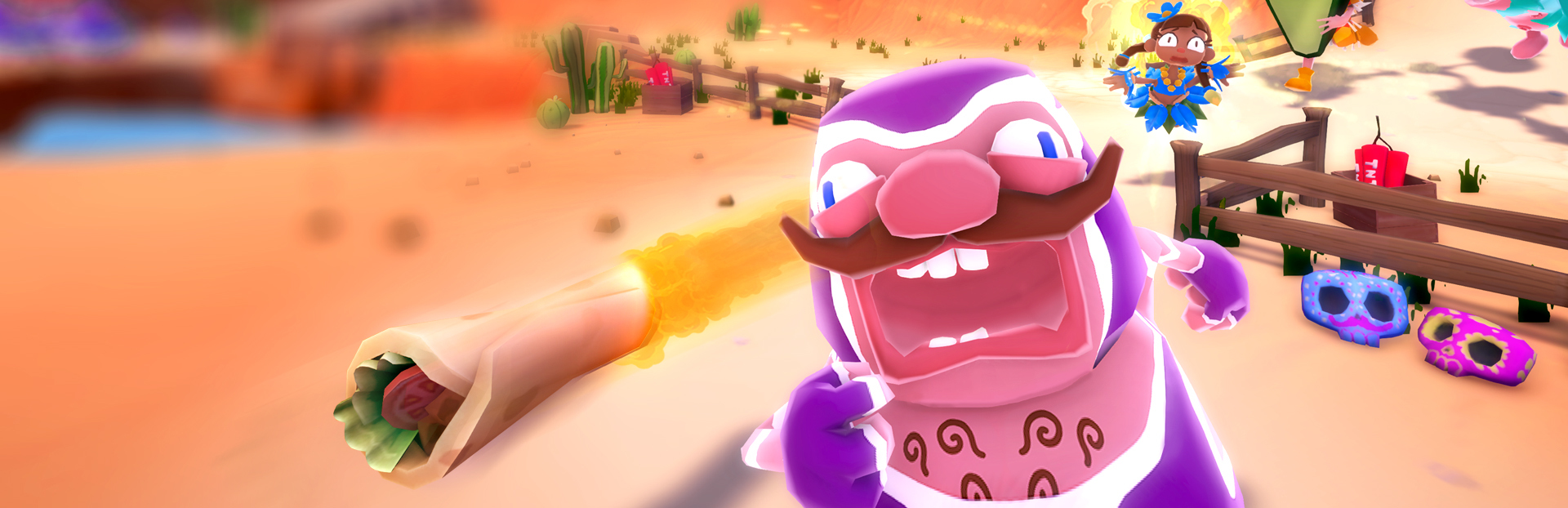
The absolutely incredible Steam Remote Play Beta is now available to use, and with it comes the ability to play otherwise local multiplayer games (such as Must Dash Amigos) online with your friends!
The process is really simple too! Just follow these steps to start playing Must Dash Amigos online!
- Open Steam
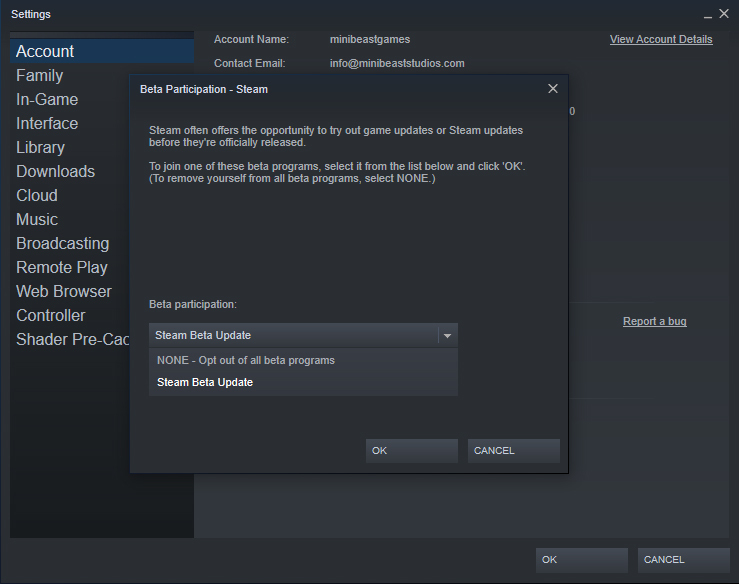
- Go to Steam > Settings
- In the Account tab, go to the 'Beta Participation' section
- If you are already listed as being part of the 'Steam Beta Update' skip ahead to step [8]
- Click the 'Change' button
- From the Beta Participation drop down menu, choose 'Steam Beta Update' and click OK
- Steam may restart and update, so wait for that to finish
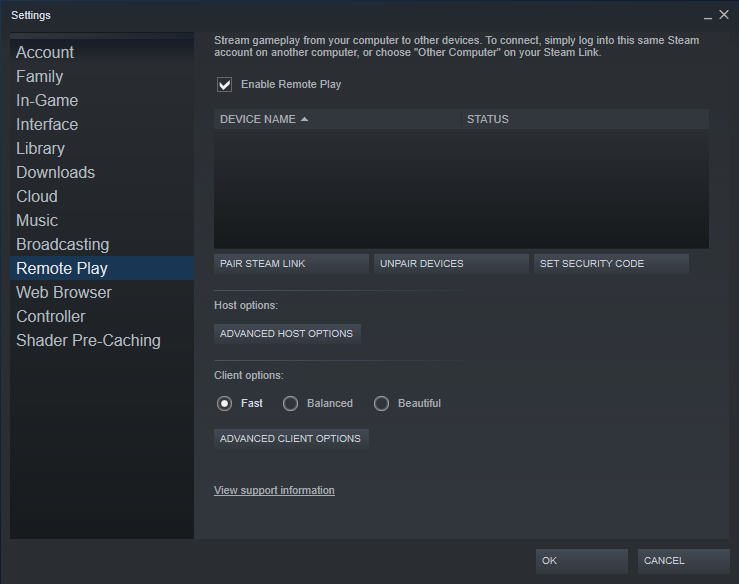
- Once Steam has re-opened, go to the Remote Play tab
- Ensure 'Enable Remote Play' is ticked
And that's it! Once you and your amigos have set things up you will have an additional option on each Friend in your Friends List to 'Remote Play Together', as well as the option to invite friends to join you in your game.
This really is an amazing feature from Valve, and we are thrilled that it will allow more people to play Must Dash Amigos together online!
Happy dashing amigos!