
Hello Bakers!
Weeks ago we’ve talked about the possible accidents that might happen in the kitchen – this time we’ll talk about the possible mistakes and the simple way of dealing with them!
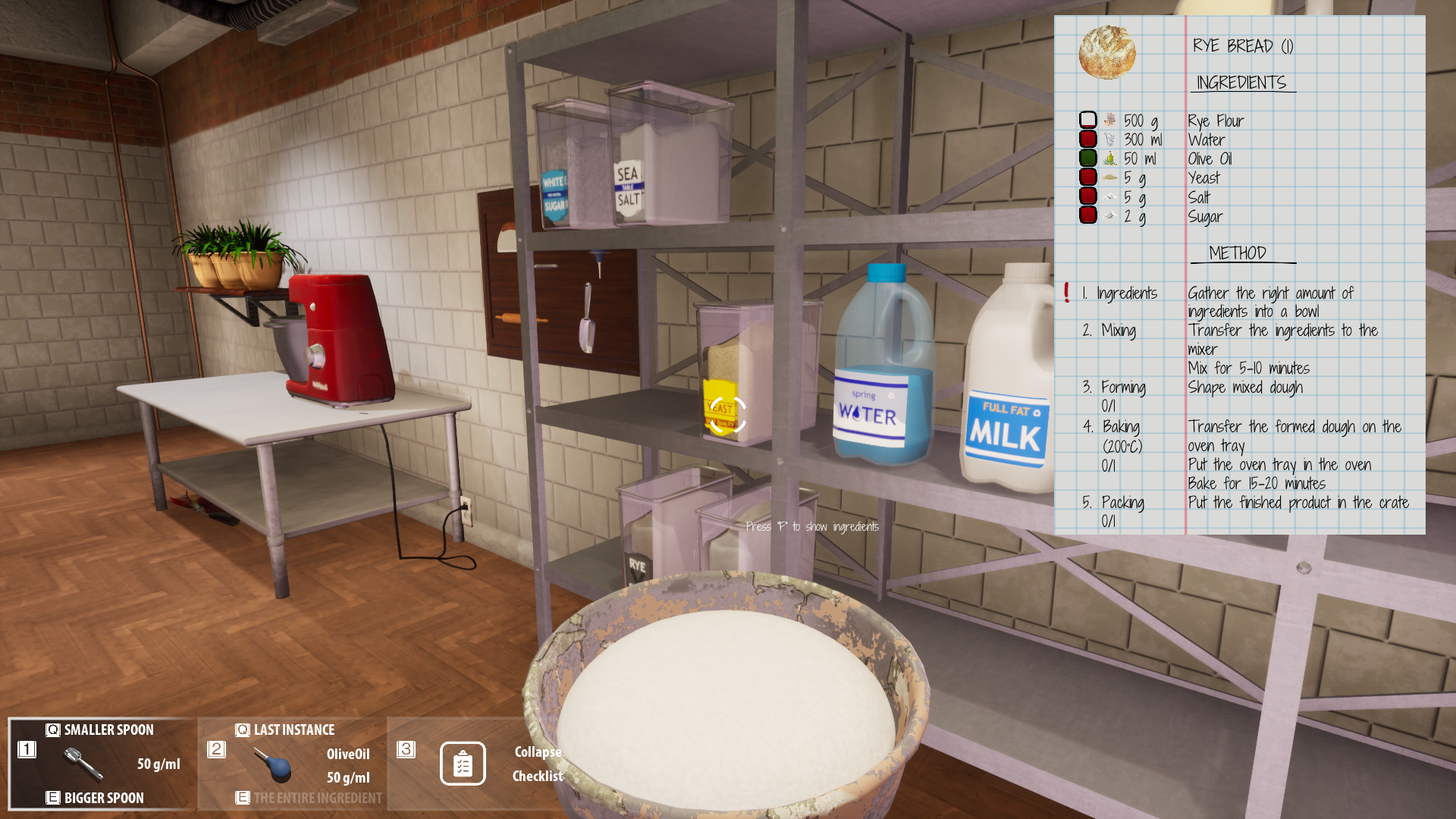
Look at the screenshot above – can you see a problem? On the right upper side of the screen we can see a detailed information leading you step by step on how to prepare a Rye Bread – a specific product ordered by one of our partners. However, shamefully, we’ve made a mistake when mixing ingredients – red squares next to some of them mean that we’ve added to much of them to the mix and we will be unable to proceed smoothly as the final product will not turn out too good. It would be a bad thing to go through with next steps of the work… so what should we do now?
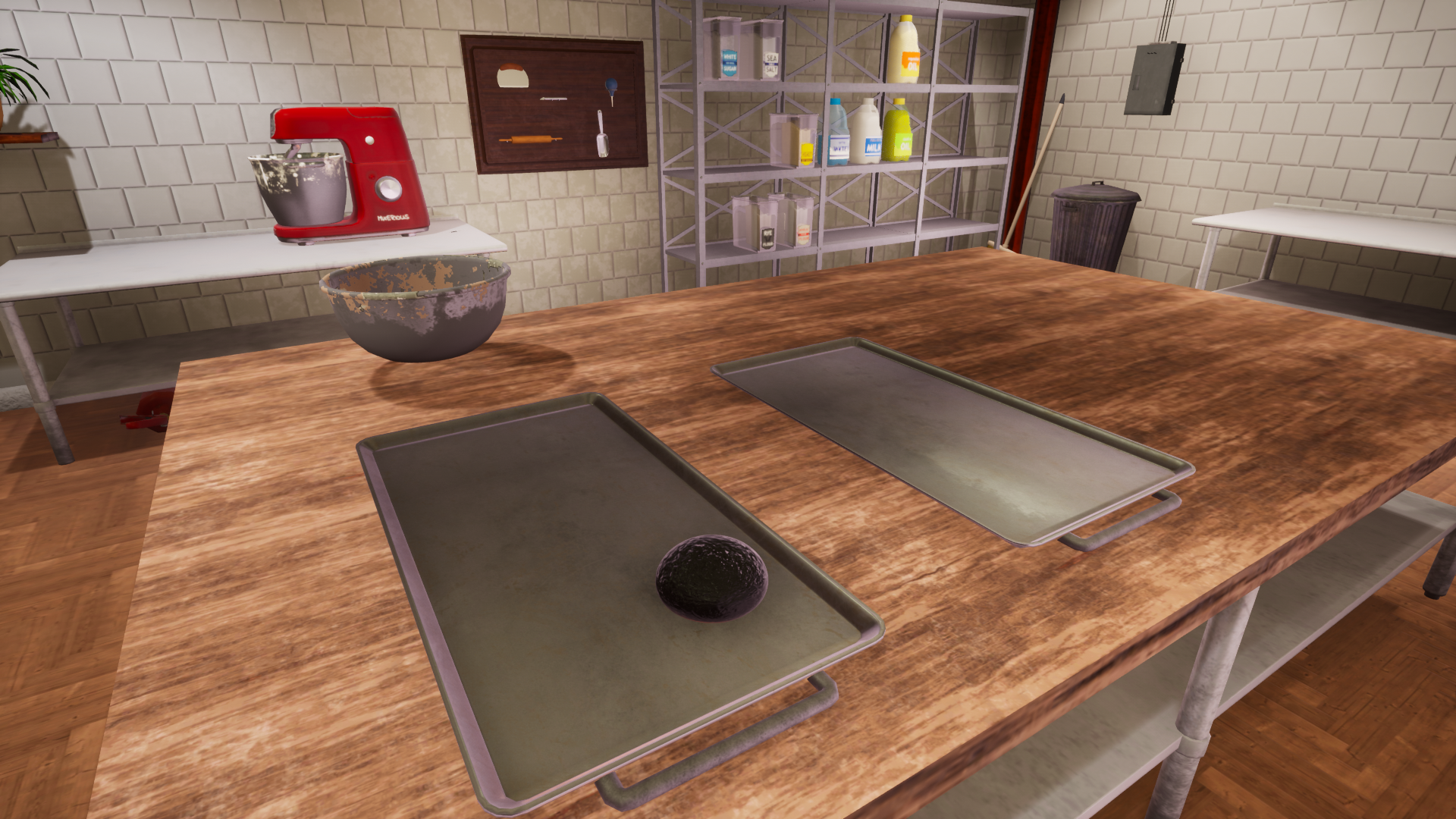
Another example of failed work is above. While we might be able to fix some of the errors of our ways during the process – for example if we added not enough sugar while mixing ingredients we simply need to add more (the order of adding the ingredients does not matter here) on the screenshot above we see an example of work that we will be unable to salvage. Burned in a way that resembles a charcoal bread will not be eaten by anyone so we might as well get rid of it altogether… And that bring us to the solution for the problem – perhaps you have already spotted it on the screenshot?
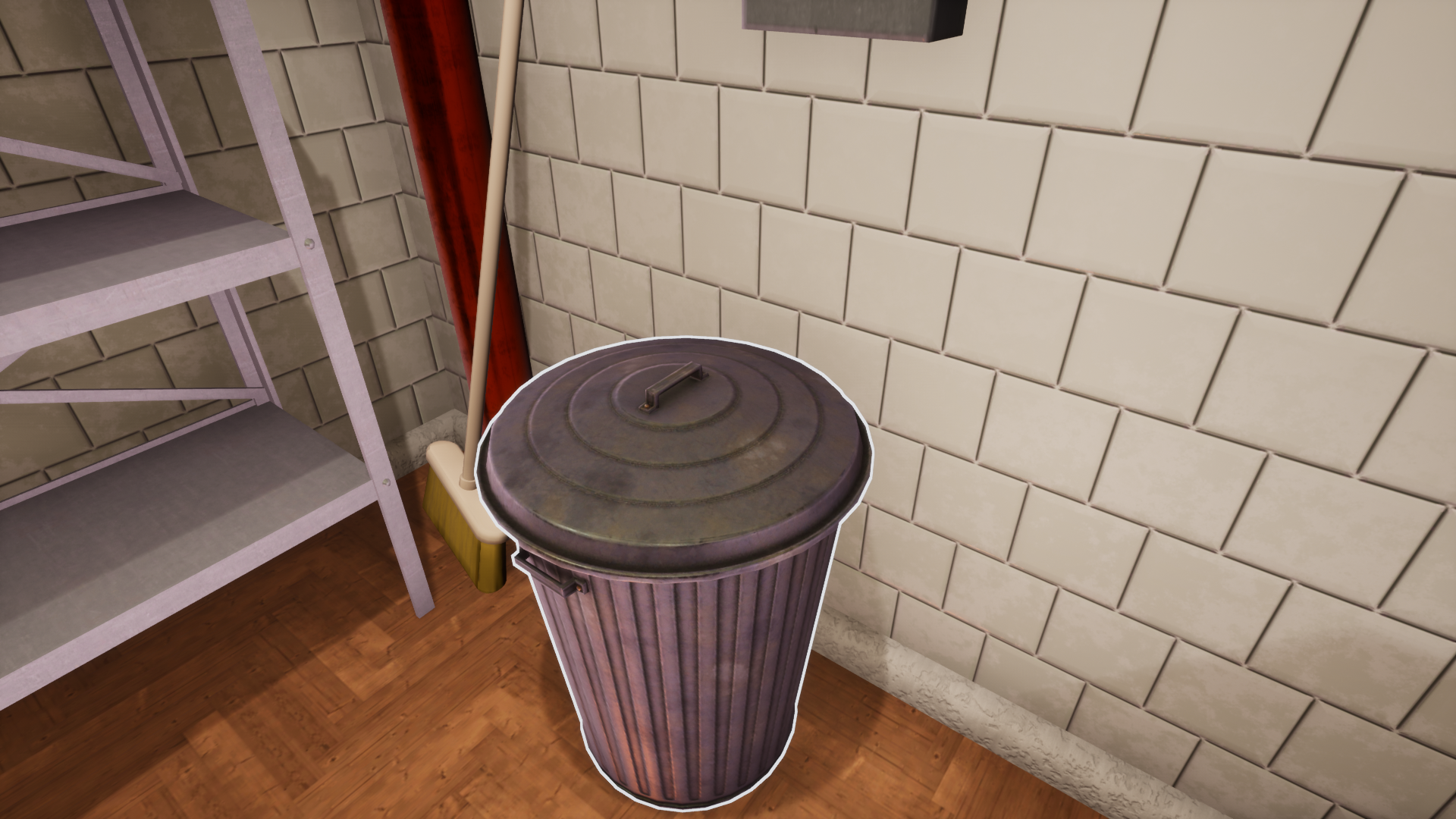
The good, old, ever-useful trashcan will help us in that kind of situations. We simply need to grab the failed effects of our work and throw it to the can – ensuring that we will not send it to our client by mistake or mistake it for anything else. If you’re sure that whatever you were working on cannot be used anymore – make sure to use the trashcan!
We believe in you and we know you won’t make too many mistakes but in case you do – trashcan is here to help!
Best regards,
Bakery Simulator team

https://store.steampowered.com/app/1031120/Bakery_Simulator/