Update notes:
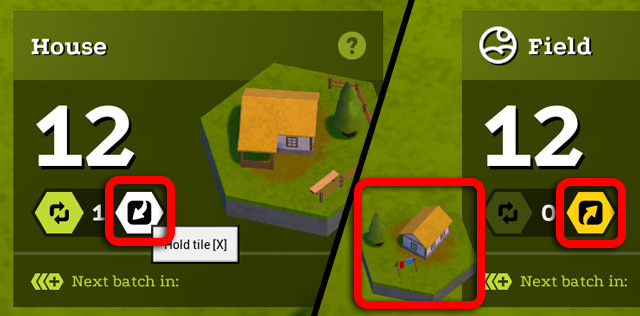
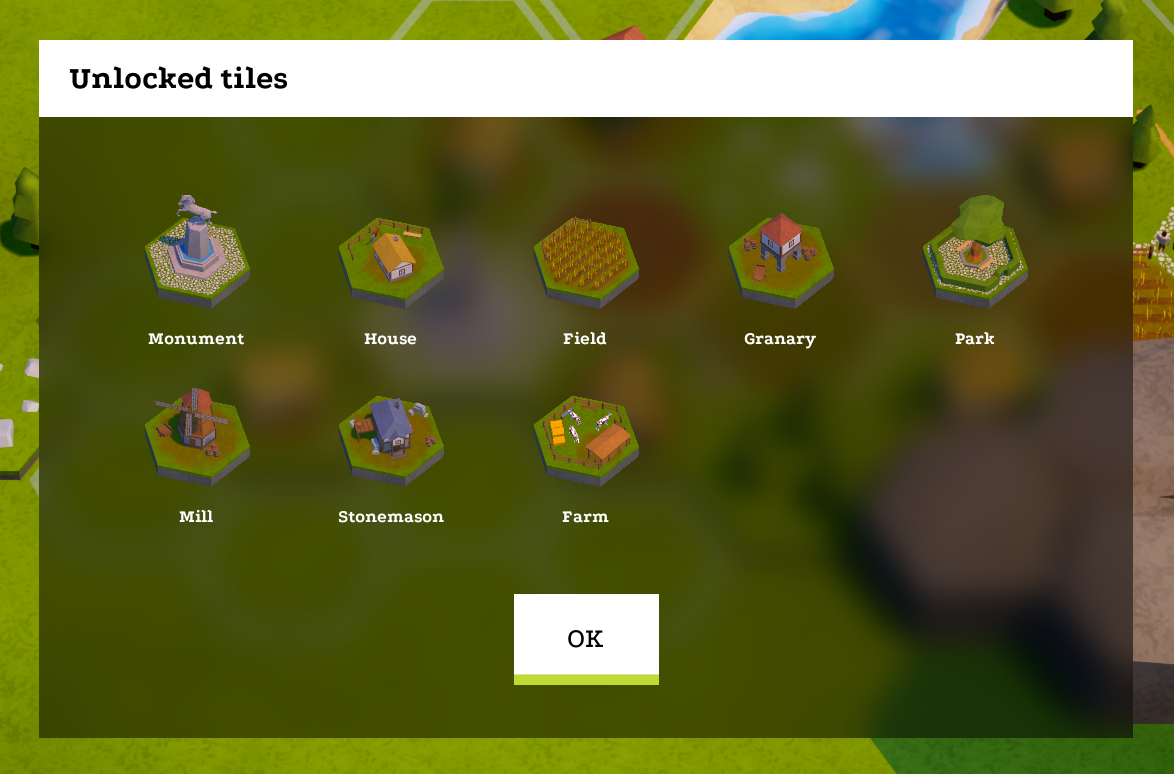
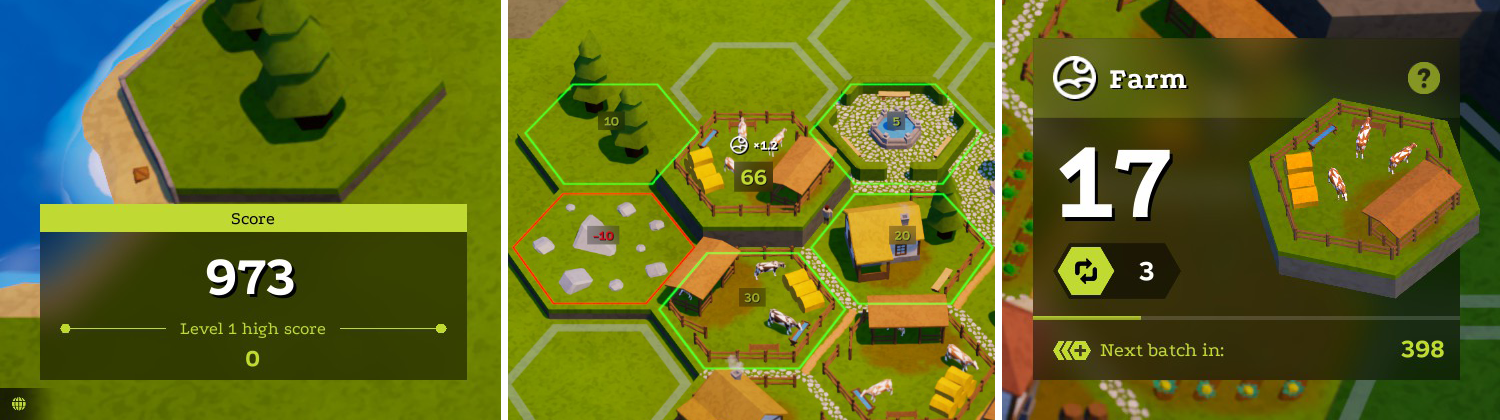
- UI update: Complete UI design overhaul! The game UI just got a completely new feel and look. Everything is a bit more nicer to look at, easier to click on, and fits more nicely with the visual style of the game.
- Feature added: Control remapping! You can now bind your own keys to almost all actions. (Note: For now you can only remap keyboard controls. Gamepad controls are not yet remappable. However there is now a new button in the Options menu which shows you gamepad controls.)
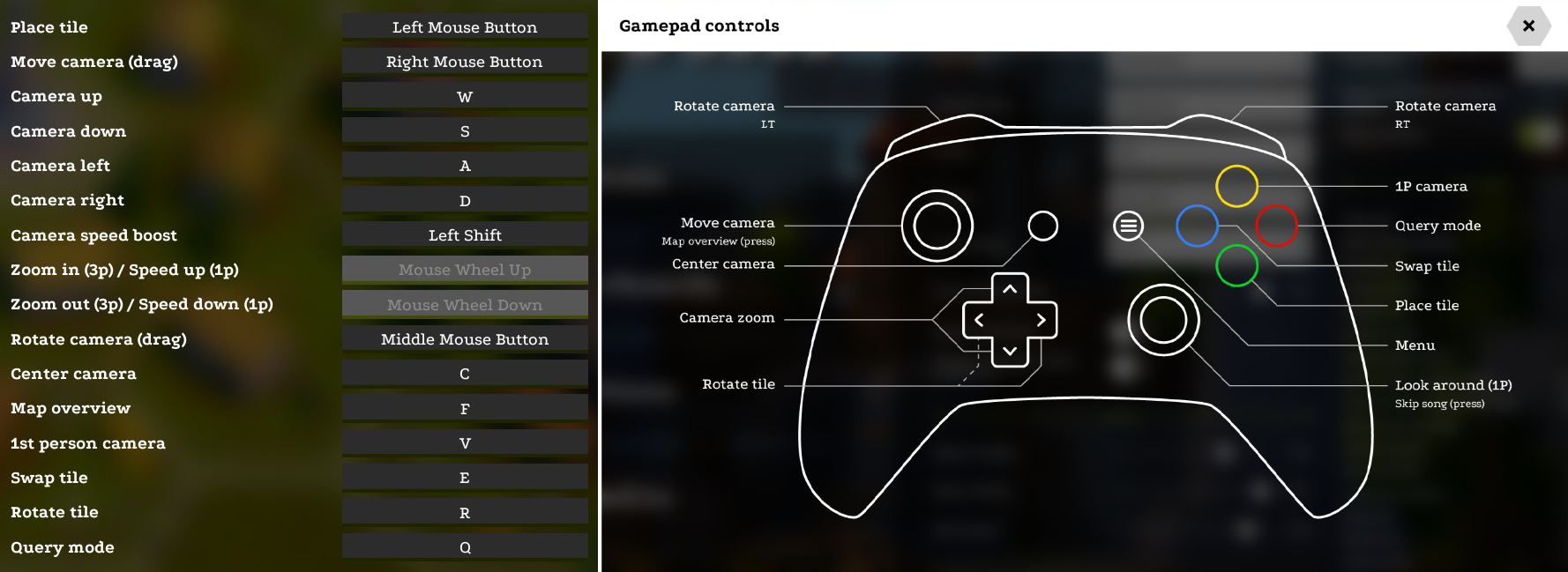
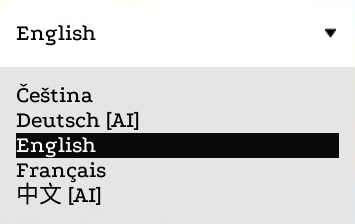
- Localization: More languages! Tile Town is no longer available in just English - select your language through a new language selection option in the Options menu. Currently there is English, French, German, Chinese and Czech available. More languages are planned for future updates.
- Feature added: Map overview! You can now zoom out with [F] to see the entire map with highlighted free spots.
- Feature added: Cloud saves! Your save file is now on the Steam Cloud.
- UI update: "Controls" pop-up menu and the corresponding button have been removed. This section now lives directly in the Options menu.
- Feature added: You can now hide the "Game over" window to have a better view of your finished town before you decide to move on.
- Visual tweak: Golden double score spot is now shinier & more visible.
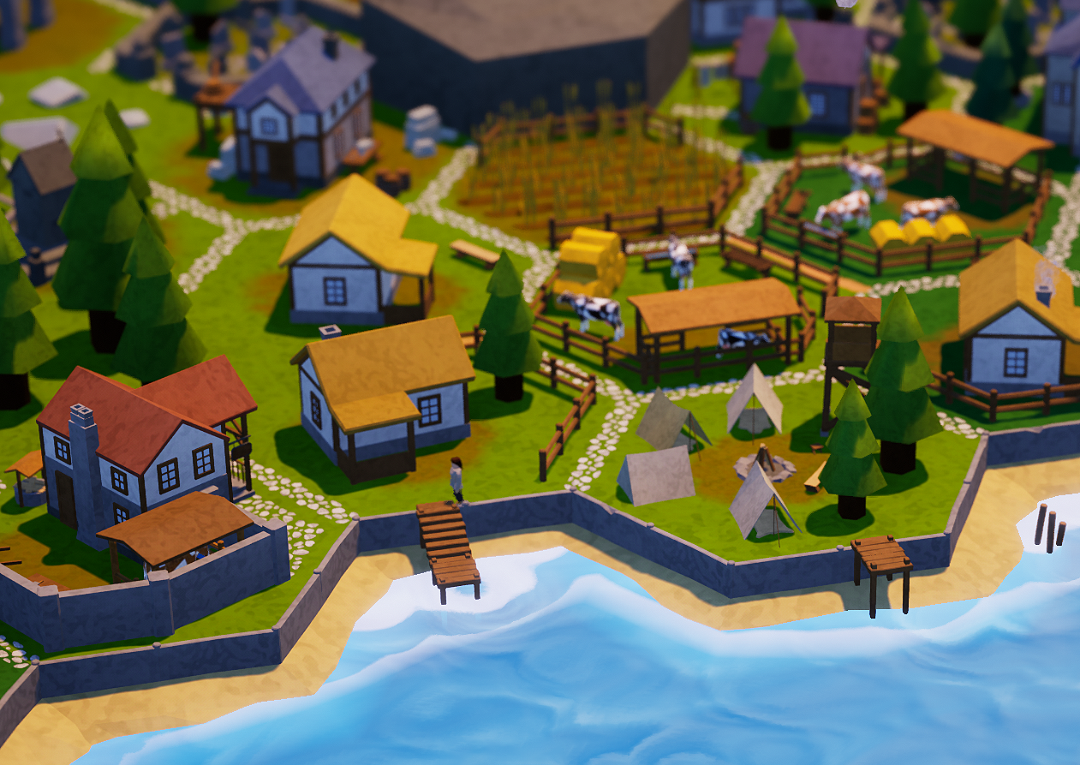
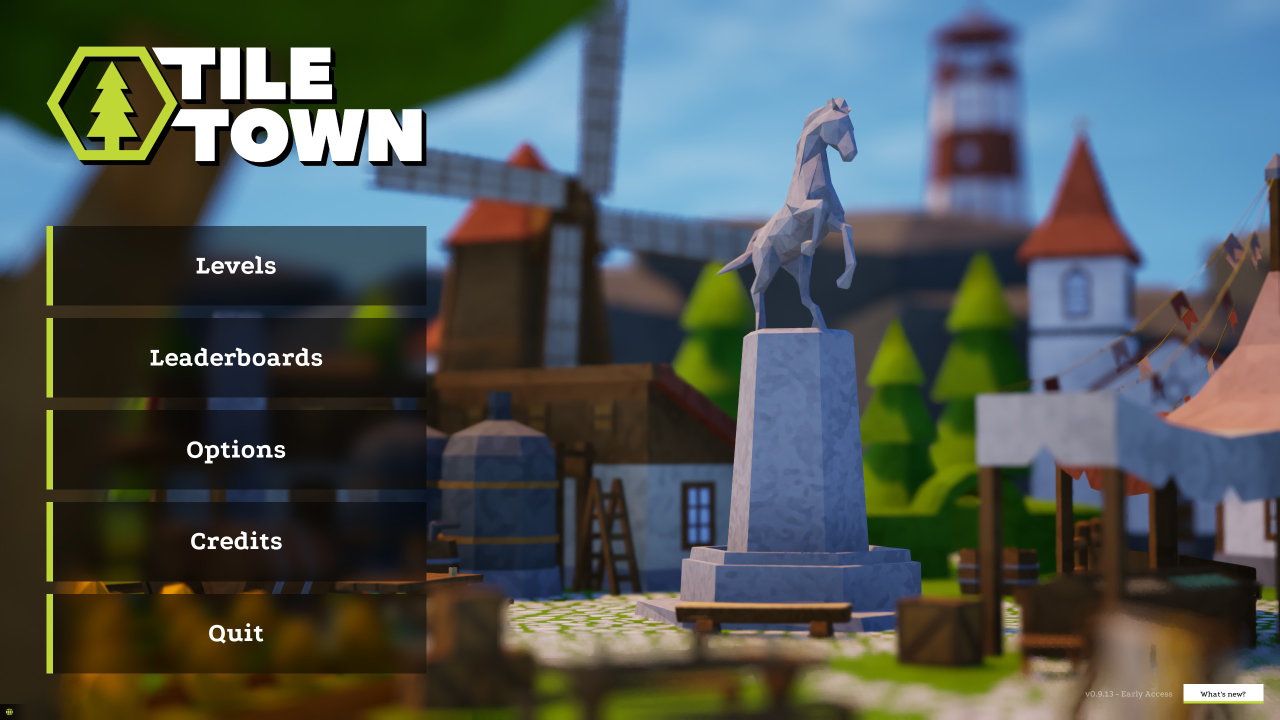
- Visual tweak: New main menu scene to keep things fresh.
- Bug fix: Fixed a bug where you could swap the tile while in 1st person mode.
-> Please note that translations might not be final. The German and Chinese translations are mostly done with an AI translating service so it might (and probably will) contain some errors. If you find a translation error and you wish to help correct it, please reach out to me via one of the social links (available in the game's Credits menu) or in the community discussions. Thanks!
-> Your game might crash the first time you try to launch it after this update because of save file compatibility. This is okay and should fix itself and run properly the next time you launch the game (your save file will not be lost). Sorry for the inconvenience.
-> If after the update your controls don't work, or are not set at all, click the "Reset default" button next to the Controls option. If you experience any other technical issues with the game after an update, try reinstalling the game. If this doesn't fix the problem, or if you find any other bugs, please let me know in the community discussions (you can use the link in the Credits menu). Thanks & enjoy!