We’ve been working with the team over at LIV to add mixed reality streaming support to The Morrigan and as of today it’s now available for everyone to use! Many of you will already be aware of LIV, but for those who aren’t LIV is a platform for enabling mixed reality streaming placing you or your avatar in the game. Just plug in your webcam, calibrate the camera and then see yourself in the game.
To enable LIV support, right click on the game in your library tab. Go to properties and select the beta tab. From there select LIV Support from the drop down menu and you’re all set for some mixed reality monster hunting.
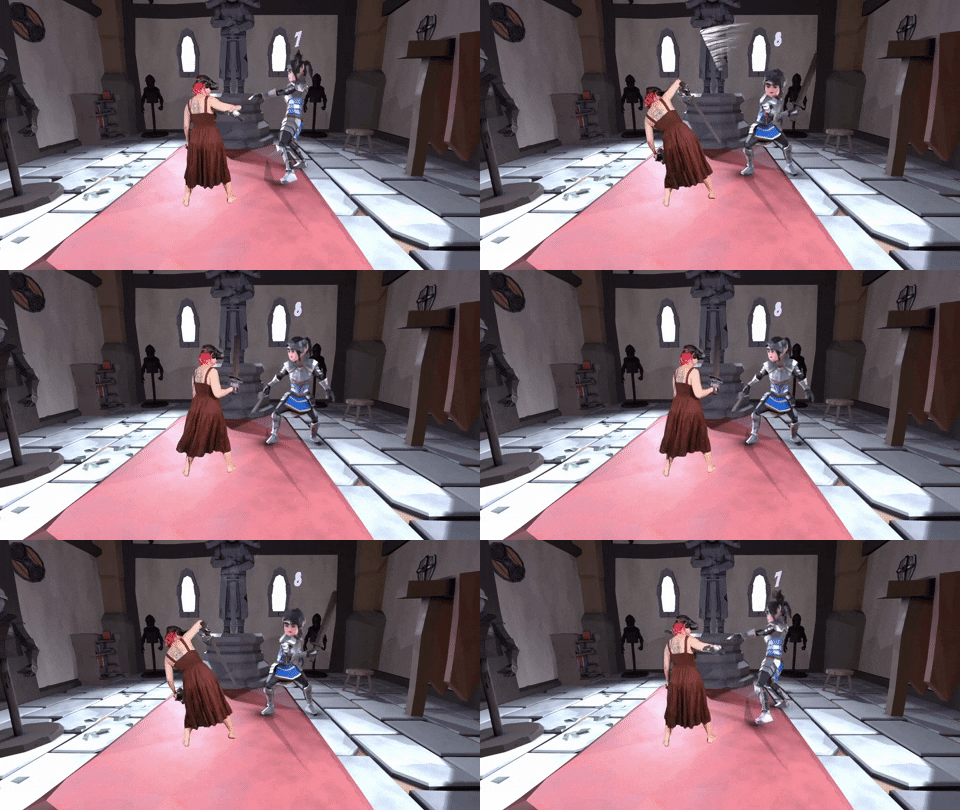
Image credit:
AtomBombBody
LIV