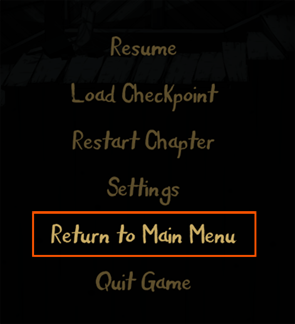
The default input device is mouse & keyboard. If you want to use a gamepad, here’s how to:
Plug in the gamepad. Then in the main menu, follow the steps below:
Settings→Gameplay→Input Device→Select “Gamepad”→Back
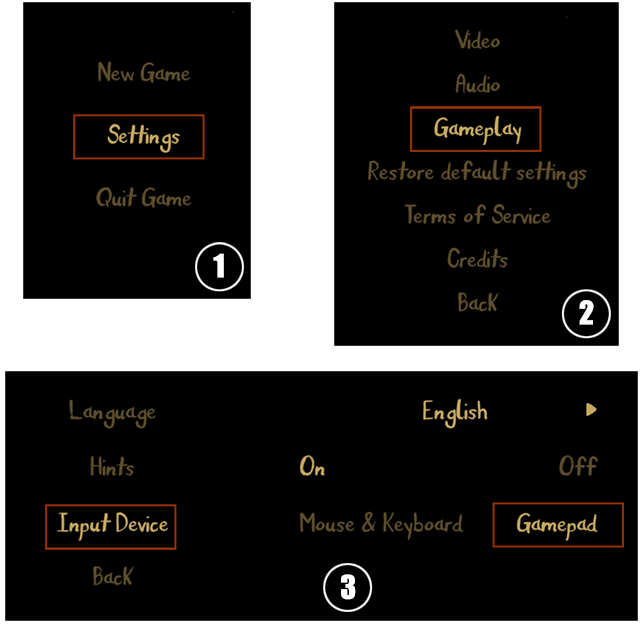
Now you can play the game with a gamepad.
If you want to change to gamepad in a level, you need to return to main menu first, then follow the instructions above.