Some very helpful changes have been added to Factory Town's tools system!
It starts with two new tools: Column Select, and Block Select. These let you drag to select a region of blocks in worldspace. Column Select will copy the entire vertical column (including underground objects), while Block Select can be used to specify a flatter region. With the Block Select tool, hold down CTRL to change selection height.
This tool selects any grid-based item - buildings, paths, structural, and logistic blocks. (It doesn't copy workers or items moving down a path)
Once you have a group of selected objects, you can then hit C to copy the entire block to your cursor. At that point you can place it down on the map as often as you want (assuming you have the resources!)
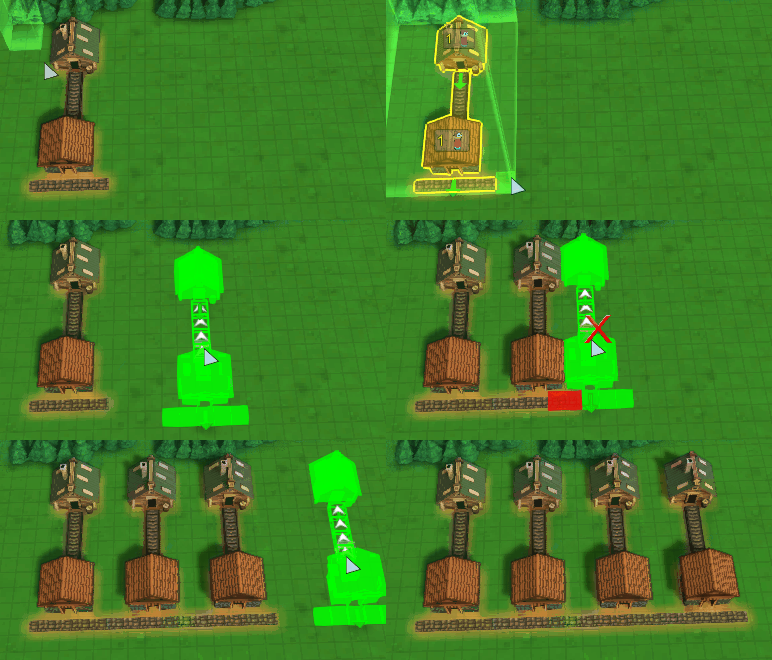
Or, you can open the Move tool (default: M) and click on your selection to move the whole thing to another location. Again, this includes blocks which previously could not be moved.
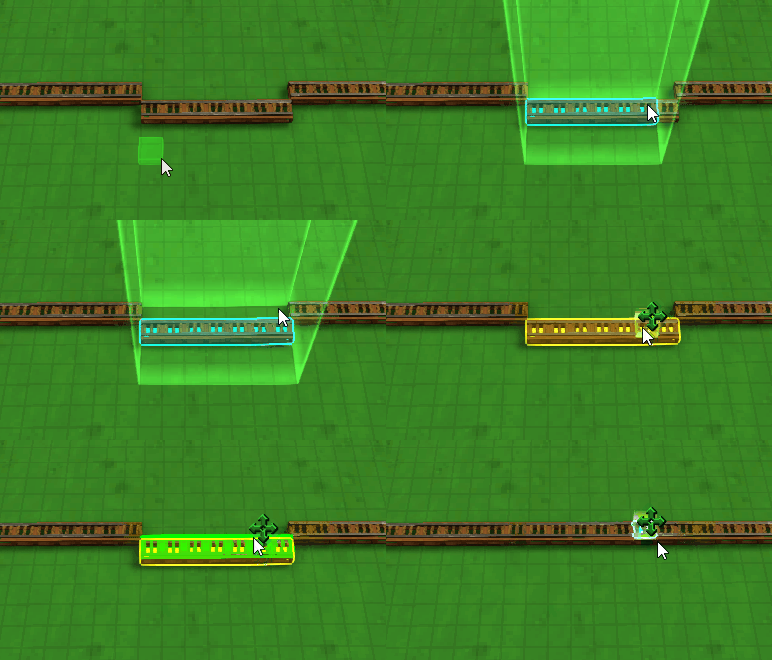
Here's moving a big block of buildings and paths!
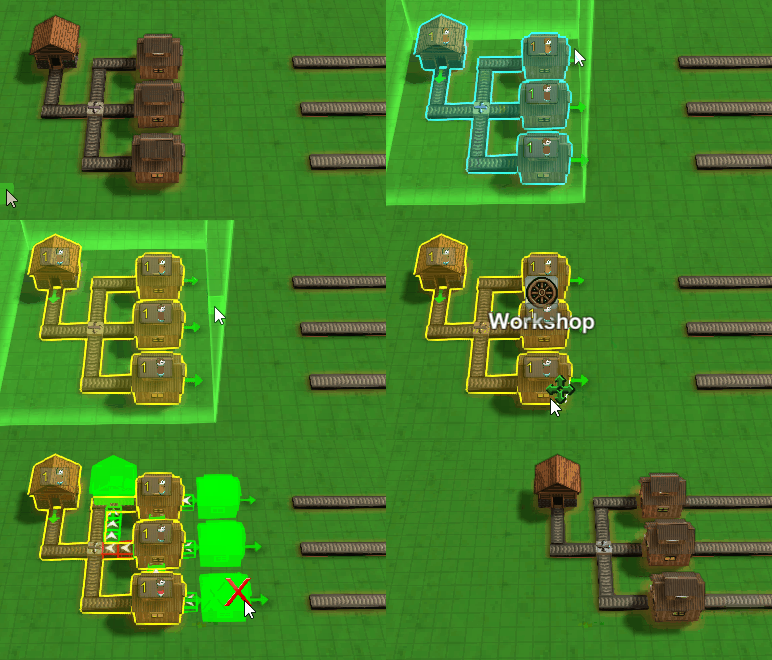
Here's the Block Select tool used to select a cubic region, ignoring objects outside of the selected height. (NOTE: to change the height region, CTRL was held down while dragging)
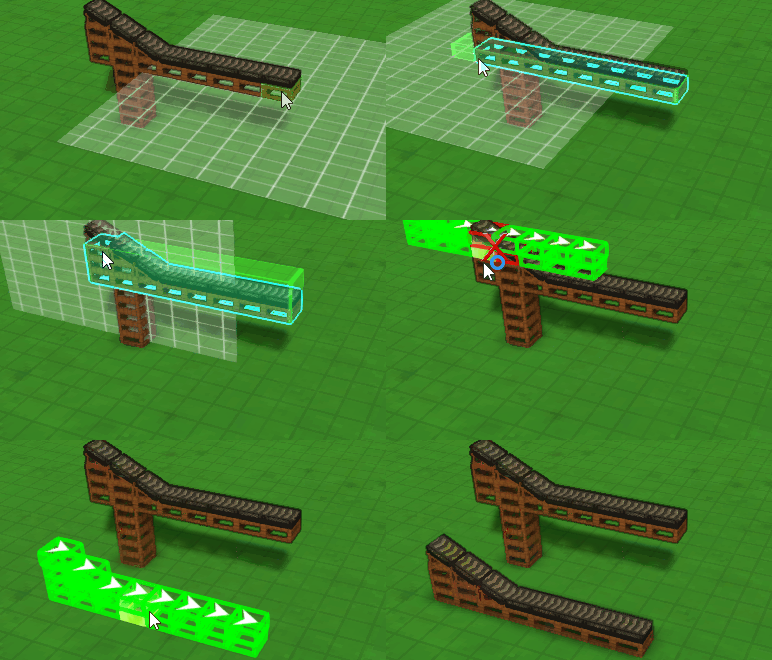
Now that the Move tool works on structures and paths, it can no longer be used to clean up items on chutes or belts. So there is now a dedicated 'Pick Up Item' tool you can use to transfer path items to your base.
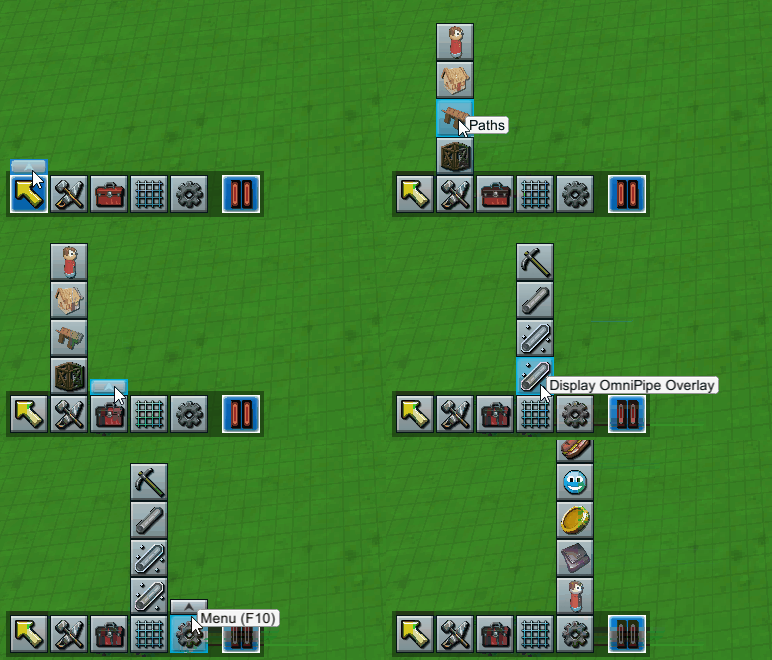
In addition, the bottom-left toolbar was getting too crowded with all these new options, so now it has been consolidated into sub groups: Selection, Build Options, Tools, Grid Views, and Menus. Hover over each category and a button appears that you can click to expand and view all the items in the category. (In the future I plan to make this toolbar customizable as well). You can right-click these icons to bring up the additional functions as well.
To access these tools: When in normal selection mode, hit TAB to toggle to Column Select. You can TAB to toggle back to normal selection mode. Block Select can be accessed in the Build / Tools menu, as well as by expanding the Selection toolbar icon at the bottom left then clicking on Block Select.
This kind of group selection functionality will allow me to later on implement a blueprint system, so you can copy a region and save it as a standalone file you can edit, and import into your other maps!
Also coming soon will be Steam Workshop tools to share maps & blueprints, and more detailed map editing & resource generation options.
Thanks as always for playing!
Erik