Greetings tamers!
For today, here's a small guide to help all tamers access the multiplayer mode in Re:Legend! We hope everyone can try it out and play with your friends! We made multiple improvements towards our multiplayer system and are striving to improve the game everyday!
How to join multiplayer in Re:Legend ?
Currently with the rework in Re:Legend, the multiplayer is now integrated into the game rather than a selection in the menu.
There are a few simple requirements and steps to access multiplayer within the game.
- Both players need to be at the quest part “Blips Vs Prunis” to unlock the multiplayer counter in the Guildhouse. It is part of the first string of tutorial quests introduced to the player. We made it required as players will need to get their starter items and tools before venturing out to meet other players.
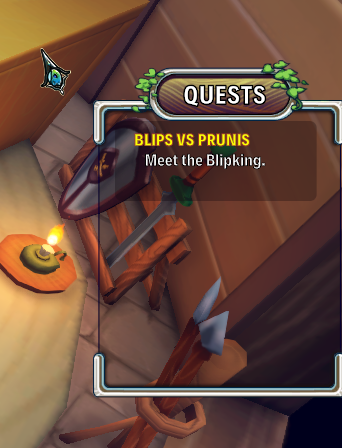
- Multiplayer requires your internet connection and Steam to be logged in ( with your friends online as well!) With your Steam on and friends added, let's head into Re:Legend.
- The host (or the save file you want to play together) should head into the Guildhouse in Vokka Town. (It is beside the Hospital where you started)
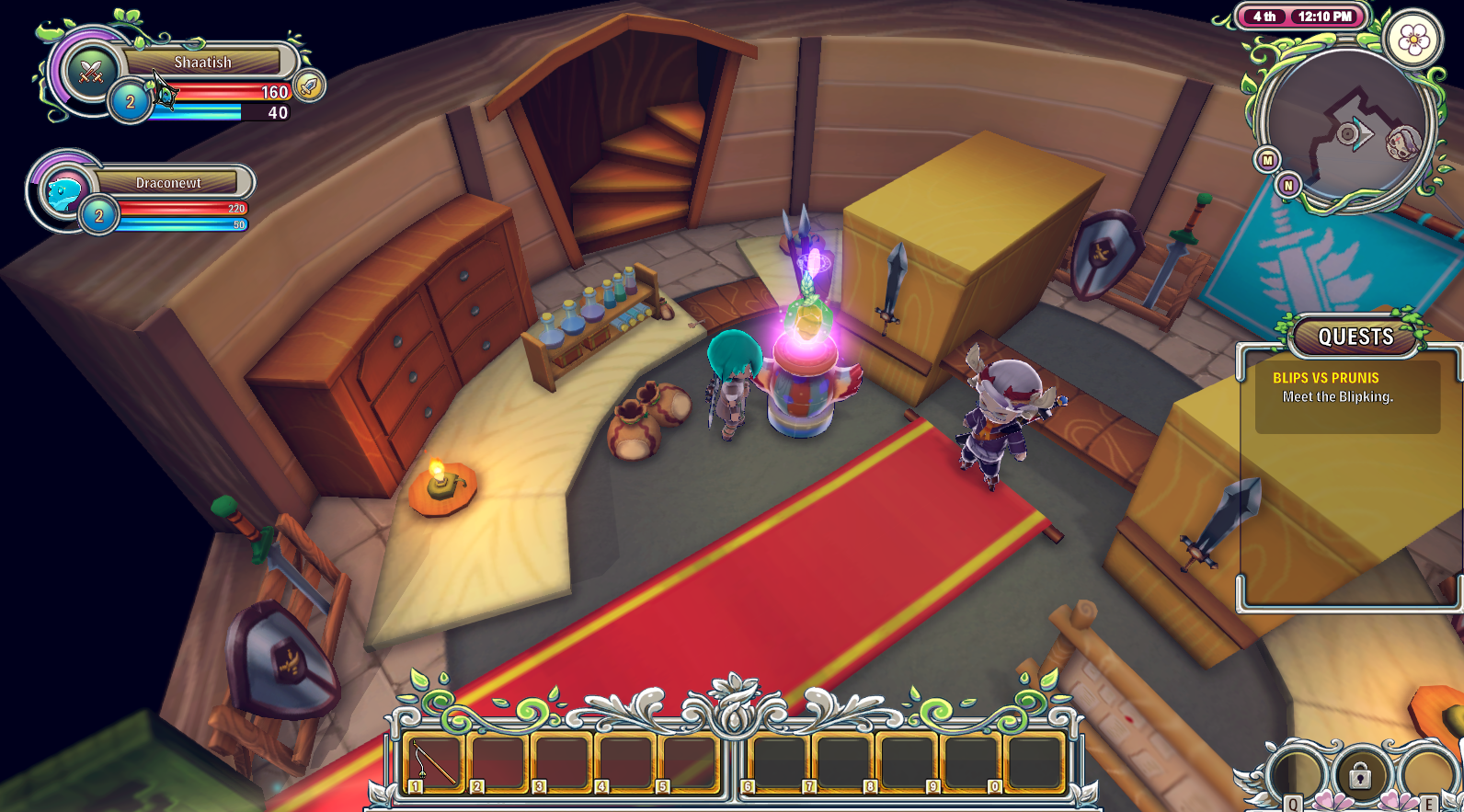
- Interact with the crystal-y object which Gunther showed you earlier. It should ask you whether you want to setup Multiplayer-Mode. Select Yes / OK.
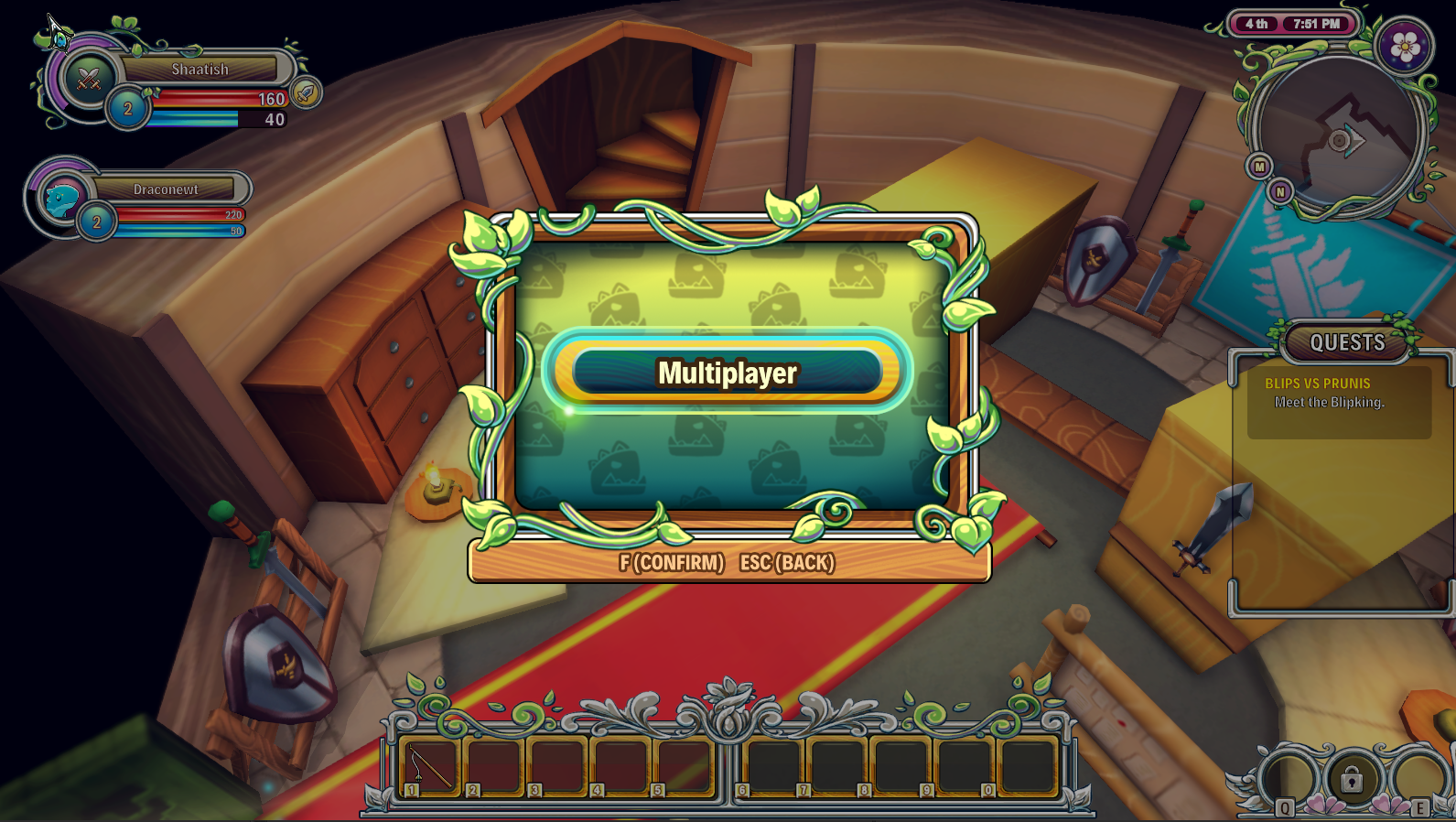
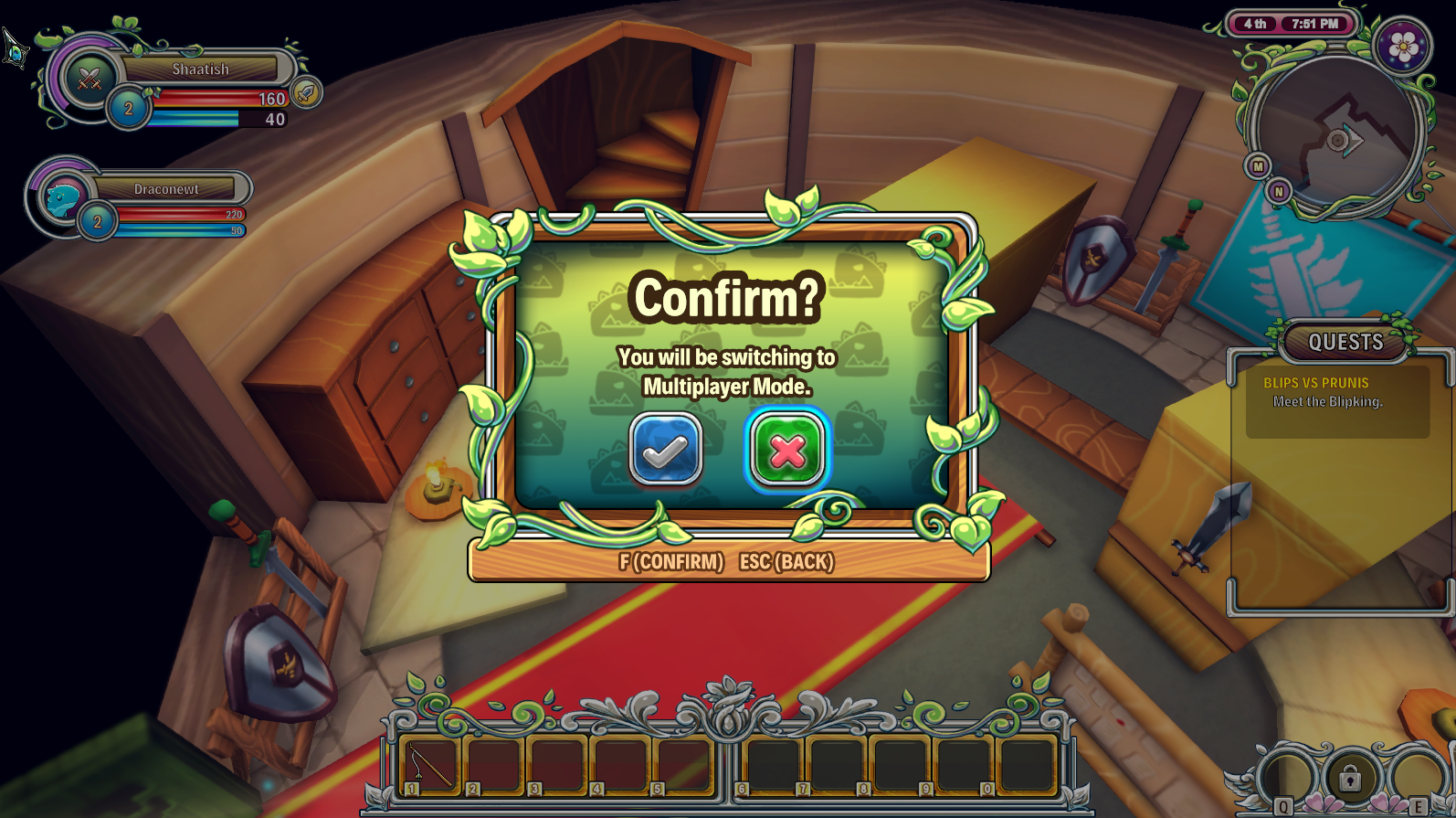
- After some loading, the crystal now should display and invite list with your friends online displaying inside.
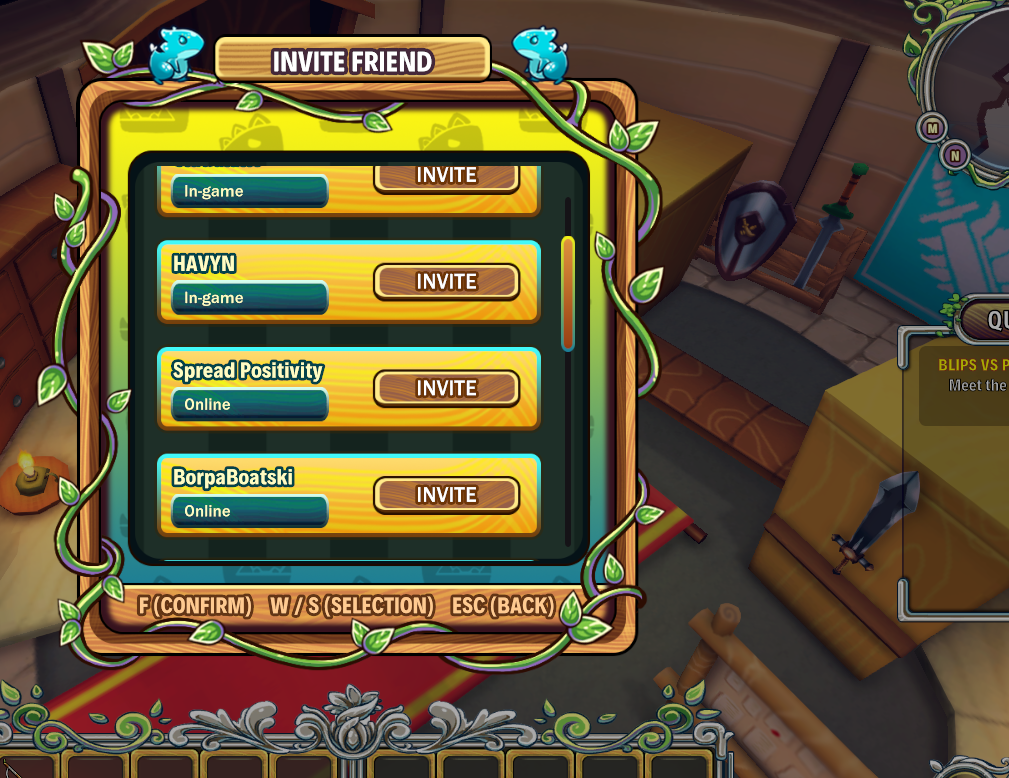
- The host should now select which friends to invite in, the clients( friends that are joining you) will now get a pop up to open Re:Legend or join the game that you created.
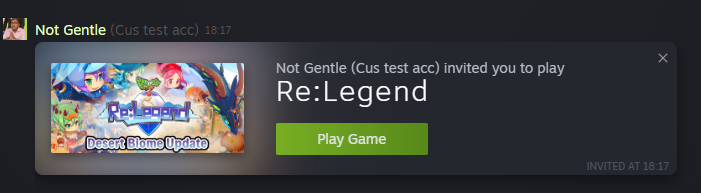
- The clients now need to click on the invite and choose a save file to join the game. This should load your character to the host which is in the Guildhouse in their save file.
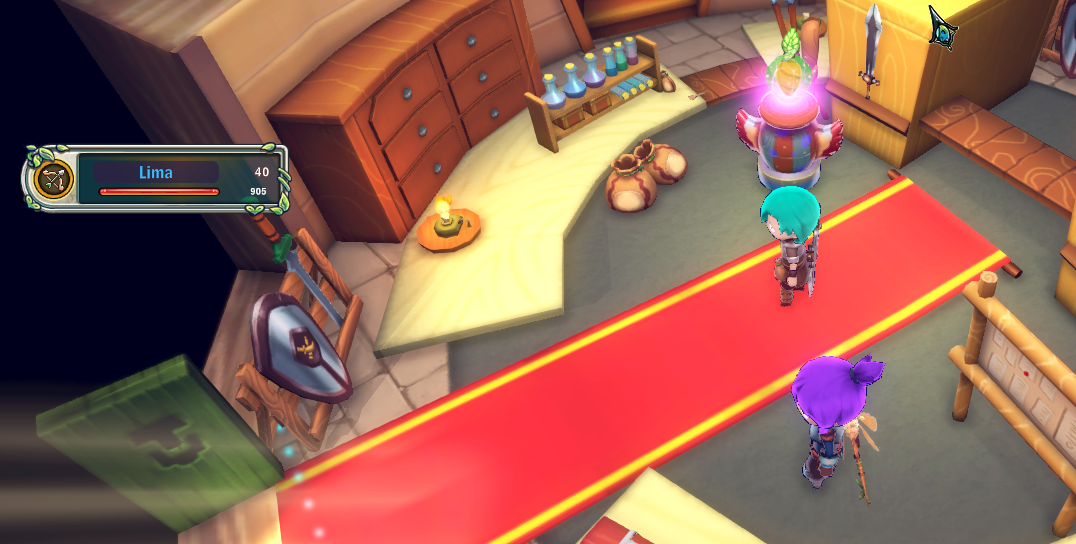
- Aaaand that’s it, you should be with your friend now. The invite system has a delay to prevent spamming invites, so please be patient as spamming could cause the invites to go haywire.