Dwarves!
The latest tavern gossip is here!
While most of the development dwarves are taking a much deserved break over summer, two strong dwarves have been mining away at bugs and crafting features!
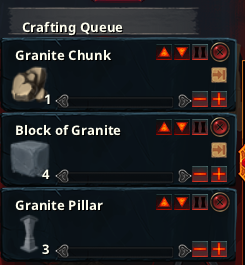
- Crafting entries can now be paused, and moved up/down the list.
- Objects on the ground may now despawn after a while. (Better implementation will follow)
- Combatants will now prioritise attacking other combatants rather than buildings. This may fix the "looking in the wrong direction, getting stabby-stabbed in the back" bug.
- In-game dwarf portrait, and the character screen, now indicates when a dwarf has leveled up, so that the player knows there are attribute points to assign.
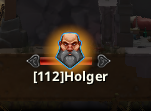
- (Re)added names when zoomed out, and added an option to disable it.
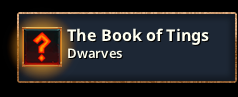
- Book of Tings tutorial no longer pop up in your face. Instead you get a notification that you can click to open it up.
- Some audio triggers added to research screen.
- Build and mine commands are now slightly more lenient when it decides if you have explored enough or not. Now, "half-visible" tiles also count as explored.
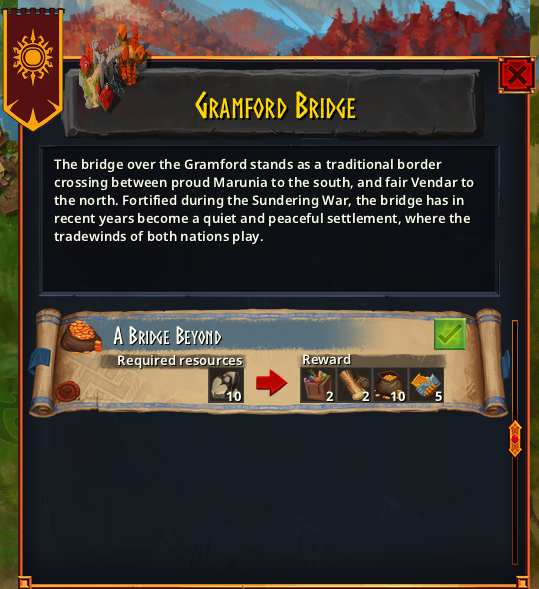
Mission UI
-
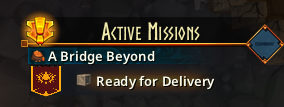
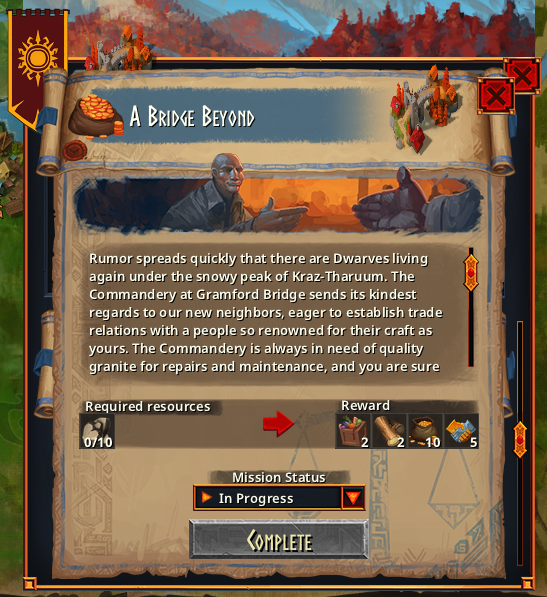
Updated the interface for missions;
- Clicking on a mission parchment will open a menu with more in details about the mission.
- A quick accept button is still present in case you wouldn't like the details.
- After accepting a quest you can choose to set the mission status (in progress, on hold or abandon)
- The mission list in the main gameplay UI will now also open the detailed mission window on left-click and a mission status dropdown on right-click.
- A few buildings had incorrect pathing data. The data has been fixed and a validation check has been added so that we can catch future errors earlier.
- Tearing down a building would sometimes try to mess with pathfinding nodes in a way that it shouldn't. It still does, but at least it won't crash.
- Dropping an item from a chest when a dwarf is going there to equip it no longer crashes the game.
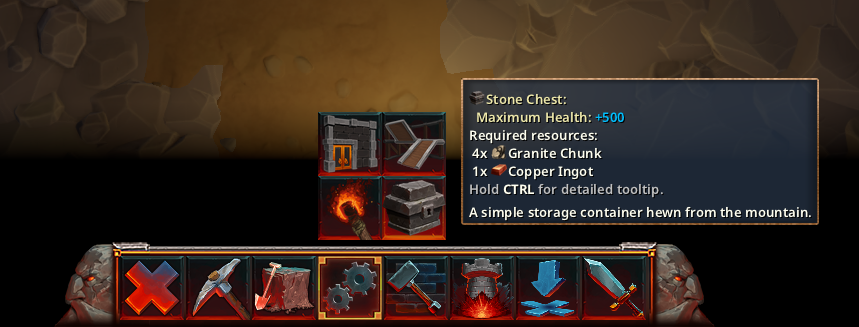
- Now aligned to bottom, no visible space below it (still allows for camera mouse scrolling)
- Changed around the order of some items (see image)
- Fixed highlight border around both build buttons
- No longer allowed to build things behind map near entrance. Also now possible to build snugly near grottos and other buildings. Place Block follows the same rules now.
- The controls for laying out multiple buildings in a row was a bit janky, now less so.
- Glow under overworld missions is slightly bigger, making them easier to notice.
- It was (still) possible to cheat and buy research you hadn't unlocked. That hole should be plugged.
- Pausing a craft entry now releases any items it had reserved for it. Note that when pausing a mission, it keeps the items reserved.
- The Resolution entry in options have been renamed Resolution Scaling and has a tooltip.
- Dwarves will now attack their target and not a random enemy in range. They will also switch targets more frequently to better ones.
- Dwarves will no longer try to consume items reserved by missions (or, by anything really).
- Dwarves could sometimes end up getting stuck doing a jitter dance while trying to climb down a ledge on their way to fight an enemy.
- Zoom to cursor in overworld map
- Overworld map starts centered on the mountainhome
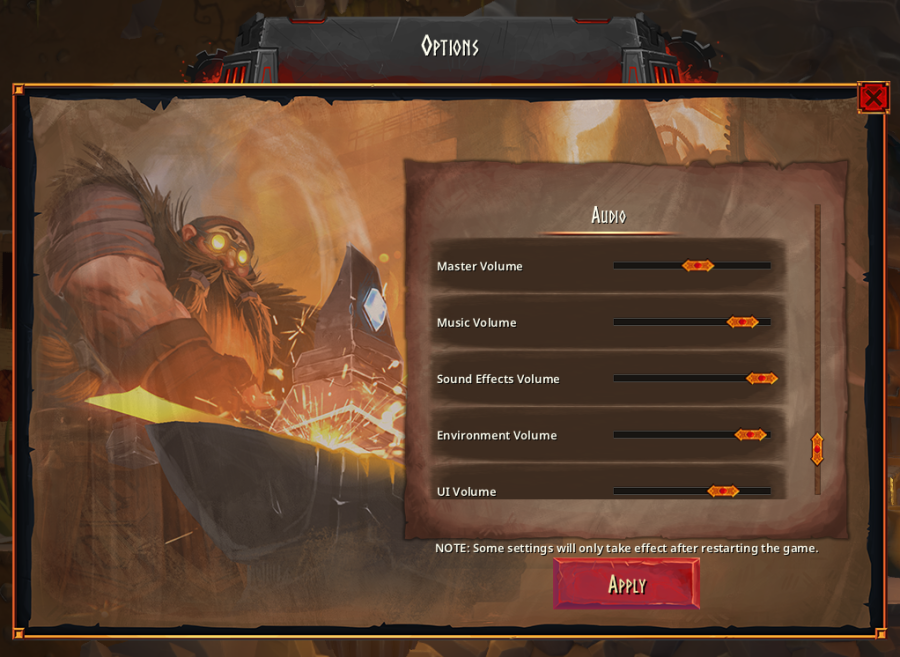
- Audio part of options dialogue now works.
- A couple of changes had been introduced that caused almost no random enemies to spawn.
- The indicator for amount of resources needed by a mission was wrong when you had multiple missions of the same type.
- Dwarves now get XP for each ore mined, not just for the last one in a block.
- Dwarves' vision range is now by default quite a bit lower, but is now affected by their Explorer level (and Awareness since earlier).
Various action/menu stuff:
That's all for now, folks!
Join the dwarfversation:
Hammerting Discord
Twitter
Facebook